
In the fast-paced modern workplace, time is money and efficiency is life. Faced with mountains of documents, complex data analysis, and tedious communication and coordination, traditional office methods often leave us exhausted. With the rapid development of artificial intelligence technology, AI office tools have emerged. This article introduces 15 free AI office tools that, based on powerful automation and intelligent features, bring convenience and efficiency to work. Whether it's copywriting, data analysis, image design, or project management, they become our capable assistants and reshape the way we work.
1.Loomy
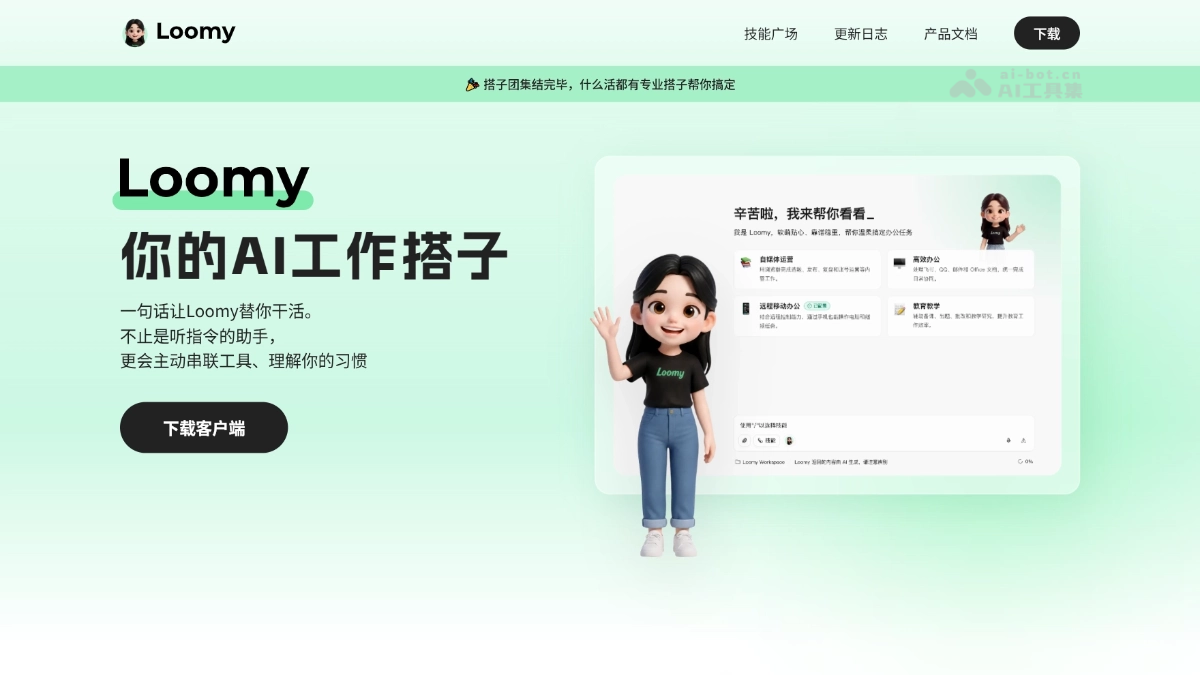
LoomyIt is a desktop AI office assistant launched by iFlytek, based on theAstronClawframework, featuring zero-configuration and ready-to-use. Users can use natural language to let AI automatically complete tasks such as file organization, content creation, data analysis, and email processing. It is deeply integrated with QQ, Feishu, and DingTalk, and supports remote control of the computer via mobile phone. It adopts a directory-level isolation mechanism, accessing only authorized directories, balancing efficiency and security.
💡Feature Details
- File Management: Automatically scans computer directories, categorizes files, finds duplicates, and organizes the desktop and download folders with one click.
- Content Creation: Generates copy, video scripts, and draft articles with images based on natural language instructions, and supports hot topic tracking and topic recommendations.
- Data Analysis: Quickly reads spreadsheets, reports, and meeting minutes, automatically extracts key points, organizes conclusions, and generates to-do lists.
- Web Operations: Automatically performs online tasks such as web browsing and information retrieval, with no need to search page by page manually.
- Email Processing: Automatically writes and sends emails, summarizes inbox contents, and generates a prioritized processing list.
- Message Collaboration: Reads local files to extract key points, and directly syncs summaries or conclusions to IM tools such as QQ, Feishu, and DingTalk.
- Remote Control: Sends instructions via mobile IM to remotely open computer files, check task progress, find documents, and perform simple edits.
- E-commerce Operations: Manages products, customer service, and orders, automatically generates title and selling-point copy and auto-reply scripts, and filters abnormal orders for priority handling.
🌐Official Website:Loomy
2. Office Raccoon
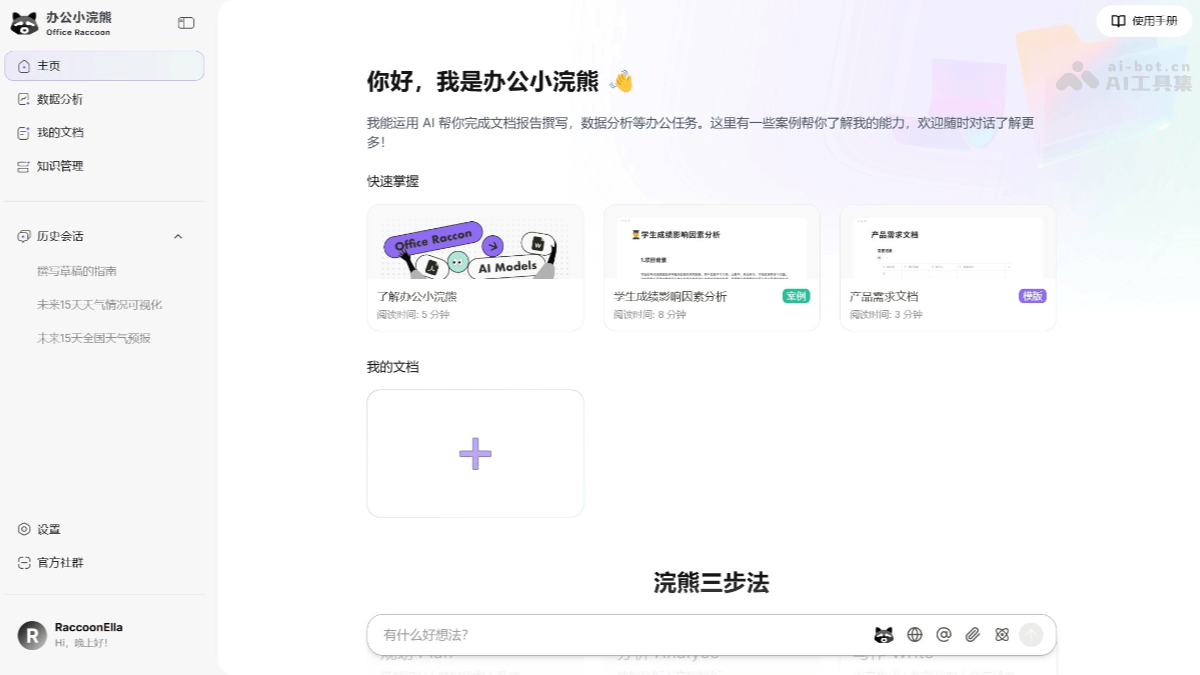
Office Raccoonis an AI office assistant launched by SenseTime, deeply integrating AI large model capabilities with document editing and data analysis scenarios to provide users with a one-stop platform for creation, analysis, and knowledge management. The core functions revolve around the "Raccoon Three-Step Method (PAW)", namely Plan, Analyze, and Write, covering multiple aspects of work and study. Through conversational interaction, users can complete tasks such as information retrieval and collection, document writing and editing, and data processing and analysis. Office Raccoon supports building a personal online knowledge base, making it convenient for users to manage and retrieve documents, data, and code. It has multimodal capabilities and can analyze various types of documents and images, providing more comprehensive office support.
💡Feature Details
-
Raccoon Three-Step Method (PAW):
-
Plan: Based on online retrieval and reasoning capabilities, it helps users efficiently break down tasks and formulate execution plans.
-
AnalyzeSupports complex data analysis, processing, and visualization presentations, completing data cleaning, trend forecasting, and visualization without programming skills.
-
WriteQuickly generates high-quality articles, reports, emails, and other documents, providing intelligent proofreading and creative assistance.
-
-
Personal Knowledge Base Management:Supports building an exclusive knowledge base, integrating notes, documents, and data for fast retrieval and personalized generation while ensuring data privacy.
-
Information Retrieval:Provides internet search capabilities, quickly organizing the latest materials and inserting them into documents with one click.
-
Document Processing:Supports converting conversational information into documents for seamless editing.
-
Data Visualization:Supports generating various visualization charts, such as time series charts and dual Y-axis charts, helping users intuitively present data analysis results.
-
Multimodal Support:Can analyze multiple types of documents and images, providing more comprehensive office support.
-
AI Text Capabilities:Provides functions such as translation, finding inspiration, expansion, and error correction, helping users quickly complete writing tasks.
🌐Official website address:Office Raccoon
3. AStudio
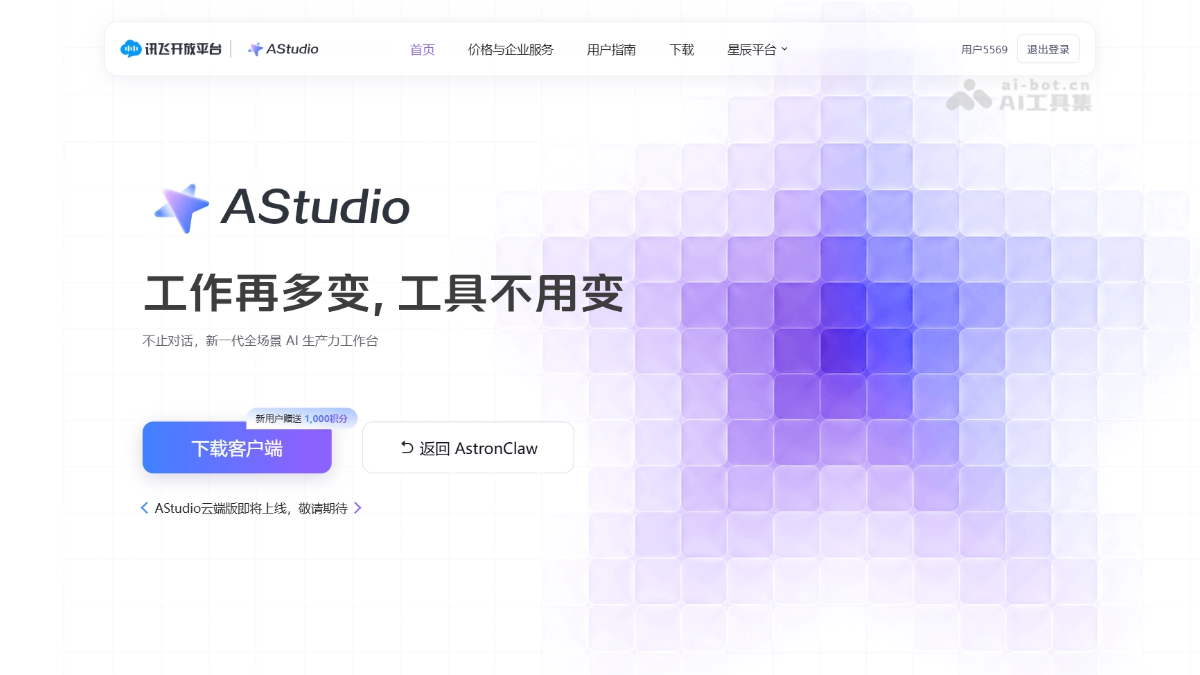
AStudioIt is a full-scenario AI productivity workbench launched by iFLYTEK, withSpark X2.5large model as the core and ACode Harness as the execution kernel, supporting switching to models such as DeepSeek. The platform is divided into daily and project dual spaces, can connect to local files and real projects, automatically plans tasks, calls tools, modifies files, and verifies results, covering scenarios such as office work, Coding, and data analysis. AStudio supports Diff review and approval of key operations, has built-in capabilities such as translation, OCR, and PPT, and the plugin marketplace can connect to Alipay, Amap, and Feishu, and supports MCP extensions, achieving one-stop closed-loop delivery of complex tasks.
💡Feature Details
-
Dual-Space Work: The daily space handles office tasks, while the project space connects to local folders to directly read and write code and run commands.
-
Multi-Model Switching: With Spark X2.5 as the core, supports freely switching to open-source models such as DeepSeek according to the task.
-
Three Execution Modes: Simple tasks are executed directly; for complex tasks, you can choose Planning Mode (confirm the plan first) or Goal Mode (continuously and autonomously advance).
-
Fully Automatic Task Closed Loop: Automatically plans, calls tools, modifies files, and verifies results, directly delivering documents, web pages, code, and other outputs.
-
Transparent and Controllable Process: Task progress is fully visible, file modifications can be viewed as Diff, and key operations require user approval.
-
Rich Tool Ecosystem: Built-in iFLYTEK capabilities such as translation, OCR, and PPT; the plugin marketplace connects to Alipay, Amap, and Feishu, and supports MCP and Skills extensions.
-
Deep Search and Research: Built-in web-search plugin, can search papers and patents and generate visualized research reports.
-
Mobile Collaboration: The iFLYTEK Spark APP upgrades to a "conversation + work" dual mode, allowing urgent tasks to be handled anytime, anywhere.
🌐Official website address:AStudio
4. WorkBuddy
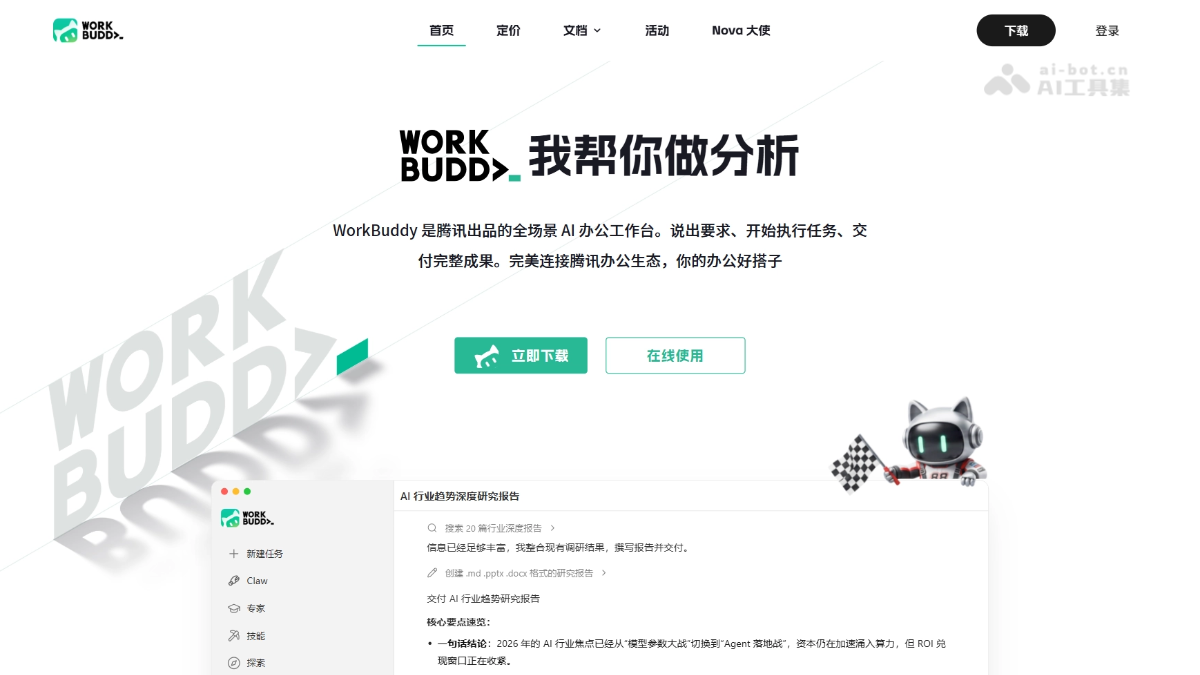
WorkBuddyIt is an AI-native desktop agent workbench launched by Tencent. The platform is fully compatible withOpenClawskills, with no complex deployment required—just download and install to use. Users only need to describe their needs in natural language, and WorkBuddy can autonomously plan, break down, and execute multi-step tasks like a colleague, directly delivering deliverables ready for acceptance. The platform supports remote control via WeCom, QQ, Feishu, and DingTalk, comes with 20+ skill packs and the MCP protocol, and supports multiple Agents working in parallel.
💡Feature Details
-
Intelligent document creation: A one-sentence requirement can generate office documents ready for direct use, such as reports, meeting minutes, and emails.
-
Data analysis and visualization: Upload Excel to automatically clean, calculate, integrate across sheets, and export charts and conclusions.
-
PPT and report generation: Automatically collects materials by topic or template and generates a fully structured PPT ready for direct presentation.
-
Batch file processing: After authorization, automatically organizes local folders and completes renaming, format conversion, and information extraction.
-
In-depth information research: Automatically conducts online research and logical organization, and outputs in-depth analysis reports with sufficient evidence.
-
Remote-control office work: Send instructions via WeCom, QQ, Feishu, and DingTalk to drive computer office work remotely.
-
Free switching among multiple models: Supports mainstream models such as Hunyuan, DeepSeek, GLM, Kimi, and MiniMax, selectable by task.
-
Skills skill pack expansion: Comes with 20+ skill packs and supports zero-code custom skills for unlimited capability expansion.
-
MCP protocol integration: Connects external tools and data sources, adapting to more professional office scenarios.
-
Multi-Agent parallel collaboration: Complex tasks are dynamically split into subtasks, and multiple intelligent agents execute simultaneously to shorten time spent.
-
Enterprise-grade security management: Based on the Tencent CodeBuddy architecture, it provides unified accounts, billing, and security auditing.
-
WeChat Mini Program: Remotely control a computer or cloud AI from a mobile phone, and download and forward outputs with one click.
🌐Official website address:WorkBuddy
5. Doubao Work
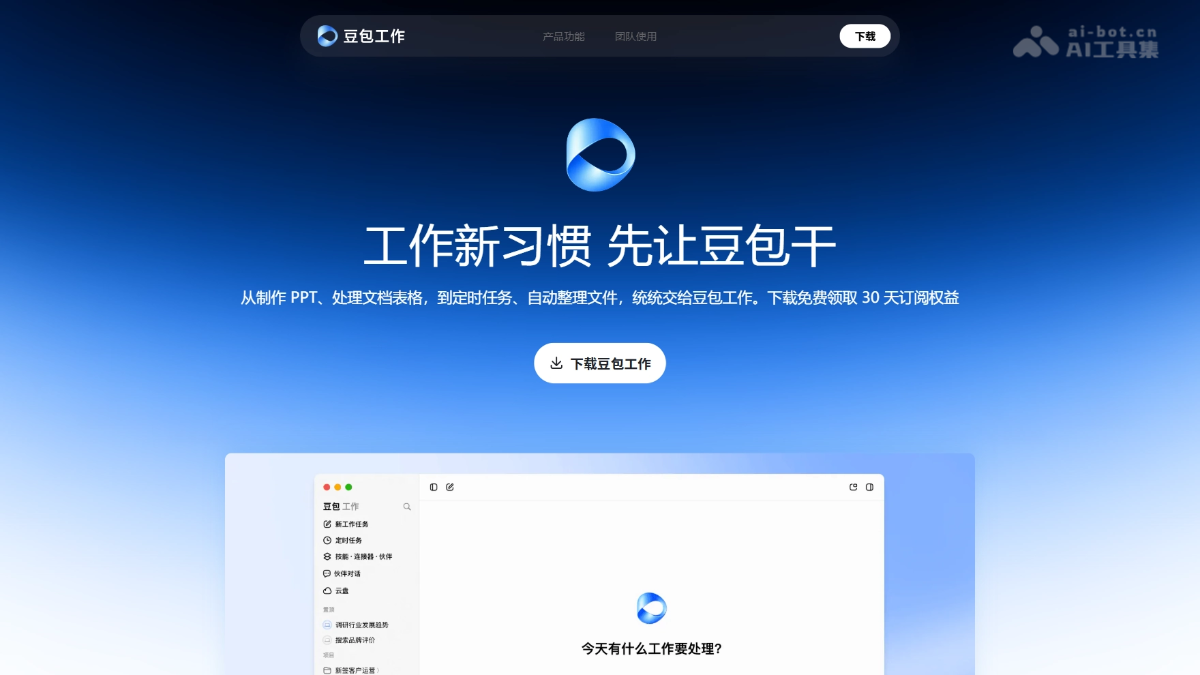
Doubao Work is an enterprise-grade AI Agent office product launched by ByteDance. It can autonomously break down tasks and call tools to complete complex workflows such as writing documents, making PPTs, building systems, and operating browsers. The product is deeply integrated with Feishu, enabling precise office work based on enterprise knowledge bases, and supports remote task dispatch from mobile phones and scheduled automatic execution. Built-in Seedream 5.0 Pro and Seedance 2.5 models, it covers the full-process creative generation from images and posters to finished videos, is visible throughout the process and can be taken over at any time, and has enterprise-grade security protection capabilities.
💡Feature Details
-
Autonomous task breakdown and execution: Automatically breaks down tasks and calls tools around goals, continuously advancing complex workflows.
-
Computer and browser operation: Automatically reads and writes local files and operates web pages, and supports remote dispatch from mobile phones.
-
Scheduled tasks: Automatically executes analysis, reports, and summaries at preset times, so repetitive work requires no supervision.
-
Office tools: One-click generation of professional PPTs, documents, and spreadsheets.
-
AI precise editing: Allows "edit exactly where you point" for specified positions in documents, PPTs, and web pages.
-
Creative content generation: Built-in Seedream 5.0 Pro for image creation and Seedance 2.5 for video creation, covering the entire process from creativity to final production.
-
In-depth Research and Analysis: Retrieves information from multiple sources and generates professional research reports on complex issues.
-
Professional Skill Coverage: Covers process-based professional analysis in fields such as investment, healthcare, e-commerce, and academia.
-
Deep Feishu Integration: Check meeting conclusions, summarize group chats, and generate weekly reports, enabling precise office work based on the enterprise knowledge base.
🌐Official Website:Doubao Work
6. Feishu Base
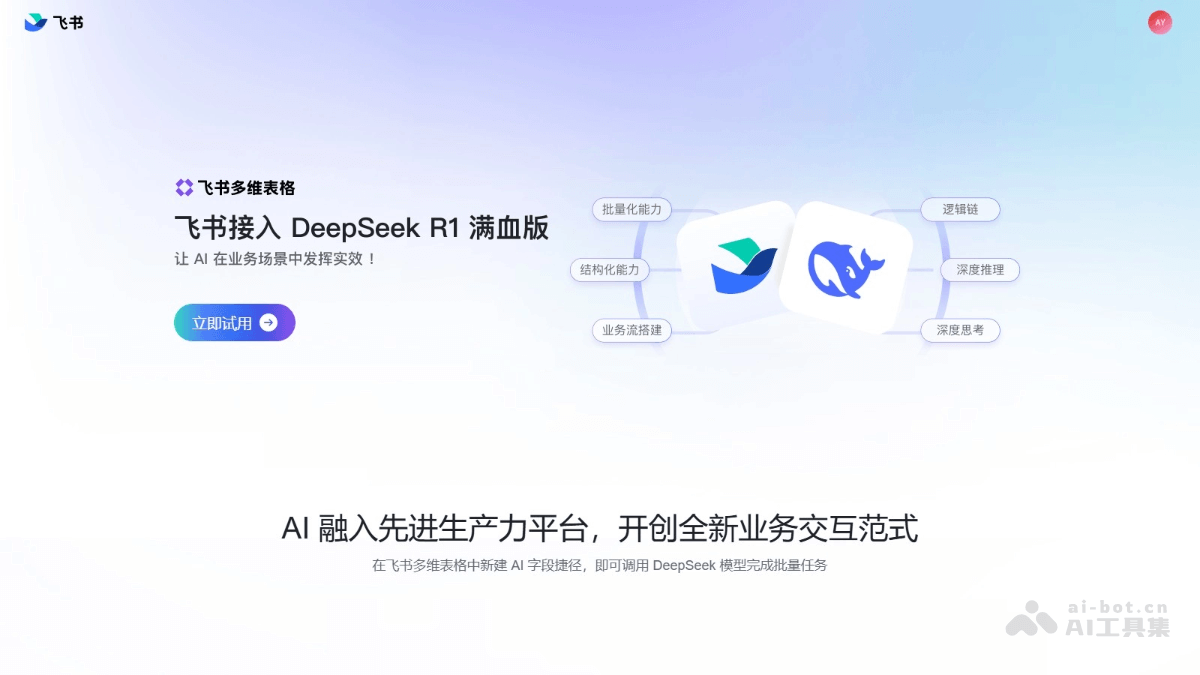
Feishu Baseis an AI workflow building tool in spreadsheet form launched by Feishu, supporting batch AI creation and analysis tasks. It supports multi-user real-time editing and comment discussions, and provides rich field types and views to meet diverse data management needs. Feishu Base integratesDeepSeek R1the full-powered model, allowing users to create new AI field shortcuts in tables and complete tasks such as batch writing and analysis based on AI models, greatly improving work efficiency. It supports automation capabilities, where users set trigger conditions and execution actions to achieve automatic task assignment, reminders, and other operations. Workflows support more complex logic such as "conditional branches," making them suitable for complex multi-node processes and effectively improving workflow efficiency and convenience.
💡 Feature Details
-
Real-time Collaboration: Multiple people can edit simultaneously with real-time synchronized updates, and it supports comments and @mentions of team members, making discussion and task assignment convenient.
- Personalized Customization: Provides rich fields, views, dashboards, and plugins, allowing users to flexibly build customized business systems according to business needs.
- Automation Capabilities: Based on automated processes, tasks are executed automatically, such as sending message notifications, freeing up manpower and improving work efficiency.
- Multiple Views: Supports grid view, kanban view, calendar view, Gantt view, gallery view, and form view, making it convenient for users to display data in different ways.
-
Intelligent Q&A: Through Base intelligent Q&A, users can ask questions about Base data and also ask questions about how to use Base.
- Data Grouping and Filtering: Set groupings by any field, support multiple grouping conditions, and provide data filtering and sorting functions.
- Complex Workflows: On the basis of automated processes, implement more complex logic such as conditional branches, suitable for complex multi-node processes.
🌐Official Website:Feishu Base
7. Soda Office
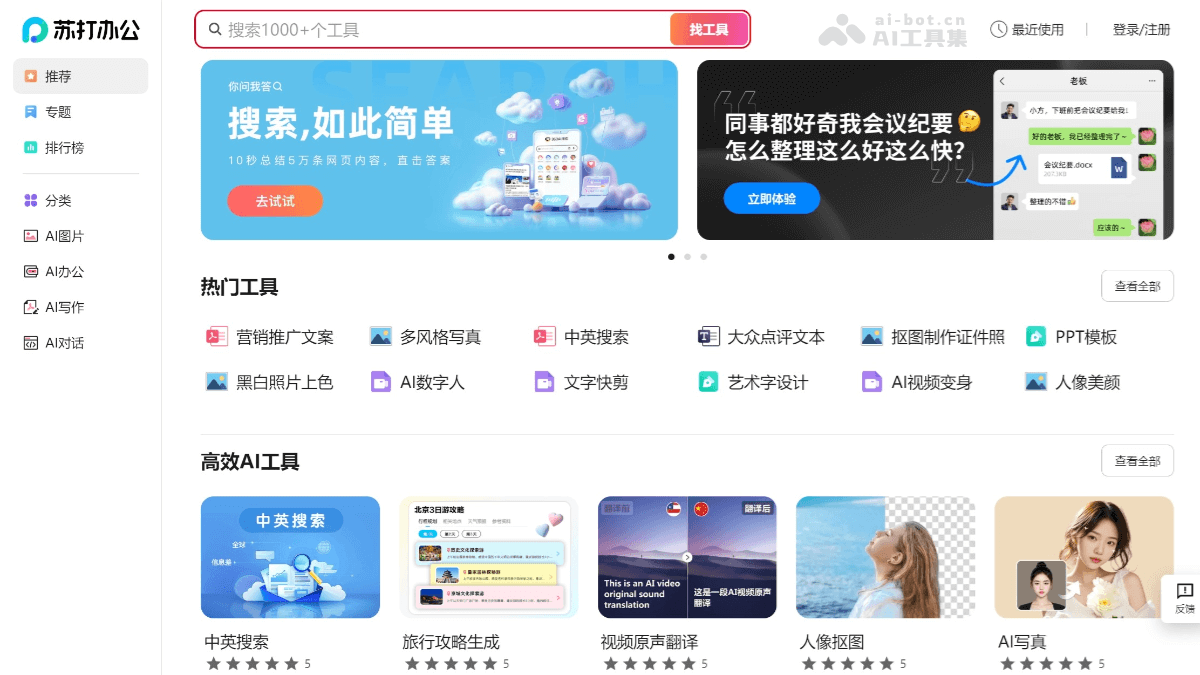
Soda Officeis a one-stop AI office tool launched by 360, providing users with a variety of practical functions. It integrates PDF reading, conversion, merging and splitting, image text recognition, image-to-PDF, and other functions. It provides rich template resources, such as PPT, Word, Excel templates, and more, helping users quickly create professional documents. Soda Office supports multi-user real-time online collaborative document editing, making it suitable for team collaboration. AI technology is widely applied, including intelligent services such as image editing and video processing.
💡 Feature Details
-
PDF Toolset: Provides PDF reading, conversion (such as PDF to Word, PDF to PPT), merging, splitting, and watermarking functions.
-
Document Conversion: Supports conversion between multiple file formats, such as Word to PDF, PPT to Word, etc.
-
Image Processing: Includes functions such as image cropping, resizing, lossless upscaling, image enhancement, as well as AI-powered smart cutout and image beautification.
-
Video Editing: Provides functions such as video editing, format conversion, smart keying, and watermark removal.
-
AI-Assisted Tools: Based on AI technology, provides functions such as portrait beautification, video transformation, AI-assisted design, and intelligent recommendations.
-
Design Tools: Includes art word design, poster creation, Logo design, etc., helping users quickly generate creative content.
-
Real-Time Collaboration and File Management: Supports multiple people collaborating online in real time to edit documents, and provides cloud storage functionality, making it convenient for team members to share files and manage projects.
-
Template Services: Provides a rich collection of PPT, Word, and Excel templates, helping users quickly create professional documents.
🌐Official Website:Soda Office
8. OfficeAI Assistant
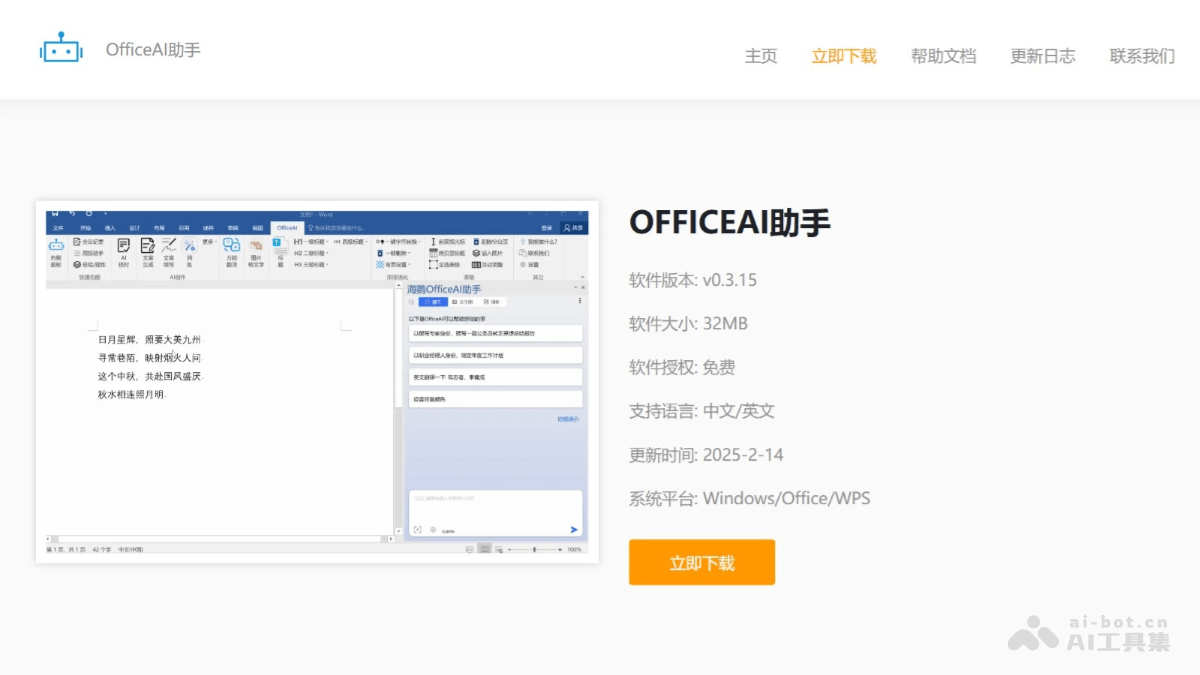
OfficeAI AssistantIt is a free intelligent AI office tool, designed specifically for Microsoft Office and WPS users, to improve office efficiency. Through WordAI and ExcelAI plugins, it helps users quickly complete tedious tasks, such as writing weekly reports, organizing meeting minutes, and selecting Excel formulas, etc. It has functions such as intelligent proofreading, AI formatting, text-to-image, and translation, and supports multiple AI large model engines, such as ERNIE Bot, ChatGLM, etc.
💡Feature Details
- WordAI Plugin Features
-
AI Writing: Supports functions such as copywriting generation, article polishing, work summaries, and meeting minutes generation, helping users quickly write and optimize documents.
-
Intelligent Proofreading: Automatically detects and corrects typos and spelling errors, improving document quality.
-
AI Formatting: One-click intelligent analysis of document structure and automatic formatting, improving the document's visual appeal.
-
AI Drawing: Generates images based on text descriptions, supporting simple illustrations and images in specific styles.
-
Translation and Extraction: Supports multilingual translation and extracting text from images.
-
- ExcelAI Plugin Features
-
Formula Assistance: Automatically recommends and generates suitable formulas, simplifying complex calculations.
-
Data Analysis: Supports statistical operations such as sum, average, and maximum, and can generate charts.
-
Table Operations: Includes batch inserting images, cleaning duplicate data, extracting unique data, etc.
-
Format Data: Supports operations such as number formatting, automatic line wrapping, and alignment.
-
- Other Features
-
Daily Conversation and Question Answering: Answers office-related questions through the main program.
-
Local Deployment Support: Supports private deployment based on APIKEY or local models.
-
Multilingual Support: Supports Simplified Chinese, Traditional Chinese, and English.
-
Cross-Platform Compatibility: Compatible with Windows 7 and above, and supports Office 2013 and above and WPS.
-
🌐Official Website:OfficeAI Assistant
9. Chatbox AI
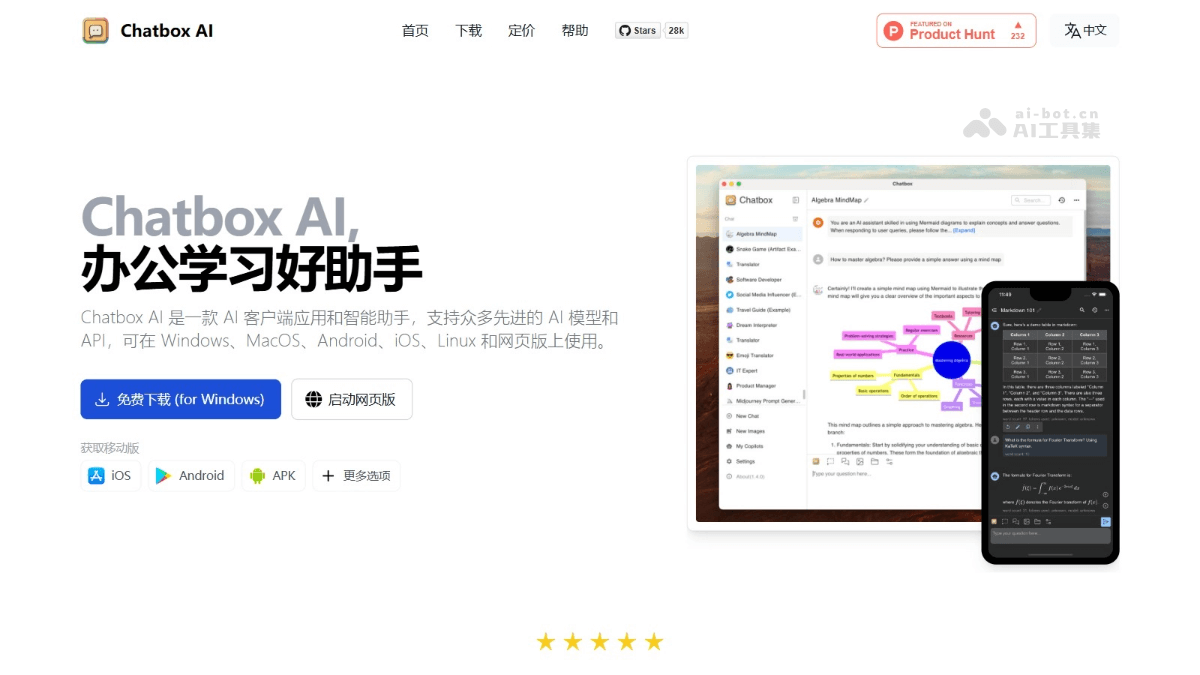
Chatbox AI is an open-source cross-platform AI client application and intelligent assistant that supports Windows, Mac, Linux, iOS, Android, and the web version. It integrates multiple advanced language models, such as ChatGPT, DeepSeek, Claude, Google Gemini Pro, etc., and supports local models (such as Llama2, Mistral, etc.). Chatbox AI provides a rich set of features, including local data storage, image generation (Dall-E-3), code highlighting, Markdown and LaTeX support, multilingual interaction, team collaboration, and more.
💡Feature Details
-
Multilingual Conversation: Supports interaction in multiple languages, including Chinese, English, Japanese, etc.
-
Document and Image Interaction: Users can upload documents, images, or code files, and Chatbox AI can understand the content and provide intelligent responses.
-
Code Assistance Features: Supports code generation, preview, syntax highlighting, code review, refactoring, debugging, etc., helping developers improve efficiency.
-
Real-Time Web Search: Obtains the latest information through web search, ensuring the timeliness of answers.
-
Image Generation: Supports converting text descriptions into images using tools such as DALL-E-3.
-
Local Data Storage: All data and conversation history are stored on the local device, ensuring privacy.
-
Team Collaboration Features: Supports sharing OpenAI API resources, making it convenient for team members to collaborate.
-
Multi-Platform Support: Can be used on Windows, Mac, Linux, iOS, Android, and the web.
-
Academic Writing Support: Supports Markdown and LaTeX formatting, suitable for academic writing and handling complex formulas.
-
Visual Chart Generation: Can generate charts to assist in understanding complex data.
🌐Official Website Address:Chatbox AI
10. Monica
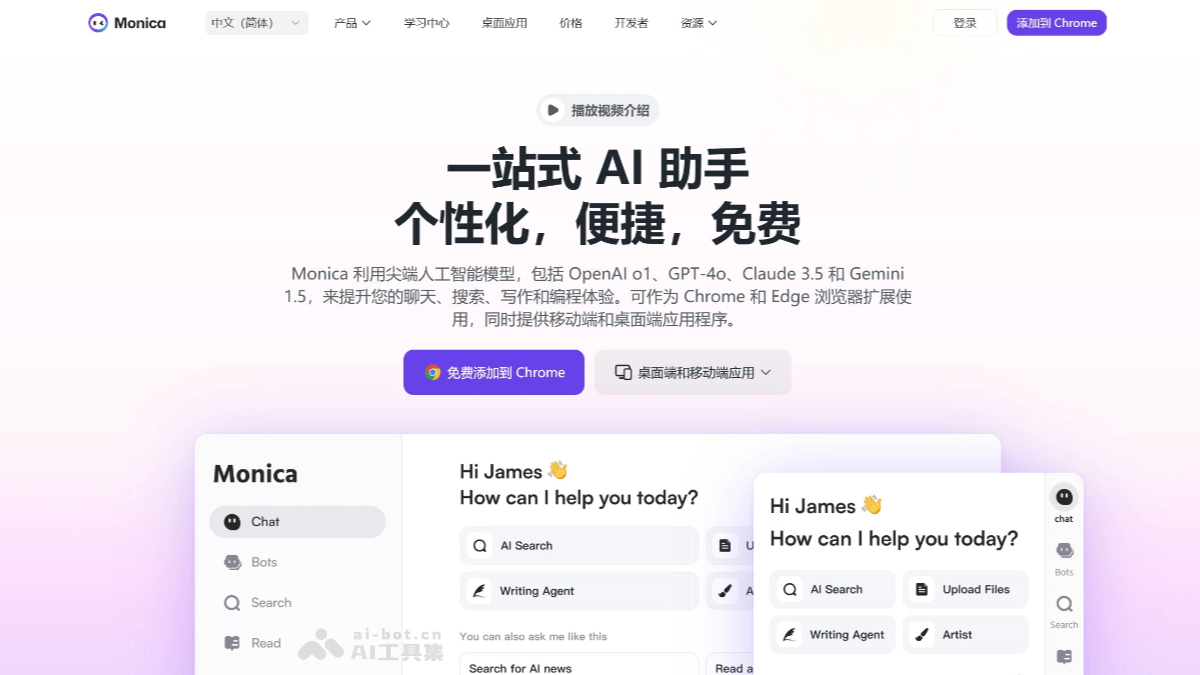
Monicais an all-around AI assistant that integrates advanced AI models such as GPT-4, Claude 3.5, and Gemini. It supports use on multiple platforms, including browser extensions, desktop applications, and mobile applications, covering environments such as Chrome, Edge, Windows, Mac, iOS, and Android. Features include AI chat, content summarization, writing and translation, image and video processing, and document and data processing. It provides more than 80 writing templates, supports generating emails, articles, marketing copy, etc., and has multilingual translation capabilities. Monica can enhance search engine functionality and quickly summarize web pages and video content.
💡Feature Details
- AI Chat and Search: Monica supports conversations with multiple AI models, provides real-time information and web search capabilities, and quickly finds the information users need through intelligent keyword filtering.
- Content Summarization and Processing:
- Provides summarization for web pages, PDFs, images, and videos, helping users quickly extract key information.
- Supports YouTube video summarization, marking key moments and generating concise content overviews.
- Writing and Translation:
- Built in with multiple writing templates, supports generating emails, weekly reports, marketing copy, etc., and provides grammar correction and content optimization features.
-
Supports multilingual translation, covering more than 120 languages, suitable for web page, PDF, and text translation.
- Image and Video Processing
-
Provides AI image generation, background removal, object removal, image upscaling, and other features.
-
Supports text-to-video and image-to-video, integrating multiple video generation models.
-
- Document and Data Processing
-
Supports question answering, translation, rewriting, and summarization of PDF files, and can convert PDFs into editable Word, PPT, and other formats.
-
Provides data analysis capabilities, automatically generating SQL statements, Python scripts, and visualization charts.
-
- Smart Toolbar and Custom Features
-
Provides a smart toolbar, allowing users to quickly invoke translation, summarization, rewriting, and other functions through shortcut keys.
-
Supports custom Agents, allowing users to configure dedicated AI tools according to their needs.
-
🌐Official Website:Monica
11. WPS Lingxi
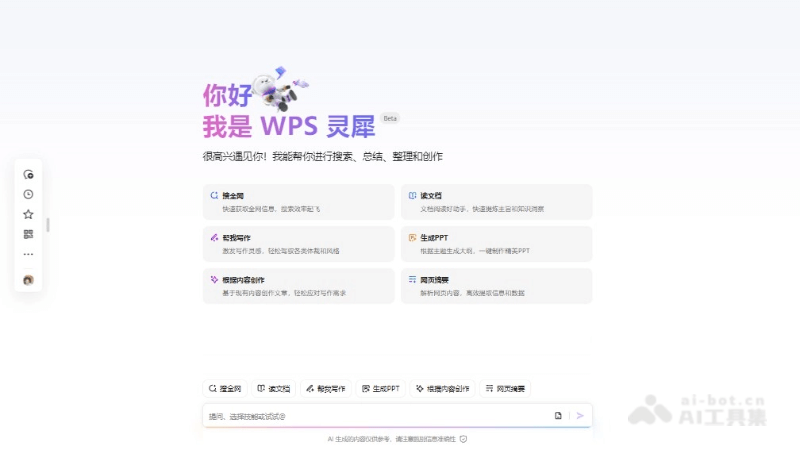
WPS LingxiIt is an intelligent office assistant launched by Kingsoft Office, enhancing users' office efficiency through multiple AI functions. It supports intelligent writing, PPT generation, data analysis, document reading and summarization, and other functions. Users can input a topic or keywords, and Lingxi automatically generates document content, PPT outlines, or data analysis charts. WPS Lingxi supports web-wide search, helping users quickly obtain information. It also features document proofreading, intelligent formatting, and other functions to help users optimize document quality. WPS Lingxi has integrated DeepSeek R1, further improving AI generation capabilities and the level of office intelligence.
💡Feature Details
-
Intelligent Writing and Content Creation: WPS Lingxi can quickly generate articles, reports, emails, and other text content based on the topic or keywords entered by users, and provides writing suggestions and polishing functions. It can automatically generate summaries based on document content, helping users quickly grasp the key points.
-
PPT Generation and Presentation Assistance: Users can directly convert document content into PPT presentations, and Lingxi will automatically generate slide layouts and design suggestions based on the content, helping users quickly create professional presentations.
-
Data Analysis and Visualization: In WPS Spreadsheets, Lingxi can automatically identify data patterns and recommend suitable chart types, helping users perform data forecasting and visual analysis.
-
Document Reading and Proofreading: Lingxi can read documents to extract key information, helping users quickly understand document content. It supports intelligent proofreading, checks grammar and spelling errors, and provides revision suggestions.
-
Web-wide Search and Information Organization: Users can search web-wide materials through Lingxi, quickly obtain the information they need, and extract summaries from webpage content.
-
Voice Input and Interaction: Lingxi supports voice input, allowing users to quickly generate text content through voice commands.
-
Intelligent Formatting and Design: Lingxi can automatically adjust the format according to the document type and content, optimizing the layout effect to make it more aesthetically pleasing and professional.
-
Multilingual Translation: Lingxi supports multilingual document translation, helping users quickly handle international communication and multilingual documents.
🌐Official Website:WPS Lingxi
12. Xiaoyi AI
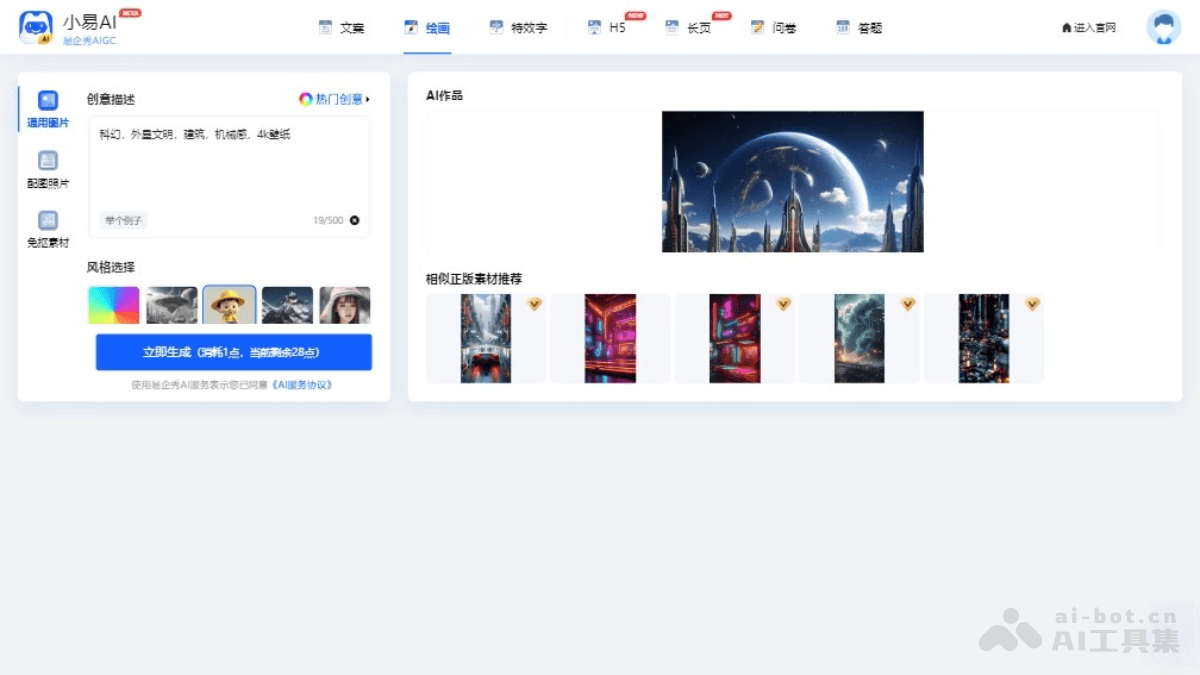
Xiaoyi AIIt is an AI office tool launched by Eqxiu, enhancing users' efficiency and quality in office and creative scenarios. It integrates multiple functions, including AI copywriting generation, AI painting, AI special effects text creation, AI long page generation, AI questionnaires, and AI quizzes. Users can quickly generate attractive copy, intelligently generate images, create special effects text, and generate marketing landing long pages with one click by entering text descriptions or selecting relevant functions. Xiaoyi AI supports intelligent layout and a rich material library, making it convenient for users to quickly access resources.
💡Feature Details
-
AI Copywriting Generation: Automatically generates attractive copy based on the scenario and information entered by the user. Users can preview and edit the generated copy for use in marketing materials.
-
AI Painting: Using a dual-engine driven model of "AI generation + intelligent recommendation of licensed materials," users can generate images by describing the content of the picture, and can perform secondary creation such as "one-click cutout" and "one-click beautification."
-
AI Special Effects Text: After users enter text content, select a font, and describe the special effects, AI automatically generates special effects text, suitable for titles, advertising slogans, etc., increasing visual impact.
-
AI Long Page: Supports one-click generation of marketing landing long pages. After users select a scenario, enter activity information, and choose a page style, long pages can be quickly generated.
-
AI Questionnaire: The AI questionnaire function can automatically generate a complete questionnaire and create a "questionnaire work," making it convenient to conduct online surveys.
-
AI Quiz:AI Quiz can generate quiz papers and answer explanations.
-
Intelligent Layout and Material Library: Provides intelligent layout functionality that automatically adjusts the layout based on content, and includes a rich library of images and template resources, making it convenient for users to create quickly.
-
Digital Human Function: After users enter copy or upload audio, it can generate real-person talking-head videos with synchronized lip movements and smooth actions, suitable for scenarios such as news broadcasting and virtual anchors.
🌐Official Website Address:Xiaoyi AI
13. Quark
Quarkis an AI intelligent search application launched by Alibaba. Based on an advanced AI engine, it integrates functions such as search, cloud drive, document creation, and video summarization. Core features include intelligent search, which can quickly organize content from the entire web and generate high-quality answers; the AI summarization function can efficiently extract content from files, web pages, and videos, and supports generating summaries, mind maps, and PPTs; Quark provides 6TB of ultra-large cloud drive space, supports multi-device synchronization and unlimited-speed downloads.
💡Feature Details
-
AI Intelligent Search: Quark uses AI large model technology to provide intelligent answers and precise search direct access functions. After users enter a question in the search box, AI can quickly generate high-quality answers.
-
AI Writing and Creation: Quark supports the generation of multiple types of copy, such as planning proposals, press releases, etc. Users only need to enter a topic and requirements to quickly generate high-quality copy. It can generate a PPT framework with one click and provides multiple style choices.
-
AI Learning Assistant: Quark provides functions such as photo-based question search, step-by-step question explanations, and knowledge point summaries, covering subjects such as Chinese, math, and English in elementary and middle school, helping students and parents better understand and learn.
-
AI File and Video Processing: Quark supports intelligent summarization of files and videos, can generate summaries and mind maps, and supports exporting extracted content in multiple formats. It provides AI scanning capabilities that can recognize documents, blackboards, and projected content.
-
Quark Cloud Drive: Offers 6T of ultra-large storage, supports multi-device sync and high-speed downloads, making it convenient for users to store and manage files.
-
AI Assistant and Tools: Quark is equipped with a desktop AI assistant that supports features such as text-selection translation and polishing. It provides practical tools such as an AI resume assistant and AI subtitle generation.
🌐Official Website:Quark
14. Panda Office
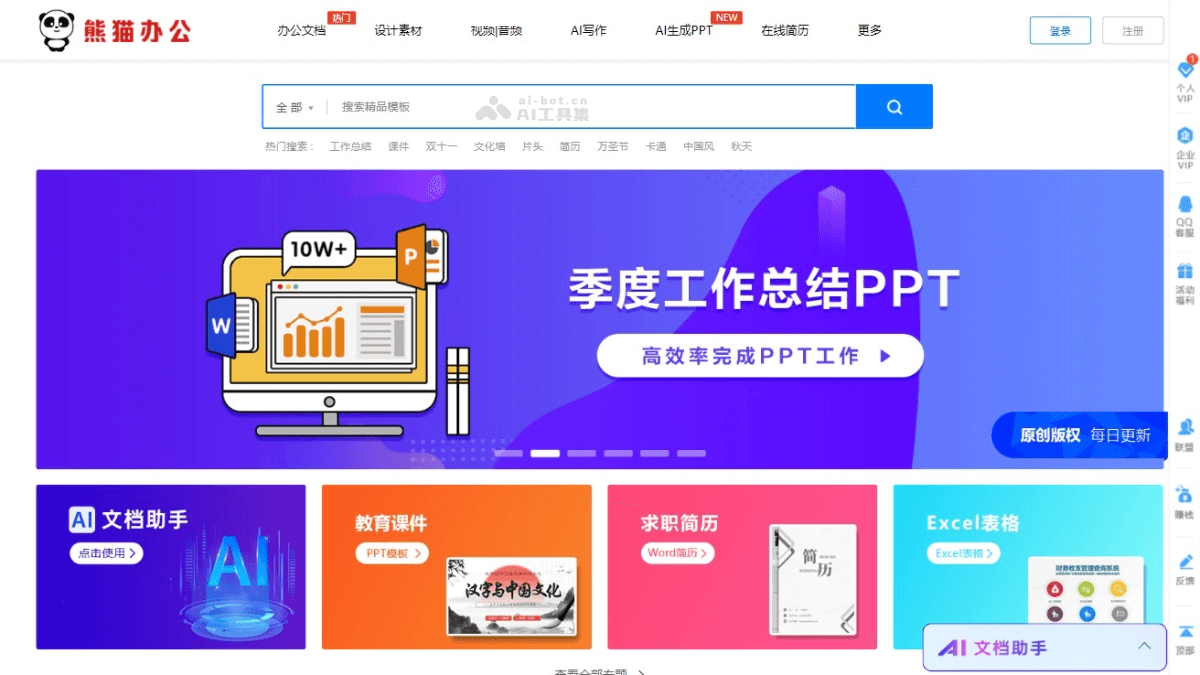
Panda Officeis a platform that integrates creative design templates and AI office functions. It provides a rich collection of PPT, Word, and Excel templates, cutout-free elements, video materials, fonts, and sound effects, covering a variety of work and study scenarios. Panda Office combines AI technology to support functions such as automatic content generation and intelligent recommendations, helping users quickly complete document production. Online collaboration features support multiple people editing documents in real time, improving team collaboration efficiency.
💡Main Features
-
Rich Template Resources: Provides a variety of office templates such as PPT, Word, and Excel, covering scenarios including business reports, academic presentations, resume creation, and financial statements, meeting the needs of different users.
-
AI Intelligent Features:
-
AI Writing: Supports document creation in multiple scenarios, can quickly generate first drafts and optimize existing content, and supports personalized customization.
-
AIPPT: Can quickly generate a PPT framework based on the topic entered by the user and provide content filling suggestions.
-
-
Material Library: Provides high-quality design elements such as images, icons, and music to enhance the visual effect of documents.
-
Online Collaboration: Supports multiple people editing documents online in real time, allows flexible setting of editing permissions, and improves team collaboration efficiency.
-
Intelligent Recommendations: Accurately recommends templates and design elements based on user behavior and content timeliness.
-
Multi-Device Support and Cloud Sync: Supports multiple devices such as mobile phones, tablets, and computers, with real-time file synchronization, making it convenient to work anytime and anywhere.
🌐Official Website:Panda Office
15. Tencent Docs Smart Assistant
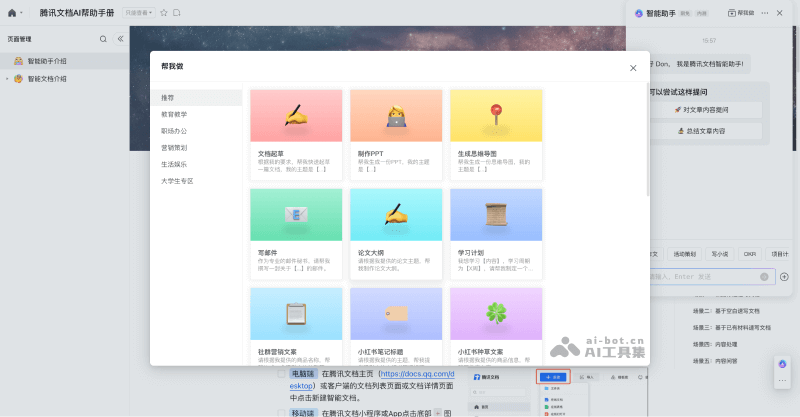
Tencent Docs Smart Assistantis an AI tool launched by Tencent and integrated into the Tencent Docs platform, helping users efficiently process and create various types of documents. It supports multiple formats such as documents, spreadsheets, slides, PDFs, and mind maps. Users can quickly generate document content through simple language instructions or by selecting existing materials. Tencent Docs Smart Assistant is connected to the full-power version of the DeepSeek-R1 model, and users can choose the DeepSeek-R1 model to obtain more comprehensive and in-depth answers, suitable for professional creation scenarios. It supports real-time web search, covering authoritative information sources across the internet such as WeChat public accounts and Tencent Docs Library. The generated results can be directly converted into various forms such as documents, spreadsheets, and slides.
💡Feature Details
-
Intelligent Content Generation: Based on the DeepSeek-R1 model, users can quickly generate high-quality text content through simple instructions or keywords, including multiple formats such as documents, spreadsheets, slides, and mind maps.
-
Real-Time Web Search: The newly added real-time web search feature supports users in accessing content from authoritative information sources across the internet, such as WeChat Official Accounts and Tencent Docs, while processing documents, ensuring the timeliness and accuracy of the documents.
-
Document summarization and Q&A: The smart assistant can summarize document content, generate abstract outlines, and answer various user questions about the document, helping users quickly organize and understand information.
-
Multiple output formats: The generated content can be seamlessly converted into various forms such as documents, tables, slides, and mind maps, meeting diverse needs in different scenarios.
-
Flexible model selection: Users can choose the DeepSeek-R1 model to obtain more comprehensive and in-depth answers, or choose the Hunyuan large model to get fast and efficient replies, meeting the needs of different work scenarios.
-
Multi-platform support: Users can use the smart assistant in Tencent Docs' mini program, web version, mobile app, or desktop version (3.9.5 and above), making it convenient to operate.
🌐Official website address:Tencent Docs Smart Assistant