

What is CC Switch
CC Switch is anopen-source cross-platform AI coding configuration management toolthat supports macOS, Windows, and Linux. As a one-stop AI coding tool Hub, CC Switch can manage in a single interface Claude Code、Claude Desktop、Codex、Gemini CLI、OpenCode、OpenClaw and Hermes Agent provider configurations, local routing, usage tracking, Skills synchronization, and cross-application session recovery for seven major applications, enabling access to third-party models with zero code modifications.
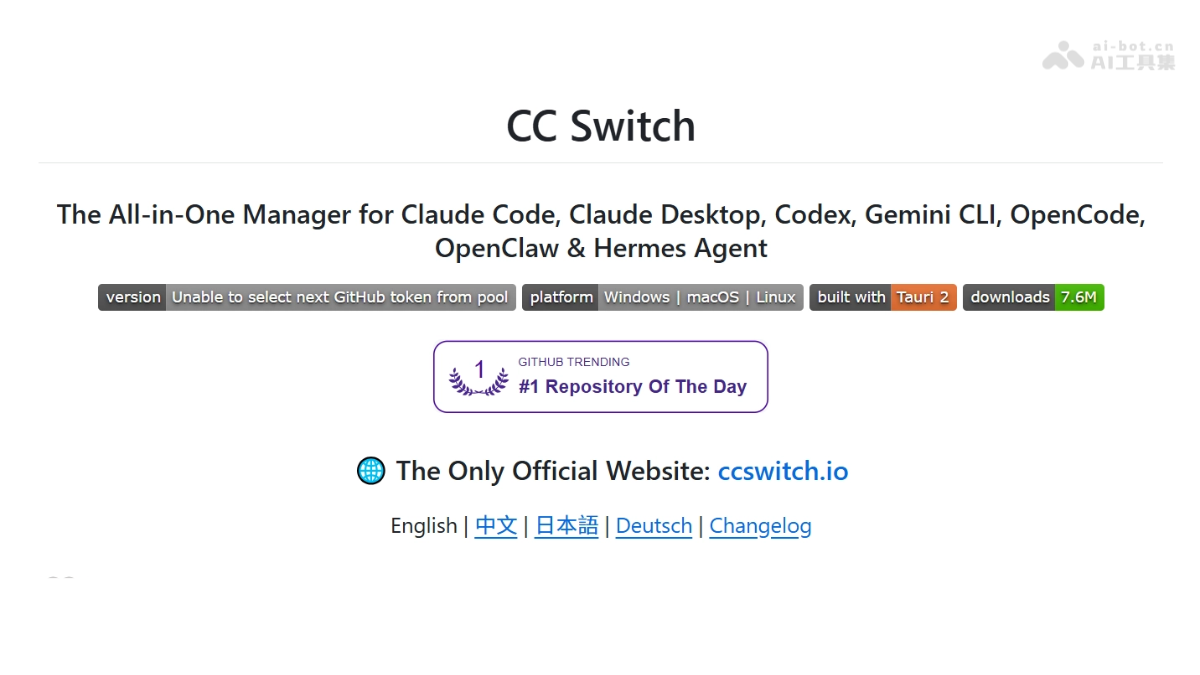
CC Switch's main features
- Unified provider management: Manage model providers, authentication information, and API endpoints for seven major Agent applications in one interface, with hot switching and backup and restore support.
- Local intelligent routing: Built-in circuit breaker, health monitoring, and failover queue automatically switch to a backup node when the primary Provider is abnormal, without interrupting the workflow.
- Usage and cost tracking: Real-time statistics on request count, Token consumption, cache hits, subscription quotas, and costs, with filtering by application and Provider.
- Secure local storage: All configurations and API Keys are stored in a local SQLite database, with full Schema migration support, and data never leaves the device.
- MCP / Skills / Prompt management: Unified management of MCP services, Skills packages, Prompts templates, and Hermes Memory, with cross-application synchronization and symlink deployment support.
- Centralized session management: Gather local session records from each Agent, with search, restore, and delete support, breaking down session silos between applications.
- Model mapping and protocol conversion : Map Claude official role IDs or Codex's GPT model names to the actual models of third-party providers, automatically completing protocol conversion between the Responses API and Chat Completions API.
How to use CC Switch
- Download and install: Visit the CC Switch official website https://ccswitch.io/ download the installation package for the corresponding system, and launch CC Switch after installation is complete.
- Select management targets: Check the Agent applications to be managed on the main interface and activate toolbar monitoring.
- Add a provider: Go to the provider configuration page, enter the third-party API endpoint address and authentication token, and automatically detect connectivity after saving.
- Enable local routing: For applications such as Codex or Claude Desktop, enable the "Requires local routing mapping" switch and keep the proxy resident.
- Configure model mapping: In the mapping settings, specify the actual third-party model names requested for Sonnet/Opus/Haiku or the GPT series.
- Sync Skills: On the Skills management page, import existing Skills packages or install from ZIP, and synchronize them in real time to each Agent's configuration directory via symlinks.
- Monitor usage: View real-time request logs, Token consumption, and cost curves on the usage statistics panel, and set quota alerts.
CC Switch's core advantages
-
Full application coverage: The industry's only unified manager that simultaneously supports both Claude clients, Codex, Gemini, OpenCode, OpenClaw, and Hermes.
-
Zero-intrusion access: No need to modify Agent source code; simply point environment variables to the local proxy to use third-party models.
-
High-availability routing: Built-in circuit breaking and failover, switching to backup Providers within milliseconds when the primary line is abnormal, ensuring development continuity.
-
Cost Transparency: Fine-grained usage tracking helps developers identify high-consumption areas, with measured savings of about 30% on API expenses.
-
Open Source and Free: Fully open source under the MIT license, community-driven iteration, with no commercial licensing barriers.
CC Switch's project address
- Project Website:https://ccswitch.io/
- GitHub Repository:https://github.com/farion1231/cc-switch
Comparison of CC Switch with similar competing products
| Dimension | CC Switch | LiteLLM | ChatWise |
|---|---|---|---|
| Product Form | Cross-platform desktop application (Tauri) | Python backend/proxy service | Cross-platform desktop client |
| Management Scope | 7 major Agent applications + local routing | General-purpose LLM API gateway | Multi-model chat client |
| Protocol Conversion | Automatic Responses ↔ Chat Completions | Unified interface supporting 100+ models | Depends on the official client |
| Failover | Built-in circuit breaker + health monitoring + queue | Supports load balancing and fallback | None |
| Skills/MCP | Unified management and cross-application synchronization | Requires manual configuration | Partial MCP support |
| Usage Tracking | Two-dimensional statistics by application × Provider | Enterprise-grade billing and observability | Basic Token statistics |
| Open Source License | MIT | MIT | Closed-source commercial software |
| Target Users | Heavy multi-Agent developers | Enterprise-grade LLM operations | Individual AI chat users |
CC Switch's application scenarios
-
Multi-model A/B Testing: Developers quickly compare the code generation results of models such as Claude, GPT, DeepSeek, and GLM within the same project.
-
Enterprise-grade API Disaster Recovery: Through automatic switching between primary and backup Providers, it avoids development interruptions caused by rate limiting or failures from a single vendor.
-
Fine-grained Cost Control: Team leaders track Token consumption by project or member dimension to optimize model invocation strategies.
-
Accumulation of Skills Assets: Centrally manage custom MCP tools and Prompt templates, allowing new members to sync them to all Agents with one click.
-
Cross-application Session Continuation: When switching between Claude Code and Codex, contextual sessions are preserved, reducing repeated communication costs.


