
AI IDE is an AI programming tool specifically designed for AI program development. It integrates code editing, debugging, machine learning framework support, model training and deployment, and other functions, helping developers efficiently build, optimize, and manage artificial intelligence applications. This article introduces 10 free AI IDE programming tools, providing developers with a more efficient and convenient programming experience, and also enabling non-technical people to develop stunning product applications.
TRAE
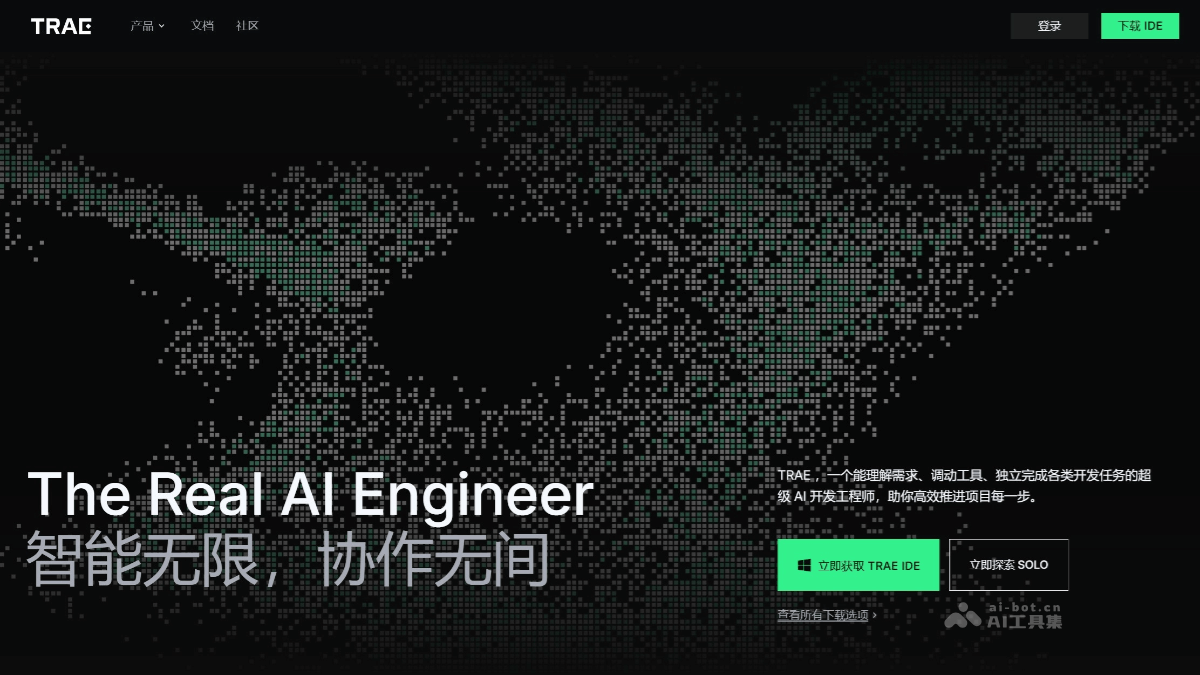
TRAE is an AI IDE launched by ByteDance, supports native Chinese, and integrates a variety of mainstream AI models (such as Claude 4, GPT-4o, etc.; the domestic version uses the Doubao large model and the DeepSeek model). Builder mode can help developers build projects from scratch, automatically generating a complete project framework through natural language descriptions of requirements; Chat mode supports code question answering and code update suggestions. Trae has recently launched Trae Solo mode, which supports highly automated development. AI can automatically plan and execute the entire process from requirement understanding, code generation, testing, to result preview and deployment, further freeing developers' hands and achieving great simplification and intelligence in the development process.
🚀Tool highlights
-
Highly automated development: Trae Solo mode supports full-process automation from requirement understanding to code generation, testing, preview, and deployment, greatly simplifying the development process.
-
Intelligent code generation and optimization: It can generate code snippets through natural language and supports code completion, optimization, and refactoring, improving development efficiency.
-
Multimodal interaction: It supports multiple input methods such as voice, images, files, and web pages, improving interaction flexibility and meeting the needs of different scenarios.
-
Deep AI collaboration: It enables deep collaboration with developers through dialogue boxes. Developers can summon agents and provide context, and AI proactively understands and responds quickly.
-
Flexible context referencing: In AI conversations, it supports referencing code blocks, files, folders, or the entire project, facilitating precise interaction and ensuring task continuity.
-
Native Chinese support: The interface language is fully localized in Chinese, lowering the barrier to use for Chinese developers and improving user experience.
-
Powerful model support: It integrates a variety of mainstream AI models, such as Gemini 2.5 Pro, GPT-4.1, Claude 3.7, GPT-4o, etc. The domestic version supports the DeepSeek model, providing powerful AI capabilities.
-
Convenient project preview and debugging: It provides a Webview function and supports direct preview of web pages within the IDE, facilitating front-end development and debugging.
-
Agent ecosystem: Users can freely configure the agent system according to different needs and scenarios, build their own AI agent team, and achieve personalized development.
💻Supported systems and versions
-
macOS: Supports macOS 10.15 and above.
-
Windows: Supports Windows 10 and Windows 11.
-
Linux: Currently, Trae's remote development function supports Linux as a remote server. It is recommended to use Debian 11+ or Ubuntu 20.04+ with x64 architecture. For local development environments, the domestic version of Trae has opened reservations for the Linux version.
✨Recommendation rating: ⭐⭐⭐⭐⭐
Cursor
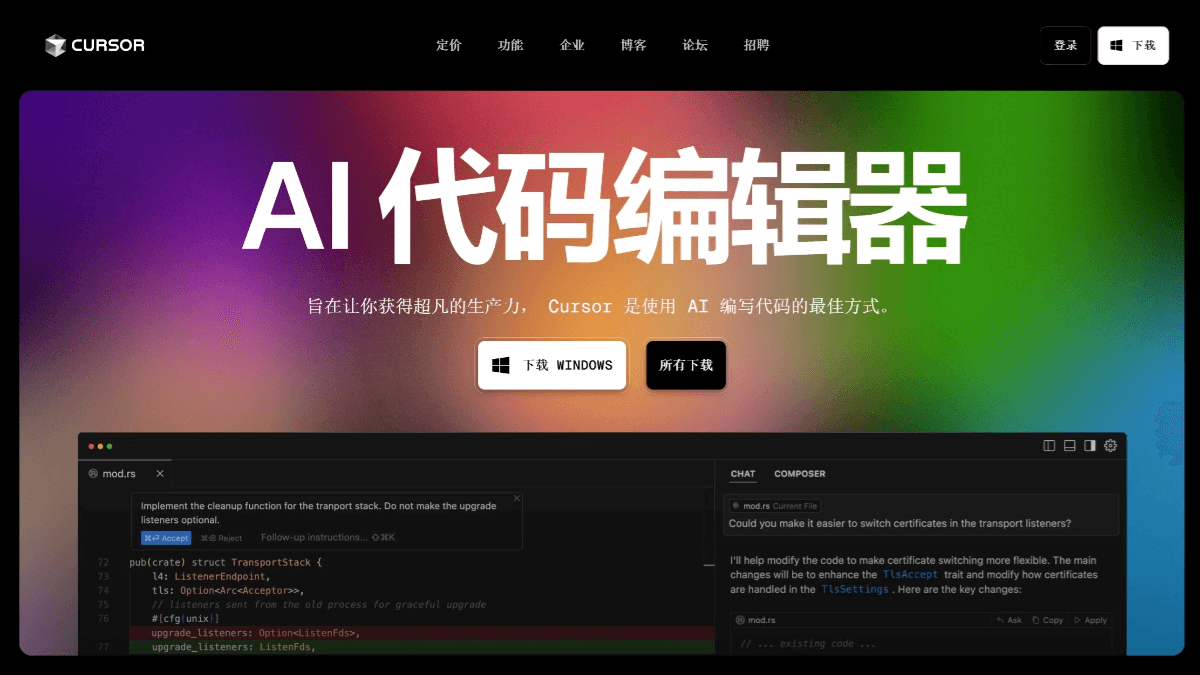
Cursor is an AI code editor launched by Anysphere, developed based on the GPT-3.5 and GPT-4.0 models. It supports multiple programming languages, such as Python, Java, C#, and JavaScript, and can significantly improve development efficiency. Cursor's core features include automatic code generation, intelligent completion, Bug detection and fixing, code explanation, and optimization suggestions. It supports document generation, such as automatically generating README files, helping developers quickly organize project information. Cursor's web and mobile Agents support cross-device collaboration, allowing developers to seamlessly use the AI programming agent on any device. The Agent can run tasks in the background, supports parallel task processing, and Slack integration, making it convenient for developers to trigger tasks and receive notifications in Slack.
🚀Tool highlights
-
Powerful code generation capability: Based on advanced GPT models, Cursor can automatically generate code according to developers' instructions or code context, significantly saving time on writing basic code and improving development efficiency.
-
Intelligent completion and optimization suggestions: Provides accurate code completion suggestions, can analyze existing code, and gives optimization plans, helping developers improve code quality and performance.
-
Bug detection and fixing: AI can identify errors in code and provide fixing suggestions, reducing debugging time, allowing developers to focus more on code logic.
-
Multi-language support and document generation: Supports multiple programming languages such as Python, Java, C#, and JavaScript, and can automatically generate project documents such as README files, making it convenient for developers to organize project information.
-
Cursor Agent for cross-device collaboration: Launches web and mobile Agents, supports seamless use of the AI programming agent on any device, and developers can run tasks in the background to achieve cross-device collaboration.
-
Rich context support and team collaboration: Users can add images and instructions, and run multiple Agents in parallel to compare results. Team members can review changes and create pull requests through the web interface, facilitating team collaboration.
-
Slack integration: Developers can trigger the Agent in Slack through "@Cursor" and receive notifications after tasks are completed, improving work efficiency.
-
Free quota and flexible use: Provides 200 uses of GPT-3.5 and 50 uses of GPT-4.0 per month, meeting the needs of most users.
💻Compatible systems and versions
- Windows system
-
Supported versions: Windows 10 version 1903 or later, Windows 11.
-
Architecture support:x64、ARM64。
-
- macOS system
-
Supported versions: macOS 10.15 Catalina or later.
-
Architecture support:Intel x64、Apple Silicon(M1/M2)。
-
- Linux system
-
Supported versions:Ubuntu 18.04+、Debian 10+、RHEL 8+、SUSE 15+。
-
Architecture support:x64、ARM64。
-
✨Recommendation rating: ⭐⭐⭐⭐⭐
Kiro
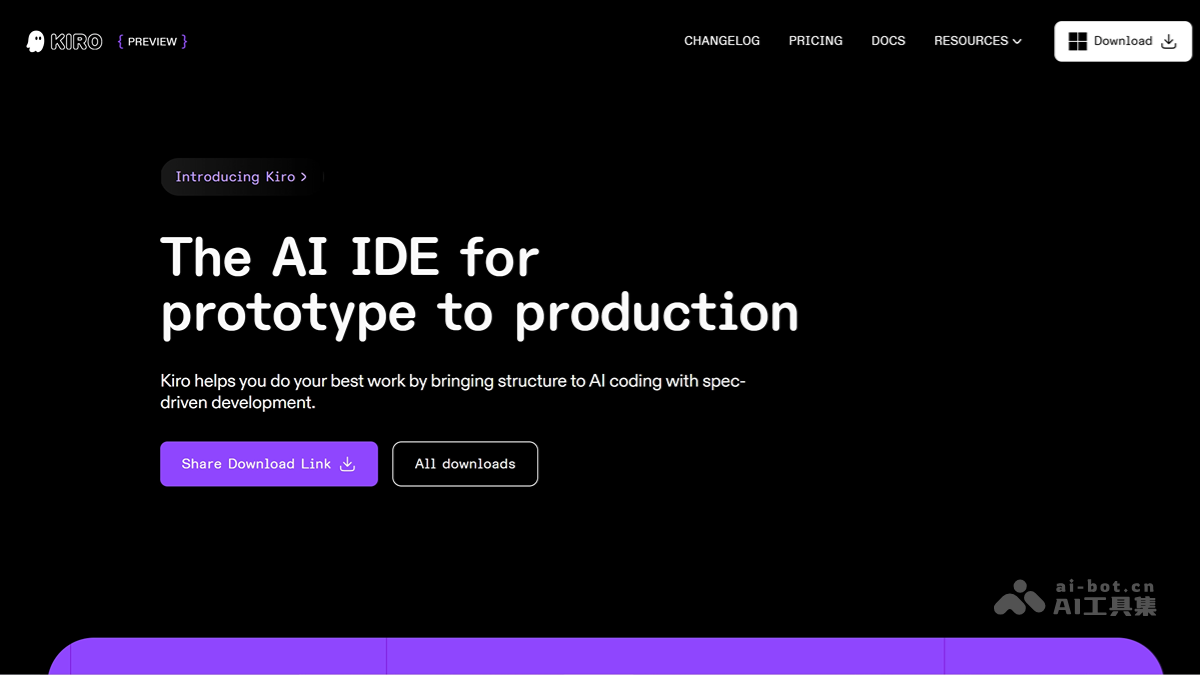
Kiro is an AI IDE launched by Amazon, helping developers efficiently deliver from concept to development. Through two core modes—SpecsandHooks, it simplifies the development process.Specs It can break down vague requirements into specific user stories, design documents, and technical tasks, making development goals clear and traceable;Hooks Through event-driven automation, repetitive tasks such as test updates and documentation refreshes are completed automatically, improving development efficiency and reducing errors. Kiro supports multiple programming languages and plugins, is compatible with VS Code settings, and provides a complete AI programming experience. It is currently in preview and completely free, and users can use the Claude-Sonnet-4 and Claude-Opus-4 models for free. It is suitable for a variety of scenarios such as rapid prototyping, complex system development, secure application development, game development, and team collaboration development.
🚀Tool Highlights
-
Requirements Management and Intelligent Breakdown: Kiro can transform vague requirements into specific user stories, design documents, and technical tasks, ensuring development goals are clear and traceable, supporting synchronized updates between requirements and code, and avoiding disconnection between requirements and actual development.
-
Automated Development and Efficiency Improvement: Through automated triggers (Hooks), Kiro can automatically complete repetitive tasks such as test file updates, documentation refreshes, and security issue scans when saving files, creating files, and performing other operations, greatly improving development efficiency and reducing human error.
-
Powerful Integration and Extension Capabilities: Supports Model Context Protocol (MCP), can connect to professional tools, provides guidance rules and agent chat features, meets diverse development needs, seamlessly compatible with VS Code settings and plugins, and supports multiple platforms and mainstream programming languages.
-
Friendly User Experience: Built on Code OSS, it retains the VS Code user experience and supports previewing code changes and instant undo. Users can preview and undo changes at any time while performing tasks, ensuring flexibility and safety in the development process.
-
Instant Programming and Contextual Interaction: Combined with Agentic Chat functionality, Kiro can perform instant programming tasks based on context, providing developers with smarter programming assistance and improving the interactive experience during development.
💻Supported Systems and Versions
- Windows: Kiro supports Windows 10 and above.
- macOS: Supports Intel and ARM architecture chips on macOS.
- Linux: Supports mainstream Linux distributions.
✨Recommended rating: ⭐⭐⭐⭐⭐
Qoder
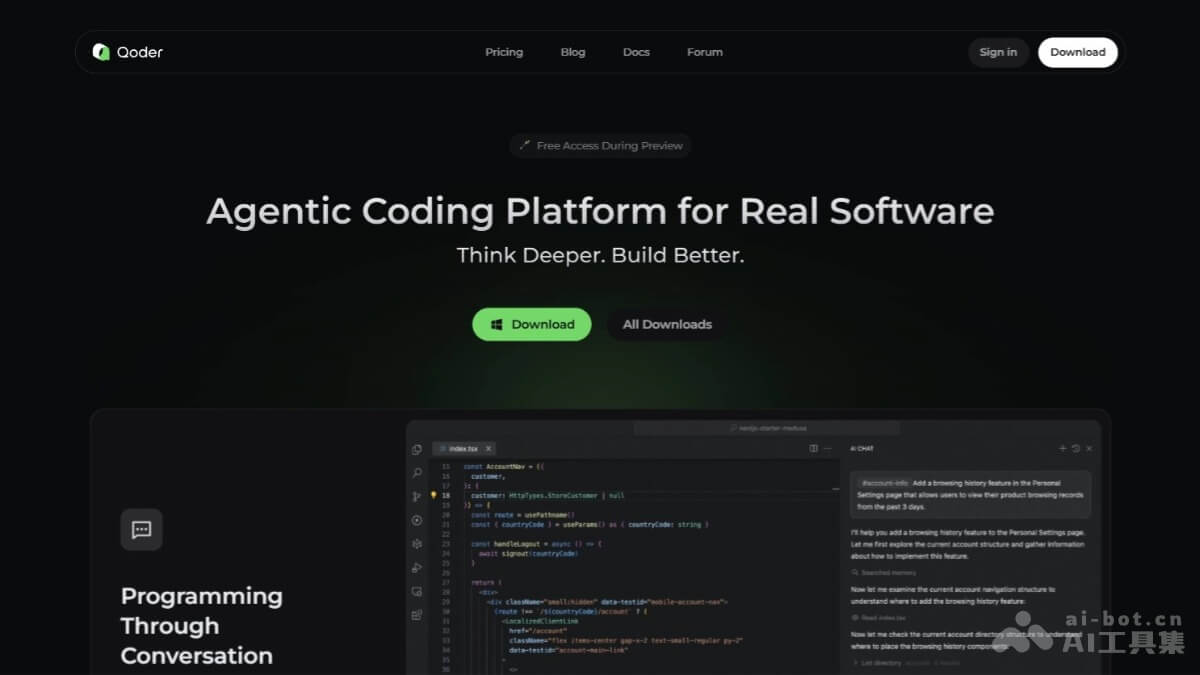
Qoder is an AI Agent programming platform launched by Alibaba, focusing on "conversational programming". Developers can describe tasks in natural language, and Qoder can automatically complete planning, coding, and testing, and deliver results asynchronously. Based on large language models, it has powerful code understanding and generation capabilities, and has a three-layer memory system of personal habits, project rules, and historical sessions, providing users with a personalized programming experience. Qoder supports multiple languages, such as Python, TypeScript, Go, and Java, and has built-in multiple tool invocation capabilities, such as running test commands and connecting to databases. It supports two collaboration modes, Chat and Quest, to meet development needs in different scenarios. Users can view the operation process and learn programming. It supports team collaboration development and has features such as an administrator dashboard, SSO support, and centralized billing.
🚀Tool Highlights
-
Natural Language Interaction: Users can describe requirements in natural language, and Qoder can understand and execute tasks without learning complex programming instructions.
-
Full Project Architecture Understanding: Qoder can understand the structure and history of the entire project, providing more accurate code completion and refactoring suggestions.
-
Transparent Operation Process: Qoder's operation process is completely transparent, and users can view each step it executes in real time, making it easy to learn and verify.
-
Multilingual support: Supports multiple mainstream programming languages, such as Python, TypeScript, Go, Java, etc., meeting the needs of different development scenarios.
-
Team collaboration features: Provides a team edition with features such as an administrator dashboard, SSO support, and centralized billing, facilitating collaborative team development.
-
Zero learning curve: Users do not need to be familiar with specific syntax and can start projects directly using natural language, greatly lowering the barrier to use.
-
Multiple collaboration modes: Supports two modes, Chat (short tasks) and Quest (asynchronous long tasks), meeting different development needs.
-
Built-in tool invocation: Supports various tool invocations such as running test commands and connecting to databases, improving development efficiency.
💻Supported systems and versions
-
Windows systems: Supports x64 versions of Windows 10 and Windows 11.
-
macOS systems: Supports macOS (including Apple Silicon, ARM64 architecture).
✨Recommendation rating: ⭐⭐⭐⭐⭐
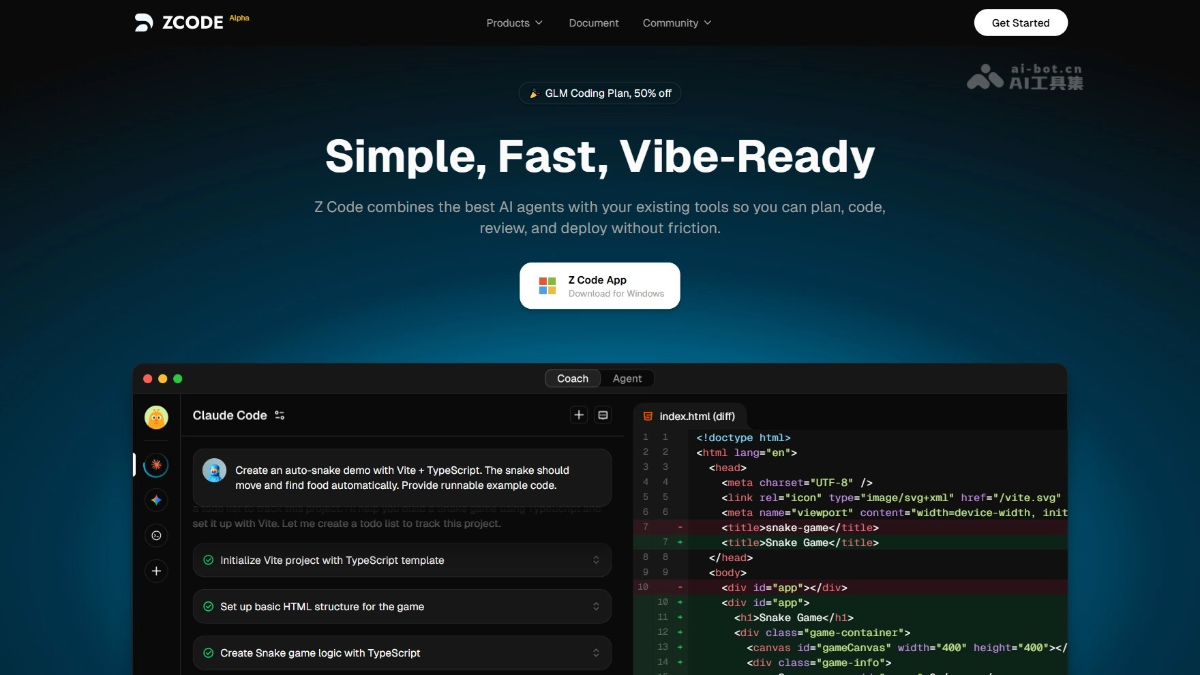
Zcode
ZcodeIt is a lightweight visual AI programming tool launched by Zhipu, simplifying the AI programming process, lowering the operational barrier, and improving development efficiency and security. It supports multiple mainstream AI programming models, such as Claude Code, Codex, and Gemini. Users only need one API Key to switch between different models. With a visual interface and built-in Git-like version management features, users can intuitively view code changes, conduct code reviews, and perform version rollbacks. It supports historical reconstruction, allowing users to modify prompts in historical conversations and re-execute the entire interaction node to optimize the AI's behavioral logic.
🚀Tool highlights
-
Multi-model integration: Supports multiple mainstream AI programming models, such as Claude Code, Codex, and Gemini. Users can switch freely and use them with only one API Key, without frequently configuring environments.
-
Visual operation: Provides Git-like version management features, allowing users to intuitively view code changes, conduct code reviews, and perform version rollbacks, lowering the operational barrier and improving development efficiency.
-
Historical reconstruction capability: Allows users to modify prompts in historical conversations and re-execute the entire interaction node to optimize the AI's behavioral logic, enhancing the flexibility and maintainability of the code.
-
MCP protocol support: Through functions such as online search and visual understanding, AI can query the latest library documentation in real time and even generate or rewrite front-end code based on UI screenshots, expanding the application scope of AI programming.
-
Security and permission management: When executing high-risk operations, the system mandates manual user confirmation, ensuring developers have absolute control over the project and safeguarding the security of the development process.
-
Enterprise-level customization: Supports custom MCP configurations to meet specific internal enterprise needs, such as accessing local databases or specific APIs, adapting to development needs in different scenarios.
💻Supported systems and versions
-
Windows: Supports Windows 10 and above.
-
macOS: Supports macOS Monterey (12.x) and above.
-
Apple Silicon: Supports Mac devices with Apple Silicon architecture.
✨Recommendation rating: ⭐⭐⭐⭐⭐
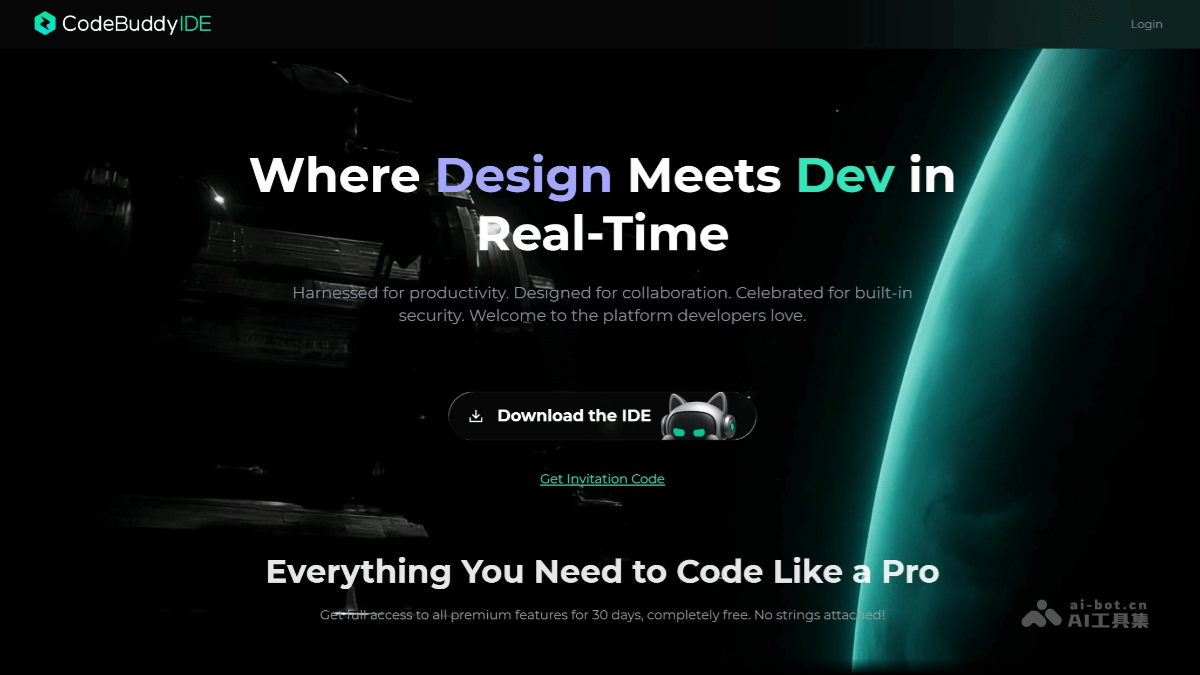
CodeBuddy IDE
CodeBuddy IDE is a full-stack development AI IDE launched by Tencent, integrating the entire product design, R&D, and deployment process into one, delivering a one-stop service from requirements planning to online delivery. Users only need to describe requirements in natural language, and CodeBuddy IDE can automatically generate structured PRD documents, interactive prototypes, frontend code, and backend services, with support for one-click deployment and launch. It supports various mainstream large models, such as the international versions of Claude, GPT, and Gemini, as well as the domestic versions of Tencent Hunyuan, DeepSeek, and others, and has powerful AI programming assistance capabilities, including intelligent code generation, real-time continuation, and inline chat functions.
🚀Tool Highlights
- Full-Process Integration: Covers the entire process from requirements planning to online delivery. Users can describe requirements in natural language, and it automatically generates PRD documents, interactive prototypes, frontend code, and backend services, with support for one-click deployment and launch.
- Powerful AI Assistance: Features intelligent code generation, real-time continuation, inline chat, and more, supports multiple programming languages, integrates mainstream large models such as Claude, GPT, and Gemini in the international version, and supports domestic models such as Tencent Hunyuan and DeepSeek in the domestic version, meeting the needs of different users.
- Seamless Connection Between Design and Development: Supports natural language generation of design drafts, image-based generation, and component-based generation, with built-in Figma for one-click generation of multi-platform-adapted HTML source code, achieving seamless connection between design and development.
- Backend Development Support: Built-in Tencent Cloud Development CloudBase and Supabase (international version) services automatically configure backend requirements such as cloud databases and user authentication, eliminating manual configuration and enabling rapid building of core functions.
- One-Click Deployment: Through CloudStudio, it can be deployed to the cloud platform with one click, generating an accessible link for quick trial and feedback.
💻Supported Systems and Versions
-
Windows: Supports Windows 10 and above.
-
macOS: Supports macOS 10.15 and above.
-
Linux: Supports mainstream Linux distributions.
✨Recommendation Rating: ⭐⭐⭐⭐⭐
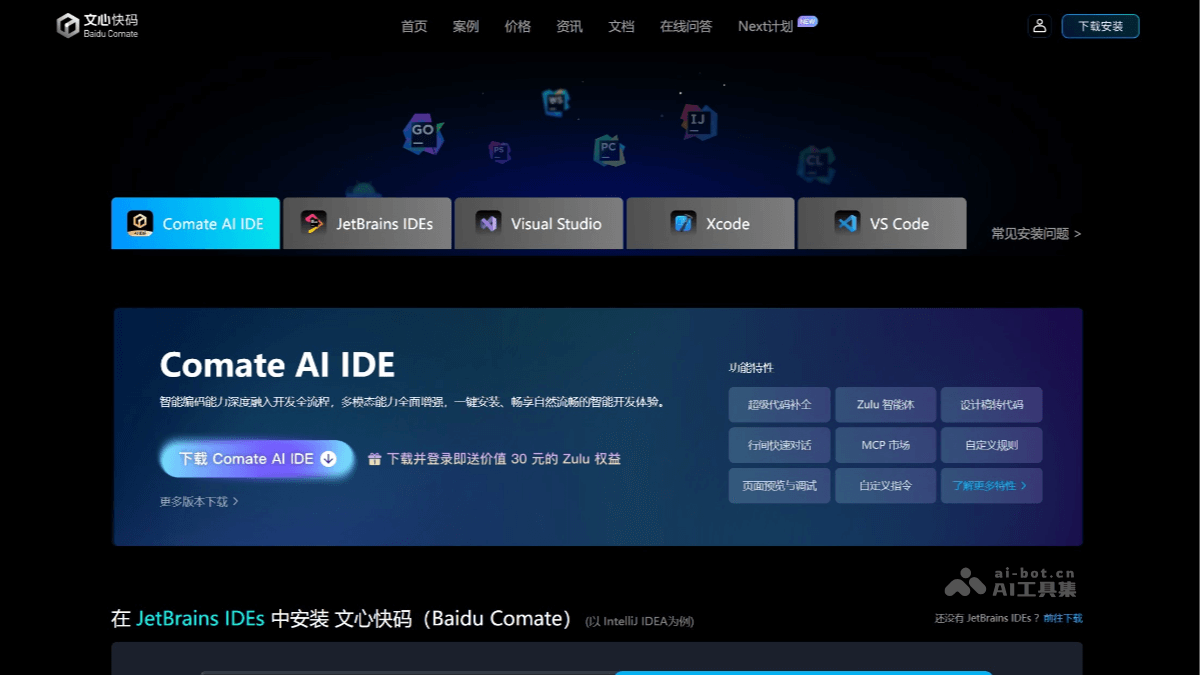
Comate AI IDE
Comate AI IDEis an industry-leading multimodal, multi-agent collaborative AI IDE launched by Baidu Wenxin Kuaima. It has powerful multimodal capabilities, supporting functions such as one-click conversion of design drafts to code (F2C), image-to-code, and natural language-to-code. It can accurately convert Figma design drafts into highly usable code. Comate AI IDE has a built-in programming agent Zulu, which has autonomous thinking and decision-making capabilities, supports automatic task decomposition and execution, and developers can complete complex tasks through voice commands alone. It covers full-process AI assistance from requirements analysis to code submission, supports functions such as code generation, optimization, repair, comment generation, and unit test generation, and optimizes natural language understanding for Chinese developers, making it more suitable for domestic R&D scenarios.
🚀Tool Highlights
-
Multimodal Capabilities: Supports one-click conversion of design drafts to code (F2C), image-to-code, and natural language-to-code. The generated code can be previewed and page elements can be adjusted through natural language, greatly improving frontend development efficiency.
-
Multi-Agent Collaboration: Built-in programming agent Zulu has autonomous thinking and decision-making capabilities, supports automatic task decomposition and execution, and developers can complete complex tasks through voice commands.
-
Full-Process AI-Assisted Coding: Covers the entire process from requirements analysis to code submission, supporting functions such as code generation, optimization, repair, comment generation, and unit test generation.
-
Optimized Chinese Developer Experience: Optimized natural language understanding for Chinese developers, with more precise interaction and better alignment with domestic R&D scenarios.
-
Convenient Tool Integration and Migration: Built-in multiple development tools, supports MCP integration with external tools and data, adapts to various development scenarios, supports rapid migration of original IDE configurations, and lowers the usage barrier.
💻Supported Systems and Versions
-
Windows: Supports Windows 10 and Windows 11.
-
macOS: Supports macOS 11.0+, including Apple chip and Intel chip versions.
-
Linux: Supports Ubuntu 18.04+.
✨Recommendation Rating: ⭐⭐⭐⭐⭐
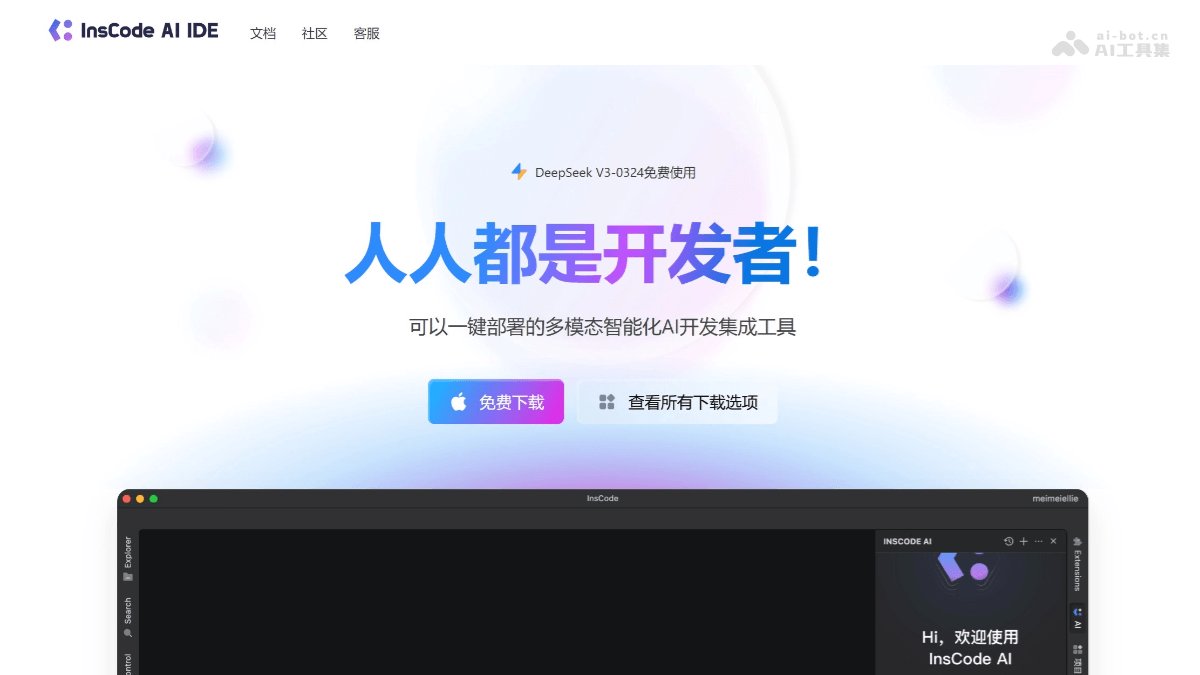
InsCode AI IDE
InsCode AI IDEIt is an AI IDE jointly launched by CSDN, GitCode, and Huawei Cloud CodeArts IDE. It provides developers with an efficient, convenient, and intelligent programming experience. The tool has a built-in AI dialog and supports natural language interaction. Users can quickly implement functions such as code completion, comment generation, and project code modification through simple descriptions. It supports multilingual development, including Python, Java, C++, etc., and offers multiple functions such as intelligent Q&A, code review, and optimization suggestions.
🚀Tool Highlights
-
AI-Driven Intelligent Programming Assistance: Built-in AI dialog supports natural language interaction and can implement functions such as code completion, comment generation, code review, and optimization suggestions, significantly improving development efficiency.
-
Multilingual Support: Supports multiple mainstream programming languages such as Python, Java, C++, HTML/CSS/JS, meeting the needs of different development scenarios.
-
Intelligent Error Detection and Repair: Uses static analysis and pattern recognition technology to discover potential issues in real time and provide correction suggestions, helping developers quickly locate and solve problems.
-
Document Generation and Query: Built-in semantic search function supports quickly finding relevant API documentation, library function descriptions, and best practice cases, making it convenient for developers to consult materials.
-
Multi-Model Support: Version 2.0 supports one-click switching between different large models within the IDE, such as DeepSeek-V3, to meet different development needs.
-
Compatibility and Extensibility: The frontend uses VSCode Monaco Editor and some view components, and is compatible with the VSCode plugin and CodeArts plugin framework, allowing developers to easily extend functionality.
-
Independently Developed Kernel: The backend Python language kernel is independently developed, including functions such as indexing system, language model, completion, debugging, and building, ensuring stability and efficiency.
-
Incremental Learning and Updates: The model supports continuous updates, can adapt to new programming habits and technological developments, and keeps the tool advanced.
-
Multimodal Data Processing: Supports parsing data in multiple formats such as images and tables, meeting the needs of complex development scenarios.
-
Distributed Computing Acceleration: Uses a distributed computing framework to accelerate model training and inference, improving processing efficiency.
💻Supported Systems and Versions
-
Windows: Supports Windows 7 and above, including 32-bit and 64-bit systems.
-
macOS: Supports macOS 10.7 and above, including Intel chips and Apple Silicon chips.
-
Linux: Supports mainstream Linux distributions.
✨Recommendation Rating: ⭐⭐⭐⭐
Windsurf
Windsurf is an AI programming tool launched by Codeium, helping developers improve programming efficiency and code quality through powerful AI technology. Core features include intelligent code completion, error detection and repair, real-time collaboration, and multi-file collaborative editing. The Cascade technical architecture can understand the context of the entire project, provide precise code suggestions and real-time behavior predictions, and support developers in seamlessly switching between multiple files while maintaining code consistency. Windsurf's Supercomplete feature can predict developers' needs and generate complete function or class code, greatly reducing the workload of manual coding. It supports multiple programming languages, such as Python, JavaScript, and Java, and is suitable for individual developers, team collaboration, and enterprise-level projects.

🚀Tool highlights
-
Intelligent code generation and completion: Windsurf can intelligently generate code snippets based on context, supports multiple languages such as Python, JavaScript, and Java, reduces the workload of manual coding, and significantly improves development efficiency.
-
Real-time collaboration and multi-file editing: Supports real-time collaboration among multiple users, allowing developers to seamlessly switch between multiple files while maintaining code context consistency.
-
Deep context awareness: Through an optimized RAG method, Windsurf can understand the context of the entire codebase, provide precise code suggestions and error detection, and help developers quickly locate and fix problems.
-
Powerful error detection and repair: Can detect potential errors in code in real time and provide repair suggestions, including syntax errors and performance issues, promptly alerting developers.
-
Data privacy protection: Windsurf provides powerful data privacy protection features and supports self-hosted options, ensuring code security and making it suitable for enterprises and teams with high data security requirements.
-
Enterprise-level feature support: Provides one-click public network deployment and hybrid deployment solutions, supports version control systems such as Git, and meets enterprise-level development needs.
-
Natural language interaction: Developers can interact with Windsurf through simple natural language instructions and generate code after describing requirements, lowering the programming threshold and improving development efficiency.
💻Supported systems and versions
- Windows: Windows 10 (64-bit) and above.
- macOS: OS X Yosemite (10.10) and above.
- Linux: Ubuntu 20.04 and above.
-
Other Linux distributions must meet the following conditions:
-
glibc >= 2.28。
-
glibcxx >= 3.4.25。
-
-
✨Recommendation index: ⭐⭐⭐⭐
JoyCode
JoyCode is a new-generation intelligent programming AI IDE launched by JD Cloud, providing developers with an efficient and intelligent programming experience through AI technology. It supports natural language programming, and developers only need to describe requirements in simple language, and AI can automatically generate code. JoyCode is equipped with a multi-agent collaborative team that can break down complex tasks and execute them efficiently, enabling human-machine collaborative programming. Based on contexts such as code repositories, Lint errors, and terminal information, it provides precise code generation and optimization suggestions. JoyCode supports cloud development, allowing users to create remote projects anytime and anywhere and perform automated environment configuration. After development is completed, it can be deployed with one click and launched quickly, connecting the entire process from development to release. JoyCode supports calling external tools and resources, fully integrating into the MCP ecosystem, and expanding the capability boundaries of AI tools.

🚀Tool highlights
-
Natural language programming: Supports describing requirements in natural language, with AI automatically generating code, lowering the programming barrier and making it easier for developers to realize their ideas.
-
Multi-agent collaboration: A team composed of multiple specialized agents works together to complete tasks, capable of breaking down complex tasks and dividing work, enabling efficient human-AI collaborative programming.
-
Context understanding: Based on context such as code repositories, Lint errors, and terminal information, it provides precise code generation, review, parsing, and optimization suggestions, better understanding developers' needs.
-
Full-process support: Covers the full process of AI support from requirement understanding and architecture design to code development, helping developers quickly realize the transformation from idea to product.
-
Ecosystem integration: Supports calling external tools and resources, such as file systems, terminals, and online search, fully integrating into the MCP ecosystem and expanding the capability boundaries of AI tools.
-
Cloud development and deployment: Supports remote project creation and automated environment configuration. After development is complete, it can be deployed with one click and launched quickly, completing the full-process loop from development to release.
-
Security and collaboration: Provides cloud data security isolation and instant sharing features, supports efficient team collaboration, and ensures the development process is safe and reliable.
💻Supported systems and versions
-
Windows system: Supports Windows 10.11 and above.
-
macOS system: Supports macOS 11.0 and above, Apple chip version and Intel chip version.
✨Recommendation rating: ⭐⭐⭐⭐