
What is InsCode AI IDE
InsCode AI IDE is an enhanced AI IDE jointly launched by CSDN, GitCode, and Huawei Cloud CodeArts IDE. InsCode AI IDE integratesAI programmingcapabilities to help developers write, debug, and optimize code more efficiently. The frontend is based on VSCode Monaco Editor and is compatible with VSCode plugins. The backend Python kernel was independently developed by the St. Petersburg team and supports features such as indexing, language models, and completion. InsCode AI IDE uses an extended LSP protocol to enable frontend-backend communication and supports AI features such as code generation, completion, intelligent Q&A, code explanation, comments, unit test generation, and error fixing, improving development efficiency and experience.
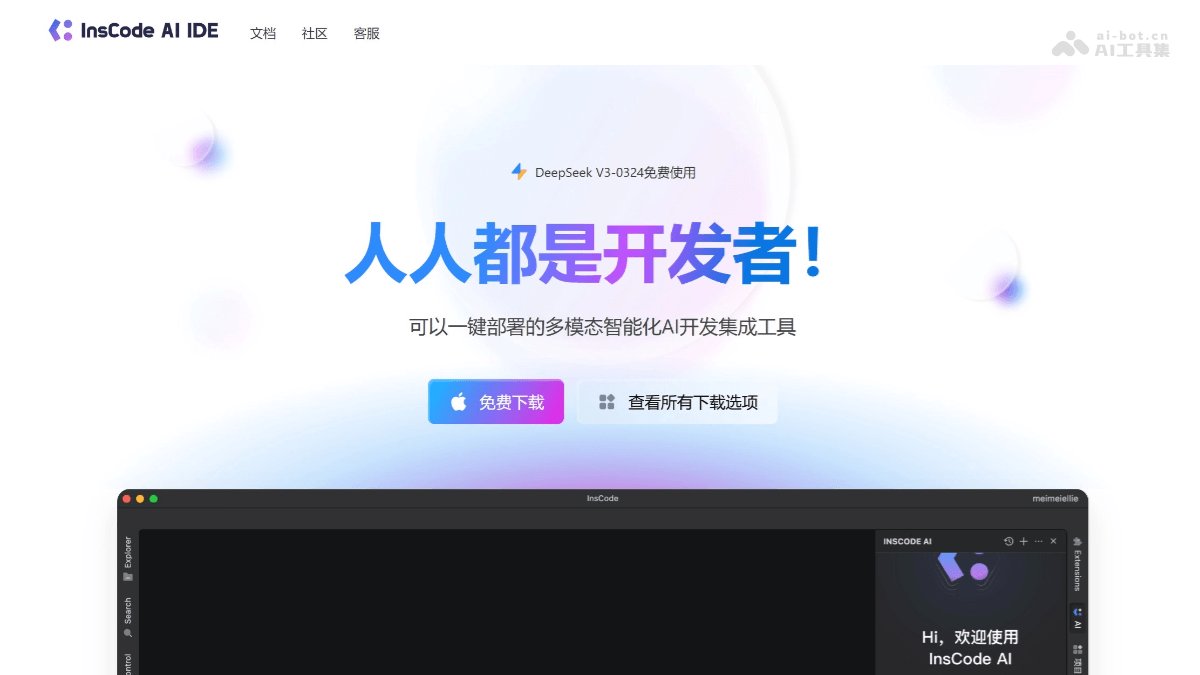
Main features of InsCode AI IDE
- AI code generation: Based on an embedded AI dialog, developers describe requirements in natural language, and the AI automatically generates the corresponding code.
- Code completion: Provides intelligent completion suggestions while writing code, supports single-line and multi-line code completion, and improves coding efficiency.
- Intelligent Q&A: Users interact with the IDE through natural conversation to get help with code analysis, syntax guidance, optimization suggestions, and writing test cases.
- Code explanation: Quickly explains code logic and helps developers understand code structure and functionality.
- Code comments: Supports quickly adding code comments, improving code readability and maintainability.
- Unit test generation: Automatically generates unit test cases for code, improving code quality and test coverage.
- Error fix suggestions: Analyzes code and provides modification suggestions to help developers fix errors in the code.
- Editing, building, and debugging: Provides a fast source code editor, supports multiple languages, has features such as syntax highlighting, bracket matching, and automatic indentation, and integrates code completion, code navigation, code refactoring, and an interactive debugger.
- Custom IDE: Users can customize every feature of the IDE according to their preferences, adapting it to their personal development habits.
- Language and framework support: Built-in support for languages such as Java, JavaScript, and TypeScript, as well as excellent tool support for web technologies such as HTML, CSS, SCSS, and JSON.
- Powerful and extensible architecture: Combines the advantages of web, local, and language-specific technologies, and supports developers in building and using extensions to customize the edit-build-debug experience.
- Open VSX plugin ecosystem: Supports the Open VSX plugin ecosystem and encourages developers to contribute and use plugins to enhance IDE functionality.
How to use InsCode AI IDE
- Download and install: Visit the InsCode AI IDE official website https://inscode.csdn.net/ide . Download the corresponding installation package according to your operating system (Windows, macOS, or Linux) and complete the installation.
- Start the IDE: After installation is complete, start InsCode AI IDE.
- Create or open a project: Create a new project or open an existing project. To create a new project, select the project type and the required configuration.
- Configure the project: Configure project settings as needed, such as build tools and runtime environment.
- Write code: Write code using the IDE's editor. Use AI features such as code generation and completion to improve development efficiency.
- Using AI features:
- Code generation: Generate code by entering natural language descriptions in the embedded AI dialog box.
- Code completion: Use the completion suggestions provided by AI while writing code.
- Intelligent Q&A: Get programming help through natural conversation.
- Code explanation: Use the IDE's features to understand complex code segments.
- Add comments: Quickly add comments to code.
- Generate unit tests: Automatically generate unit test cases.
- Fix errors: Use the IDE's analysis features to fix code errors.
- Build and debug:
- Compile and build the project using the IDE's build tools.
- Use debugging tools to step through code and inspect variables and the call stack.
- Version control integration: If the project uses a version control system (such as Git), perform version control operations directly in the IDE.
- Customize the IDE: Adjust the IDE's appearance and behavior according to personal preferences, such as themes, shortcuts, and plugins.
- Extensions and plugins: Explore and install extensions to enhance the IDE's functionality, such as support for new languages or frameworks.
- Save and back up: Save your work regularly, and use the IDE's backup feature to save the project.
Application scenarios of InsCode AI IDE
- Rapid development: Use AI code generation and completion features to quickly implement functional modules and shorten the development cycle.
- Code maintenance: Code explanation and intelligent Q&A features help understand existing codebases and maintain and upgrade legacy systems.
- Education and learning: Students and novice developers learn programming languages and best practices.
- Code quality improvement: Improve code quality and stability based on automatically generated unit tests and error fix suggestions.
- Multilingual development: InsCode AI IDE supports multiple programming languages and is suitable for large projects that need to use multiple languages and technology stacks.