

What is Kiro
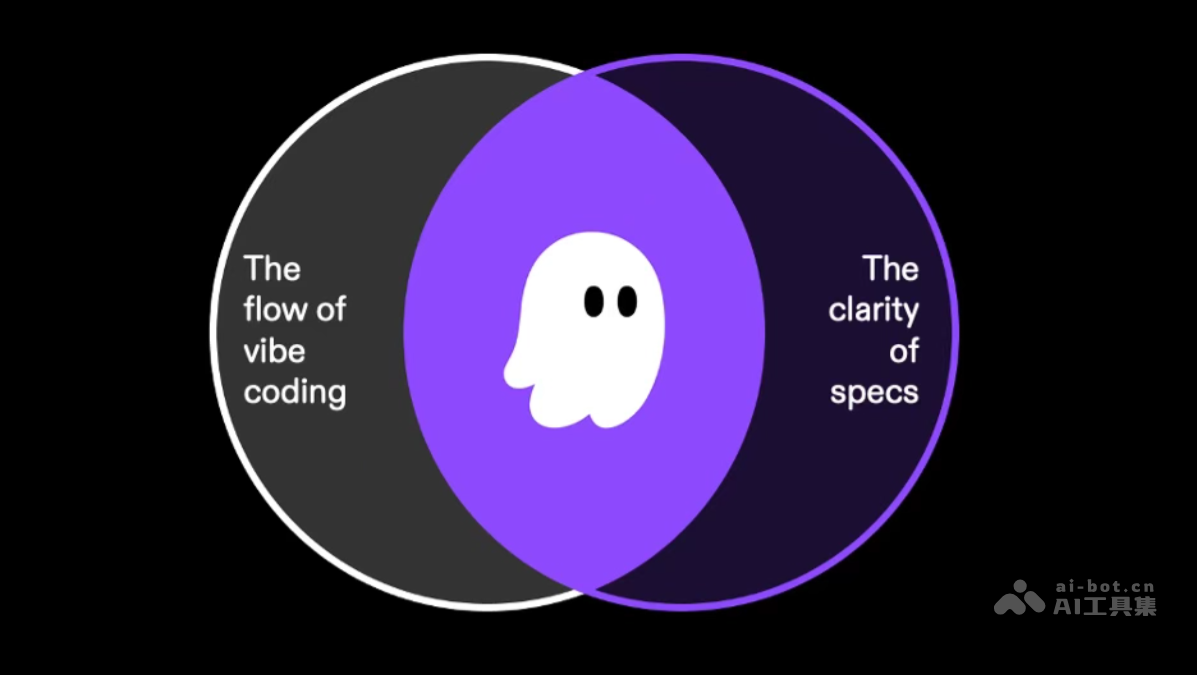
Kiro is launched by Amazon AI IDE, helping developers efficiently deliver from concept to development. Kiro simplifies the development process through two core modes: Specs (Specification) and Hooks (automation triggers). Kiro specs: chat first, then build, can break down requirements into user stories, design documents, and technical tasks, making development goals clear and traceable; Kiro hooks: plan first, then build, prioritize creating required documents and designs, and through event-driven automation, automatically complete repetitive tasks such as test updates and document refreshes, improving development efficiency and reducing errors. Kiro supports multiple programming languages and plugins, is compatible with VS Code settings, and provides a complete AI programming experience. Kiro is in the preview stage and is currently completely free; users can use the Claude-Sonnet-4 and Claude-Opus-4 models for free.
Kiro's main features
-
Requirements management (Specs): Break down vague requirements into specific user requirements, supplement boundary conditions, generate development guidance manuals, and keep requirements and code in sync.
-
Automated development (Hooks): Automatically update test files, refresh documents, scan for security issues, and validate code standards.
- Integration and extension: Supports Model Context Protocol (MCP) to connect professional tools, provides guidance rules and agent chat features, and meets diverse development needs.
- Compatibility and user experience: Built on Code OSS, retains VS Code settings and plugins, supports multiple platforms and mainstream programming languages, and seamlessly integrates into existing development environments.
-
Preview code changes: When executing tasks, the Follow button supports previewing code changes, leaving the choice to the user.
- Instant undo of changes: If something seems wrong, you can immediately click the Revert button to undo it and avoid errors.
- Agentic Chat: Perform instant programming tasks in context.
How to use Kiro
- Visit the official website and download: Visit the Kiro official website kiro.dev and download the Kiro installation package suitable for your operating system.
- Install Kiro: Run the downloaded installer and follow the prompts to complete the installation.
- Register and log in: Open the Kiro IDE, choose a login method (such as a Google or GitHub account), and complete registration or login.
- Create or import a project: Create a new project or import an existing codebase in the Kiro IDE.
- Use Kiro's core features:
- Specs: Enter a requirements description, and Kiro automatically generates user stories, design documents, and tasks.
- Hooks: Set automation triggers, and Kiro automatically executes tasks when files are saved, such as updating test files or documents.
- Start development: Develop using Kiro's code editing and AI features, and complete tasks step by step.
- Commit code: Commit code using Kiro's Git integration features, and automation triggers automatically perform security and standards checks.
Kiro's application scenarios
- Rapid prototyping: Quickly turn concepts into runnable prototypes, suitable for startup teams or individual developers to quickly validate ideas.
- Complex system development: Help teams from requirements analysis to design, implementation, and then deployment, ensuring a clear and efficient development process for complex systems.
- Secure application development: Use Kiro's automation triggers and best practices to rapidly develop secure applications, such as an encrypted file-sharing system.
- Game Development: Developers who are not skilled in game development can rapidly build game logic and features.
- Team Collaborative Development: Through specifications and automation triggers, ensure that team members follow the same code standards and development processes, improving collaboration efficiency.

