

What is TRAE
TRAE is an integrated AI platform launched by ByteDance that covers the entire development and office workflow. Currently, TraeWork and TraeCode have officially merged, integrating into the all-new TRAE, deeply integrating AI capabilities, and providing both Agent and IDE modes. Agent mode can automatically advance the entire process from natural language requirement breakdown to code generation, testing, and delivery, and supports multi-agent parallelism; IDE mode retains the traditional development experience such as a complete editor, debugging, Git, and plugin ecosystem. The platform covers synchronization across desktop, Web, and mobile, has built-in multi-model and custom agents, and includes security capabilities such as privacy mode and sandboxed execution, enabling both beginners and professional developers to efficiently turn ideas into usable products.
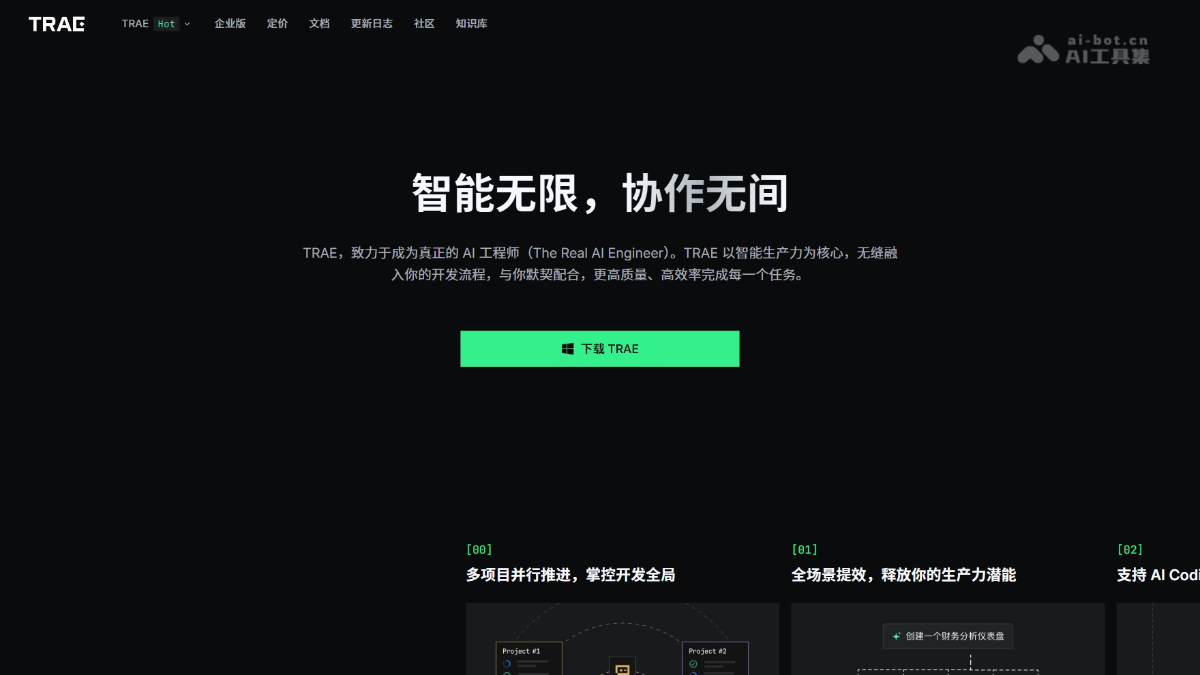
TRAE's main features
- Agent Mode: Describe requirements in natural language, and the AI agent automatically breaks down tasks and advances code generation, testing, and delivery, supporting multi-Agent parallelism.
- IDE Mode: Retains a complete editor, terminal, debugging, plugins, and Git workflow, suitable for fine-grained control over code changes.
- SOLO Mode: AI-led development, which automatically plans and executes the entire process after requirements are entered via natural language or voice.
- Intelligent Code Completion (CUE): Provides code completion, multi-line modifications, change point prediction, intelligent imports, and rename suggestions.
- Custom Agents: Configurable prompts, MCP Server, and tool sets to create dedicated Agents adapted to different tasks.
- Full-chain Project Management: From requirement breakdown and solution generation to deliverable delivery, automated tasks and a template library make repetitive work start with one click.
- Unified Artifact Management: Results such as code, documents, PPTs, and images are unified in "My Artifacts" for review and iteration at any time.
- Intelligent Code Review: Generates summaries, flowcharts, and diff views for uncommitted changes, a single commit, or branch differences.
- Remote Development: Supports Remote SSH and WSL connections to remote hosts, and also supports cloud-based continuation of time-consuming tasks.
- Three-end Synchronization: Data is interconnected across desktop, Web, and mobile, and tasks continue seamlessly across devices.
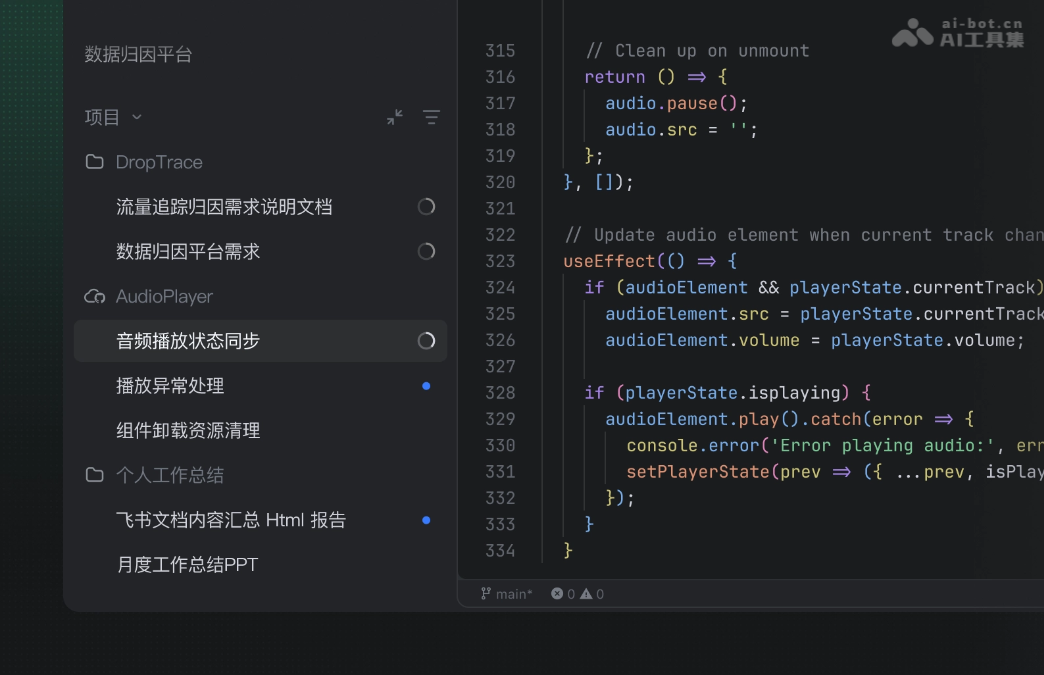
How to use TRAE
- Download and Install: VisitTRAE official website(international website: trae.ai), download the client, and install it on your operating system (supports macOS 10.15 and above, Windows 10 and 11).
- Launch and Log In: Launch TRAE IDE, register an account, and log in.
- Create or Import a Project: Create or import a project by importing a local folder, cloning a repository from GitHub, or cloning directly from a Git repository URL.
- Choose a Work Mode: According to development needs, choose to use IDE mode or SOLO mode. SOLO mode lets AI lead the development process, while IDE mode retains more control.
- Use the AI Assistant: Interact with the AI assistant in side chat or inline chat to get coding help, code explanations, error fixes, and more.
- Manage Plugins: Install, disable, or uninstall plugins as needed to extend TRAE's functionality.
- Privacy Settings: If needed, enable privacy mode to prevent TRAE from storing or using chat interaction content.
- Code Writing and Editing: Use TRAE's intelligent programming tools, such as CUE, to assist with code writing and editing.
- Handling Code Changes: Accept or reject code changes generated by the AI assistant, and manage code modifications in the project.
- Model Management: Switch between different AI models as needed, or add custom models to meet specific needs.
- Explore More Features: Use features provided by TRAE, such as agents and context understanding, to further improve development efficiency.
TRAE Product Pricing
- TRAE China Edition
- TRAE Personal Edition: Individual users can use all features of the China Edition for free, including integrated domestic AI models (such as Doubao, DeepSeek, etc.) and basic features such as code generation and intelligent completion.
- TRAE Enterprise Edition:
- Seat Fee: 69 yuan per seat per month. Benefits includeQ&A (Agent / Chat / Builder) 500 times per month.Completion, InlineChat, Fast Apply, AI Fix, unlimited times.
- Pay-as-you-go Billing: When the resource usage of members within the enterprise exceeds the quota in the package, pay-as-you-go billing needs to be enabled. It adopts postpaid billing by the hour, and there is an hourly delay in billing.
-
Billing Formula: Doubao model service fee = usage of input Tokens × unit price of input Tokens + usage of output Tokens × unit price of output Tokens.
-
- TRAE International Edition
-
Free: Free edition, providing 10 fast requests and 50 slow advanced model requests, 1,000 advanced model requests, and unlimited monthly automatic completions.Pro: Pro edition, $3 for the first month, then $10 per month. It provides 600 fast requests and unlimited slow advanced model requests, 300 additional fast requests (limited-time offer), unlimited advanced model requests, and unlimited automatic completions.
-
TRAE's Core Advantages
- Dual-end Integration, One Entry Point: After TraeWork and TraeCode are merged, there is no need to distinguish between office and coding entry points; the unified platform handles continuous tasks from idea to delivery.
- Seamless Switching Between Agent + IDE: AI can advance complex tasks globally, and you can switch to the editor at any time to deeply refine code. The two modes share data.
- Full-process Closed-loop Capability: Covering requirement breakdown, solution generation, code development, test verification, and deliverable delivery, AI not only "can answer", but can also "get things done".
- Multi-Agent Parallel Scheduling: Multiple agent tasks can be managed simultaneously, advancing collaboratively across projects and environments (local/SSH/cloud).
- Low Barrier to Entry, High Ceiling: Beginners can create a runnable Demo with a single idea, and professional developers can finely control every development step.
- Seamless Collaboration Across Three Ends: Start on desktop, check progress on mobile, continue development on Web. The task chain is not interrupted by device switching.
- Asset-based Accumulation of Deliverables: All deliverables uniformly enter "My Deliverables". AI collaboration results can be reviewed, displayed, and iterated.
- Open Ecosystem: Supports VS Code plugin extensions, MCP Server, and API Key access to custom models, adapting to diverse technology stacks.
Comparison of TRAE with Similar Competitors
| Comparison Dimension | TRAEByteDance | Cursor |
|---|---|---|
| Product Positioning | Full-chain development platform: dual-mode Agent + IDE, covering everything from idea to delivery | AI-native code editor, focused on the in-editor coding experience |
| Product Form | Dual form (Agent window + IDE window), three-platform sync: desktop / Web / mobile | Single desktop IDE (VS Code fork) + CLI + Cloud Agents |
| AI Mode | SOLO mode where AI leads the entire workflow; IDE mode for fine-grained control; multi-Agent parallel scheduling | Composer/Agent mode; Tab super-completion predicts the next edit |
| Unique Highlights | Builder builds apps from scratch, voice interaction, unified artifact management | Design Mode visual UI editing, Bugbot automatic code review |
| Codebase Understanding | Context relevance degrades for large projects after about 50 files | Better Full-repository indexing, dependency mapping for 500,000+ lines, reliable for large-scale refactoring |
| Model Support | Built-in multiple models (Claude/GPT/DeepSeek/Gemini) + custom API Key | Multi-model switching (OpenAI cuts off GPT series from 2026-11) |
| Chinese Language Adaptation | ExcellentDomestic tools have a deeper understanding of Chinese prompts | AverageComplex Chinese prompts are prone to errors |
| Plugin Ecosystem | Compatible with VS Code extensions, ecosystem still being built | Better Full VS Code ecosystem compatibility, high plugin maturity |
TRAE Application Scenarios
- Code Writing and Editing: Use TRAE's AI assistant for automatic code completion and error fixing, improving coding efficiency and accuracy.
- Project Management: Use TRAE to manage project files, version control, and task assignment, simplifying the project management process.
- Intelligent Q&A and Learning: While writing code, get code explanations, comments, and error-fixing suggestions by conversing with the AI assistant, accelerating the learning process.
- Code Review and Optimization: Use TRAE's intelligent analysis tools for code review, identifying potential issues and proposing optimization suggestions.
- Automated Testing: Use TRAE to automatically generate test cases, execute tests and analyze results, improving testing efficiency.

