

What is CodeBuddy IDE
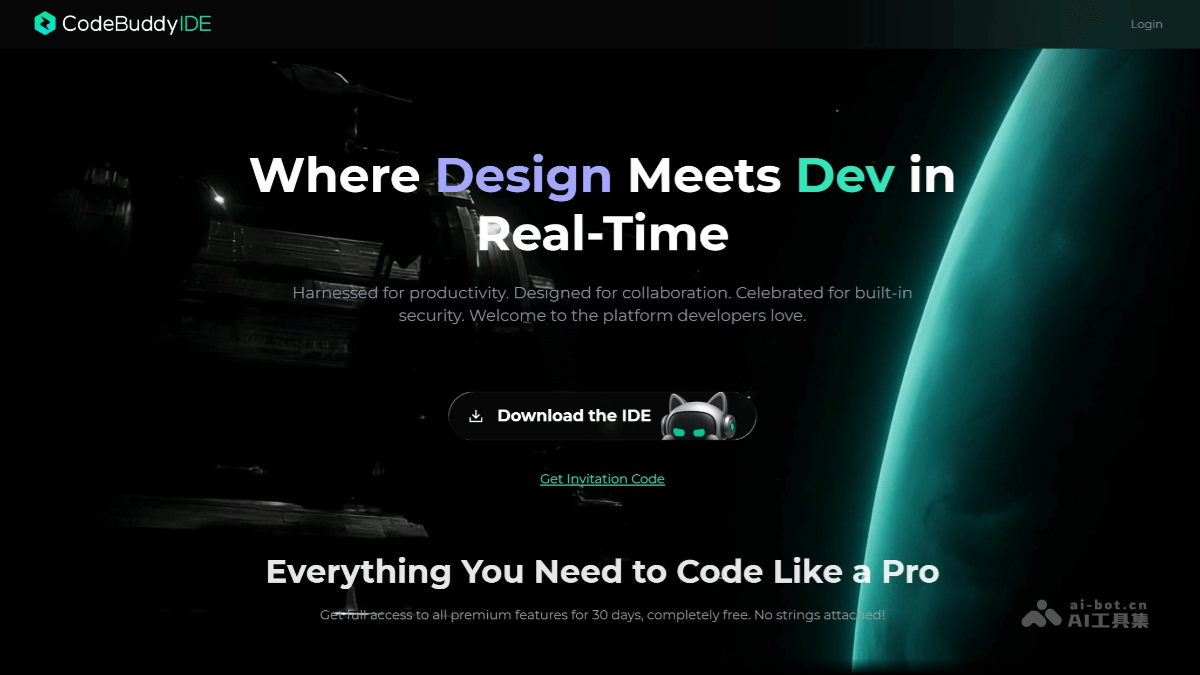
CodeBuddy IDE is a full-stack development tool launched by TencentAI IDE, integrating the entire process of product design, R&D, and deployment into one, delivering a one-stop service from requirements planning to launch and delivery. Users only need to describe their requirements in natural language, and CodeBuddy can automatically generate structured PRD documents, interactive prototypes, frontend code, and backend services, with support for one-click deployment and launch. The international version integrates mainstream large models such as Claude, GPT,Gemini , etc.; the domestic version supports Chinese models such as Tencent Hunyuan and DeepSeek, and features powerful AI programming assistance capabilities, including intelligent code generation, real-time continuation, and inline chat. CodeBuddy IDE greatly improves development efficiency and lowers the development barrier, enabling users without a technical background to quickly turn ideas into actual products. It is an efficient AI development platform for product managers, designers, developers, and independent developers.
Main features of CodeBuddy IDE
- Clarify requirements and output a PRD: Input in natural language to automatically generate a structured PRD document, covering feature lists, page flowcharts, field suggestions (such as order status, user ID), API drafts, and more.
- Seamless connection between design and development: The output documents are passed directly to the design or development team, achieving a seamless connection.
- Natural language generation:Describe the requirements in one sentence to generate an interactive prototype.
- Image-based generation: Upload a hand-drawn sketch or a reference webpage screenshot, and AI intelligently recognizes the structure and restores it into a design mockup.
- Component-based generation: Select component libraries such as TDesign, MUI, and Shadcn to automatically assemble page designs that conform to specifications.
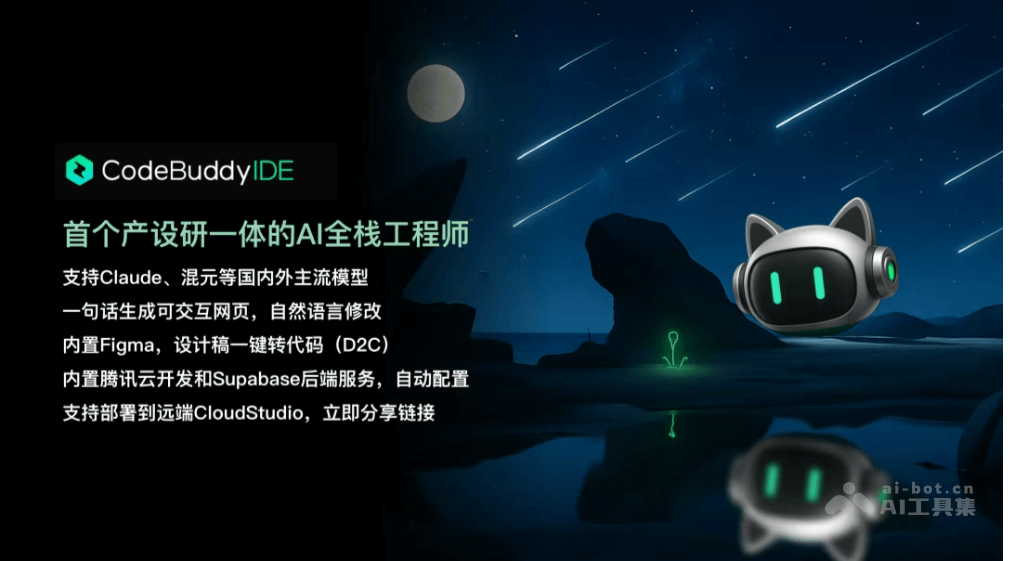
- Built-in Figma code generation: Built-in Figma extracts information directly from design mockups and generates maintainable HTML source code with one click.
- Multi-platform adaptation: Supports generating versions adapted to multiple platforms such as Web, iOS, and Android, with a unified style.
- Backend development: Built-in Tencent Cloud Development CloudBase and Supabase (international version only) services, supporting automatic configuration and generation of backend requirements such as cloud databases and user authentication.
- No manual configuration required: Developers can complete the setup of core functions without manual configuration.
- Launch and deployment: Supports one-click deployment to the remote end via CloudStudio, generating an accessible link for quick trials and feedback.
How to use CodeBuddy IDE
- Register and log in: Visit the CodeBuddy IDE official website https://www.codebuddy.ai/,申请体验资格。
- Install: After obtaining beta access, download and install CodeBuddy IDE from the official website.
- Log in: Complete registration and log in as prompted.
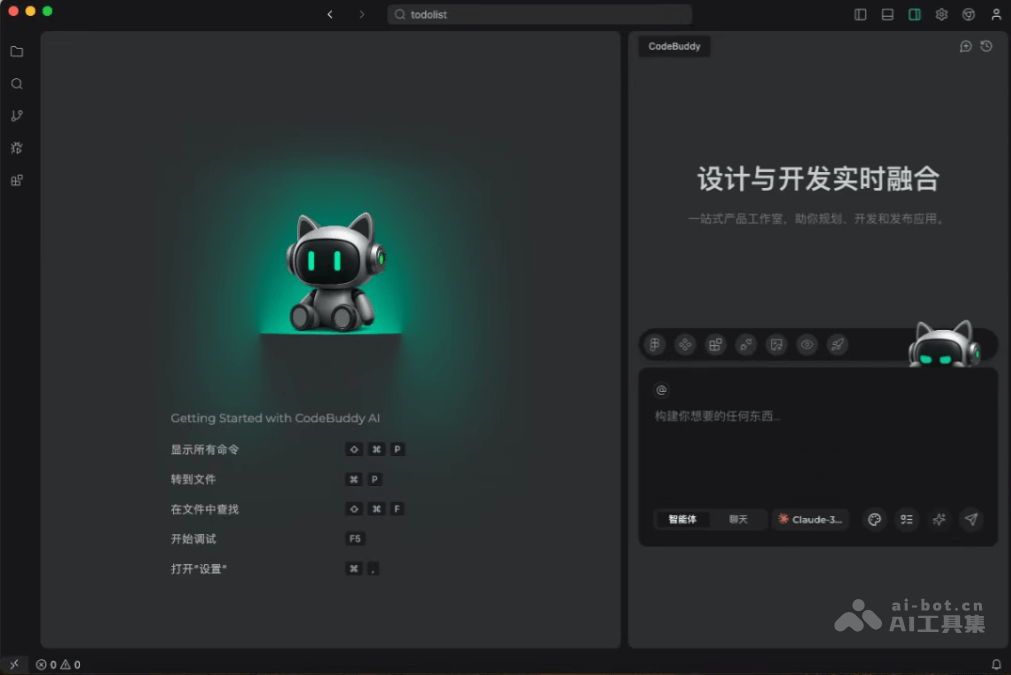
- Enter Plan mode: Select "Plan" mode and enter a natural language description of the requirements.
- Generate a PRD document: AI automatically breaks down the requirements and generates a structured PRD document, including feature lists, page flowcharts, field suggestions, API drafts, and more.
- Optimize the PRD: If needed, use the "Prompt optimization" feature to further improve the document.
- Design stage: Use natural language, upload sketches, or select component libraries to generate design mockups, and use instructions to optimize the style.
- Frontend development: Use the built-in Figma to generate multi-platform-adapted HTML source code from design mockups.
- Backend development: Automatically configure backend requirements with the help of built-in BaaS services, and quickly build core functions.
- One-click deployment: Deploy the project to the cloud platform and generate an access link for the team to try.
Application scenarios of CodeBuddy IDE
- Software development companies: Software development companies quickly complete project delivery. Low-code development allows people without a technical background to participate, improving efficiency and customer satisfaction.
- Startups: Startups quickly generate product prototypes, validate market response, achieve agile development, and save time and cost.
- Large enterprises: Large enterprises achieve efficient cross-department collaboration, promote digital transformation, and quickly develop internal tools and applications.
- Educational institutions: Educational institutions use Genie IDE in teaching, allowing students to quickly master the full-process development, improve practical skills, and simulate an enterprise-level development environment.
- Individual developers: Individual developers quickly realize ideas without writing code from scratch, and learn best practices through the generated code.

