
The browser, as our key vessel to the ocean of the internet, has also deeply integrated with AI, giving rise to highly innovative and transformative AI browsers. It is not merely a simple web browsing tool; built-in AI models turn the browser into a wise guide and considerate assistant. This article will introduce 10 free AI browser applications that can accurately discern users' search intent and present the most fitting massive amounts of information at lightning speed; they can proactively push personalized content based on users' browsing preferences, completely overturning the traditional browsing experience and moving toward a new, smarter, more efficient, and safer internet era.
Comet
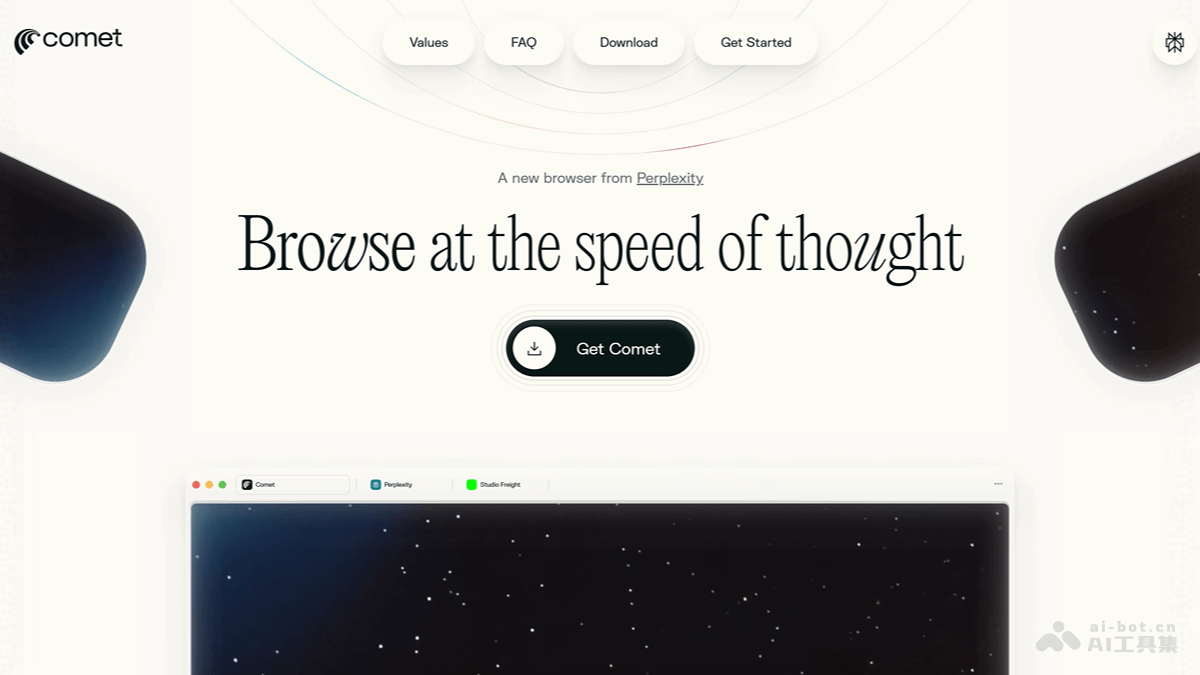
Comet It is an AI browser launched by Perplexity AI. Built on Chromium, it deeply integrates Perplexity's AI search tools and assistant into the browser. At the core of Comet is Comet Assistant, a built-in AI assistant that can understand page content and execute tasks. It supports real-time page summarization, multilingual translation, email and calendar integration, and can automatically manage tabs and provide personalized search suggestions. Comet's goal is to make AI the native interface of the internet, allowing users to gain a smarter and more efficient experience while browsing web pages.
🚀Product Highlights
-
AI Search Engine Integration: Comet has the Perplexity AI search engine built in, supports natural language queries, and can directly output answer summaries with citations rather than traditional link lists. Users can obtain precise information without jumping between multiple tabs.
-
Comet Assistant Sidebar Assistant: It is one of Comet's core features. It can understand web page content in real time, interpret context, and execute complex tasks such as booking hotels, sending emails, and purchasing products. It can automatically summarize web page content, answer questions, analyze pages, extract key elements, and automatically translate.
-
Workspaces Instead of Tabbed Browsing: Comet abandons the traditional tabbed interface and concentrates all related content in a single workspace, avoiding the trouble of users switching back and forth between tabs.
-
Automated Task Flows: Comet can automatically perform a series of tasks, such as booking restaurants, sending emails, comparing prices, and recommending schedules, turning the browser into a proactive intelligent assistant.
-
Smart Tab Management: AI automatically groups users' tabs based on relevance, making it convenient for users who multitask or research multiple topics at the same time.
-
Voice Interaction Capability: Comet supports voice search or voice commands to control web pages, and users can complete operations through voice instructions.
💻Supported Devices
- Supports macOS and Windows systems.
ChatGPT Atlas
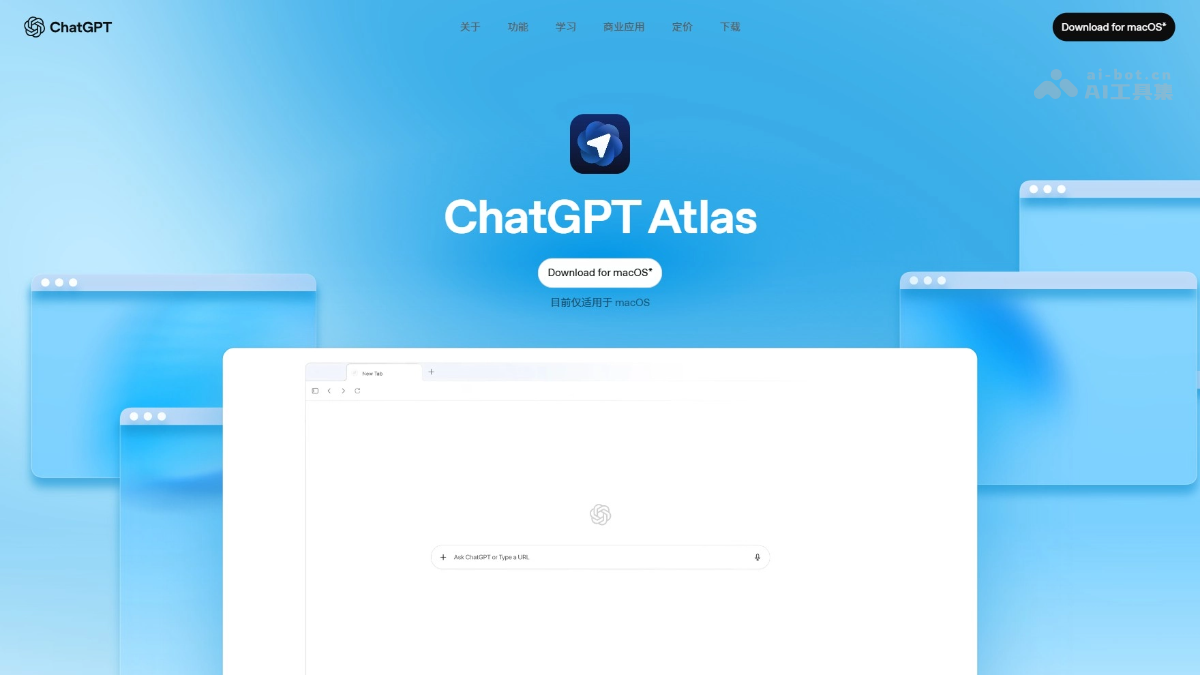
ChatGPT Atlas It is an AI-native browser launched by OpenAI, with ChatGPT at its core, deeply integrating AI functions into the browsing experience. Users can click the "Ask ChatGPT" button on any web page to bring up the sidebar, and ChatGPT automatically obtains the page context, allowing summarization, analysis, or editing without copying and pasting. It records users' browsing history and operational behavior, helps users recall content they previously viewed, and can generate summaries or analyses based on history. In Agent mode, users can delegate complex tasks to ChatGPT, such as booking restaurants, planning itineraries, and editing documents.
🚀Product Highlights
-
Native ChatGPT Integration: ChatGPT Atlas deeply integrates ChatGPT functions into the browser. Users do not need to jump to the ChatGPT interface; AI can directly respond, explain, and execute tasks within web pages.
-
Sidebar Interaction: Users can wake up the AI assistant by clicking the sidebar icon while browsing web pages. It automatically understands the content and context of the current page, so users do not need to manually copy and paste, and can have the assistant summarize articles and answer questions.
-
Browser Memory Feature: Records the user's browsing history and operation behavior, enabling ChatGPT to provide more personalized suggestions, such as continuing to research holiday gifts based on products the user has browsed, or summarizing industry trends from recently viewed job information to prepare for interviews.
-
Agent Mode: After obtaining user authorization, the browser can perform actual operations on behalf of the user based on browsing history and query intent, including booking flights, editing documents, online shopping, etc. However, this feature is currently only available to paying users.
-
Privacy Protection: Users can finely manage memory content through settings and independently control the storage and scope of use of data, balancing personalized services and information security.
💻Supported Devices
Currently only supports Apple macOS. Windows, iOS, and Android versions are under development and are expected to be launched in the coming months.
Quark
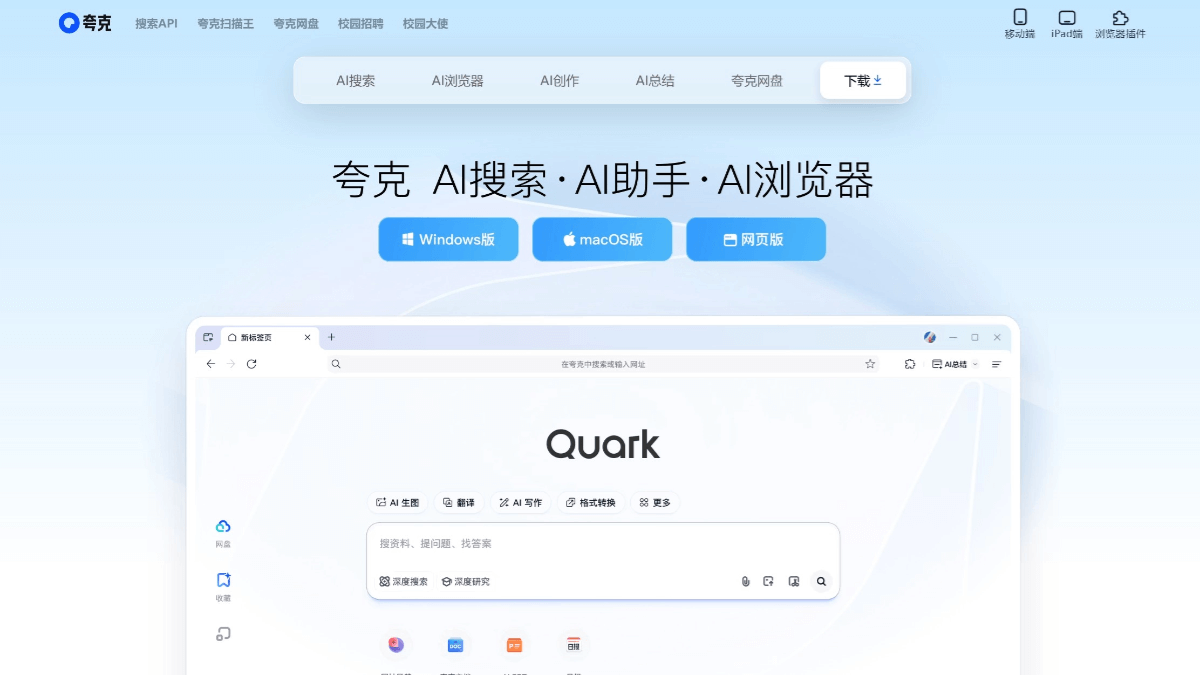
Quarkis an intelligent search browser under Alibaba. With lightness and speed as its core, it has a minimalist design style and focuses on user information services. The search engine is based on Alibaba's self-developed AI technology and can provide an extremely fast, intelligent, secure, and efficient search experience. Quark Browser has a simple interface, no push notifications, and no information feed, returning to the essence of a browser. It features an AI engine, AI image search, powerful ad blocking, bookmark cloud sync, and provides voice search and voice control functions. Quark Browser provides efficient features such as cloud drive, AI Scanner King tool, and novel reading.
🚀Product Highlights
-
Ultra-fast AI Search: Based on Alibaba's self-developed AI technology, it provides an extremely fast, intelligent, and efficient search experience, supports intelligent predictive analysis and search direct access functions, and can quickly display search results.
-
Powerful Privacy Protection Features: Provides incognito mode, privacy settings, anti-tracking features, and malicious website warnings, etc., protecting user privacy in all aspects.
-
Powerful Ad Blocking: Built-in ad blocking function can block ads on most sites, providing users with a cleaner browsing environment.
-
Multi-function Integration: Provides Quark Cloud Drive, AI Scanner King tool, novel reading, video speed playback, and other functions.
-
Convenient File Management: Supports automatic file classification, compression and decompression, junk cleaning, and other functions, with built-in tools such as PDF conversion, e-book reading, and ID photo scanning.
💻Supported Devices
-
Mobile:
-
Android Devices: Supports devices running Android 4.4 and above. Users can download and install it from the Google Play Store, or download the APK file from the official Quark Browser website for manual installation.
-
iOS Devices: Supports models from the iPhone 6s series to the latest iPhone series, as well as various iPad models including iPad Air, iPad mini, iPad Pro, and the latest iPad, and requires iOS 13.0 or later. Users can search for "Quark" in the App Store to download it.
-
-
Computer:
-
Windows System: Supports Windows 7 and above. Users can download the installation package from the official Quark Browser website to install.
-
macOS: Supports macOS. Users can download the installation package from the official Quark Browser website to install.
-
-
Web Version: Supports the web version. Users can access it directly through a browser on any device and any operating system:https://quark.cn。
Tabbit
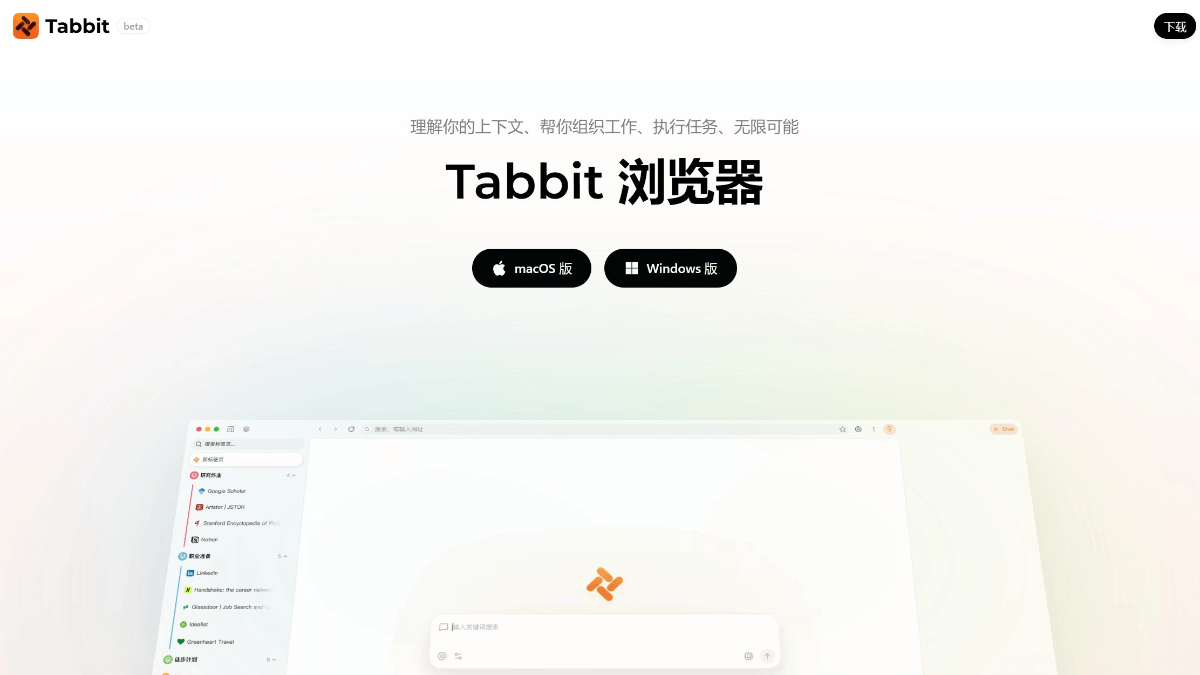
TabbitIt is an AI-native browser launched by Meituan's Guangnian Zhiwai team. It supports an intelligent agent mode that can automatically complete web operations, such as cross-system data transfer, form filling, in-depth research, data aggregation, etc., helping users save time on repetitive work. It integrates the address bar, search box, and AI chat functions, and supports multimodal input (such as screenshots, tabs, local files, etc. as context). Users can ask the AI questions or assign tasks directly through natural language instructions, and the AI will provide precise answers based on the context. It integrates mainstream domestic and international large models such as DeepSeek, GLM, Kimi, Tongyi Qianwen (Qwen), Doubao, and MiniMax. Users can freely switch models according to their needs to meet usage requirements in different scenarios. Tabbit Browser supports both macOS and Windows platforms.
🚀Product Highlights
-
AI Agent Truly Executes: It is not just conversational Q&A; it can automatically open web pages, fill out forms, and operate across platforms, completing complex tasks in an independent tab group to achieve "autopilot"-style browsing.
-
Free Aggregation of Multiple Models: Built in with top domestic large models such as DeepSeek-V3.2, Kimi-K2.5, and Qwen3.5-Plus, all free during the public beta, with one-click switching and no additional payment required.
-
Accumulate Workflows with Smart Tricks: Save high-frequency prompts and formatting specifications as personalized "smart tricks." Enter "/" to invoke them instantly, turning personal experience into reusable assets.
-
Zero-Code Script Customization: Generate scripts by describing requirements in natural language, enabling web page purification, resource extraction, and interface modification with no technical threshold.
-
Vertical Tab Revolution: Vertical display in the sidebar + intelligent automatic grouping, saying goodbye to top tab clutter and multiplying clarity and focus.
-
Independent Task Space: Agent tasks run in independent tab groups without interfering with daily browsing, executing silently in the background and proactively notifying upon completion.
-
One-Click Seamless Migration: Supports one-click import of all data from Chrome, Safari, and Edge, enabling zero-cost switching and lowering the barrier to trying it.
-
User Control Over Private Data: Committed to complete user data autonomy, not harvesting personal information, with control always remaining in the user's hands.
-
Native AI Architecture: An AI-native browser rebuilt from the ground up, rather than a traditional browser with plugins added, for a smoother and more natural experience.
💻Supported Devices
-
macOS: Supports macOS 12 and above, requires an Apple M1 chip or higher (M1 Pro/Max/Ultra, M2/M3 series, etc.). Intel chip Macs are not currently supported.
-
Windows: Supports Windows 10 and above, with no special processor requirements, compatible with mainstream x86 architecture devices.
QBot
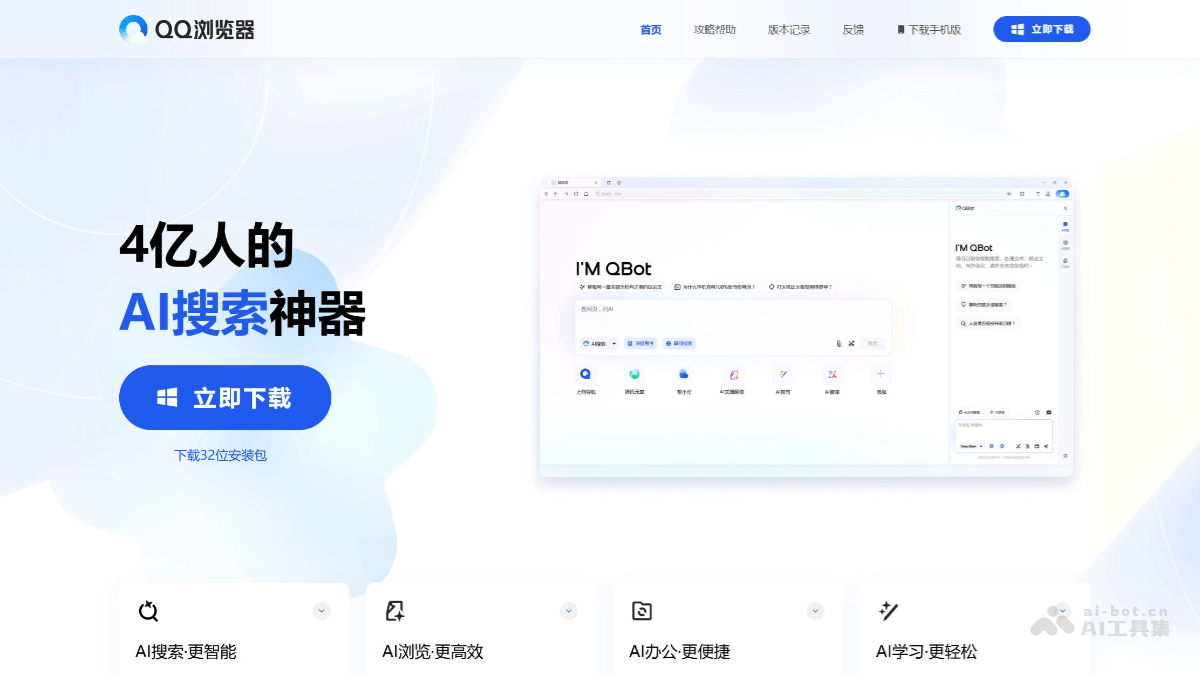
QBotIt is an intelligent assistant launched after Tencent QQ Browser was upgraded to an AI browser. It integrates Tencent's self-developed Hunyuan and DeepSeek dual models, and has five core functions including AI search, AI browsing, AI writing, AI office, and AI learning. AI search supports natural language Q&A and can provide precise answers by combining webpage content; AI browsing can quickly summarize webpage and document content; AI writing can generate clearly structured text. QBot introduces an Agent mechanism. The first batch of Agents in grayscale testing includes "AI Gaokao Tong", download assistant, update assistant, and stock assistant, etc., and can perform more complex tasks.
🚀Product Highlights
-
Powerful AI search functionality: Supports multiple search methods such as text, voice, and images, and can accurately understand user questions and quickly provide comprehensive and reliable answers. QBot supports two search modes: online and deep thinking. Users can enter their needs in the search box to invoke both AI search and webpage search results.
-
Efficient content processing capability: QBot can quickly interpret webpage content, summarize the full text, and generate mind maps, helping users efficiently obtain and understand information. It supports multimodal interaction and can perform intelligent interpretation, translation, mind map generation, summarization, and format conversion on webpages, documents (DOC/PDF), images (JPG/PNG), and screenshot content.
-
Rich AI function modules: Provides five core functions including AI browsing, AI office, AI learning, and AI writing. For example, in office scenarios, QBot provides file format conversion, document editing, table extraction, and other functions to improve office efficiency; in learning scenarios, it supports photo-based question search, multilingual translation, and knowledge point explanation to help users solve learning problems.
-
Intelligent Agent integration: Multiple Agents were launched in the first batch, such as "AI Gaokao Tong", download assistant, update assistant, stock assistant, etc., which can perform complex tasks and provide customized services, improving user efficiency in scenarios such as learning, tool use, and investment analysis.
💻Supported device ends
-
PC end: Users can visit the QQ Browser official website to download the latest version and enjoy the complete AI function experience.
-
Mobile end: Users can search for "QQ Browser" in the app store and update to the latest version to use QBot anytime and anywhere.
-
Invocation outside the client: Without opening QQ Browser, users can invoke QBot at any time through screenshots and other methods to perform content interpretation, text extraction, translation, or format conversion.
Edge Copilot
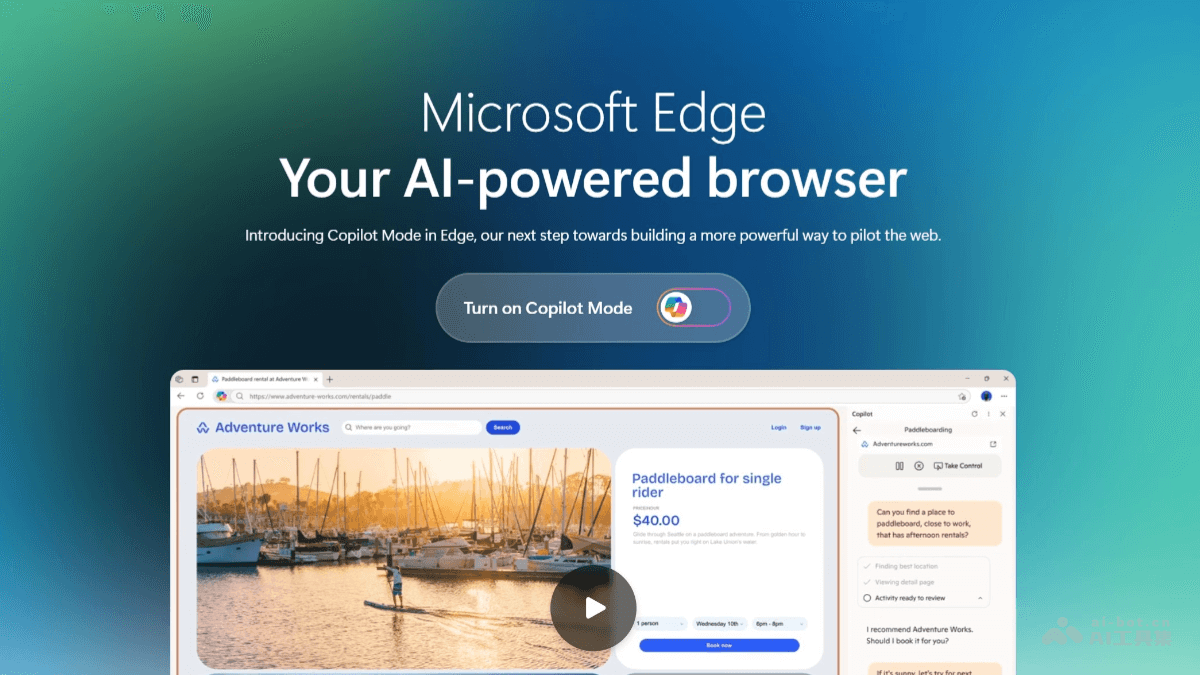
Edge Copilot It is an AI auxiliary function in Microsoft Edge browser, providing users with a more intelligent and convenient browsing experience. It can understand users' natural language instructions, quickly answer questions related to the current webpage content, and summarize the core points of long articles, videos, or PDF documents. Edge Copilot supports multi-tab collaboration and can view all tabs opened by the user, helping with information comparison and decision-making. It has voice interaction capability, allowing users to use voice instructions to have Copilot complete operations such as finding information and opening webpages.
🚀Product Highlights
- AI-driven intelligent browsing experience: Edge Copilot is known as the core function of the "browser in the AI era", transforming the browser from a traditional passive tool into an active collaborative assistant that can predict user needs and proactively organize information flows, optimizing search and browsing efficiency.
- Multi-tab contextual awareness: Copilot can simultaneously read and analyze the content of all open tabs, helping users complete complex comparison and summarization tasks.
- Multi-tab RAG technology (Retrieval-Augmented Generation): The technology allows Copilot to perform in-depth analysis, summarization, and reasoning on multiple tabs opened by the user.
- Copilot Vision feature: Copilot Vision can "see" the user's screen content in real time, scan and analyze web pages or desktop content, and provide instant suggestions through voice interaction.
💻Supported devices
- Edge Copilot mode is only supported on the Windows and Mac versions of the Edge browser.
Dia
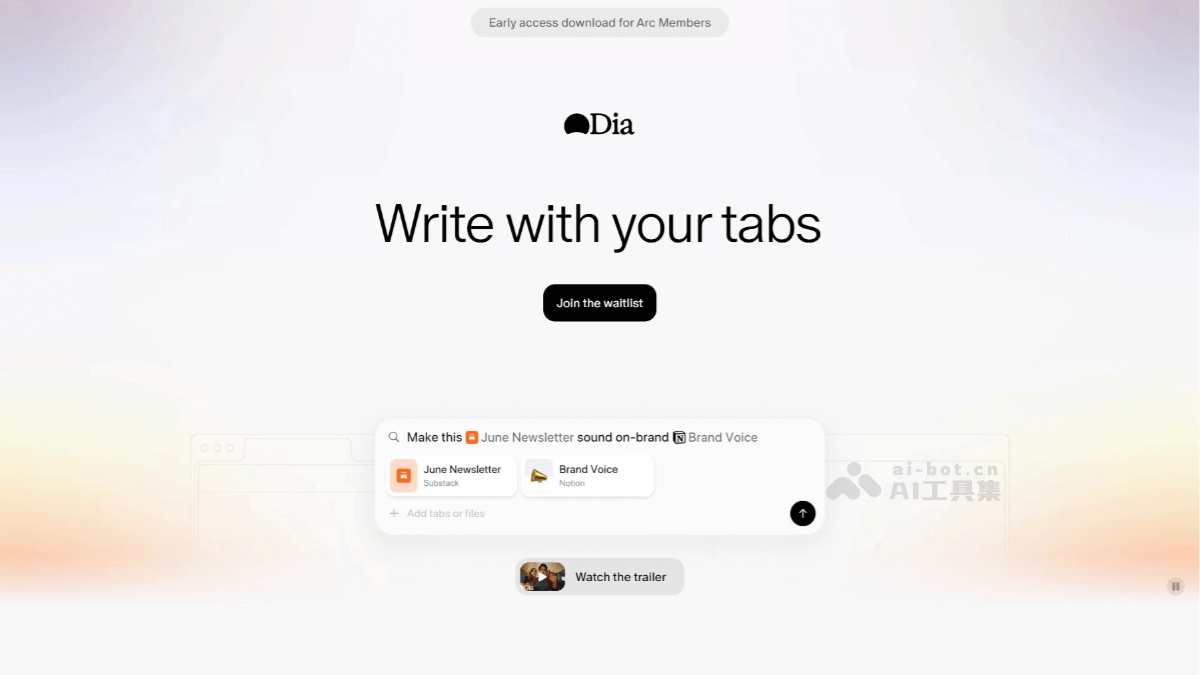
DiaIt is an AI-native browser launched by the Arc team, built on the Chromium architecture, and designed specifically for macOS 14 and above; currently it only supports that system. Dia's core feature is deeply integrating AI into the browser environment, providing intelligent interaction and content processing capabilities. It supports features such as chatting with tabs, inline text editing, instant summaries, and personalized shopping, and has image recognition capabilities. There is only one search box, and users can ask questions in natural language or directly converse with the AI. It supports features such as selecting text to ask questions and comparing multiple tabs, which can improve search and reading efficiency. Dia emphasizes privacy protection and allows users to customize their browsing experience.
🚀Product Highlights
-
Deep AI integration: The AI assistant is embedded directly into the browser environment, and can provide help such as answering questions and summarizing content based on what the user is currently browsing, understanding context and interacting in real time.
-
Multimodal content processing: It supports parsing and summarizing various content forms such as web pages, documents, videos, and audio. Users can send different types of files or media content to the AI assistant to quickly generate summaries.
-
Intelligent interactive experience: Users can enter questions or keywords in the URL bar, and the AI assistant will quickly provide relevant answers. It supports searching and getting answers directly after selecting text, simplifying the search process.
-
Multi-tab collaboration: Users can add the content of multiple tabs to the conversation context, allowing the AI assistant to comprehensively synthesize information from multiple sources, enabling collaborative analysis across multiple tabs and integration of information into reports.
-
Multitasking: It supports quick split-screen within the browser, with up to 4 screens at the same time, improving multitasking efficiency and making it convenient for users to handle multiple tasks simultaneously.
-
Personalization: Users can adjust the browser's response style according to their preferences, for example, imitating the way of thinking of a certain historical figure to answer questions, or setting the AI assistant's tone and style.
-
Smart cursor feature: Users can bring up the AI sidebar by selecting text or clicking the cursor for instant interaction, such as explaining, continuing, or rewriting, improving interaction convenience.
💻Supported devices
-
The Dia browser currently only supports macOS 14 and above. It requires a device equipped with an M1 chip or higher.
Genspark AI Browser
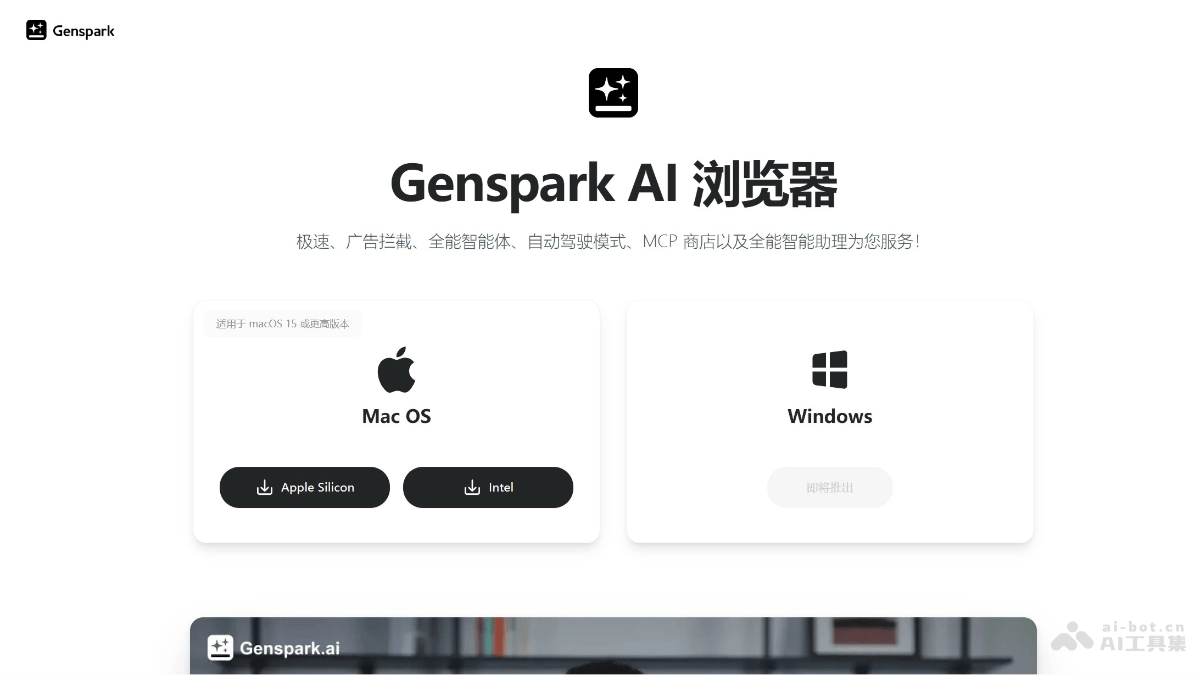
Genspark AI Browseris an innovative artificial intelligence browser launched by Genspark. Through its built-in super agent and autopilot mode, it can automatically complete complex web tasks such as information collection, price comparison searches, and report generation. The browser supports the MCP store and can connect to more than 700 tools such as Discord, GitHub, Notion, and Slack to achieve workflow automation. It has powerful ad-blocking capabilities and can provide users with an ad-free browsing experience.
🚀Product Highlights
-
Powerful super agent: Built-in super agent that can automatically perform complex tasks on various websites, such as automatically searching for the lowest prices across the web on e-commerce sites, comparing products, analyzing reviews, and more, helping users make wiser decisions.
-
Efficient autonomous driving mode: Users can set goals and let the AI automatically browse web pages, collect information, access databases, and complete multi-step tasks without manual operation.
-
Rich MCP store integration: Supports connecting to over 700 tools such as Discord, GitHub, Notion, Slack, and more to automate workflows.
-
Great ad-blocking experience: Automatically blocks banner ads, pop-ups, and intrusive ads, providing a cleaner and faster browsing experience.
-
Precise personalized service: By analyzing users' social network data, it automatically generates user profiles and provides more personalized and accurate responses.
💻Supported devices
- Supports macOS 15 and above.
BrowserOS
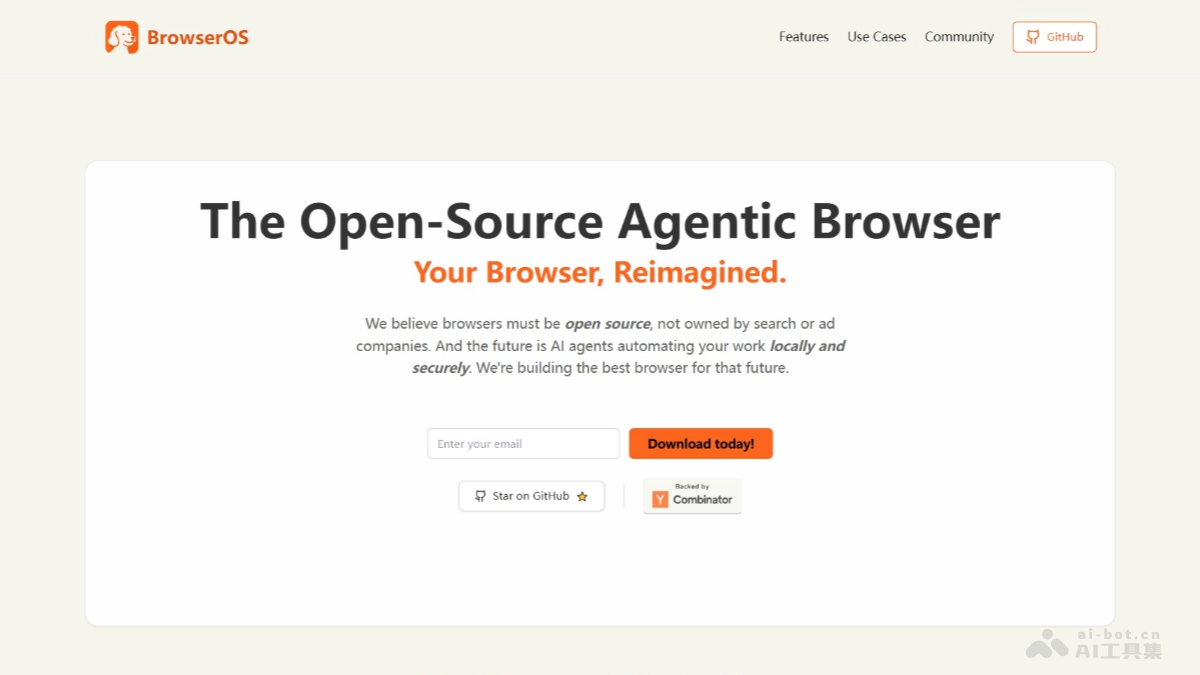
BrowserOS is an open-source intelligent AI browser developed based on Chromium, enhancing user privacy protection and productivity by running AI agents locally. It emphasizes privacy first, supports users using their own API keys or running local models through Ollama, ensuring data never leaves the device. BrowserOS provides an interface and extension compatibility similar to Chrome, with powerful AI features such as automated task processing, intelligent content analysis, and multi-model comparison.
🚀Product Highlights
-
Local AI agent support: Built-in AI agent functionality allows users to run automated tasks locally, such as meeting scheduling and form filling, without relying on cloud services, ensuring data never leaves the device.
-
Privacy-first design: Supports running local models with Ollama, keeping user data entirely on the device and avoiding privacy leak risks.
-
Open source and compatibility: Developed based on Chromium, 100% open source (AGPL-3.0 license), compatible with all Chrome extensions, providing a seamless transition for users.
-
Intelligent productivity tools: Built-in highlighting, ChatGPT bookmarks, and semantic search functionality, supporting intelligent retrieval of browsing history, bookmarks, and other content.
-
Multi-model integration: Supports mainstream AI models such as ChatGPT, Gemini, and Claude, allowing users to use multiple models simultaneously in split-screen mode.
-
Automated browsing tasks: AI agents can automatically complete web tasks such as automatically filling out forms and web navigation, and users can also customize automation scripts.
-
Intelligent content analysis: Provides functions such as web page summarization, code parsing, and multilingual translation, helping users quickly extract key information.
-
Visual analysis features: Supports visual analysis features such as screenshot analysis and chart interpretation, and can identify chart data or explain issues in images.
💻Supported devices
-
Windows: Supports Windows 10 and above.
-
macOS: Supports the macOS system.
Fellou
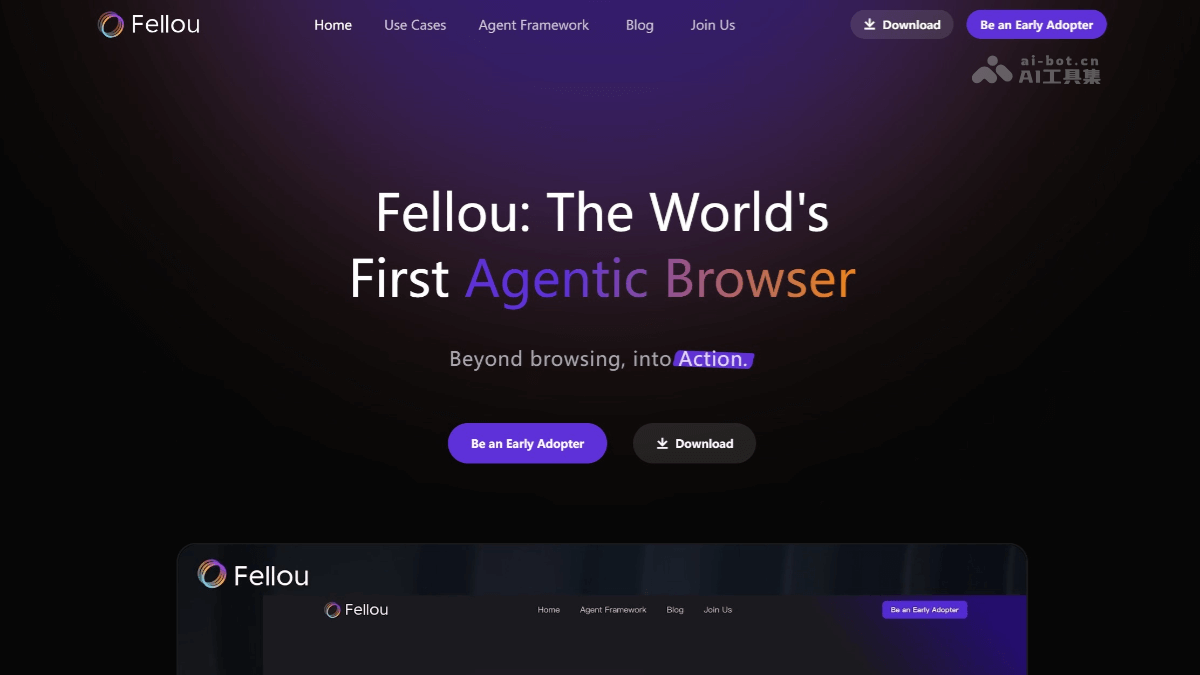
Fellou is the world's first "action-oriented browser" developed by a post-95s team in China. It integrates three core capabilities: Browser, Agent, and Workflow Automation. It can understand users' high-level intentions, automatically break down tasks and execute operations across platforms, ultimately achieving one-stop delivery from "intention" to "result". Fellou uses virtualization technology to isolate the task execution environment, ensuring that the Agent does not interfere with the user's use of the computer when executing tasks. Users can see the Agent's execution progress and intervene at the appropriate moment. Fellou has proactive perception capabilities and will proactively ask whether intervention or takeover of the task is needed.
🚀Product Highlights
-
Deep Action: Converts natural language instructions into cross-platform operation workflows to complete complex tasks, such as automatic search, data collection, form filling, and report generation.
-
Proactive Intelligence: Based on contextual memory and semantic understanding, predicts user needs, proactively provides services and suggestions, and forms a personal knowledge base.
-
Shadow Space: Executes tasks in parallel through an independent sandbox environment, without interfering with user operations, enhancing security and user experience.
-
Agent Network: Supports developers in creating and sharing vertical-domain agents, forming a rich ecological network, and users can directly invoke Agents published by others.
-
Cross-platform Deep Search: Supports parallel and batch searches on public web pages and platforms that require login, quickly retrieves comprehensive information, and can generate shareable visual reports with one click.
-
Multi-task Processing: Can process multiple tasks in parallel, and users can achieve automation by defining workflows, saving time.
-
Drag-and-drop Operation: Users can drag web page elements, files, or images to Fellou's designated area, and Fellou can immediately understand the user's intention and execute the operation.
-
Asynchronous Collaboration: Supports tab group functionality. When the Fellou Agent executes a task, users can continue handling other tasks. After the task is completed, Fellou will promptly notify the user.
💻Supported Devices
- The devices currently supported by Fellou include:Mac (Apple chip/Intel chip)andWindows。