
What is Comet
Comet is an Perplexity AI launched by AI-native browser . Comet focuses on complex research tasks, providing deep information integration and cross-platform collaboration features, automatically executing tasks based on browsing content, such as scheduling meetings and sending emails. Based on an intelligent recommendation system, Comet provides users with personalized content suggestions, optimizes workflows, and reduces context switching. Comet uses AI technology to provide a personalized browsing experience, offering users a smarter and more efficient way to browse the web. Comet is currently available to Perplexity Max users, while regular users need to join a waitlist to gain access.
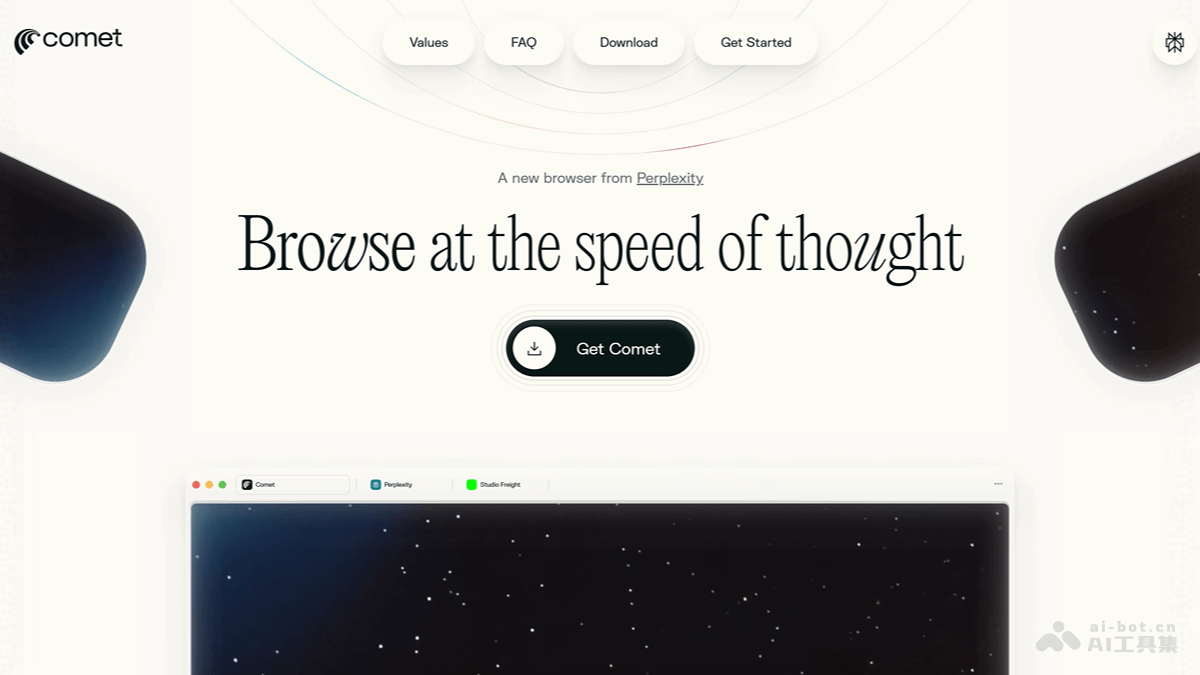
Comet's Main Features
- AI Agent-style Search: Autonomously completes tasks based on AI Agent, simplifying user operations and automatically executing tasks based on browsing content (scheduling meetings, sending emails, shopping, etc.).
- Integrated Browsing Sessions: Comet can integrate the content of multiple tabs into one seamless interactive interface, reducing the number of tabs and avoiding the chaos caused by too many tabs.
- Text Highlighting and Instant Explanation: Users can highlight any text on a webpage, and Comet automatically provides relevant explanations, definitions, or background information to help users better understand the content.
- Personalized Experience: Learns how users think and assists with their research work.
- Based on the Chromium Framework: Supports high performance, strong compatibility, and cross-platform use.
- Privacy and Security: Built-in privacy controls and native ad blocking.
- Personalized Experience: Intelligent context understanding, supporting voice or text commands to complete tasks.
Comet's Official Website Address
- Official Website Address:https://www.perplexity.ai/comet
How to Use Comet
- Visit the Comet official website: Visit the Comet official website, accept the invitation to claim the Pro membership login experience. Perplexity Max users can now directlyaccess Comet.
- Download and install Comet: Depending on the device type (Windows or Mac), choose the appropriate installation package to download. After the download is complete, follow the installation wizard prompts to finish the installation.
- Explore Comet's features:
- Turn browsing sessions into a single interaction: Comet supports integrating the content of multiple tabs into one seamless interactive interface, helping users better manage information.
- Highlight text for instant explanations: Supports highlighting any text, and Comet automatically provides relevant explanations or information.
- Automatically execute tasks: Comet automatically executes tasks based on browsing content, such as scheduling meetings, sending emails, shopping, etc.
Comet's Application Scenarios
- Academic Research: Comet integrates multi-source information and quickly generates research outlines and reports, helping researchers efficiently complete academic research.
- Efficient Office Work: Comet can automatically schedule meetings and send emails, while multi-device synchronization makes office work more flexible and efficient.
- Daily Learning: Helps students quickly acquire knowledge and understand complex concepts, improving learning efficiency.
- Privacy Protection: Provides users with a safe, distraction-free browsing experience and protects personal privacy.
- Cross-platform Use: Comet supports multi-device synchronization, allowing users to seamlessly switch between different devices anytime and anywhere to continue unfinished tasks or work.