
What is ChatGPT Atlas
ChatGPT Atlas is OpenAI's firstAI-native browser, withChatGPTat its core, deeply integrating AI conversation capabilities into the web browsing experience. Users can interact directly with ChatGPT while browsing web pages, getting instant help and suggestions for the current page content. ChatGPT Atlas can understand user needs and proactively complete tasks through Agent mode, such as filling out forms and booking services. ChatGPT Atlas supports browser memory, providing more personalized services based on users' historical behavior. Agent mode is currently available in preview only to paid users (Plus, Pro, and Business). ChatGPT Atlas is an information browsing tool and also an intelligent assistant, helping users complete various online tasks more efficiently and redefining the functions and usage of browsers. Currently, it is available for download and use only for Apple Mac users.
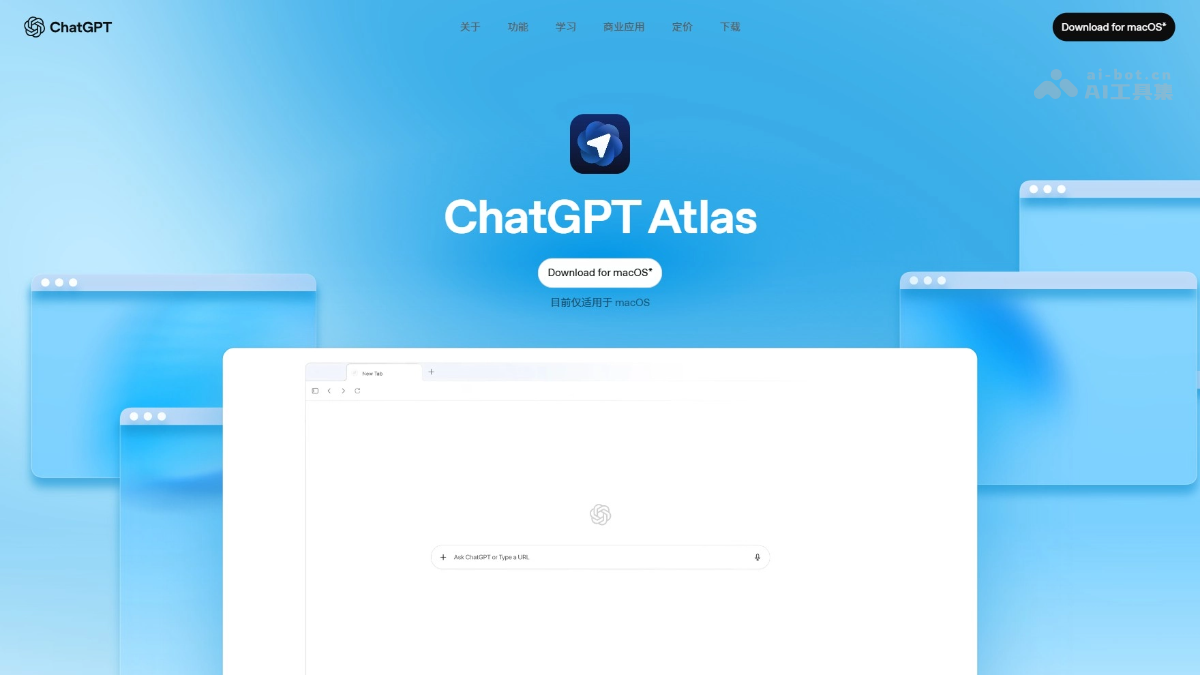
Main features of ChatGPT Atlas
-
Chat Anywhere: ChatGPT is built into every tab, supporting interaction with web content at any time without switching pages, providing instant help.
-
Browser Memory: Records key content and tasks users browse for later recall, and supports viewing, managing, or clearing memories.
-
Cursor Chat: After selecting text, ChatGPT can directly edit, polish, or rewrite it, improving writing and information processing efficiency.
-
Agent Mode: ChatGPT can operate web pages like a human, completing complex tasks such as booking, shopping, filling out forms, and more.
How to use ChatGPT Atlas
- Download and install: Users visit the ChatGPT Atlas official website https://chatgpt.com/atlas/下载,ChatGPT Atlas currently supports macOS.
- First use: After opening ChatGPT Atlas, log in with a ChatGPT account. Import bookmarks, saved passwords, and browsing history from the current browser.
- Operation process: After opening a new tab, ask questions directly or enter a URL. Through the "Ask ChatGPT" feature in the sidebar, interact with ChatGPT at any time. When Agent mode is enabled, ChatGPT can complete tasks according to user instructions, but requires user confirmation of actions.
- Privacy and security: The browser memory feature is completely optional, and users can view, archive, or clear memories at any time. The browser cannot run code, download files, or install extensions, nor can it access other applications or the file system on the computer. When operating on sensitive websites (such as financial institutions), Agent mode pauses to ensure user confirmation.
ChatGPT Atlas official website address
- Official website address:https://chatgpt.com/atlas/
ChatGPT Atlas application scenarios
-
Learning and research: When reading academic articles or online courses, ask ChatGPT directly to obtain core viewpoints or explanations of difficult points, improving learning efficiency.
-
Work and productivity: When writing reports or emails, select text to have ChatGPT polish and rewrite it, or generate task lists and reminders during project management.
-
Life and entertainment: When browsing travel guides, generate itineraries, or compare products on e-commerce websites and place orders directly.
-
Content creation: When writing articles, blogs, or video scripts, let ChatGPT provide creative inspiration, polish text, or generate drafts.
-
Technical support: When encountering technical issues, ask ChatGPT for solutions or troubleshooting suggestions.