
What is nexu
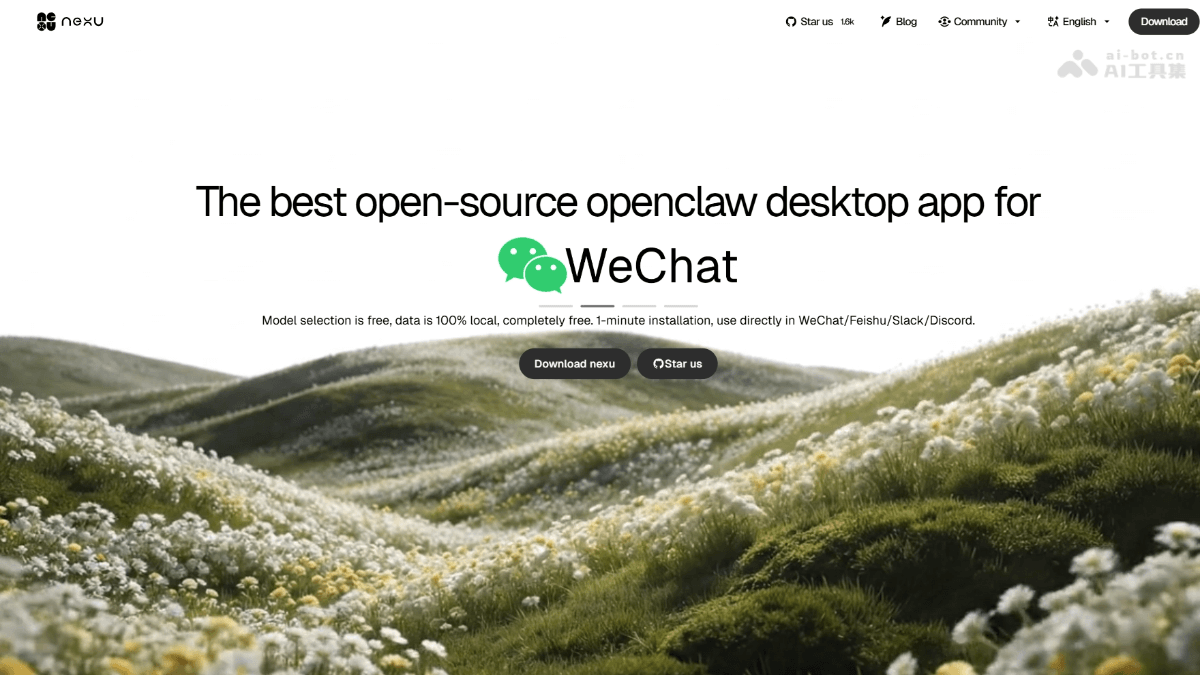
nexu is a free and open-source OpenClaw desktop client that lets users connect AI Agents to WeChat, Feishu, Slack, and Discord through a graphical interface. nexu uses a local-first architecture, keeping 100% of data locally, supports one-click switching between multiple models such as Gemini,Claude、ChatGPT , and can be used without login by bringing your own API Key. As the fastest way to connect to Seedance 2.0 open-source lobster, nexu requires no command line and works with a double-click, making it suitable for individual developers and small teams building "one-person company" AI workflows.
nexu's main features
- Seamless IM integration: Supports one-click connection to WeChat, Feishu, Slack, and Discord, letting AI Agents stay on standby 24/7 on mobile.
- Free model switching: Supports one-click switching between top models such as Gemini, Claude, and ChatGPT, and can be used without login via OAuth or your own API Key.
- Local-first architecture: All data is 100% stored on the local device, business information does not pass through third-party servers, and the code is open-source and auditable.
- Zero-barrier deployment: Pure graphical interface with no command line required, ready to use after double-click installation, and supports macOS (including Apple Silicon) and Windows.
- Rich Skills ecosystem: Natively integrates OpenClaw and Feishu Skills, handling complex tasks such as code debugging, content creation, and data analysis out of the box.
- Fastest access to new models: As an open-source OpenClaw client, it is among the first to support the latest model capabilities such as Seedance 2.0, with no need to wait for official updates.
How to use nexu
- Download and install: Visit the nexu.io official website https://nexu.io/ or GitHub Releases, download the version for your system (macOS Apple Silicon/Intel or Windows), and double-click to install, with no need to configure environment variables or use a terminal.
- Initial configuration
- Option A: Register and log in to a nexu account; during the Beta period, built-in top models such as Gemini can be used for free.
- Option B: Click "Add API Key" and enter your own keys for Claude, ChatGPT, MiniMax, etc., to use it without registration.
- Connect IM and start using
- Click "Connect" and choose a platform: WeChat (requires the 8.0.7 version OpenClaw plugin, bind by scanning a QR code), Feishu, Slack, or Discord.
- After a successful connection, you can directly @Agent or send a private message in mobile IM to remotely control your computer to handle tasks (writing code, looking up information, generating content, etc.).
nexu's key information and usage requirements
-
Positioning: An open-source OpenClaw desktop client that connects AI Agents to WeChat/Feishu/Slack/Discord.
-
Core advantages: Local-first (data never leaves the device), MIT open-source and auditable, and supports rapid access to new models such as Seedance 2.0.
-
Cost: The client is permanently free; you can use built-in models for free during the Beta period, or bring your own API Key and pay as you go.
-
System: macOS 12+ (supports Apple Silicon/Intel) or Windows 10+, with about 500MB of disk space.
-
WeChat connection: Requires WeChat version 8.0.7 and the OpenClaw plugin enabled; bind by scanning a QR code.
nexu's core advantages
- Fully open-source and controllable: Open sourced under the MIT License, the code can be audited and forked, data is 100% stored locally, and vendor lock-in is rejected.
- Fastest access to new models: First to support the latest models such as Seedance 2.0, with built-in one-click switching among multiple models including Gemini, Claude, and GPT, and support for using your own API Key without logging in.
- Native IM integration: One-click connection to WeChat (scan QR code to bind), Feishu, Slack, and Discord. The Agent is online 24/7, letting you remotely control your computer from your phone anytime.
- Zero-threshold experience: Pure graphical interface, no command line or environment configuration required, double-click to install and use, supporting both macOS and Windows platforms.
nexu's project address
- Project official website:https://nexu.io/
- GitHub repository:https://github.com/nexu-io/nexu
Comparison of nexu with similar competitors
| Product | Open source | Data control | Usage threshold | Model support | IM integration |
|---|---|---|---|---|---|
| Nexu | ✅ Fully open source under MIT | Local-first, data never leaves the device | 🖱 Pure GUI, double-click to use | Free switching among multiple models (Gemini/Claude/GPT/BYOK) | Built-in WeChat/Feishu/Slack/Discord |
| OpenClaw Official | ✅ Open source | Runs locally | ⚠️ CLI only, requires technical configuration | BYO, manual configuration | ❌ Requires developing integrations yourself |
| QClaw(Tencent) | ❌ Closed source | Data goes through Tencent servers | 🖱 Mini program + desktop client | Preset models, no free switching | Built into the WeChat mini program |
| JVS Claw(Alibaba) | ❌ Closed source | Hosted on Alibaba Cloud | 🖱 Cloud client | Mainly Alibaba ecosystem models | To be improved |
nexu's application scenarios
- Cross-border e-commerce: Enter product specifications in Feishu, and the Agent automatically generates multilingual listings and pricing strategies for Amazon, Shopee, and TikTok, compressing a week's work into an afternoon.
- Indie development: When an error occurs at dawn, just take a screenshot and send it to Discord. The Agent analyzes the stack to locate the bug, suggests fixes, and drafts the PR description, enabling pair programming that never goes offline.
- Legal and finance: The tool can forward a 40-page contract to Feishu and obtain a summary of risk clauses, revision suggestions, and compliance checks, saving half a day of review time.
- Local retail: When a customer asks about inventory late at night, the Agent automatically checks real-time inventory, handles returns and exchanges, and sends coupons, so merchants do not need to stay up to keep watch.


