

What is QClaw
QClaw is a local AI assistant built by the Tencent PC Manager team based on OpenClaw , supporting both Mac and Windows. QClaw supports direct WeChat connection. After scanning the QR code to bind, you can send commands anytime and anywhere via WeChat to remotely control your computer to complete tasks. The WeChat entry point, the "QClaw Manager" mini program, can directly receive files from the computer and supports an Inspiration Square with preset common tasks. QClaw comes with built-in Kimi-2.5 and other domestic large models, which can be customized and switched. Backed by an ecosystem of 5000+ Skills, it supports scenarios such as file processing, automated development, social media operations, and academic organization.QClaw has officially launched full public beta. No invitation code is required to download, and installation can be completed in 20 seconds.
Due to business adjustments, QClaw will cease operations on December 24, 2026.
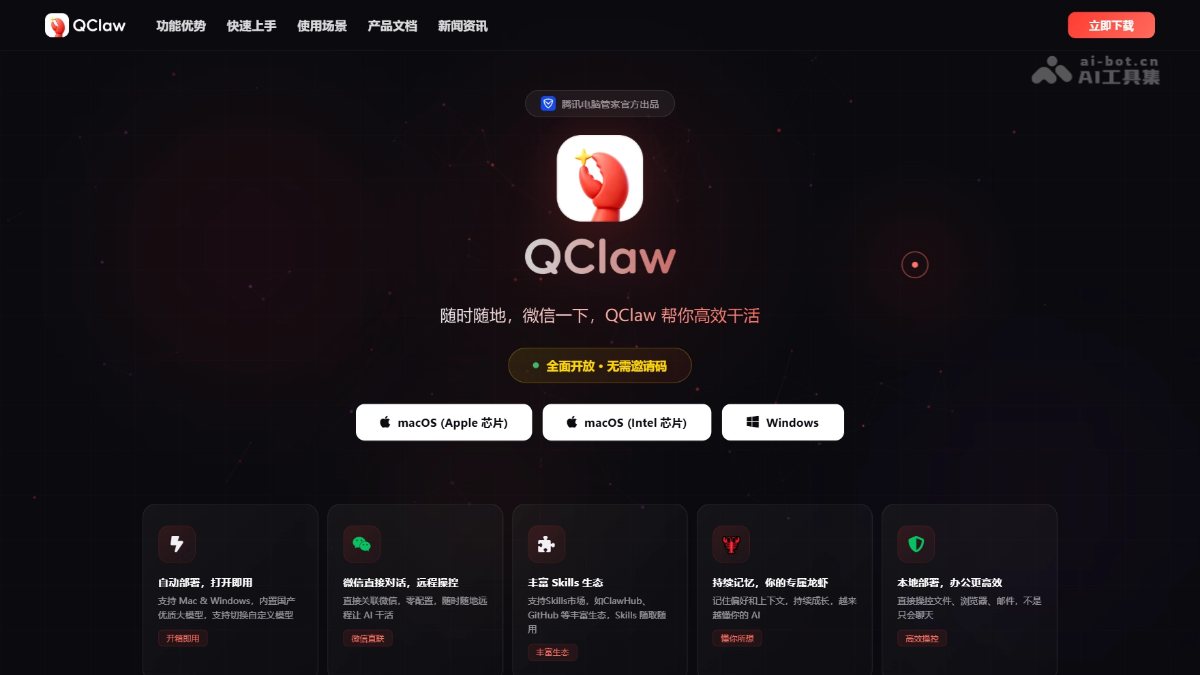
Main features of QClaw
- Direct WeChat control: After scanning the QR code to bind WeChat, you can send commands from your phone anytime and anywhere to remotely control your computer to complete tasks, so you can handle work without carrying your computer.
- Smart file operations: You can remotely open, edit, and calculate local files. For example, you can directly use voice to have the AI open an Excel spreadsheet and calculate sums.
- Automated development and programming: Supports creating projects, writing code, and automatically submitting to GitHub with a single sentence, with zero manual operations throughout.
- Automated social media operations: Supports automatically generating content and publishing it on platforms such as Xiaohongshu, automatically interacting and replying, and helping accounts gain followers.
- Academic literature organization: Supports automatically searching for papers, filtering highly cited literature, generating reviews, and exporting in PDF or LaTeX format.
- Smart schedule reminders: Periodically pushes information such as weather and schedules, and gives clothing and travel suggestions based on the situation.
- Continuous memory learning: Remembers user preferences and usage context, and the longer you use it, the better it understands the user's habits and needs.
-
WeChat mini program entry: Can be used by searching "QClaw Manager" in WeChat. It supports receiving files from the computer. The mini program will launch features such as voice/image transmission, scheduled task creation, real-time task message push, and remote switching of the underlying model.
-
Inspiration Square: Preset tasks for scenarios such as office productivity, in-depth research, entertainment and games, and self-disciplined living, and supports automatically loading the corresponding Skills.
- File Space: Connects local files, Tencent Docs, and the ima knowledge base in one place, so AI office work requires no cross-application file transfer throughout the entire process from retrieving materials and intelligent processing to team collaboration.
How to use QClaw
- Download and install: Visit the QClaw official website https://claw.guanjia.qq.com/ to download the client, supporting both Mac and Windows platforms.
- Scan the QR code to bind WeChat: After opening the software, use WeChat to scan the QR code on the screen to complete the association and binding. At this point, a "Lobster" friend will appear in WeChat.
- Send commands and get started: After binding is successful, you can operate directly on the computer, or open WeChat anytime and anywhere and send text or voice commands to the "Lobster" friend. QClaw will immediately execute the corresponding task on the local computer and return the result to WeChat.
- Security recommendations: First-time use requires granting system-level operation permissions. It is recommended to set a strong password and authentication Token, restrict command sending to trusted contacts only, and enable secondary confirmation for sensitive operations to ensure local data security.
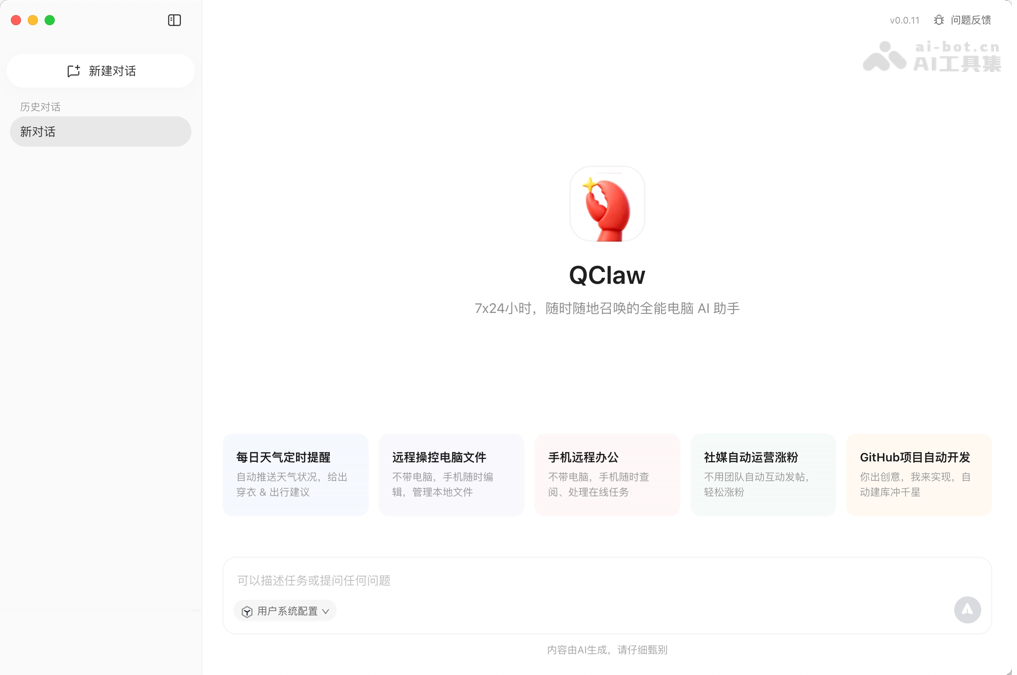
QClaw's Core Advantages
- Zero-Barrier WeChat Direct Connection: No complex configuration required; bind WeChat by scanning a QR code, breaking the limitation that traditional AI assistants must be operated in front of a computer, truly enabling remote control anytime and anywhere.
- Localized Deployment Ensures Privacy—: All data is stored on the local computer and is not uploaded to the cloud, fundamentally addressing users' concerns about data security and privacy leaks.
- Out-of-the-Box Skills Ecosystem: Built in with more than 5,000 skills, covering scenarios such as office work, development, academia, and daily life. No need to train it yourself; use them whenever needed.
- Continuously Evolving Exclusive Memory: It has long-term memory capabilities and will remember user preferences and usage habits. The more you use it, the smoother it becomes, growing into a personalized AI assistant that understands you best.
- Native Support for Domestic Models: Built in with high-quality domestic large models such as Kimi, DeepSeek, and GLM, while also supporting custom switching to other models to flexibly meet different needs.
QClaw's Application Scenarios
- Mobile Office Scenario: When on field duty or commuting, a single message on WeChat can remotely open report files on the computer, automatically calculate and summarize them, and return the results.
- Social Media Operations Scenario: Self-media practitioners do not need to keep staring at their phones. Let QClaw automatically generate Xiaohongshu notes, publish them with one click, and automatically reply to comments and interactions.
- Programming and Development Scenario: Developers only need to describe the requirements. QClaw can automatically create a project framework, write code, and submit it to a GitHub repository, greatly shortening the path from idea to code implementation.
- Academic Research Scenario: When graduate students or researchers face literature review tasks, QClaw can automatically retrieve papers on a specified topic from recent years, screen highly cited literature, organize them into a properly formatted review document, and export it, improving research efficiency.
- Daily Life Scenario: It supports setting daily scheduled reminders and automatically pushing weather conditions along with clothing suggestions, becoming a more considerate personal life assistant than an alarm clock.


