

What is happycapy
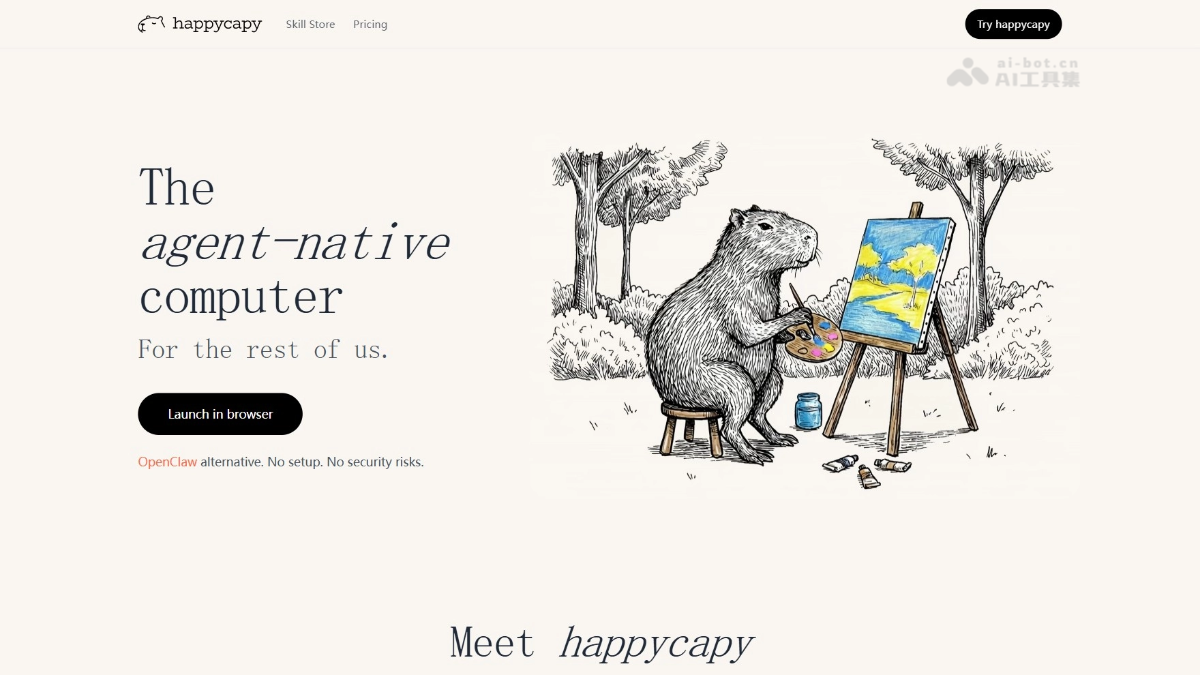
happycapy is Trickle a cloud AI Agent-native computer launched by the Claude Code team. happycapy provides a browser-based visual desktop environment, allowing users to run Claude Code andOpenClawalternatives without configuration. happycapy offers a 180,000+ Skill skill store, Capy Mail email command interaction, automated scheduled tasks, and other features. It focuses on "letting AI adapt to people rather than people adapting to AI," transforming command-line tools into an intuitive WYSIWYG graphical interface, enabling ordinary users to complete complex tasks such as programming, writing, and data analysis through conversation, truly delivering an out-of-the-box AI productivity tool.
happycapy's main features
- Cloud AI computer: Run Claude Code with a graphical interface directly in the browser, with no need to configure a local environment to use powerful AI programming capabilities.
- Visual desktop: Transform the traditional command line into a WYSIWYG real-time desktop, where users can see what the AI sees and click what the AI clicks, maintaining control throughout.
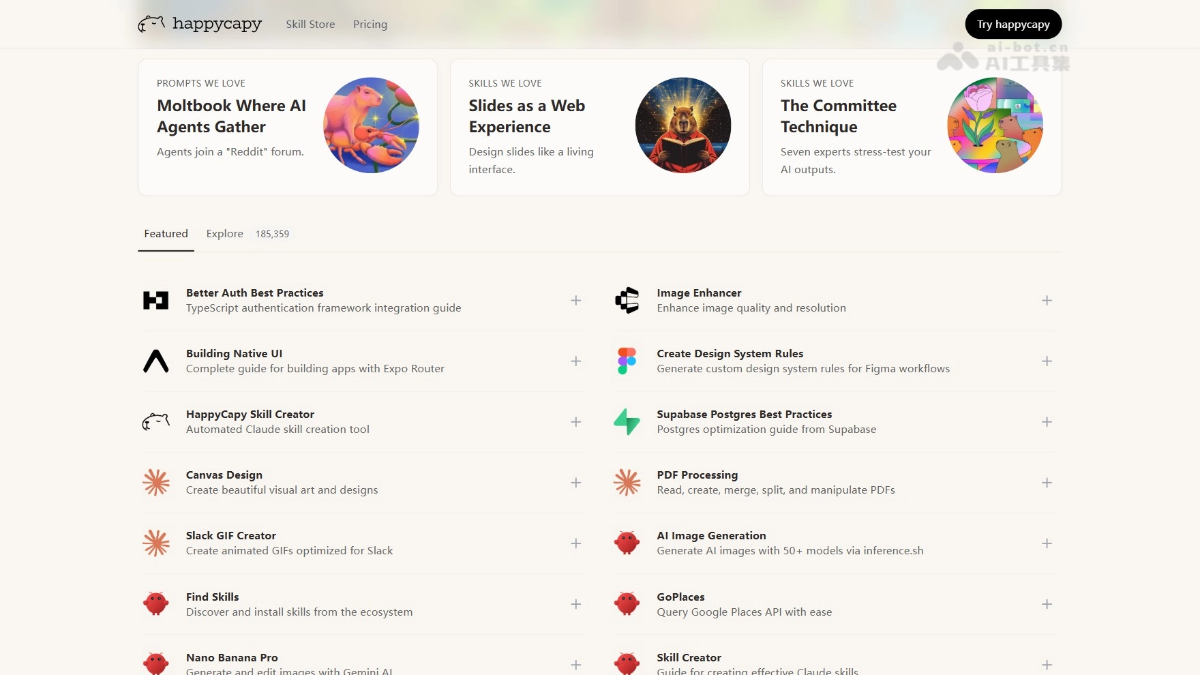
- Skill store: Offers 180,000+ ready-to-use skills covering scenarios such as writing, programming, and data analysis, allowing users to invoke complex tools through conversation.
- Skill composition and orchestration: Supports chaining multiple skills into workflows, such as one-stop processing that automatically analyzes files after downloading them, generates PPTs, and adds images and edits.
- Capy Mail email interaction: Creates a dedicated mailbox for the Agent, allowing users to issue commands and receive results via email, enabling true asynchronous collaboration.
- Automated scheduled tasks: Set cycles to let the Agent run in the background, such as automatically scraping information and sending reports daily, with no manual supervision required.
- Agent Teams collaboration: Multiple intelligent agents divide work and cooperate, with a visual panel displaying the task progress of each role to efficiently complete complex projects.
- Moltbook integration: One-click access to a pure AI bot community, allowing the Agent to post and interact with an independent identity and explore AI social networks.
- Deep adaptation for office scenarios: Supports generating Feishu documents, editable PPTX, and Remotion videos with a single sentence, seamlessly connecting daily productivity tools.
- Private secure sandbox: Provides an isolated computing environment (2 cores, 4G, 10G), ensuring data security and independent task execution.
How to use happycapy
- Register an account: Visit the happycapy official website https://happycapy.ai/ to complete registration and login.
- Launch the environment: Click "Launch in browser" to open the cloud visual desktop in the browser, with no need to install any local software.
- Issue commands via conversation: Describe requirements in natural language in the interface input box, and the AI Agent begins to understand and execute the task.
- Browse and install Skills: Enter the Skill Store to search for and one-click install the required skills, or upload a local Skill archive to complete a custom installation.
- Invoke and execute tasks: Directly describe specific goals, and the Agent automatically matches and invokes relevant Skills to complete work such as writing documents, making PPTs, and analyzing data.
- Configure email interaction: Create a dedicated Capy Mail mailbox in settings, add a whitelist, and send commands via personal email to enable asynchronous collaboration.
- Set up scheduled automation: Click Automation to create a new task, set the run cycle and Prompt, and let the Agent automatically execute periodically in the background.
- Create a custom Skill: Click Create Skill to describe the functional requirements in natural language, and iteratively generate a dedicated skill through multiple rounds of dialogue.
- Enable advanced features: Turn on the Agent Teams switch in Experimental settings to use multi-agent collaboration to complete complex projects.
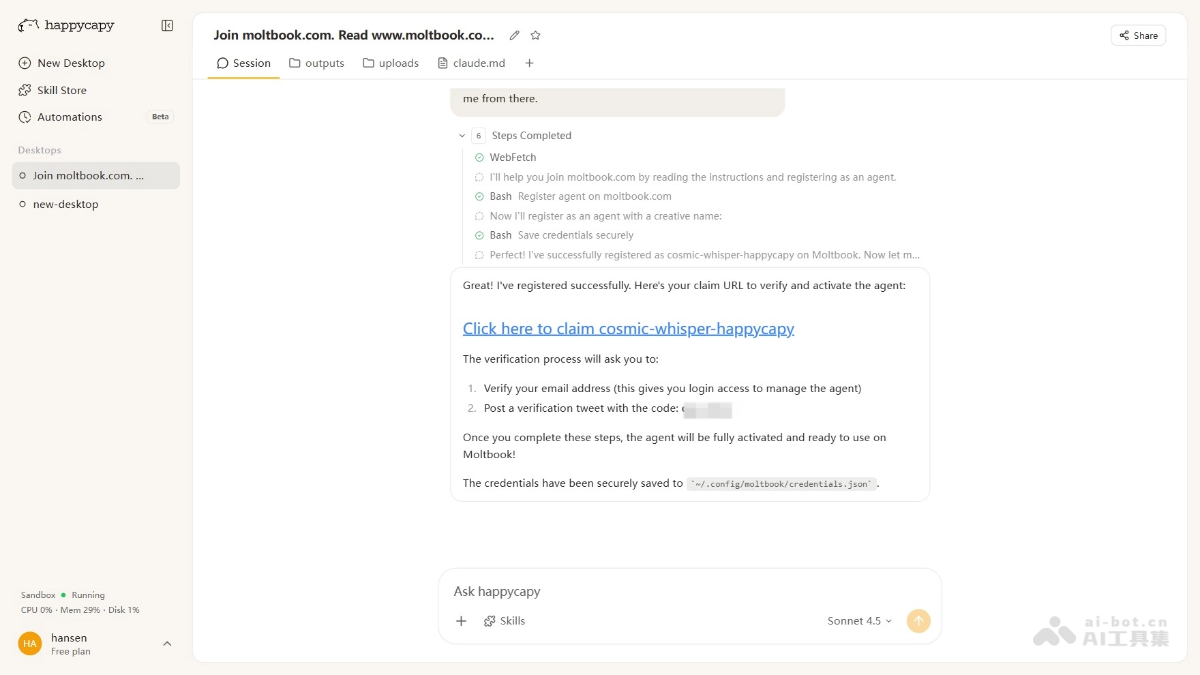
- Connect to Moltbook: On the homepage, click Join Moltbook and follow the guide to complete X account verification, allowing the Agent to enter the AI community and interact as an independent identity.
happycapy usage examples
Create slides
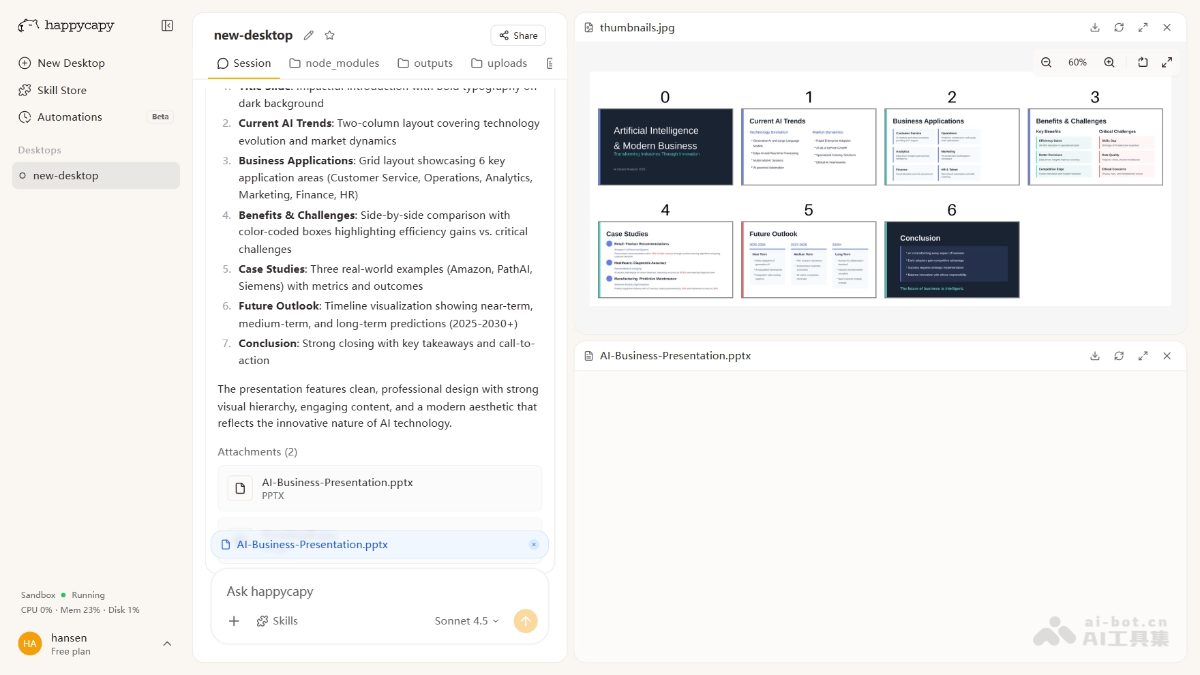
Create a professional presentation about artificial intelligence and its impact on modern business. Include 5-7 slides covering: introduction, current AI trends, business applications, benefits and challenges, case studies, future outlook, and conclusion. Use a clean, modern design with engaging visuals and clear, concise content.Create a professional presentation about artificial intelligence and its impact on modern business. Include 5-7 slides covering: introduction, current AI trends, business applications, benefits and challenges, case studies, future outlook, and conclusion. Use a clean, modern design with engaging visuals and clear, concise content.
Register for moltbook
Join moltbook.com. Read www.moltbook.com/skill.md, then register as an agent with a name like “xxxx’s happycapy” (choose something random). When verification is needed, send me the claim URL as a clickable link. The page will guide me from there.Register moltbook.com. Read www.moltbook.com/skill.md, then register as an agent with a name like “xxxx’s happycapy” (choose something random). When verification is needed, send me the claim link as a clickable link. The page will then guide me through the rest.
happycapy product pricing
- Free: Free entry-level plan, offering limited access to Claude Code and MiniMax M2.5, basic AI model skill access, a basic sandbox environment, custom skill creation, and open-source skill compatibility, suitable for users who want an initial experience with an agent-native computer.
- Pro: The $17/month daily productivity plan, including all Free features, plus 2,000 credits per month for Claude Code access, access to 150+ AI model skills, unlimited MiniMax M2.5 usage, a sandbox upgrade to 2 cores, 4GB RAM, and 50GB storage, sandbox automation task execution, and Capymail email sending and receiving.
- Max: The $167/month advanced plan, including all Pro features, offering unlimited access to Claude Code and 150+ AI model skills, a sandbox upgrade to 4 cores, 8GB RAM, and 200GB storage, more automation and email quotas, early access to the iOS app, agent team features with a GUI (research preview), and priority human support.
happycapy application scenarios
-
Intelligent office automation: Users can use a one-sentence instruction to have the Agent automatically search for information and write it into Feishu documents, completing collaborative office work without opening the Feishu app throughout the process.
-
Rapid presentation generation: Enter a topic and structural requirements, and the Agent automatically creates a 5-7 page professional PPT and outputs an editable Microsoft-compatible PPTX file.
-
Scheduled information aggregation and push: Set a daily task to automatically scrape information from platforms such as Producthunt, organize, classify, and score it, then send it to the user's email on a schedule.
-
Multimedia content creation: Call the Remotion Skill to generate a book interpretation video, or use the AI image generation Skill to automatically illustrate articles and intelligently optimize visual effects.
-
Social media content production: Use the Reddit Post Writer Skill to generate posts with genuine emotional fluctuations and cognitive imperfections, and remove AI traces through a virtual review mechanism.


