

What is Trickle AI
Trickle AI is a one-stopno-code AI development platform, supporting the rapid transformation of natural language descriptions into powerful applications, websites, and forms. At the core of Trickle is Magic Canvas, a fully visual canvas that supports real-time collaboration with AI. Trickle AI has a built-in lightweight database, design templates, custom domains, and website hosting features, supports drag-and-drop operations, and allows users to easily realize their ideas. Trickle AI provides community project references to help users get inspiration, quickly build prototypes, and conduct market validation. Trickle AI helps developers and enterprise users efficiently achieve project goals, save time and effort, and quickly turn ideas into practical applications.
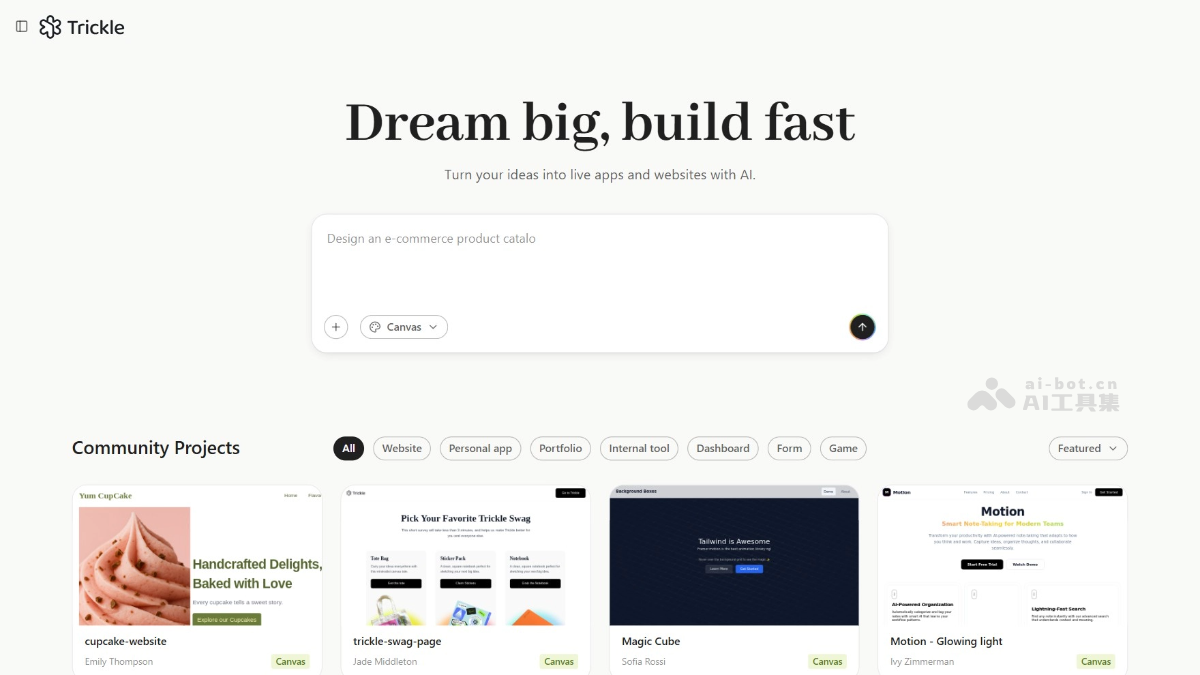
Main features of Trickle AI
- No-code app development: Generate powerful applications, websites, and forms through natural language descriptions without writing code.
- Built-in database: Provides a lightweight database that supports form data storage and management without additional integration with external databases.
- Design templates and themes: Provides a variety of preset design templates and themes, allowing users to switch with one click and quickly achieve personalized designs.
- Custom domains and hosting: Supports custom domains and website hosting services, making it convenient for users to manage and deploy their own projects.
- AI integration: Built-in AI features support intelligent dialogue systems and automated tasks, improving the interactivity and intelligence level of applications.
- Drag-and-drop functionality: Supports drag-and-drop operations, allowing users to quickly adjust layouts and elements through a visual interface and achieve instant previews.
- Community project references: Provides a community project library where users can browse, copy, and modify other users' projects to get inspiration and practical templates.
- SEO optimization: Provides an SEO settings panel to help users optimize their website's search engine ranking and attract more traffic.
- Multi-platform integration: Supports integration with third-party platforms (such as Supabase) to meet users' more complex technical needs.
- Real-time collaboration and feedback: Supports team collaboration, allowing users to view and edit projects in real time and quickly iterate and optimize applications.
How to use Trickle AI
- Register and log in: Visit the Trickle official website https://trickle.so/ to complete account registration and login.
- Create a new project: After logging in, click the Create New Project button, enter the project name, and select the project type.
- Choose a creation method: Describe requirements in natural language, or start a project by copying a community project, importing screenshots from Figma or Excalidraw, cloning an existing webpage, and other methods.
- Adjust and optimize: Adjust element styles and layouts through Direct Edit, switch themes, or perform other design optimizations.
- Configure advanced features: Enable the built-in database to store form data, enable AI features, set a custom domain, or optimize SEO settings.
- Deploy and share: Preview the project results, fix any issues that may arise, click Deploy to deploy the project, and share the generated link.
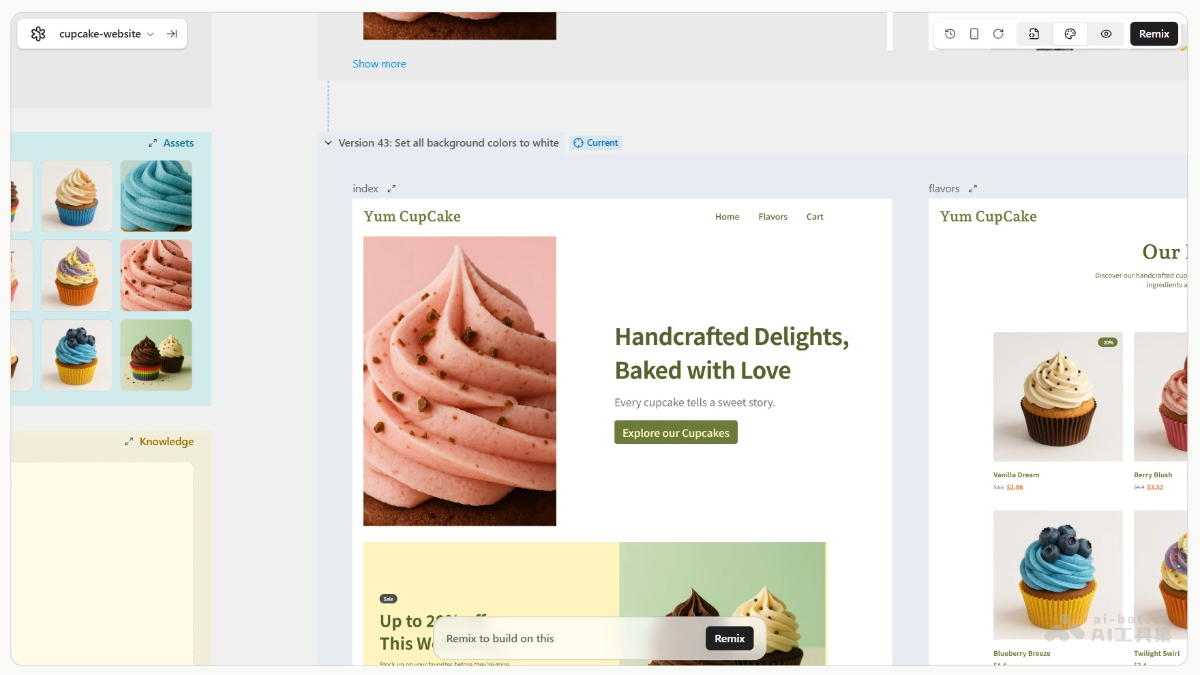
Application scenarios of Trickle AI
- Rapid prototyping: Quickly transform natural language descriptions into functional web or application prototypes, helping designers and entrepreneurs rapidly validate ideas and conduct market testing without coding.
- Forms and data collection: Supports the creation of various types of forms (such as user feedback forms, order forms, surveys, etc.), and can store data in a built-in database for easy subsequent management and analysis.
- Intelligent chatbots: Quickly develop intelligent chatbots for use in various scenarios such as customer service, user support, and automated replies, improving interaction experience and efficiency.
- Internal enterprise tools: Used to develop internal enterprise management tools, such as task management, project tracking, and employee feedback systems, helping to improve work efficiency and team collaboration capabilities.
- Education and training: Quickly create online education platforms or course pages, helping educators focus on teaching content and improving the convenience and effectiveness of online teaching.

