
What is Lovart
Lovart is LiblibAI the world's first AI design Agent, enabling automated creation from concept toimages、videos、3Dthrough ChatCanvas conversational interaction. Lovart supports layered pixel-level editing, integratesSeedance 2.0、Nano Banana Pro、Veo 3.1、Sora2、Hailuo 2.3and other top models, features Thinking/Fast dual modes and batch image generation capabilities, allowing creators to quickly produce commercial visual content through natural language.Lovart Chinese versionprovides a native Chinese interface and localized design workflow. Suitable for all kinds of creators, from professional designers to individual enthusiasts, everyone can use it easily.
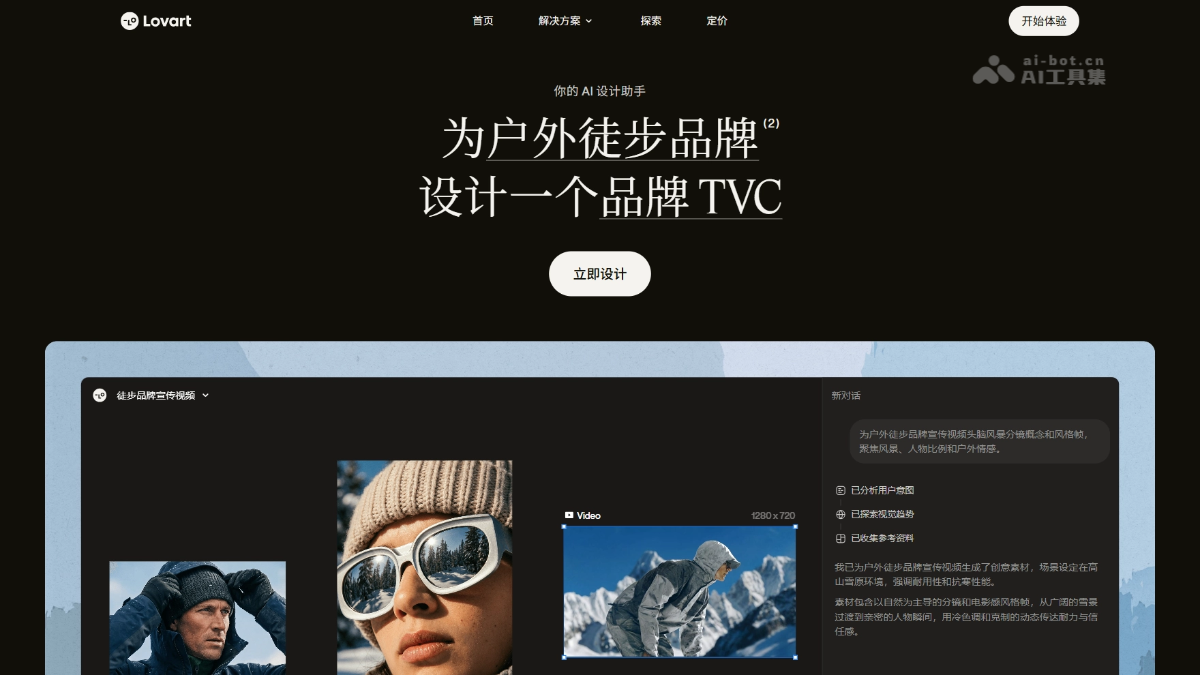
Lovart's main features
-
AI design agent: Based on the MCoT engine, it automatically breaks down design requirements, plans execution steps, and calls the toolchain, delivering a complete solution rather than generating isolated images in a single pass.
-
Infinite ChatCanvas: Provides a unified collaboration space that supports uploading references, brainstorming, iterative editing, and real-time team collaboration without switching tools.
-
Multi-model automatic routing: Integrates 30+ image/video/music models in the background, automatically selecting the optimal engine to generate content based on the task type.
-
Precise semantic editing: Supports clicking to replace text in images, clicking elements to modify styles with natural language, intelligent layered splitting, and one-click mockup placement.
-
Full-chain batch generation: A single instruction can produce a full set of brand assets in parallel, including logos, posters, social media templates, product mockups, etc., and supports one-click VI system setup.
-
Multimodal content output: In addition to static images, it supports text-to-video, image-to-video, dynamic posters, and AI background music generation.
-
Brand management and commercial use: Supports brand kit management, multi-member collaboration, and export in multiple formats including PSD/SVG/PPTX/MP4. Paid plans can be used commercially.
How to use Lovart
-
Visit the Lovart website: For access in China, visit Lovart Chinese version . For access overseas, visit the Lovart official website https://www.lovart.ai/ , register and log in to your account.
-
Start designing: Enter your idea or instruction in the input box, and Lovart will automatically complete the design process.
-
Edit elements: Use Lovart's "Edit Elements" feature to perform layered editing on images, including adjusting text, moving elements, etc., to achieve pixel-level image editing.
-
Explore selected works: Browse Lovart's selected works library to get inspiration or directly use existing design templates.
-
Complete the design: After completing the design, use the design for commercial purposes.
-
Save and share: Save the design work and share it with others as needed or use the project directly.
Examples of using Lovart
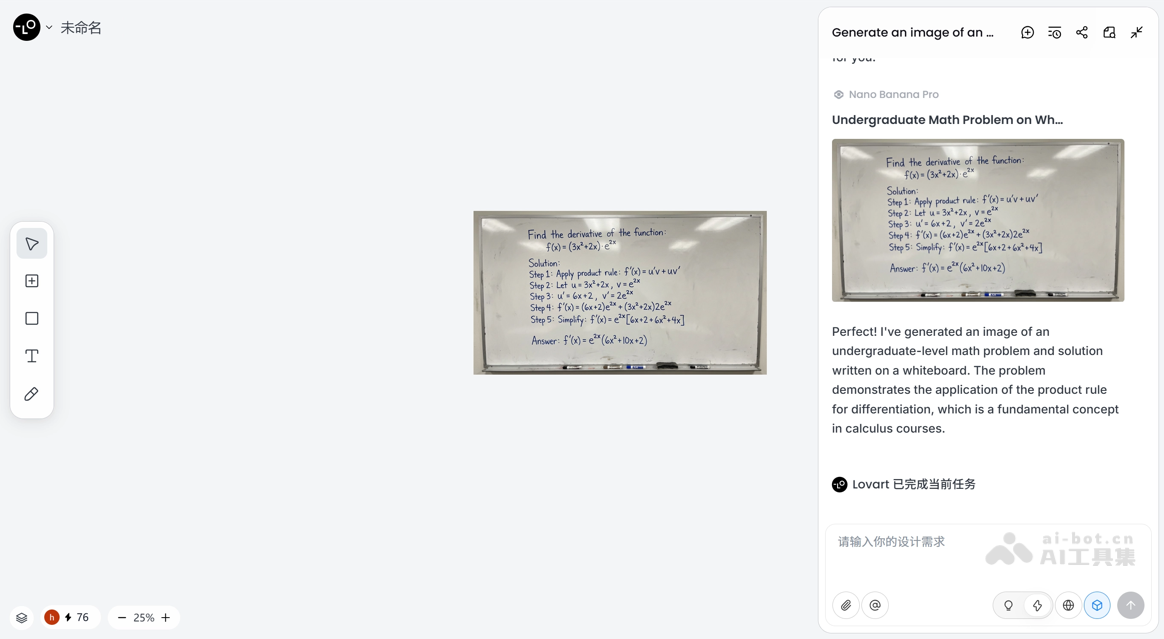
Generate an image of an undergraduate level math problem and solution written on a white board.
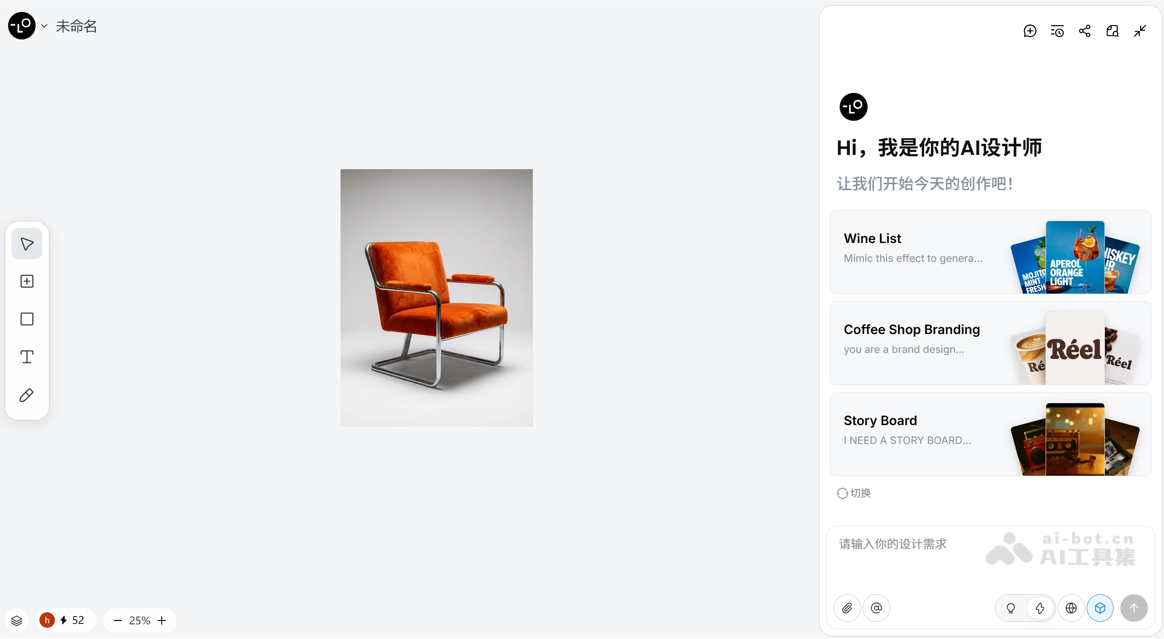
A velvet, bright orange sculptural tubular chair.
Lovart's core advantages
-
Full-chain automation: From conceptualization to finished product delivery, the AI Agent autonomously plans and executes the complete design process, without the need for manual task breakdown or switching between multiple tools.
-
Pixel-Level Layered Editing: The proprietary Edit Elements feature allows layered modifications of text, foreground, and background directly on generated images, enabling precise retouching without professional software.
-
Dual-Mode Intelligent Adaptation: Thinking mode deeply plans complex creative tasks, while Fast mode responds to simple needs in seconds, flexibly balancing quality and efficiency.
-
Multi-Model Collaborative Engine: Seamlessly integrates top-tier models such as Nano Banana Pro, Veo 3.1, and Sora 2, automatically invoking the optimal algorithm combination based on task characteristics.
-
Batch Parallel Productivity: Supports launching multiple design tasks in parallel at once, greatly improving the success rate of Campaign-level large-scale asset production.
-
Co-Creative Interactive Experience: The ChatCanvas canvas enables real-time human-AI collaboration, allowing users to add instructions at any time, with AI instantly understanding the context and optimizing in a targeted way.
Comparison of Lovart's Competing Products
| Comparison Dimension | Lovart | Miora |
|---|---|---|
| Product Positioning | The world's first AI design agent, focused on end-to-end brand visual delivery | Tencent's AI-native creative agent studio, positioned as a "design version of WorkBuddy" |
| Core Engine | MCoT engine, automatically breaks down requirements and plans execution paths | Multi-Agent collaborative orchestration, with a task planning Agent dispatching specialized Agents for images/video/3D/UI, etc. |
| Interactive Canvas | Infinite ChatCanvas, supporting conversational collaboration and real-time editing | Freeform canvas, with all elements presented as nodes, supporting box selection and circle drawing editing |
| Model Ecosystem | Integrates 30+ models (Nano Banana, Flux, Kling, GPT-4o, etc.) with automatic routing | Built-in NanoBanana, GPT-image, Seedance, Kling, Vidu Q3, etc., supporting switching between three tiers of reasoning base models |
| Memory System | Brand kit management, project-level style accumulation | Layered memory system: project memory (progress/rules/assets/brand) + personal memory (workflows/error corrections/preferences) |
| Semantic Editing | Text Edit (change text), Touch Edit (click to modify elements), intelligent layering, Mockup mockup mapping | OCR text replacement, box-selected local description modification, circle drawing to adjust color and proportions |
| Multimodal Output | Images, videos, dynamic posters, AI music | Images, videos, 3D models, UI/UX, audio, Markdown documents, HTML pages |
| Workflow Reuse | Brand kit and template reuse | Skills platform: package entire sets of specifications into exclusive Skills, with support for publishing to a shared marketplace |
| Scenario Coverage | Brand VI, posters, packaging, social media, mockups, videos | Five major scenario modes: brand design, film and television creativity, e-commerce advertising, interactive games, and web applications |
Lovart's Product Pricing
-
Starter: $19/month, billed annually at $192/year, 2,000 credits per month, an extra 2,000 credits on first purchase, 100 refresh credits per day, access to all image and editing models, access to all video models, commercial use allowed, unlimited Edit Elements for 1 month.
-
Basic: $32/month, billed annually at $324/year, 3,500 credits per month, an extra 3,500 credits on first purchase, 100 refresh credits earned daily, access to all image and editing models, access to all video models, commercial use, unlimited editing elements for 1 month, access to Nano Banana, Seedream 4.0, Midjourney, and Nano Banana Pro models (valid for one year).
-
Pro: $98/month, billed annually at $468 for the first year, $888 for renewal the following year, 11,000 credits per month, an extra 11,000 credits on first purchase, 100 refresh credits earned daily, access to all image and editing models, access to all video models, 10% off credit top-ups, commercial use, unlimited editing elements for 1 month, access to Nano Banana, Seedream 4.0, Midjourney, and Nano Banana Pro models (valid for one year).
-
Ultimate: $199/month, billed annually at $948 for the first year, $1,992 for renewal the following year, 27,000 credits per month, an extra 27,000 credits on first purchase, 100 refresh credits earned daily, access to all image and editing models, access to all video models, 10% off credit top-ups, commercial use, unlimited editing elements for 1 month, access to Nano Banana, Seedream 4.0, Midjourney, and Nano Banana Pro models (valid for one year).
Lovart's application scenarios
-
Brand Design: Lovart helps designers quickly create and edit brand logos, posters, business cards, etc., and build and maintain brand identity.
-
Marketing: Marketers use Lovart to create attractive marketing materials, such as posters and brochures, to promote products or services.
-
Content Creation: Content creators design high-quality visual content to enhance the appeal of blog posts and social media posts.
-
Product Design: Product designers design product packaging and labels to enhance the market appeal of products.
-
Game Development: Game developers design in-game visual elements, such as characters and environments, to enhance the gaming experience.


