
What is Hailuo 2.3
Hailuo 2.3 is an advanced AI video generationmodel launched by MiniMax, built on Hailuo 02 and upgraded. The model achieves significant improvements in body movements, micro-expressions, stylized performance, and physical realism, and can generate smoother, more natural, and more complex dynamic scenes, supporting multiple art styles such as anime, ink wash, and more. The model responds more accurately to motion instructions, and the visual effects are close to live-action footage. Hailuo 2.3 includes Hailuo 2.3, which provides high-quality video generation results and is suitable for creations with high requirements for detail and expressiveness; Hailuo 2.3 Fast offers faster generation speed and lower cost, making it suitable for batch creation and rapid output scenarios. The model has been fully launched on the Hailuo AI web platform, APP client, and open platform API, and provides free trial credits every day during the launch period.
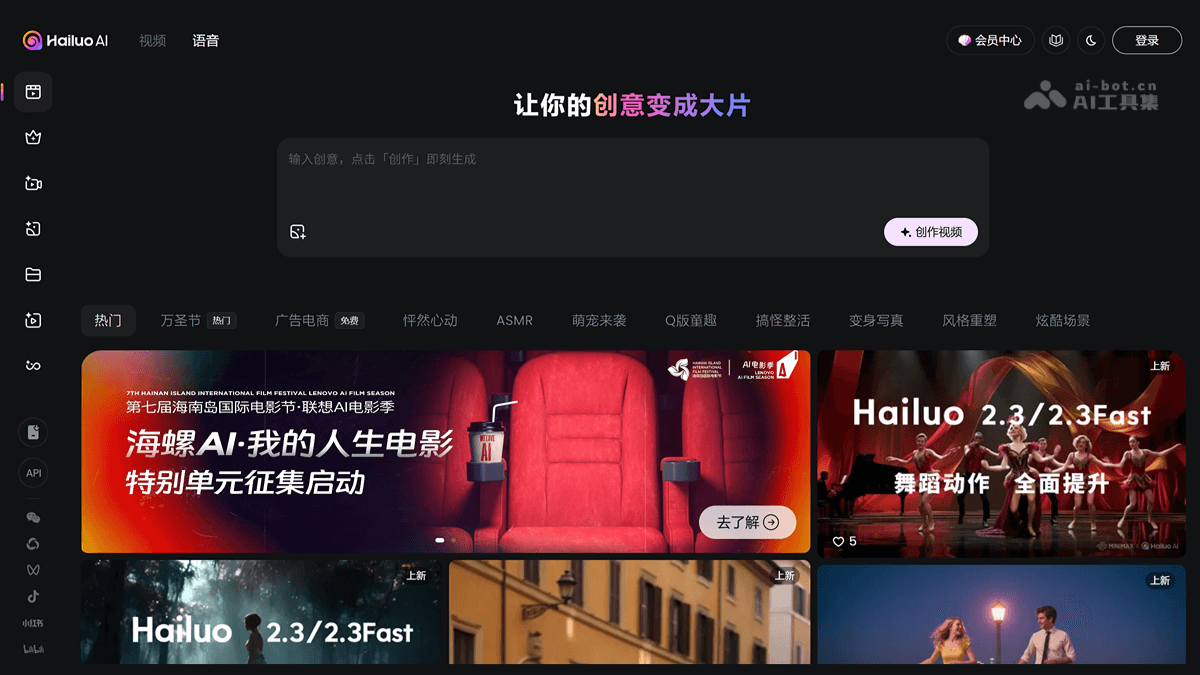
Main features of Hailuo 2.3
-
Complex body movement generation: The model can present smoother, more natural, and more complex body movements, with greater precision and controllability, adapting to different dynamic camera movement needs.
-
Micro-expression and character performance optimization: Real-person facial performance and micro-expression changes are more natural and delicate.
-
Stylization support: The support effect is significant for multiple special art styles such as anime, illustration, ink wash, and game CG, with more stable and vivid output.
-
Enhanced physical performance and instruction following: Light direction, brightness transitions, and color tones are close to live-action effects, with better response to motion instructions.
-
Improved response to object motion instructions: Excellent response to instructions for object motion, suitable for producing application scenarios such as e-commerce advertisements.
-
High efficiency and cost-effectiveness: While maintaining the price of Hailuo 02, performance is greatly improved, and the Hailuo 2.3 Fast model is provided, with fast generation speed and lower cost, suitable for batch creation.
How to use Hailuo 2.3
-
Visit the platform: Visit Hailuo AI official website or downloadHailuo AI APP, and developers can access it through the open platform API.
-
Register and log in: Complete account registration and login.
-
Select a model: Find and select the Hailuo 2.3 or Hailuo 2.3 Fast model on the platform, and choose the appropriate version according to your needs.
-
Enter requirements: Enter a detailed video description, including scene, characters, actions, style, etc., and select appropriate parameters (such as resolution, duration, frame rate).
-
Generate video: Click the "Generate" button and wait for the model to generate a video based on the input.
-
View and download: After generation is complete, preview the video effect, and once satisfied, download and save it or edit it further.
Application scenarios of Hailuo 2.3
-
Advertising production: Quickly generate high-quality advertising videos, support multiple art styles, suit different brand tones, and enhance advertising appeal.
-
Film and television special effects: Generate complex body movements and realistic physical effects, providing an efficient and low-cost special effects solution for film and television production.
-
Anime creation: The model can present delicate character expressions and smooth movements, helping anime creators quickly produce content.
-
E-commerce display: The model responds excellently to object motion instructions, making it suitable for creating e-commerce product showcase videos and enhancing product appeal.
-
Educational videos: The model can generate vivid instructional videos, helping students better understand and remember knowledge points through animations and special effects.