
What is Veo 3.1
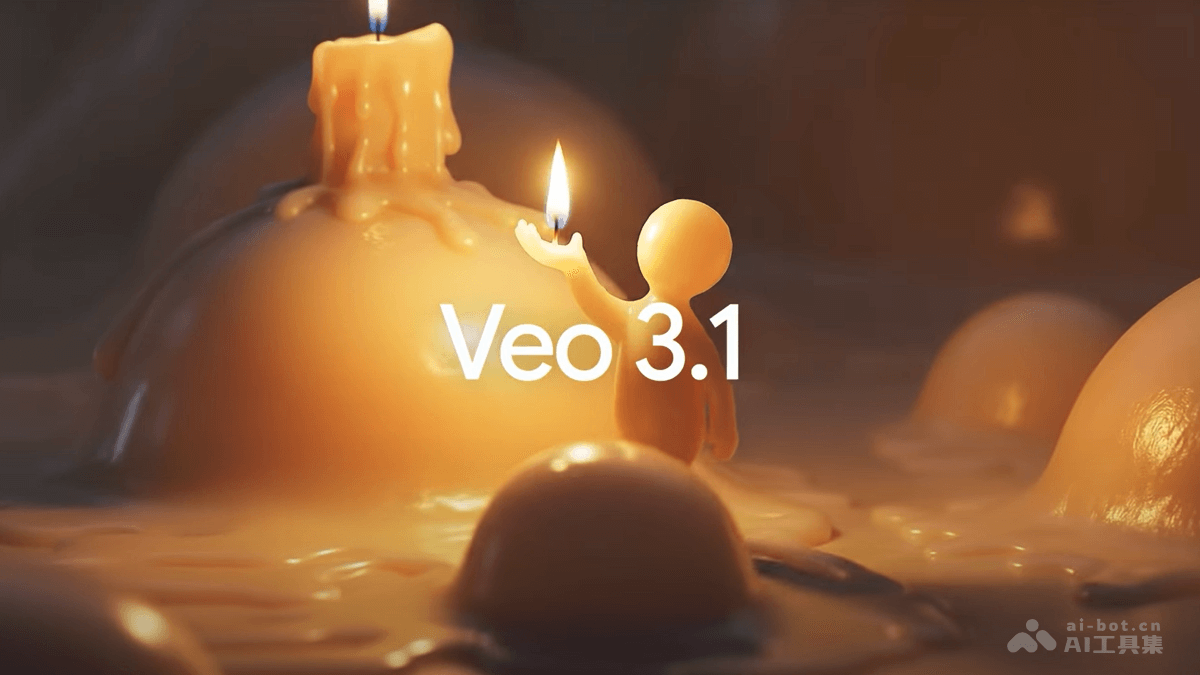
Veo 3.1 is Google's latest AI video generationmodel, building onVeo 3with major upgrades, bringing richer audio support, stronger narrative control, and more realistic texture reproduction. Through native audio generation and more refined editing capabilities, Veo 3.1 allows users to complete video creation directly at the generation stage, without post-processing. The model supports multiple input types, including text prompts, images, and video clips, and can generate high-quality 720p or 1080p videos. Veo 3.1 aims to simplify the creative production process and provide creators with more powerful tools, suitable for advertising, virtual content production, and many other scenarios. The Veo 3.1 model is available through the Gemini API, Vertex AI,Flow and Gemini .
The latest upgrade to Veo 3.1 adds portrait mode, supports generating high-definition 4K and 1080P videos, and improves element fusion and scene control capabilities, making video generation better meet user needs. At the same time, text semantic understanding is enhanced, the generated videos have a stronger narrative feel, and operation is more convenient, making it easy for both ordinary users and professionals to get started.
Main features of Veo 3.1
-
Native audio generation: The model can directly generate audio that matches the video content, achieving audio-visual synchronization without post-production addition.
-
Video extension: Users can continue extending previously generated video clips, and the model starts generating new content from the last 1 second of the previous video.
-
Specified frame generation: Users only need to provide the start frame and end frame, and the model automatically generates the transition scene in between, achieving seamless connection.
-
Image guidance: Supports users uploading up to three reference images, and the model maintains consistency of image style and elements in the generated video.
-
More refined editing capabilities: Supports inserting or removing objects, characters, and other elements in the video, making creation more flexible.
-
High-definition quality: Supports generating videos at 4K and 1080P resolutions, greatly improving image clarity.
-
Portrait mode: Native support for 9:16 portrait video generation, adapting to short video viewing habits without post-cropping.
-
Element fusion and scene control: Can seamlessly stitch characters, backgrounds, and other elements, maintaining consistency of character appearance and scene style, and avoiding visual incongruity.
How to use Veo 3.1
- Choose access method: Users can choose according to different needs: developers access the Gemini API, enterprise customers access Vertex AI, and individual users access Gemini. Take personal use as an example.
- Visit the Gemini official website: Visit Gemini official website, complete account registration and login.
-
Select the Veo 3.1 model: Select or create a project, and ensure that the Veo 3.1 model is enabled.
-
Use Veo 3.1 features: Enter prompts, upload reference images or video clips, set parameters, and click generate.
-
Download the generated video: The generated video is displayed in the application interface. Click the download button to save it locally.
Veo 3.1 project address
- Project official website:https://blog.google/technology/ai/veo-updates-flow/
Veo 3.1 product pricing
-
Standard Model: $0.40 per second of video.
-
Fast Model: $0.15 per second of video.
Use cases of Veo 3.1
-
Advertising and marketing: The model can quickly generate high-quality video ads to meet the needs of brand promotion and product marketing.
-
Content creation: Creators can produce creative videos, animated shorts, and more to spark more inspiration.
-
Education and training: Generate educational video content to help create vivid instructional videos or training materials.
-
Entertainment and film and television: Provide creative material for movies, TV series, short videos, etc., and assist in producing special effects or animated scenes.
-
Corporate promotion: Create corporate introduction videos, product demo videos, etc., to enhance corporate image and product presentation.