
What is Flow
Flow is an AI filmmaking tool launched by Google, integrating multiple AI models such as Veo 3, Imagen 4, and Gemini 2.5. It can generate complete film scenes or short films based on text prompts while maintaining consistency. Users can operate camera movement through "Camera Controls," edit scenes with "Scenebuilder," and manage creative elements with "Asset Management." Flow features "Flow TV," which showcases community creations for users to learn and exchange ideas. Currently, it is only available to Google AI Pro and AI Ultra subscribers in the United States.
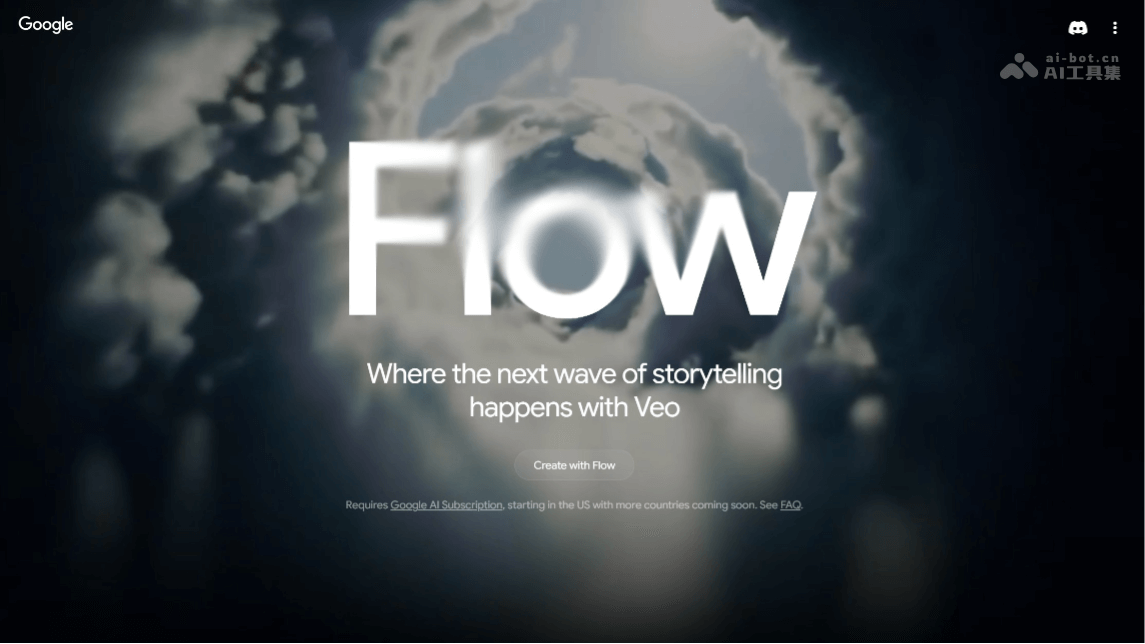
Main features of Flow
- Video generation and editing: Users can enter text prompts to let Flow generate complete film scenes or short films. It can maintain consistency of characters, scenes, and narrative, and supports real-time storyboard design, asset generation, and scene editing.
- Multi-model integration: Flow integratesVeo 3, Imagen 4, and Gemini 2.5, among other Google AI models. Veo 3 is responsible for high-fidelity video generation and supports native audio synchronization; Imagen 4 is used for image generation, with a 10x improvement in precision, and can render subtle details such as water droplets or hair; Gemini 2.5 provides language understanding and text generation capabilities.
- Creative assistance tools: Flow provides a variety of creative assistance tools, such as the "Camera Controls" feature, which allows users to directly operate the camera's movement and angle; "Scenebuilder" supports users in seamlessly editing or extending shots; the "Asset Management" feature helps users organize and manage all creative elements.
- Community sharing and learning: Flow has launched the "Flow TV" feature, a platform that showcases videos created by community users, where users can see other creators' prompts and techniques to learn from and reference.
Flow's official website address
- Official website address:labs.google/flow/about
Flow's application scenarios
- Filmmaking: Filmmakers can use Flow to quickly generate film scenes or short films, greatly improving creative efficiency.
- Video creation: Video creators can use Flow to generate high-quality video content, edit and adjust it, and meet different creative needs.
- Creative exploration: Whether professional creators or beginners, they can use Flow to explore creative ideas and turn them into concrete visual works.