

What is Wenduoduo AI Office
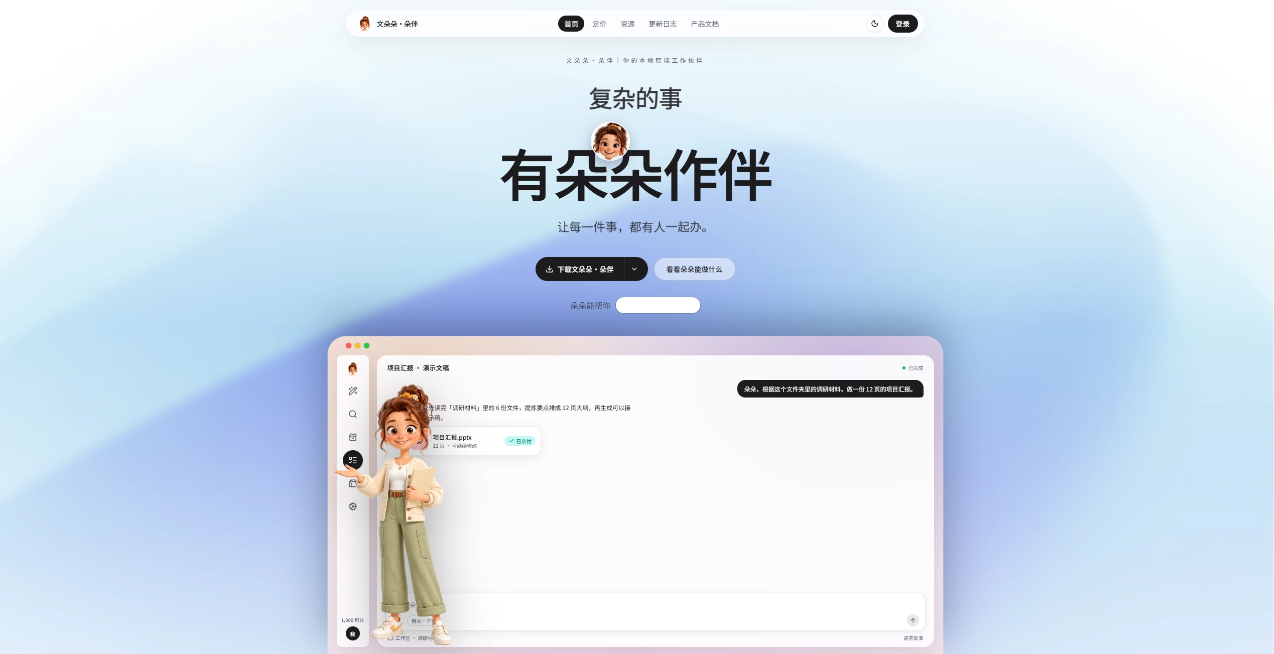
Wenduoduo AI Office is an AI Agent office workbench. Wenduoduo is like an AI colleague who is always available. Users state their goals in natural language, and after understanding the intent, the AI autonomously plans and executes to generate finished office deliverables that can continue to be edited and modified. Compared with template-wrapper tools, Wenduoduo places more emphasis on conversational collaboration, multiple rounds of revision, and truly delivering usable files. Its goal is to hand repetitive work to the Agent so people can focus on judgment and decision-making.
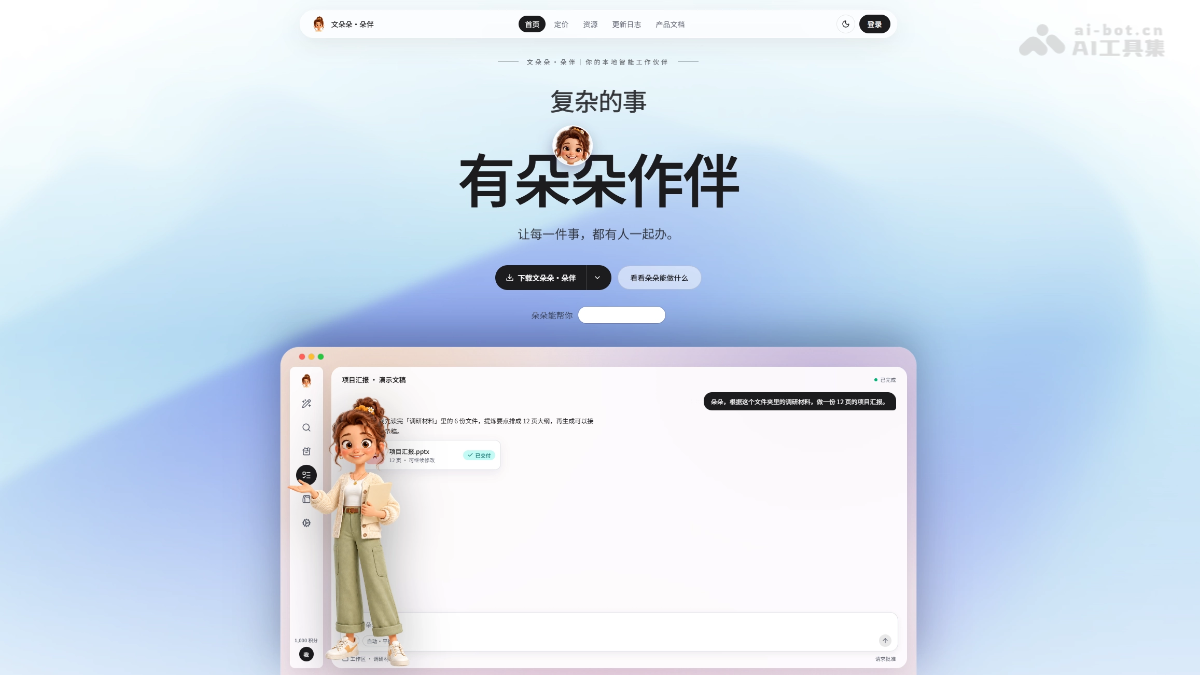
Main features of Wenduoduo AI Office
- Agent Workbench
- Conversational task assignment:Describe goals as if communicating with a real assistant. After understanding, the Agent autonomously plans and executes.
- Multiple rounds of repeated revision:Generation is only the beginning. Changing the overall style, rearranging a single page, or adjusting local wording can all be done by continuing the conversation and asking the Agent to revise.
- The deliverable is the source file:Produces PPTX / DOCX / XLSX, which can continue to be edited online or exported.
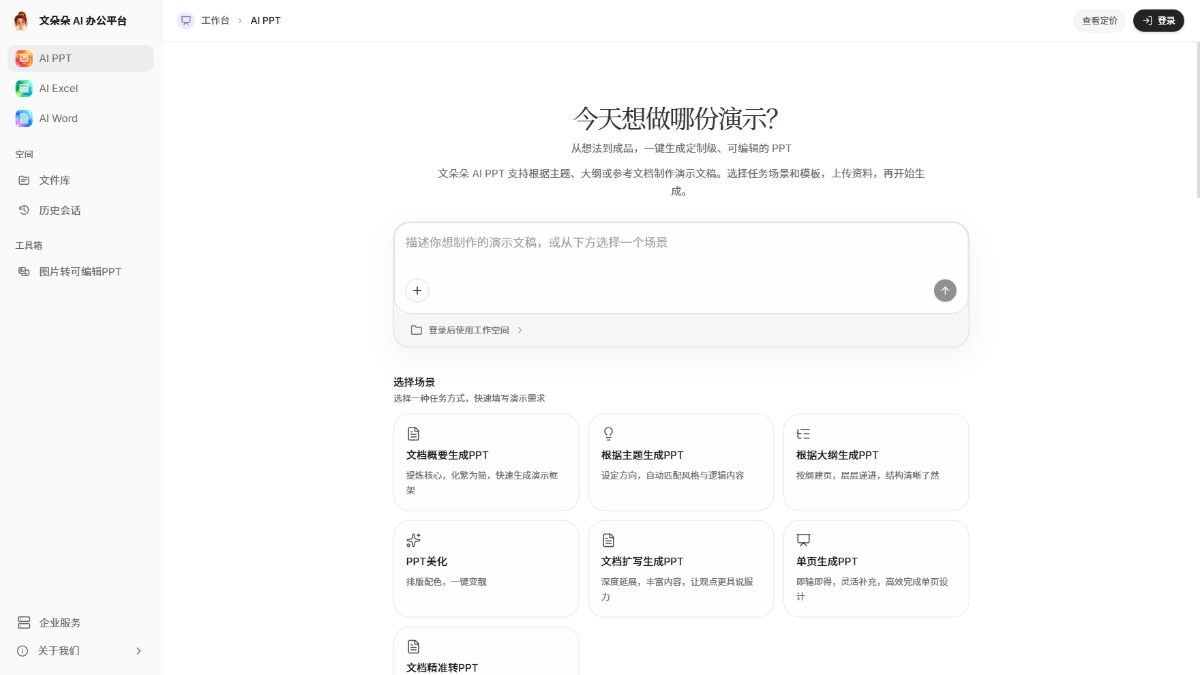
- PPT Agent
- Agent autonomously produces a draft:Tell the Agent the presentation topic, occasion, and ideas. It autonomously organizes the outline, writes the content, matches the layout, and produces a structurally complete editable PPT.
- Supports repeated revision:Change the layout of one page, switch the entire style, add a certain point... Keep the conversation going, and the Agent iterates on the same file.
- Freely input materials:Verbal ideas, existing outlines, and Word / PDF documents can all be handed to the Agent to digest and restructure.
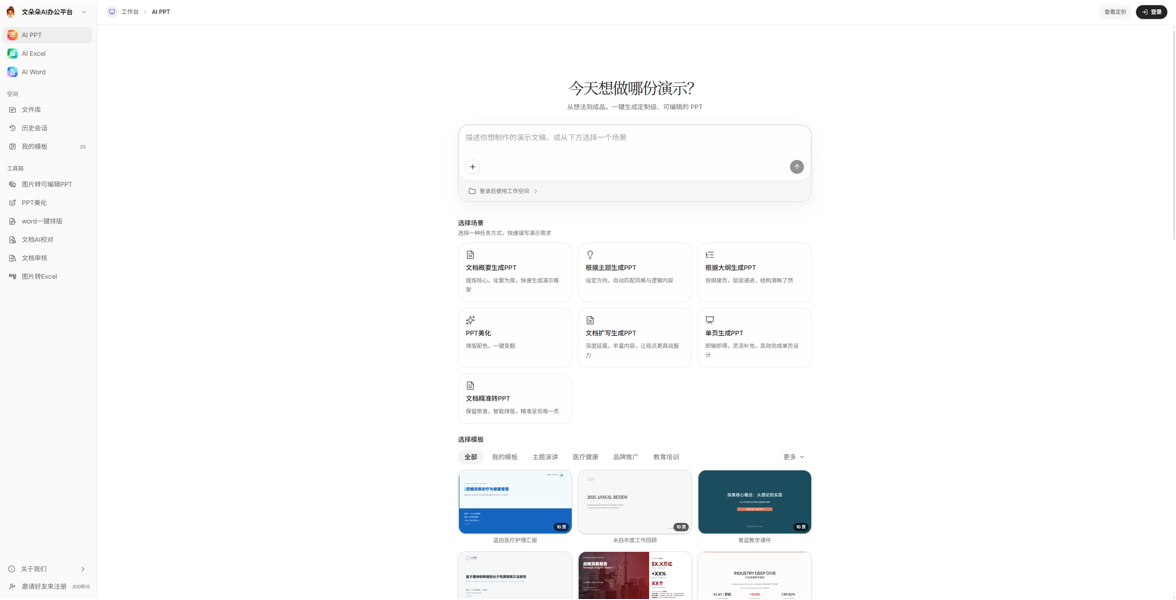
- Image Restoration Agent
- Image → editable PPT:Whiteboard sketches, hand-drawn ideas, and photographed materials. The Agent recognizes the structure and restores it into editable slides. If recognition is not ideal, continue the conversation to correct it.
- Image → Excel:Photos of tables or screenshots of reports. The Agent extracts the data and generates an editable spreadsheet, with support for secondary correction.
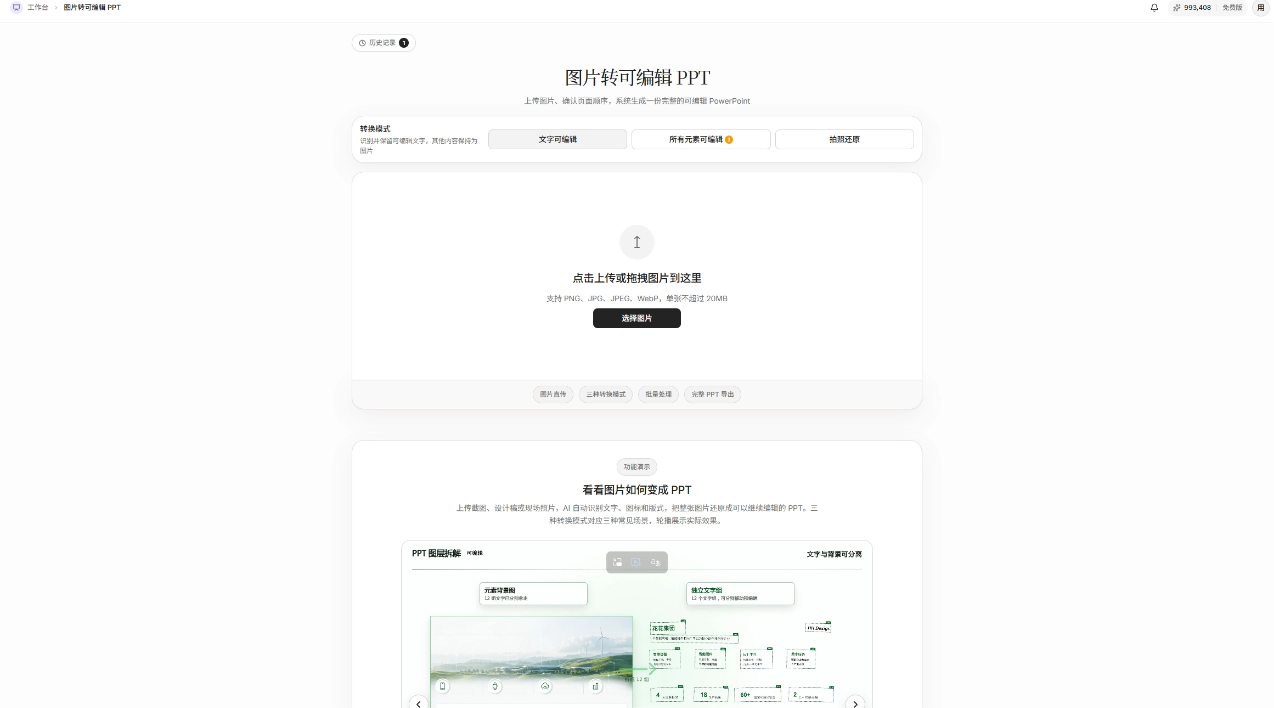
- Excel Agent
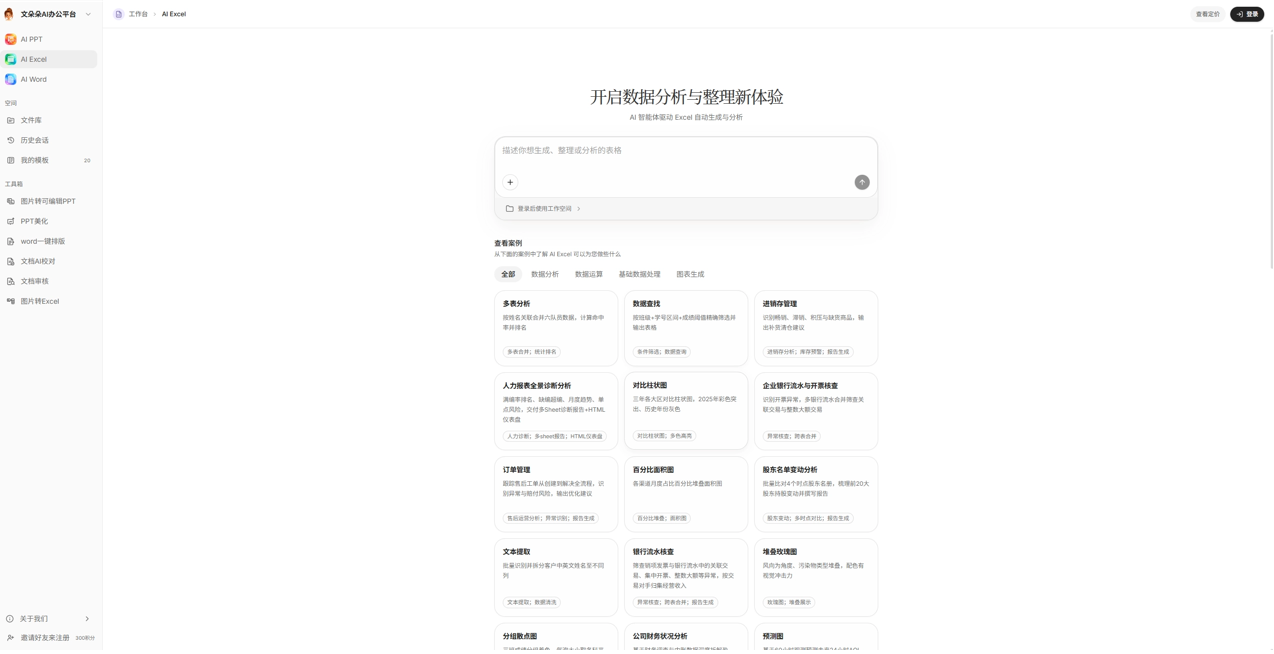
- Process data with natural language:Tell the Agent what to calculate and how to organize it. It automatically completes table creation, cleaning, filtering, and calculation.
- Analysis and visualization:Merging and splitting multiple tables, cross-table verification, chart generation, and interpretation of conclusions. The Agent produces them as needed.
- Results can be adjusted again:If the criteria are wrong, you want to change the chart type, or you need to add an analysis dimension, just continue the conversation.
- Real case library:60+ scenarios such as finance, human resources, sales, and inventory management can be experienced directly.
- Document Agent
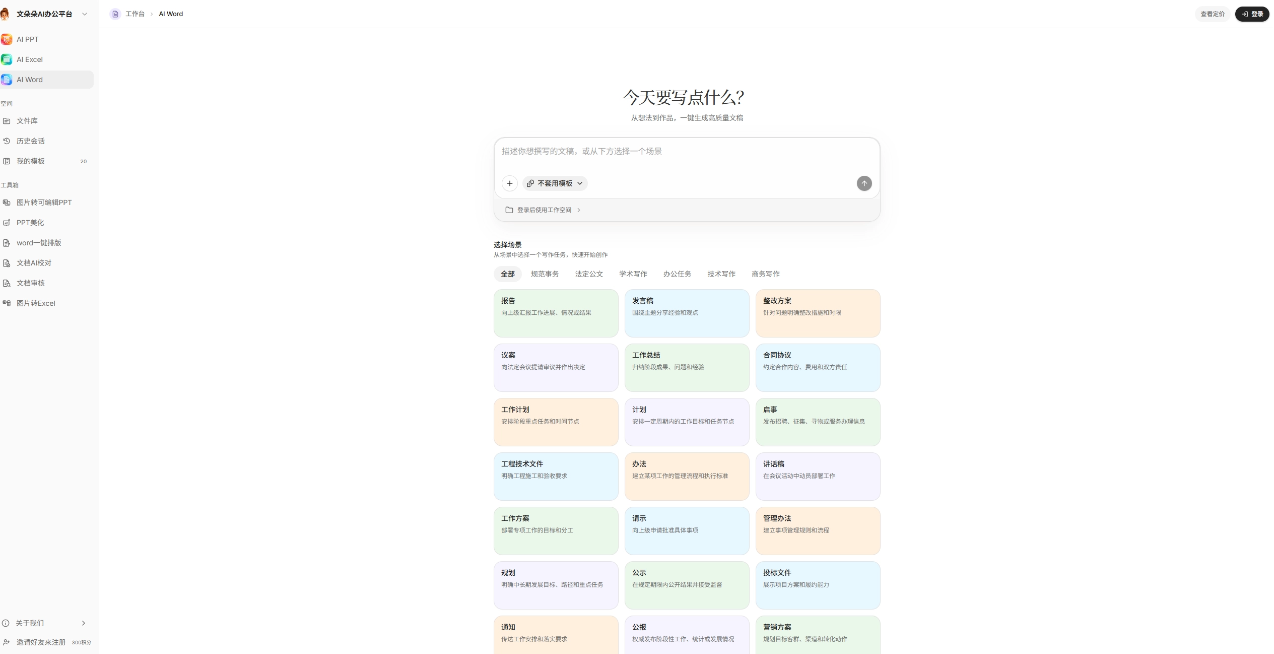
- Conversational drafting:Explain the purpose and requirements of the document, and the Agent drafts according to the scenario. It covers 70+ writing scenarios such as statutory official documents, notices and requests for instructions, graduation theses, business plans, and technical documents.
- Multiple rounds of polishing and revision:Wording, structure, length, and tone can all continue to be adjusted by asking the Agent until satisfactory.
- Efficiency Toolbox
- PPT beautification, one-click Word formatting, document AI proofreading, document review: Repetitive work such as formatting, proofreading, and review can be handed to the Agent, and the results can likewise be revised repeatedly.
- Workspace capabilities
- Continuable sessions:Historical sessions are fully retained, so you can come back and continue editing at any time.
- Online preview:Preview PPTX / DOCX / XLSX without downloading.
- Share replay:Share results publicly with one click along with process replay, making collaboration and reporting more intuitive.
How to use Wenduoduo AI Office
- Open and log in: Visit the Wenduoduo AI Office official website https://wenduoduo.com/ , scan the WeChat QR code or log in with a phone number verification code. New users are automatically registered and receive credits.
- Assign tasks via conversation: In the Agent workspace, explain the goal, scenario, and requirements in natural language, and you can attach outlines, documents, or image materials.
- Wait for the Agent to generate: After understanding the intent, the Agent plans autonomously and generates editable PPT, Excel, Word, or image restoration results.
- Multi-round revision and optimization: If you are not satisfied with the style, a single page, wording, data definitions, etc., continue the conversation and let it iterate on the same task.
- Confirm via online preview: After generation, preview the result online and check whether the content, layout, data, and structure meet expectations.
- Export or share: Once satisfied, export the PPTX / DOCX / XLSX source files, or share publicly with one click along with process replay.
Core advantages of Wenduoduo AI Office
- Brand-new Agent generation method:Not a traditional template shell. The Agent understands intent, plans autonomously, and executes to the end.
- Can be revised repeatedly:Generation is only the starting point. Iterate through conversation until satisfied, with an experience aligned with mainstream AI office assistants such as Doubao / WorkBuddy.
- Four-in-one coverage:PPT, Excel, Word, and image restoration are all handled in one workspace.
- All outputs are editable:PPTX / DOCX / XLSX source files, not just images you can only view.
- Credits for logging in:Register and bind your phone number to receive credits, so you can try it for free before deciding.
- Ready to use on the web:No installation required. Log in on multiple devices to continue your previous session.
Comparison of Wenduoduo AI Office Platform with similar competitors
| Comparison dimension | Wenduoduo AI Office Platform | WorkBuddy | Loomy |
|---|---|---|---|
| Product positioning | Agent-drivenoffice file deliveryworkspace | Desktop Agent automated office tool, leaning toward "execution layer + ecosystem entry point" | A local intelligent agent for real office scenarios, emphasizing proactive collaboration |
| Product form | Ready to use on the web, no installation required, continue conversations across multiple devices | Desktop + remote task assignment via mobile IM, cloud + local dual mode | Windows/macOS client, desktop-level operation |
| Core method | Assign tasks via conversation → autonomous planning and drafting → revise the same file repeatedly until satisfied | Task decomposition + Skills packages + multi-Agent parallel execution | Goal decomposition + tool chaining + multi-step execution + partner team multi-agent collaboration |
| Outputs | Editable source files PPTX/DOCX/XLSX, online preview/export/share replay | Deliverables such as reports, PPTs, data, etc.; source file delivery must be verified by version | File organization, charts, PPTs, scripts, etc., leaning toward execution results rather than unified source file delivery |
| Data security | Conventional cloud SaaS, no standout mechanism seen | Depends on the Tencent ecosystem, enterprise-grade capabilities yet to be verified | Directory-level authorization, files stay local, not read without authorization; the clearest security selling point |
| Ecosystem adaptation | General-purpose, no ecosystem lock-in | Tencent family: WeCom/Tencent Docs/Tencent Meeting | Deep adaptation for domestic office tools such as Feishu, DingTalk, WeChat, and Xiaohongshu |
| Extensibility | Efficiency toolbox (built-in skills such as formatting/proofreading/review) | Compatible with the OpenClaw skill system and the MCP/plugin ecosystem | Skill marketplace + custom model API Key (keys stored only locally) |
| Featured functions | Image restoration (photos of documents/sketches → editable PPT/Excel), 70+ writing scenarios, 60+ spreadsheet cases | Multi-Agent, expert orchestration, process templates | Partner team multi-role collaboration, scheduled tasks, desktop pet to earn points |
Application scenarios of Wenduoduo AI Office
- Workplace reporting: Hand the report topic and materials to the Agent to quickly generate a PPT that can continue to be modified.
- Data organization and analysis: Use natural language to have the Agent create tables, clean, calculate, make charts, and output conclusions.
- Official document writing: Enter the purpose and requirements to generate notices, requests for instructions, official documents, summaries, and other texts, with multiple rounds of polishing.
- Image material restoration: Restore whiteboard sketches, hand-drawn ideas, and report screenshots into editable PPT or Excel.
- Teaching and learning output: Teachers make courseware, and students organize papers, lab reports, or course presentation materials.


