

What is Skywork
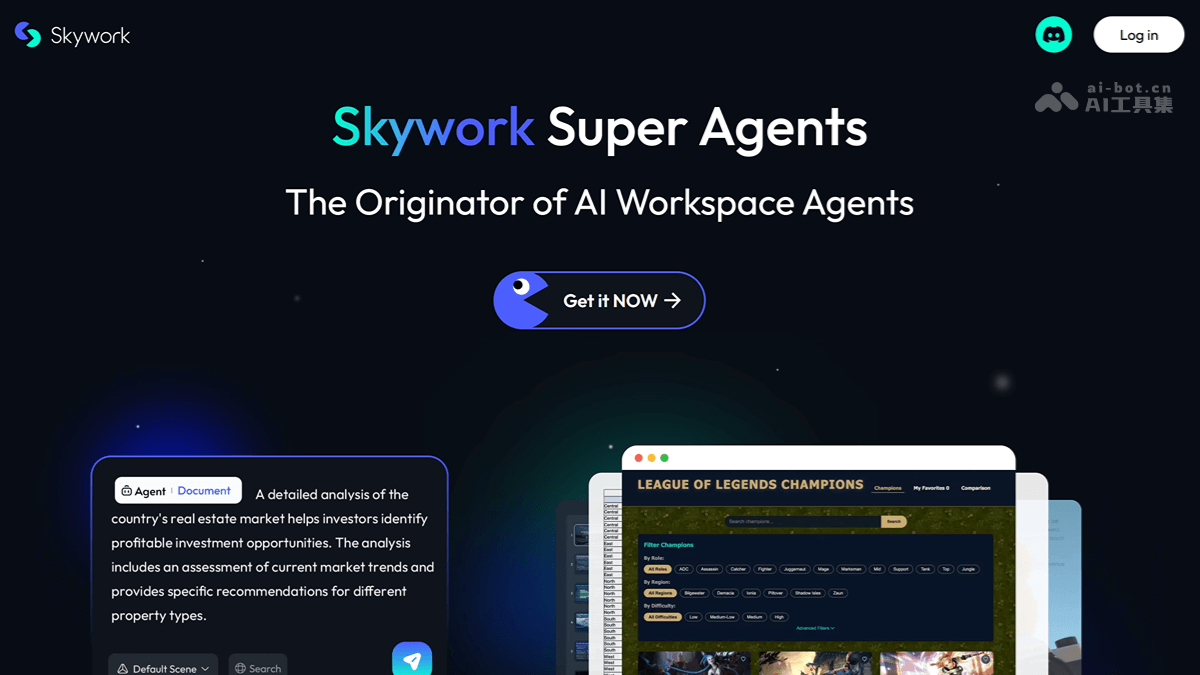
Skywork is the Skywork Super Agents launched by Kunlun Tech. Based on AI Agent architecture and Deep Research technology, it can generate multimodal content such as documents, PPTs, spreadsheets, web pages, podcasts, and audio and video in a one-stop manner. Skywork includes 5 expert-level agents and 1 general-purpose agent, supporting efficient and professional content generation. It features innovative functions such as clarifying requirements, traceable sources, and building a personal knowledge base, turning AI from an assistant into a productivity partner. The agent ranks first globally on the GAIA leaderboard, surpassingOpenAI Deep ResearchandManus。
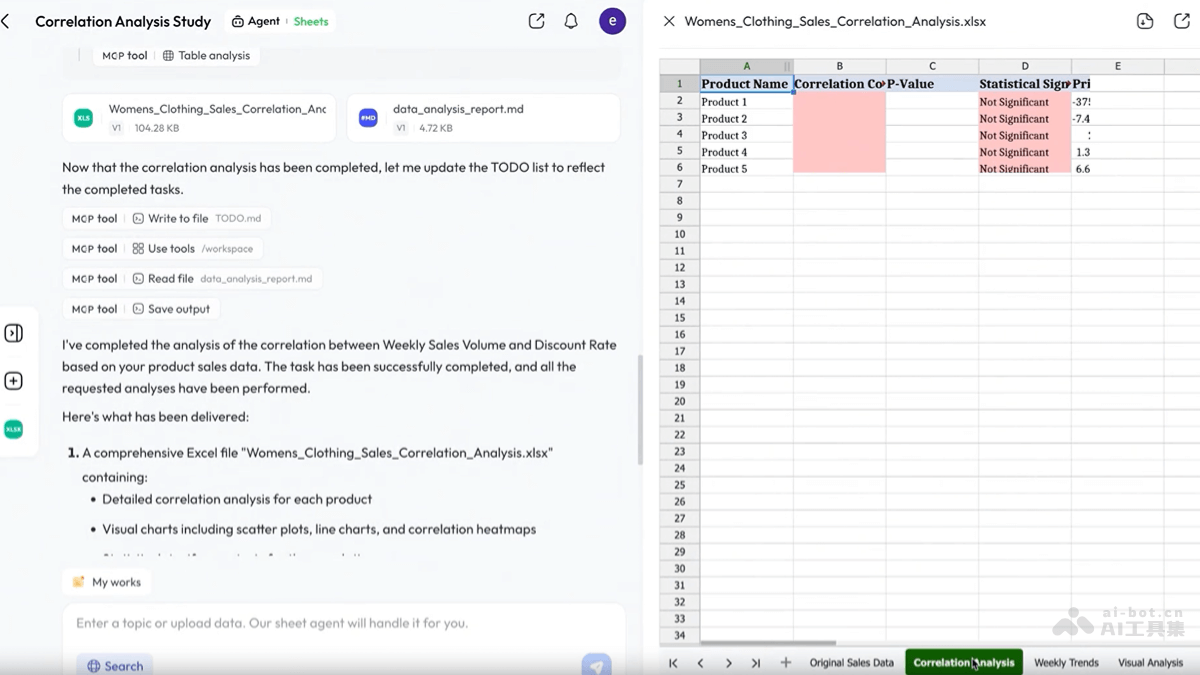
The newly launched Skywork Sheets 2.0 supports deep integration of data processing and report generation, realizing full-process automation from data input to professional report output. Through powerful AI empowerment, users can complete data analysis, visual chart generation, and report writing without professional skills, greatly saving time and effort.
Main features of Skywork
- Intelligent document processing: Supports users in entering topics and requirements to automatically generate or edit documents.
- PPT creation: Provides time-saving and efficient PPT creation. Users enter a topic and requirements, and the system automatically creates a presentation.
- Spreadsheet data analysis: Automatically collects and processes large amounts of data, helping users perform data analysis and organization.
- Web design: Quickly designs and creates web pages, improving website building efficiency.
- Podcast creation: Automatically finds materials, writes scripts for recording, and generates audio podcast content with one click.
- General task processing: Calls a large number of tools to complete various tasks, such as project management and knowledge base management.
- Deep Research capability: Has powerful information retrieval and content generation capabilities, supporting the generation of high-quality documents and data charts.
- Automated requirement clarification: Based on the "clarification card" feature, ensures that AI accurately understands the user's true requirements before generating content.
- Traceable sources: Generated content comes with clear sources, allowing users to verify the authenticity of information.
- Personal knowledge base: Users upload files in multiple formats to build a personal knowledge base, quickly generate content, and reuse past results.
-
Skywork Sheets 2.0 :
- Convenient data input: Supports uploading local files (such as CSV, XLSX), pasting external spreadsheet data, or obtaining information from data sources. The system automatically normalizes formats, breaking down data integration barriers.
- AI-driven analysis and report generation: Automatically completes spreadsheet organization, statistical analysis, visual chart generation, and writing of complete reports, without manual calculation or drawing, achieving an efficient closed loop of "input data, output results."
- Skywork Design: Moves AI design from a linear dialog box to an infinitely extensible canvas, supporting visual global management and iterative rounds of multi-page UI projects to ensure brand guideline consistency.
- Dynamic Workflows: Automatically breaks down complex tasks through dynamic planning, and schedules dozens to hundreds of sub-agents in parallel to execute division of labor and cross-validate results, achieving efficient batch completion of large-scale work.
How to use Skywork
- Register and log in: Visit https://skywork.ai/ or the China official websiteSkywork, complete registration and log in.
- Select mode: Select the corresponding Agent mode according to your needs, such as Document mode, PPT mode, Spreadsheet mode, Webpage mode, Podcast mode, or General mode.
- Enter requirements or upload files: In the selected mode, enter specific requirements or a topic, or upload related files, and let Skywork process them based on the file content.
- Content generation: The system automatically generates or edits content based on the input or uploaded files.
- Customization and editing: View the content generated by the agent and customize and edit it as needed.
- Save and export: After editing is complete, export the content to different file formats as needed, such as PDF, PPTX, Excel, etc.
Skywork's official examples
Document processing
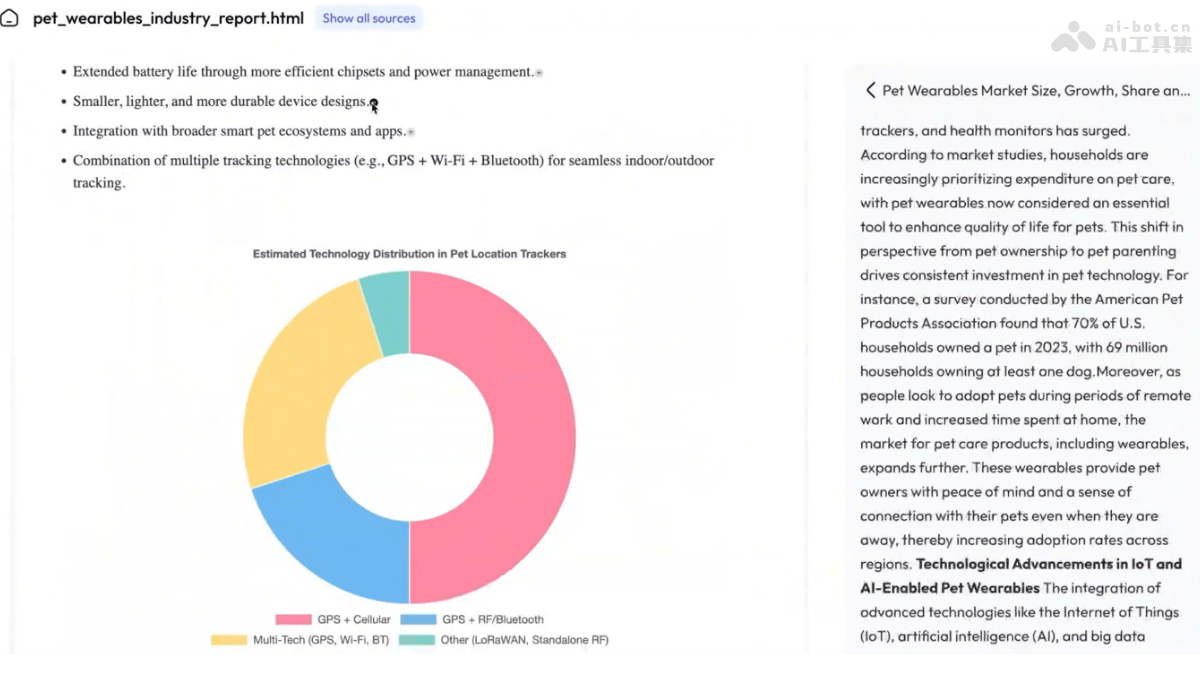
- Prompt: Please generate a market growth and industry research report on the pet wearable device market. (Please generate a market growth and industry research report on the pet wearable device market.)
PPT creation
- Prompt: Create a marketing presentation about Iceland’s breathtaking landscapes.. (Create a marketing presentation about Iceland’s breathtaking landscapes.)

Spreadsheet data analysis
- Prompt: A detailed analysis of the country’s real estate market helps investors identify profitable investment opportunities. The analysis includes an assessment of current market trends and provides specific recommendations for different property types. (A detailed analysis of the country’s real estate market helps investors identify profitable investment opportunities. The analysis includes an assessment of current market trends and provides specific recommendations for different property types.)
Skywork's official website addresses
- Global official website:skywork.ai
- China official website:Tiangong
- GitHub repository:https://github.com/SkyworkAI/DeepResearchAgent
- MCP address:https://mcp.so/server/skywork-super-agents/Skywork-ai
Skywork's application scenarios
- Business reporting and analysis: Users automatically generate business reports, market analyses, or financial statements, improving the efficiency and accuracy of data analysis.
- Education and academic research: Teachers and students create teaching materials, research papers, or academic reports, simplifying the process of gathering materials and organizing content.
- Marketing and advertising: Marketers produce marketing presentations, advertising copy, or social media content, improving the efficiency of creative work.
- Project management and collaboration: Project managers plan project schedules, create task lists, or manage team collaboration, improving the efficiency of project management.
- Content creation and media production: Content creators and media professionals write articles, produce podcasts, or design webpages, automating and accelerating the content production process.


