

What is frontend-design
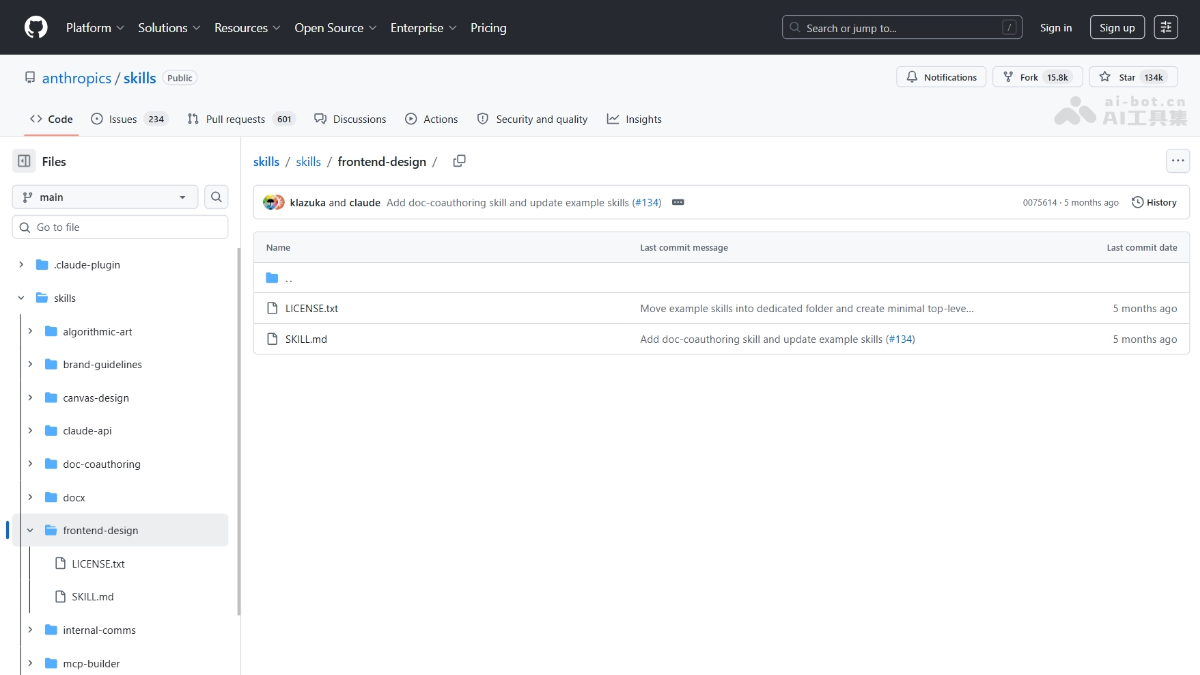
frontend-design is a frontend design Skill launched by Anthropic, used forClaude Codeand other AI coding Agents. The tool requires the model to clarify the purpose, audience, visual tone, and technical constraints before coding, and by designing judgment before coding, it avoids template-like AI-flavored interfaces. As a design decision, it does not replace UI frameworks; it improves frontend aesthetics and implementability, and is suitable for webpage construction, component refactoring, and visual upgrades.
Main features of frontend-design
-
Pre-design thinking framework: Requires the model to clarify the interface's purpose, audience, visual tone, technical constraints, and memorable points before coding, and to explicitly write design judgments into the execution process.
- Typography guidance: Prohibits generic fonts such as Inter and Roboto, and requires choosing distinctive and characterful font combinations to improve frontend aesthetic quality.
- Color and theme system: Prohibits clichés such as white backgrounds with purple gradients, and requires establishing a primary color palette with sharp accent colors and using CSS variables to maintain consistency.
- Motion choreography strategy: Advocates carefully choreographed entrance animations rather than scattered micro-interactions; for HTML, prioritize CSS, and for React, the Motion library can be used to create high-impact moments.
- Spatial composition breakthroughs: Encourages layouts that break the grid through asymmetry, overlap, diagonals, etc., avoiding predictable template-like patterns.
- Background and visual details: Requires creative forms such as gradient meshes and noise textures to create atmosphere, and details must strictly serve the overall aesthetic theme.
How to use frontend-design
- Automatic triggering: When a frontend-related task is proposed in Claude Code or Codex, the Agent will automatically identify the task type and read the Frontend-Design Skill's design constraints and execution process.
- Explicit triggering: Directly write in the prompt, "Please use the frontend-design skill to design and implement this page."
- Supplement business context: When using it, sufficient product information must be provided, including product type, target users, brand temperament, information priority, tech stack, mobile requirements, and accessibility requirements, to avoid saying only "make it look good," which makes the design space too broad.
- Read existing conventions first: When using it in an existing project, the Agent should first read the existing components, style variables, and design conventions before making changes, to avoid a disconnect between the new page and the original system's style.
- Reuse existing components: If the project already has a component library, prioritize reusing existing basic components such as Button and Table, and improve the presentation only at the style layer and in composition methods.
- Visual verification after completion: After implementation, production-quality verification is required, including desktop and mobile screenshot checks, text overflow checks, interaction state checks, theme color contrast checks, and whether animations interfere with users.
Core advantages of frontend-design
-
Avoid AI flavor: Explicitly writes "avoid templating" into the goal, requiring aesthetic judgment, contextual awareness, and brand memorable points, so that AI-generated frontend code has product character instead of uniform white-background cards and purple gradients.
-
Complete design pipeline: Covers the complete process from purpose analysis, audience targeting, and visual tone selection to typography, color, motion, space, and background details, and further to code implementation and production quality validation, forming a closed loop from design judgment to engineering delivery.
-
Framework-agnostic: Not bound to any frontend framework or component library. Whether the project uses native HTML/CSS, React, Vue, Tailwind, or Ant Design, it can be used as high-level design guidance with extremely high flexibility.
-
Intentional design: Encourages bold visual directions but emphasizes Intentionality. All design choices must be consistent, precise, and executable, avoiding chaos for the sake of showing off, so that both minimalism and maximalism can hold up.
-
Skill collaboration ecosystem: Naturally suited for collaboration with other engineering Skills, for example using Brainstorming to clarify requirements, Frontend-Design to determine the interface direction, and finally Code Review to ensure correct behavior and reliable quality.
Comparison of frontend-design with similar competitors
| Dimension | Frontend-Design | Taste-Skill |
|---|---|---|
| Product form | Anthropic official Skill/Prompt | Community open-source Skill/Prompt |
| Core capability | Design decision constraints, aesthetic guidance, and prohibition list | Anti-Slop frontend framework, layout/typography/motion/spacing enhancements |
| Framework binding | Not bound; native HTML/CSS, React, and Vue are all supported | Not bound; supports all mainstream frontend frameworks |
| Design depth | Extreme style choices, intentionality, context, and memorable points | Adjustable dials to control design variance, motion intensity, and visual density |
| Style variants | Single Skill, with direction specified through prompts | 9 code Skills + 3 image generation Skills (minimalist, luxury, brutalism, etc.) |
| Image capability | None | Built-in imagegen-frontend-web/mobile and brandkit |
| Usage | Automatically or explicitly triggered in Claude Code/Codex | npx skills addInstallation; supports Claude/Codex/Cursor, etc. |
| Controllability | High; precisely specifies visual direction and engineering standards | High; 1-10 level dial adjustment + multi-Skill combination |
| Engineering integration | Directly embeds into existing codebases and reads existing conventions | Direct embedding; supports existing project transformation (redesign-skill) |
| Image-to-code | None | Supports the complete image-to-code process |
| Applicable stage | Production code enhancement, interface refactoring, component beautification | Full-pipeline coverage, from reference image generation to code implementation |
| Pricing model | Free (used with Claude Code) | Free and open source (MIT License) |
Use cases for frontend-design
-
Full web page development: Suitable for complete page development such as product websites and campaign landing pages that require establishing a visual direction and brand character from scratch, enabling the Agent to form a clear design concept before coding.
-
Component design and refactoring: Suitable for design and refactoring tasks involving React, Vue, Svelte, or HTML/CSS components, improving the completeness, consistency, and visual expressiveness of component libraries.
-
Visual upgrades for existing pages: Suitable for layout optimization, interaction enhancement, and visual style upgrades for existing pages, injecting new design judgment into existing systems without breaking the original architecture.
-
Filling in prototypes without design mockups: Suitable for scenarios where a high-fidelity, runnable interface must be produced quickly without complete design mockups, filling in the visual direction, component hierarchy, motion rhythm, and detail treatment for product prototypes.
-
Enterprise dashboards and tool interfaces: Suitable for professional tool interfaces that need to prioritize information scanning efficiency, operational density, and state clarity, avoiding the sacrifice of usability in pursuit of flashiness.


