
What is ToDesk AI
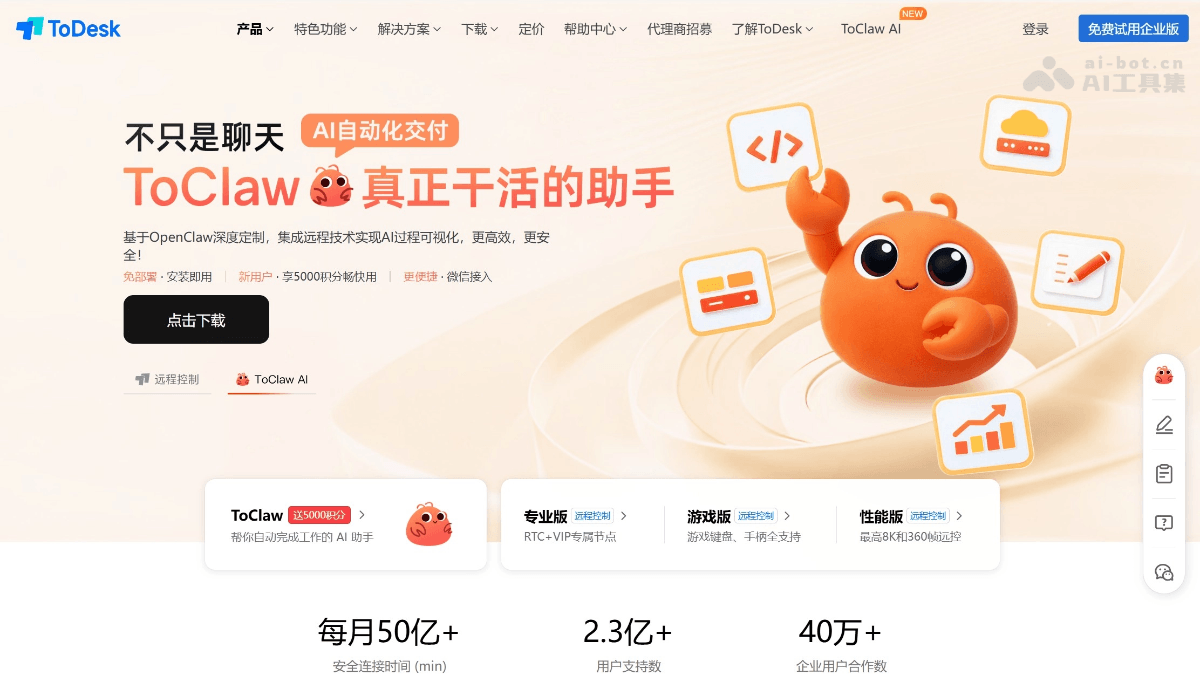
ToDesk AI is an AI intelligent assistant launched by ToDesk, based on OpenClaw deeply customized, deeply integrating remote control and AI automated delivery capabilities. Users can execute complex tasks across devices through natural language, such as intelligent file retrieval, data analysis report generation, web information collection, scheduled automated office work, etc. Break the "device island", form a cluster of multiple devices logged into the same account for collaborative scheduling, all complex computations are completed in the cloud relying on the ZeroSync protocol, with zero local burden. No deployment required, ready to use upon installation, new users get 5000 credits upon registration, supports WeChat access for remote control, allowing ordinary users to also have a 24/7 online digital employee.
Main features of ToDesk AI
- Natural language task execution: Users can assign tasks using colloquial instructions, such as "Help me find all PPTs about market analysis from last month, and summarize them into a PDF report".
- Intelligent file and content management: Automatically scan, identify, classify, and organize digital assets such as documents, images, and emails across devices.
- Data analysis and report generation: Connect to tools such as Excel to perform data extraction, cleaning, and analysis, and automatically generate charts and text reports.
- Information collection and integration: Through browser automation, collect information on specified websites and organize it into structured materials.
- Scheduled and automated tasks: Set scheduled tasks to let AI automatically execute repetitive work at specified times, such as daily data backup, weekly report generation, etc.
- Multi-device cluster scheduling: Command multiple devices logged into the same ToDesk account (such as company computer, home computer, mobile phone) to work together and process tasks concurrently.
How to use ToDesk AI
- Download and install ToDesk: Visit the ToDesk AI official website https://www.todesk.com/ to download and install.
- Register/log in to account: Open the ToDesk AI client, register a new account with your mobile phone number or email, or directly log in to an existing account.
- Start using
- Conversational interaction: In the ToDesk AI chat window, directly enter your task instructions. For example: "Help me organize all the images in the Downloads folder on my desktop, classified by shooting date."
- Use preset skills: The interface may provide shortcut task entries such as "Hotspot Analysis" and "Intelligent File Organization"; click to quickly trigger the corresponding function.
- Manage device cluster: In ToDesk's device list, you can see all devices logged into this account. When assigning tasks to ToDesk AI, you can specify which device executes them, or let multiple devices collaborate.
Core advantages of ToDesk AI
-
Zero-threshold, ready to use out of the box: Integrated into the ToDesk client, no environment configuration, coding foundation, or API Key required, ready to use upon opening.
-
Elastic cloud computing power: Based on the ZeroSync protocol, all complex computations are completed in the cloud, and only results are displayed locally, so even old devices can run smoothly.
-
New user benefits: Get 5000 credits upon registration, free to use during the public beta.
-
Device cluster collaboration: Break down "device silos"; all devices under an account form a cluster with unified scheduling, enabling cross-device management of digital assets and intelligent retrieval.
-
AI process visualization: Integrates remote technology; task execution is visible and controllable, and users can view AI operation progress in real time.
-
Account-level global synchronization: AI capabilities follow the account; all logged-in devices automatically gain the capabilities, and preferences and habits are synchronized in the cloud.
-
Enterprise-grade security: The 2025 version adds two-step verification, end-to-end encrypted transmission, user pop-up authorization for key operations, and traceable operation logs.
ToDesk AI application scenarios
- Scenario 1: Cross-device file organization and search
- Pain point: Files are scattered across multiple devices such as office computers, home laptops, and phones, making it time-consuming and laborious to find specific files.
- ToDesk AI solution: Just say to ToDesk AI: "Help me find the photos with lotus flowers taken at the Summer Palace last year." It will automatically scan all devices logged into your account, identify them by time, location, and content, and aggregate the results on the current device. User feedback says this is much more efficient than manually searching through all devices.
- Experience advantage: It completely breaks down "device silos" and enables unified management and intelligent retrieval of digital assets.
- Scenario 2: Automated data processing and reporting
- Pain point: Every week/month, data needs to be collected from multiple data sources, and repetitive charts and reports are manually created.
- ToDesk AI solution: Scheduled tasks can be set, for example, "Every Monday at 9 a.m., open the sales data Excel, calculate this week's week-over-week change, generate a PPT briefing with charts, and send it to the manager by email." ToDesk AI can automatically execute this series of operations.
- Experience advantage: It frees people from repetitive, rule-based labor and ensures the accuracy and timeliness of reports.
- Scenario 3: Research and learning assistance
- Pain point: Researchers or students need to read a large amount of literature, and manually extracting and organizing core viewpoints is inefficient.
- ToDesk AI solution: Import all downloaded PDF papers into ToDesk AI's "knowledge base," and it will automatically extract each paper's core viewpoints and research methods and store them by category. When you need to write a literature review, instruct it to "organize the papers on 'reinforcement learning' from the past six months, sort them by citation count, and summarize them," and you can quickly obtain a draft.
- Experience advantage: It acts as a "second brain," enabling automated accumulation and rapid retrieval of knowledge, greatly improving learning and research efficiency.


