

What is Yuanqi AI Bot
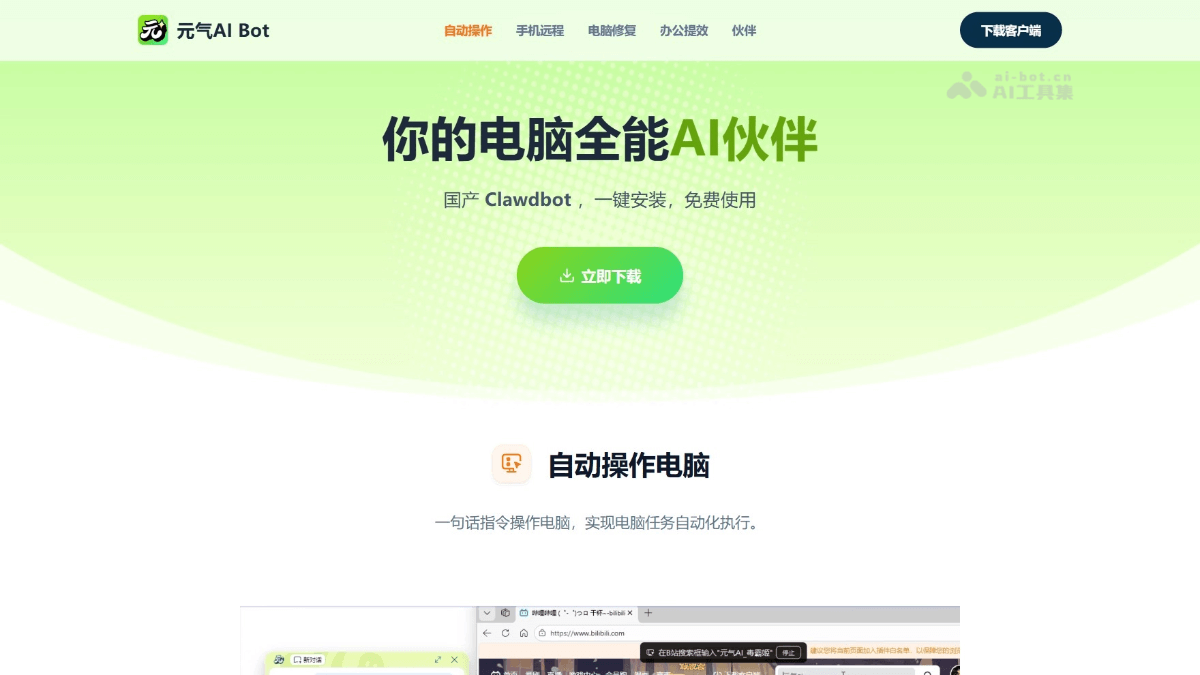
Yuanqi AI Bot is an all-in-one AI companion for computers launched by Cheetah Mobile, billed as a domestic OpenClaw , and can run locally on an ordinary Windows computer. Users can connect remotely via mobile Feishu or DingTalk, using natural language instructions to let the AI automatically operate the computer and complete tasks such as opening software, browsing web pages, and checking emails. Yuanqi AI Bot also integrates system cleanup, fault repair,AI writing、PPT generation, meeting summarization, and other office assistance features, suitable for domestic users who want to experience AI automated office work. Yuanqi AI Bot's original companion system provides personalized AI characters such as Yuanqi Ji, Duba Ji, Xiaoyuan Miao, and Nuomi Miao, each with their own persona, making efficient office work fun and warm. It is an all-in-one AI companion for computers built specifically for Chinese users.
Main features of Yuanqi AI Bot
- Automatic computer operation: Through natural language instructions, the AI automatically executes computer tasks such as opening software, browsing web pages, and checking emails, enabling automation of daily operations.
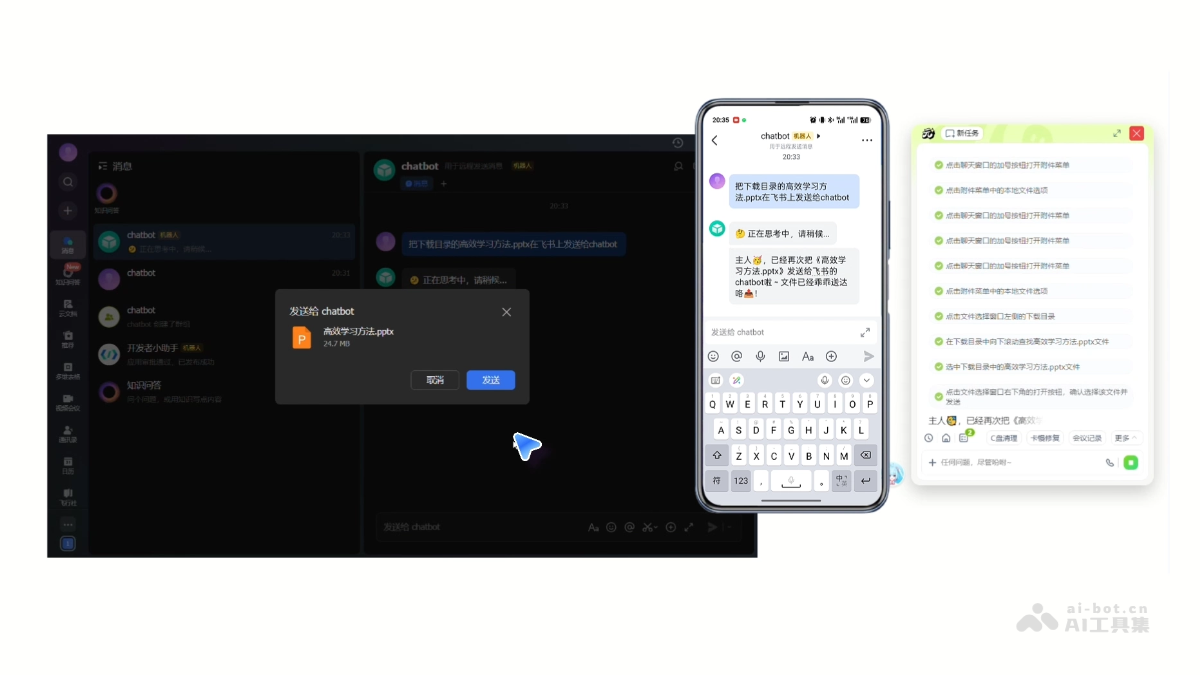
- Mobile remote control: After binding Feishu or DingTalk, users can remotely command the computer desktop from their phone anytime and anywhere, with cross-device operation not limited by space.
- Computer repair assistant: Provides maintenance functions such as system cleanup and one-click repair of basic faults to help keep the computer in good running condition.
- AI office and learning efficiency: Integrates tools such as AI PPT, AI writing, and meeting audio/video summarization to assist with content creation and information processing, improving work efficiency.
- Agent customization: Supports setting AI companions with different personalities, allowing users to choose a suitable interaction style according to their needs.

How to use Yuanqi AI Bot
- Download and install: Visit the Yuanqi AI Bot official website https://yuanqiai.net/ , download the Windows client, and enter the chat page after installation is complete.
- Mobile connection: Click "Mobile Interconnection" in the upper right corner and choose Feishu or DingTalk as the connection channel.
- Obtain credentials: Follow the tutorial instructions to obtain the APP ID and APP Secret from the Feishu or DingTalk developer platform, and complete the binding configuration.
- Mobile control: Add Yuanqi AI Bot in the workspace of mobile Feishu or DingTalk, and send instructions to remotely control the computer.
- Start using: Enter task instructions in natural language, such as "check new emails in the mailbox" or "open the browser to search for information", and the AI automatically executes the operations.
Application scenarios of Yuanqi AI Bot
- Remote work: When out, control the home or office computer via mobile phone to handle urgent documents, send emails, and check materials, without carrying a laptop.
- Automated processing: Automatically complete repetitive computer tasks on schedule, such as batch organizing files, data entry, and report generation, reducing manual operations.
- System maintenance: Regularly and automatically clean system junk and repair basic faults, keeping the computer running smoothly and saving the trouble of manual maintenance.
- Information acquisition: Remotely check various account information, such as logging into email to receive messages and browsing specific web pages to obtain data, without sitting in front of the computer.
- Content creation: Use AI assistance to quickly generate PPTs, write documents, and summarize meeting recordings, improving office and learning efficiency.


