

What is MuleRun
MuleRun is the world's first self-evolving personal AI assistant. Unlike tools that require local deployment and environment configuration,OpenClawMuleRun adopts a four-layer architecture of "Base Agent + Knowledge + Skills + Runtime," assigning each user a dedicated 7×24 cloud virtual machine. No deployment is needed—just open the webpage and use it, and it can continue running offline. MuleRun can proactively understand user intent, continuously learn work habits and decision-making preferences, and evolve through a dual-drive of individual learning and group sharing, with high-quality solutions automatically matched to users in similar scenarios
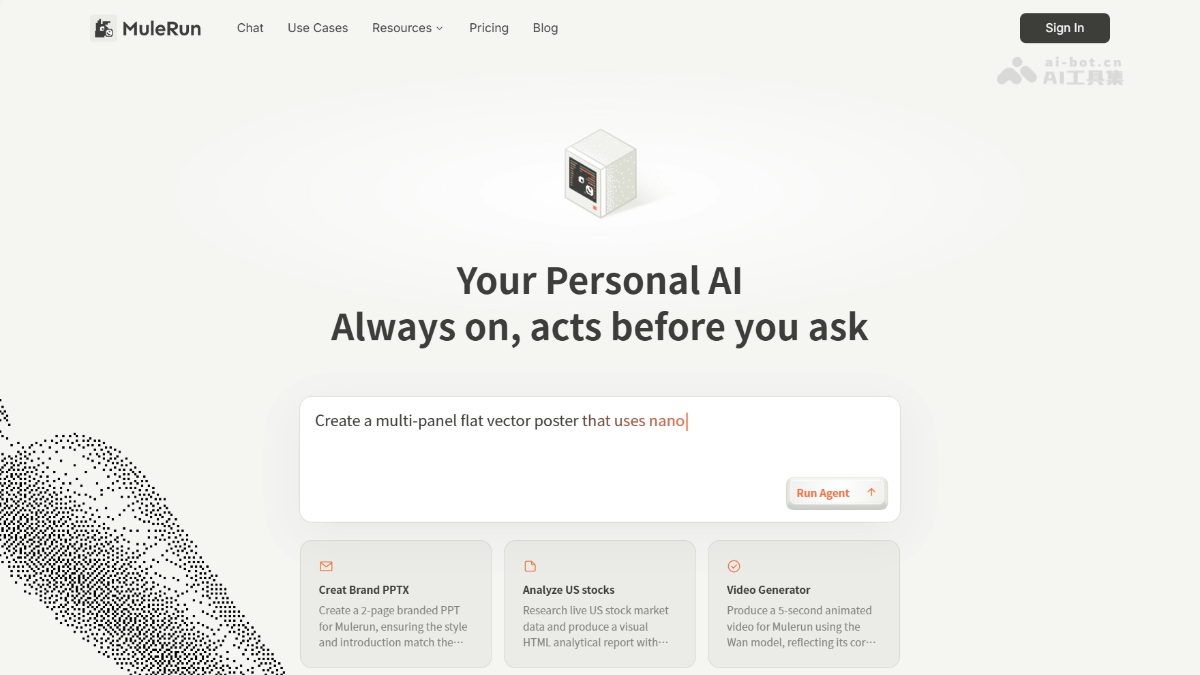
MuleRun's main features
- AI Agent discovery and use: Users can browse and select various AI Agents (Mule Agents) on the platform, and the agents can perform a variety of tasks, such as content creation, game assistance, automated tasks, and more.
- Plug-and-play experience: Users do not need complex setup; they only need to find the required agent and run it to quickly solve problems.
- Creator support: Provides developers with a platform for showcasing and monetizing, supporting users in packaging their professional knowledge into agent tools for other users to invoke.
- Task automation: Users can automate various tasks, such as web operations, file processing, and more, improving efficiency.
- Content creation assistance: Provides AI Agents for content creation such as videos, images, and text, helping users quickly generate high-quality content.
- 7×24 cloud operation: Each user has a dedicated cloud virtual machine, supporting continuous offline task execution.
- Self-evolving learning: Continuously remembers user data, work habits, decision logic, and aesthetic preferences.
- Proactive service: Proactively recommends to-do items, anticipates needs, and pushes scheduled reports, without the need for repeated instructions.
- Two usage modes
-
Computer: Suitable for tasks that need to stay online continuously, such as scheduled data scraping, daily news pushes, competitor monitoring, and more
-
Super Agent: Suitable for one-time delivery tasks, such as generating PPTs, images, webpages, videos, and more
-
How to use MuleRun
- Register an account: Visit the MuleRun official website https://mulerun.com/ and register and log in to your account.
- Browse agent tools: After logging in, enter the marketplace page and search or filter for AI Agent tools that suit your needs.
- Run agent tools: Select an Agent tool, enter the necessary parameters, and click "Run" to start the task.
- View results: After the task is completed, view the generated results and download and save them.
MuleRun product pricing
- Free plan: 50 trial credits per day, 10GB of storage space per month, limited access permissions for models/tools/agents, and no credit stacking.
- Plus plan: $19.9 per month, 50 trial credits per day, 2000 credits per month, up to 5 concurrent agent sessions, 100GB of storage space, full access to models/tools/agents, API and MCP keys provided, priority access during peak hours, early access to new features, and community support.
- Pro plan: $99.9 per month, 50 trial credits per day, 10000 credits per month, up to 30 concurrent agent sessions, 1TB of storage space, full access to models/tools/agents, API and MCP keys provided, priority access during peak hours, early access to new features, and email and ticket support.
- Enterprise Plan: Pricing requires contacting sales. Get organizational management, private agents, on-demand tool/model usage, on-demand storage/resource usage, dedicated runtime environments, dedicated support, and SLA.
MuleRun Use Cases
- Content Creation: Quickly generate 3D models and scenes with Blender MCP AI Agent, or create long and short videos with a video generator.
- Gaming Assistance: With tools such as Honkai: Star Rail Booster, help players obtain more rewards in games.
- Social Media Management: Use Pet Memes Generator and YouTube Comments Generator to create interesting content and boost engagement.
- Task Automation: Automate web operations with General Browser Operator to complete data scraping or form filling.
- Meeting Assistance: Use Mule Secretary for Google Meet to provide meeting transcription and summaries, improving meeting efficiency.


