
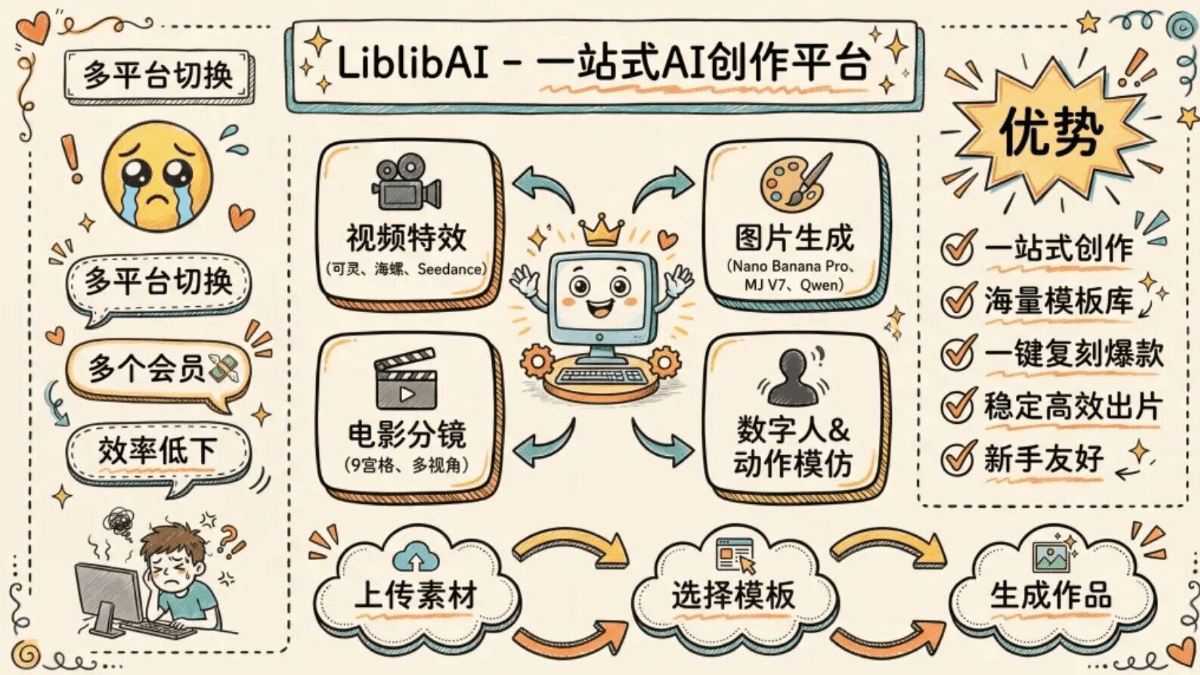
AI is developing so fast. Two years ago, AI-generated images and videos were all distorted and bizarre, obviously fake at a glance. But now, not only are the visuals hard to tell apart from real ones, they can also directly generate complete videos with camera movement and special effects.
There are more and more useful AI tools, and that has also become a kind of distress.
For example, for Chinese design and guofeng elements, I would prioritize Jimeng; for infographics, I prefer Nano Banana, and if I want the visuals to have a more artistic texture, it has to be MJ. For generating videos, I have to switch toTongyi Wanxiang、Kling…
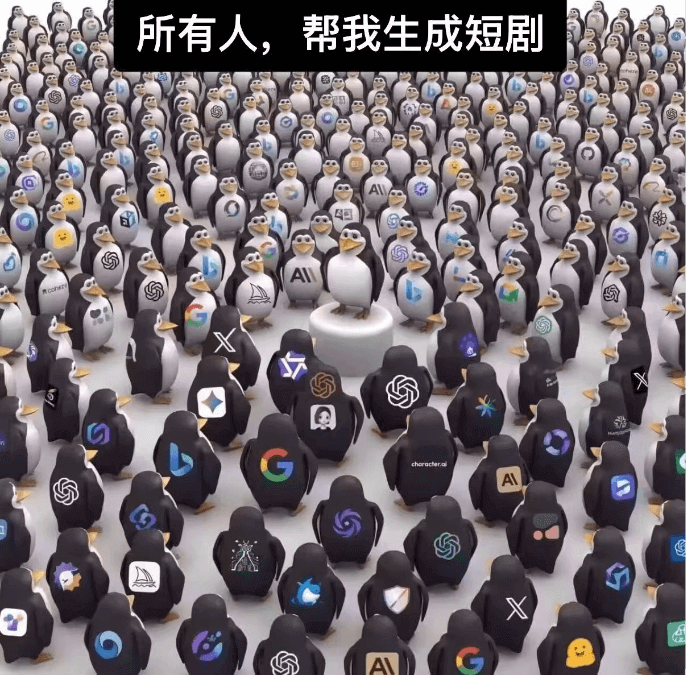
To create content once, I have to switch back and forth between different websites. Not only is the efficiency low, but I also have to buy memberships on several platforms to meet different needs, which is a heavy burden on my wallet...
Recently I went back to using an old friend, LiblibAI. LiblibAI has integrated almost all the mainstream AI models on the internet, allowing one-stop use of top models like Kling, Seedance, Qwen Image, and Nano Banana Pro to generate content, completing image, video, effects, and other creations。
These viral effects can all be directly replicated with one click on LiblibAI.
Official website:https://www.liblib.art/01. One-click replication of movie-level effects
We open the Liblib official website and find video effects. There are a great many templates here.
When we see an effect we like, we can replicate it with one click through the template.
For example, this e-commerce product rendering effect used to require manual work in PS and C4D. Now with LiblibAI, you can achieve the same effect by uploading a product image.
Entering the template details, we can see the template'susage instructions, commercial licenseand other information.
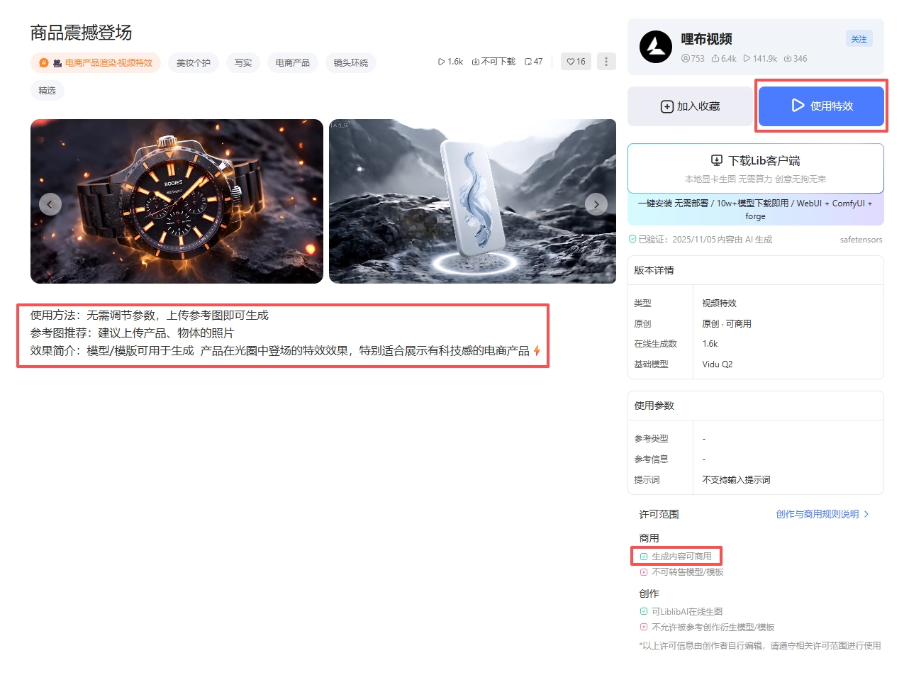
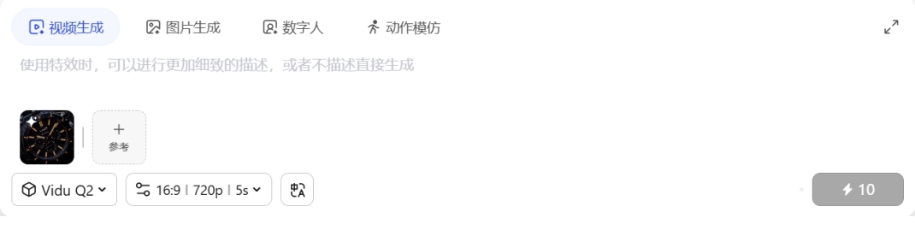
LiblibAI has integrated various video models such as Kling, Hailuo, Seedance, and Tongyi Wanxiang. When choosing to use an effect, LiblibAI will automatically select the corresponding model for us and set the parameters. In most cases, we only need to upload a product image as a reference.
Let's take a look at the final generated effect:
The lighting effect is done very well. This efficiency is a huge improvement over doing it manually!
Here's another one: the same cool rain-control technique from Now You See Me:
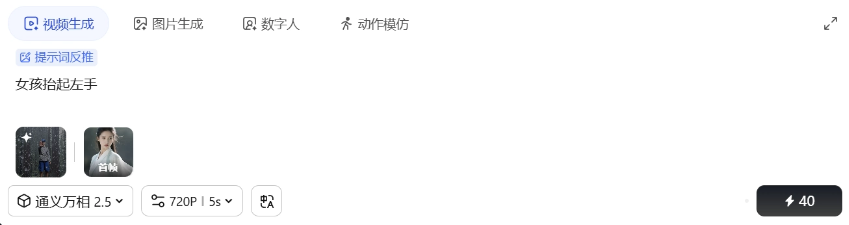
So cool! Movie-level effects were replicated with ease, and you can even choose to generate up to 1080p high-definition video. The effect is top-notch.
The viral cherry blossom disappearance effect I previously saw on Douyin can also be generated directly from a single image:
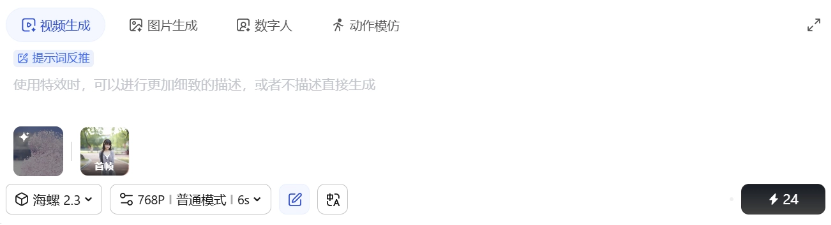 02. One-stop generation
LiblibAI has also integrated Qwen-Image、Nano Banana Pro、Seedream 4.5、MJ V7 and other top image models. Image creation, image editing, video, and effects can all be generated in one stop within a single platform.
For example, with AI comic dramas becoming popular recently, we can use LiblibAI to create character images very easily.
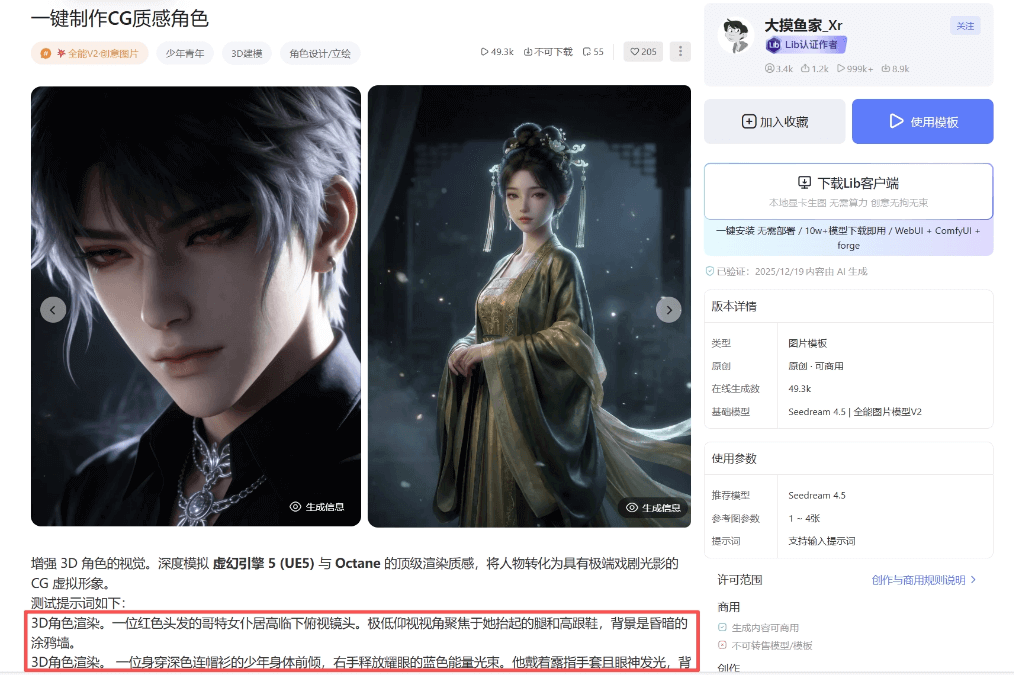
You can refer to the prompt examples provided by the author, or describe it according to your own ideas.
A girl in hanfu.
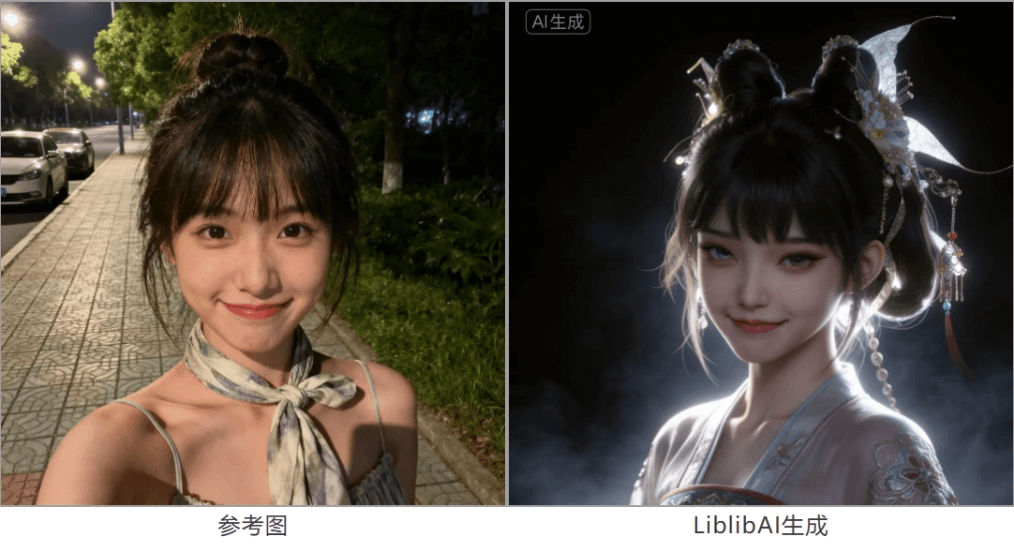
The generated image retains the girl's facial features from the reference image. The rendering texture is truly top-tier.
Paired with the one-click multi-angle 9-grid movie storyboard template, the storyboard is also done with one click~
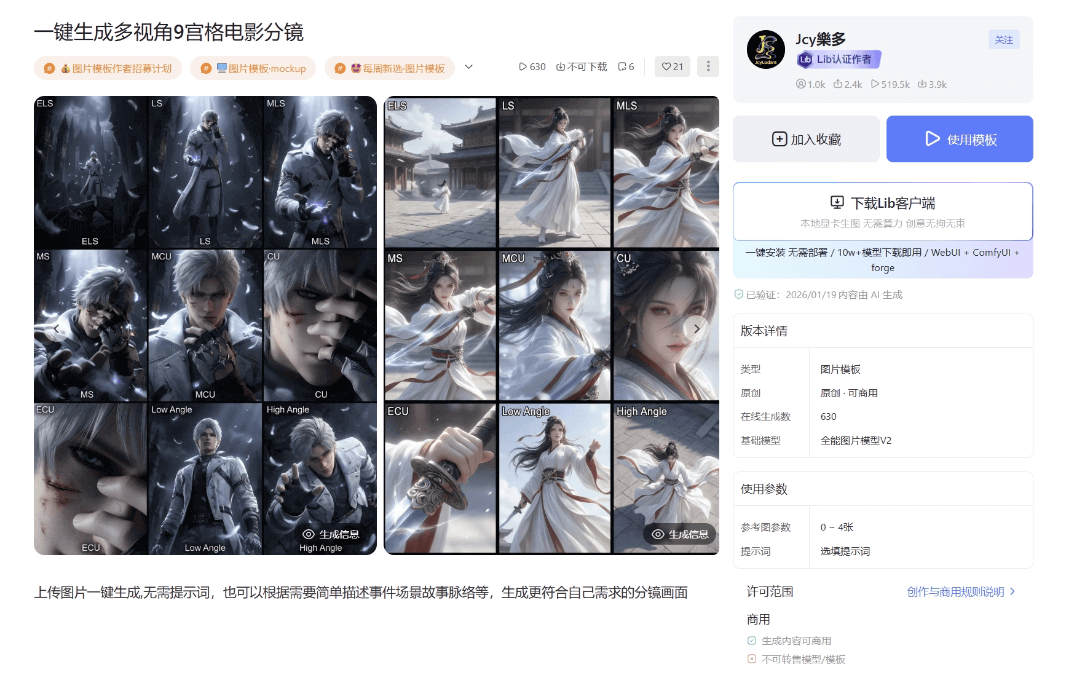
Long shot, close shot, half-body, close-up—images from different camera positions and angles maintain the character consistency very well.
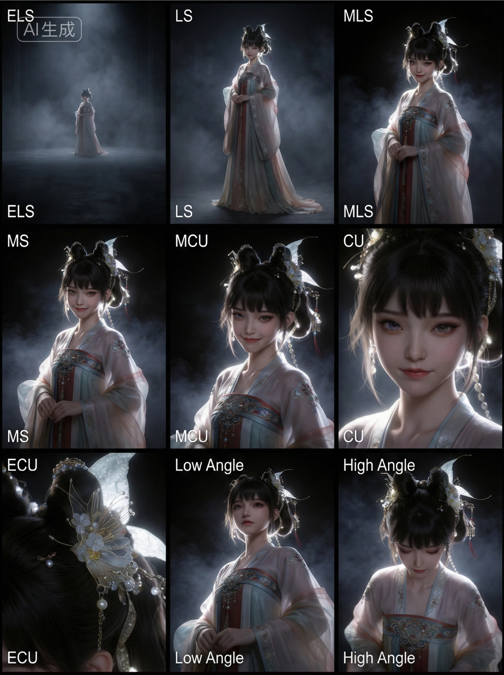
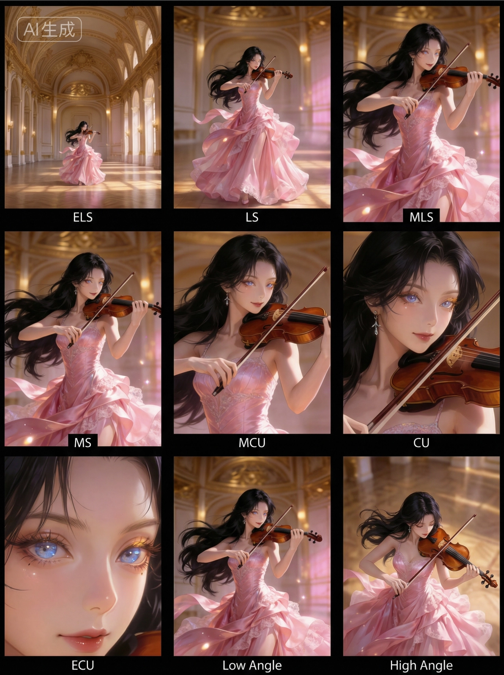
The effect is still great in different art styles!
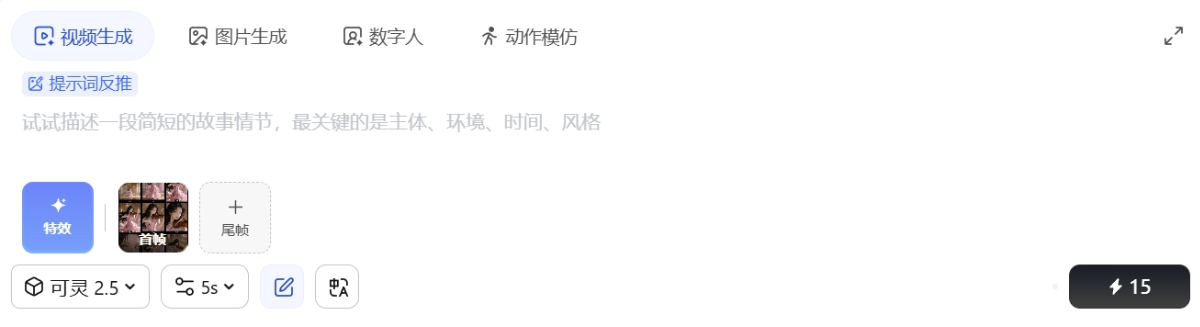
In the generation interface, we can freely switch between image generation, video generation, digital humans, motion imitation, and other functions.
Let's switch to the video generation function and try generating a short film.
Upload the 9-grid image from just now and click in the input boxPrompt Reverse-Engineering, and LiblibAI will generate a prompt based on the image.
Let's take a look at the generated video together:
The camera movement design is spot-on, the character movements are very smooth, and it even generated sound effects that match the visuals very well.
03. Some Sharing
Recently, I've been opening LiblibAI almost every day; in it, you can find all kinds of parameters and ideas for viral hits of the same style.
When creating, many people's first instinct is to find the most powerful model, and only after using it for a while do they realize what's more crucial: how to consistently achieve the effect you want.
In the past, many effects required repeatedly tweaking the Prompt to get them to work; now with a few clicks you can see results close to the final cut, which really saves a lot of time.
LiblibAI's positioning has evolved from its initial model and Lora resource-sharing community into today's one-stop content creation platform, turning popular playstyles and mature workflows into templates. We can directly apply parameters that others have validated to get results quickly, and we can also organize our own workflows into templates to share, making experience more valuable the more it's used.
It has many features but is simple and easy to use, and the results are stable too—it's incredibly friendly for ordinary people creating AI content.
Official Website:https://www.liblib.art/
Original link:No need to write prompts, LiblibAI one-click replication of viral videos