
Want to turn blurry old photos or images downloaded from the internet into high definition? Or upscale low-resolution images generated by AI? AI image upscaling tools can help you achieve high-definition lossless upscaling and sharpening of digital photos while preserving key details. In this article, we introduce in detail 13 free AI image upscaling tools and websites to help you improve image clarity and enlarge images 2-8 times their original size with only minor noise or distortion.
| 🔢 Number of tools tested | 15+ |
| 💻 Supported devices/systems | Web, desktop, mobile, and WeChat mini program |
| 🔍 Maximum upscaling factor | Up to 8x free upscaling |
| 🏅 Top 3 recommendations | Duiyou AI HD, Huiwa AI HD, Photon AI HD |
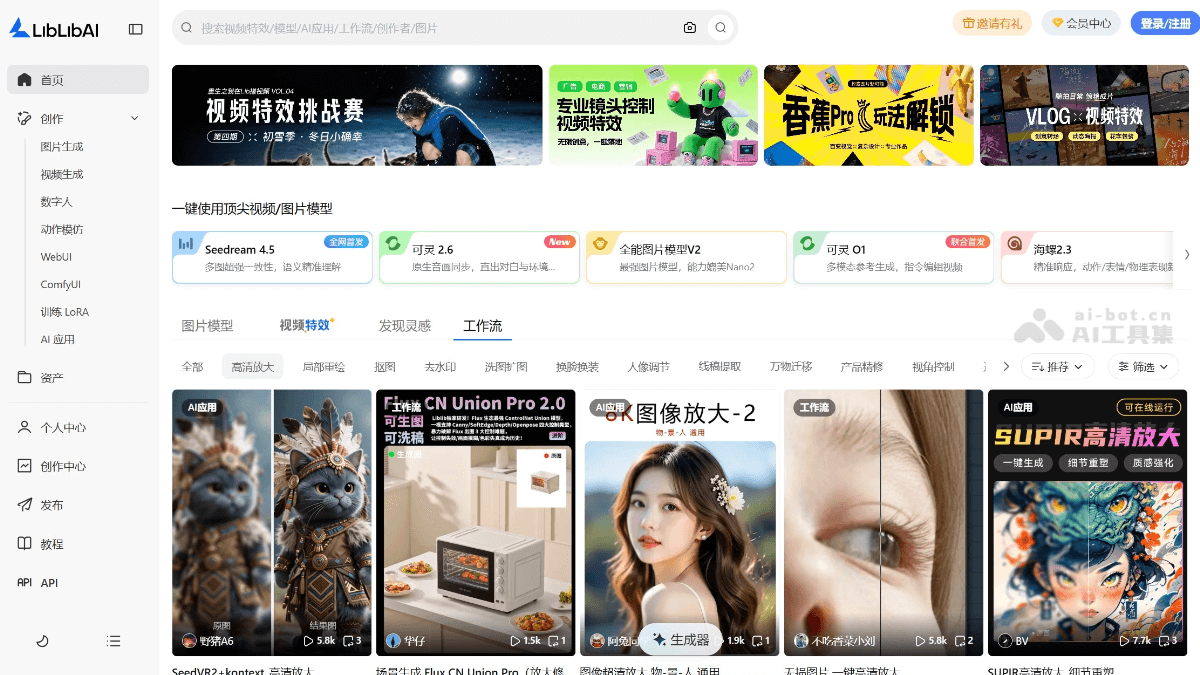
LiblibAI HD Upscaling
LiblibAI HD UpscalingIt is an AI HD upscaling workflow launched by LiblibAI. Based on advanced super-resolution technology and supporting multiple models, it can significantly improve image clarity and details. It is mainly used to enlarge image resolution and is suitable for image output requiring extremely high clarity, such as professional image displays or HD wallpapers.
✅ Product advantages
-
Multiple model support: LiblibAI supports multiple super-resolution models, such as R-ESRGAN_4x+Anime6B, SUPIR-v0F, and 4x-UltraSharp. The models are optimized for images of different styles (such as anime, realistic, etc.), and the appropriate model can be selected according to the image type to obtain more ideal upscaling results.
-
Runs with low VRAM: Through optimized algorithms, LiblibAI's HD upscaling function can run under relatively low VRAM conditions.
-
Fast processing: The HD upscaling function processes quickly; upscaling a single image to 4K takes only about 21 seconds.
⛔ Product disadvantages
-
Limitations on image quality: Although AI technology can significantly improve image quality, the effect may be limited for extremely blurry or severely damaged images.
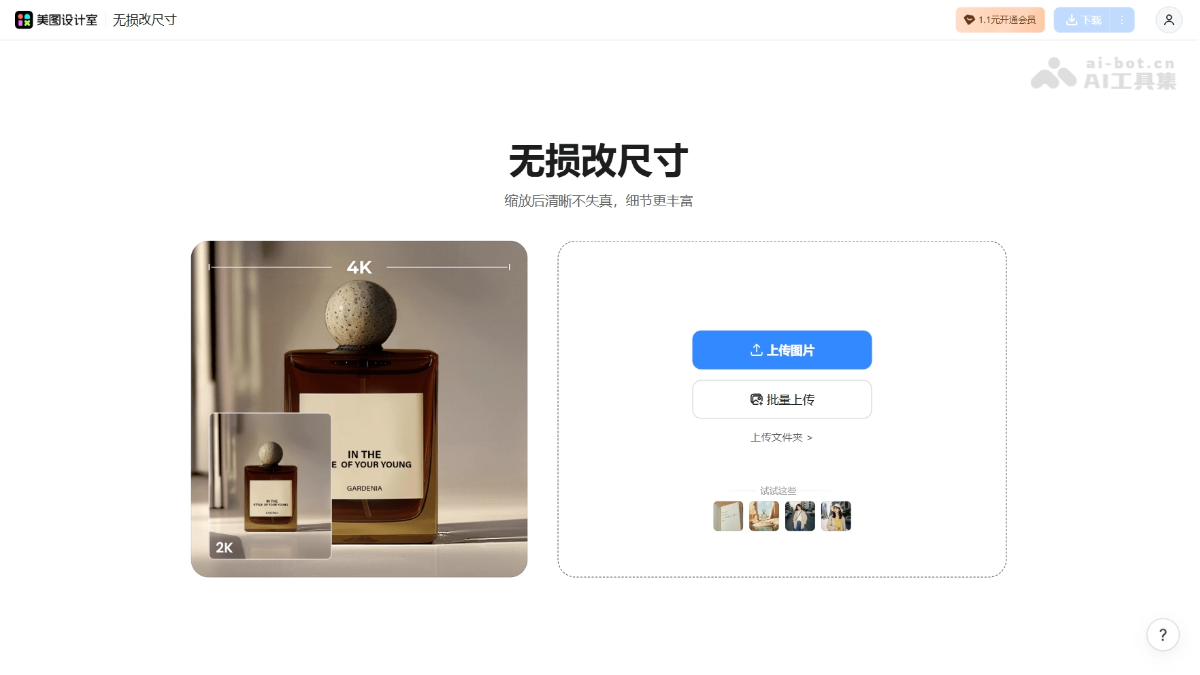
Meitu Lossless Upscaling
Meitu Lossless UpscalingIt is an image processing feature launched by Meitu based on AI super-resolution technology. It can intelligently upscale low-resolution photos to 2x, 4x, or even higher while maintaining or even improving image clarity. It analyzes image details through deep learning models, automatically completes edges, textures, and portrait features, and effectively eliminates common blur, noise, and jagged edges after upscaling. It is especially suitable for scenarios such as restoring old photos, enlarging ID photos, optimizing e-commerce product images, and wallpaper materials.
✅ Product advantages
-
Good upscaling effect: Based on AI super-resolution technology, details after upscaling are clear with no obvious blur or jagged edges.
-
Simple operation: Upload an image for one-click processing, no retouching experience required, and beginners can easily get started.
-
Supports portrait optimization: It can intelligently complete facial details, with excellent results for restoring old photos and enlarging ID photos.
-
Fast speed: Cloud processing is usually completed within seconds, suitable for efficient needs involving batch image processing.
⛔ Product disadvantages
-
Complex images may be distorted: For images with text, complex textures, or severe compression, occasional detail distortion may occur.
Gaoding AI Enhance Clarity
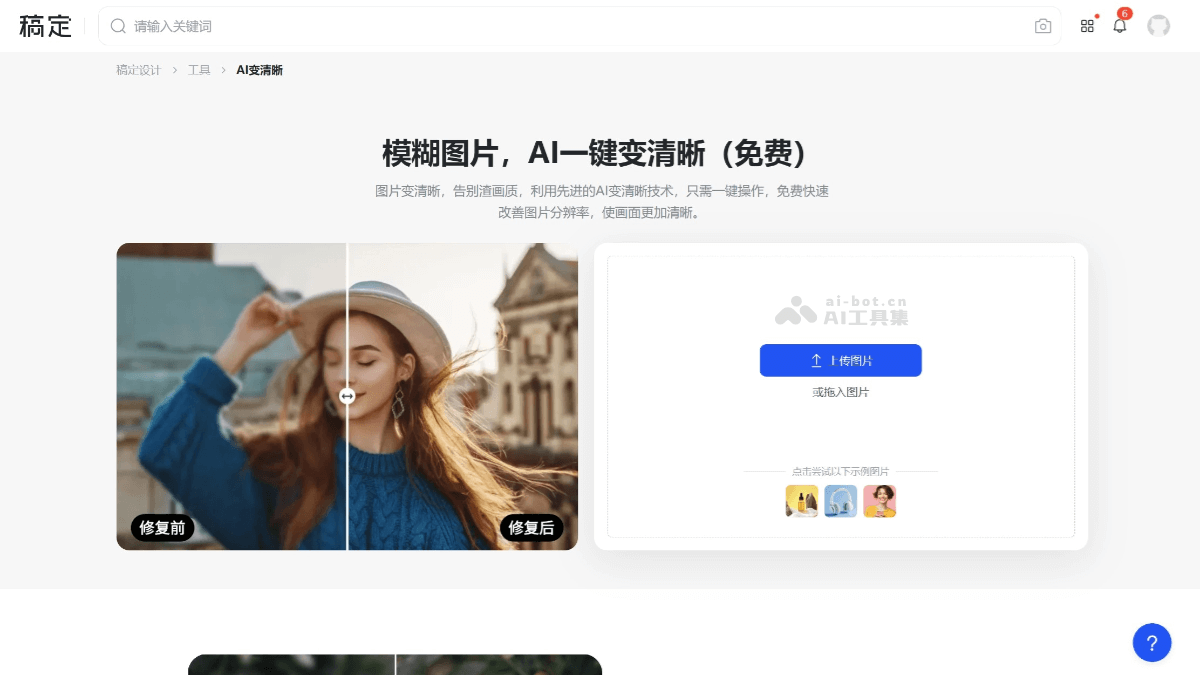
Gaoding AI Enhance Clarityis an AI image restoration tool launched by Gaoding Design that can effectively improve the clarity of blurry images. By intelligently analyzing image content, it precisely supplements image information, significantly enhancing image details and resolution, giving blurry photos a new look. It is suitable for old photo restoration, low-resolution image optimization, and repair of slight blur. Users can choose "HD" or "Ultra HD" mode; "Ultra HD" mode can further optimize image details, making the picture more lifelike. When enhancing clarity, Gaoding AI Enhance Clarity uses color correction technology to avoid oversaturation and hue shift, keeping image colors natural.
✅ Product Advantages
- Launched by Gaoding Design, online use can output high-fidelity images
- Supports multiple formats, such as JPG/JPEG/PNG images
- AI intelligent upscaling and enhancement, no manual settings required
⛔ Product Disadvantages
- Does not support batch image upload for upscaling
Upscayl
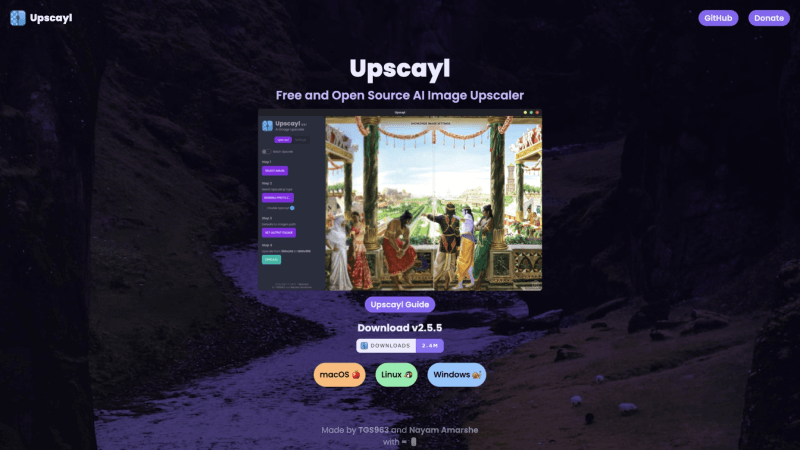
Upscaylis a beautiful free and open-source AI image lossless upscaling tool that also supports desktop systems such as Windows, Mac, and Linux, with cumulative downloads exceeding 2.4 million. This tool runs the AI image upscaling model locally, so you do not need to upload your images to the cloud and do not need to worry about leaking your private photos.
✅ Product Advantages
- Free and open source, no need to spend money
- Supports Windows, Mac, and Linux systems at the same time
- Supports batch image upscaling
- Supports loading custom AI models
⛔ Product Disadvantages
- Does not support online processing; needs to be downloaded to a desktop
- Can only upscale up to 4x
BigJPG
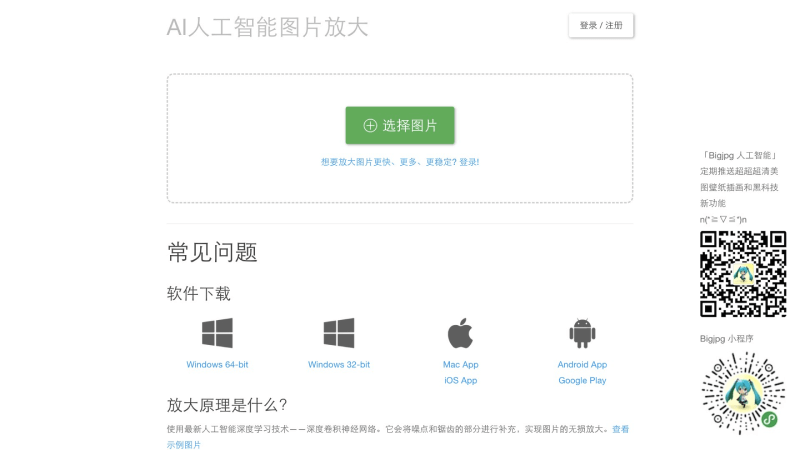
BigJPGuses the latest artificial intelligence deep learning technology—deep convolutional neural networks—to supplement noise and jagged edges, achieving lossless image upscaling. Through neural networks, BigJPG makes special algorithm adjustments for the lines, colors, halftone dots, and other characteristics of upscaled images, so the upscaling effect is excellent, colors are well preserved, and there will be no jagged edges or ghosting at image borders.
✅ Product Advantages
- The free version can upscale 2x and 4x unlimited times
- Supports multiple platforms including web version, Windows, Mac, iOS, Android, and mini programs
- Supports uploading multiple images for batch upscaling
- Provides options for the degree of image noise reduction during upscaling
⛔ Product Disadvantages
- The free version's image upscaling processing speed is relatively slow, with a certain waiting time
- The upscaling effect is better for anime and illustration images, while the upscaling quality for ordinary photos is average
- The website interface is simple and intuitive, but rather plain; it would be better if it could be redesigned and optimized
Duiyou AI HD
Duiyou AI HDisDuiyou AIlaunched AI image upscaling tool that supports HD upscaling of blurry images uploaded by users. Users can add images by dragging and dropping or clicking to upload. Supported image formats include .png, .jpg, .jpeg, and many others. Users can choose different upscaling factors, such as 4x, 9x, and 16x, to obtain clearer images.
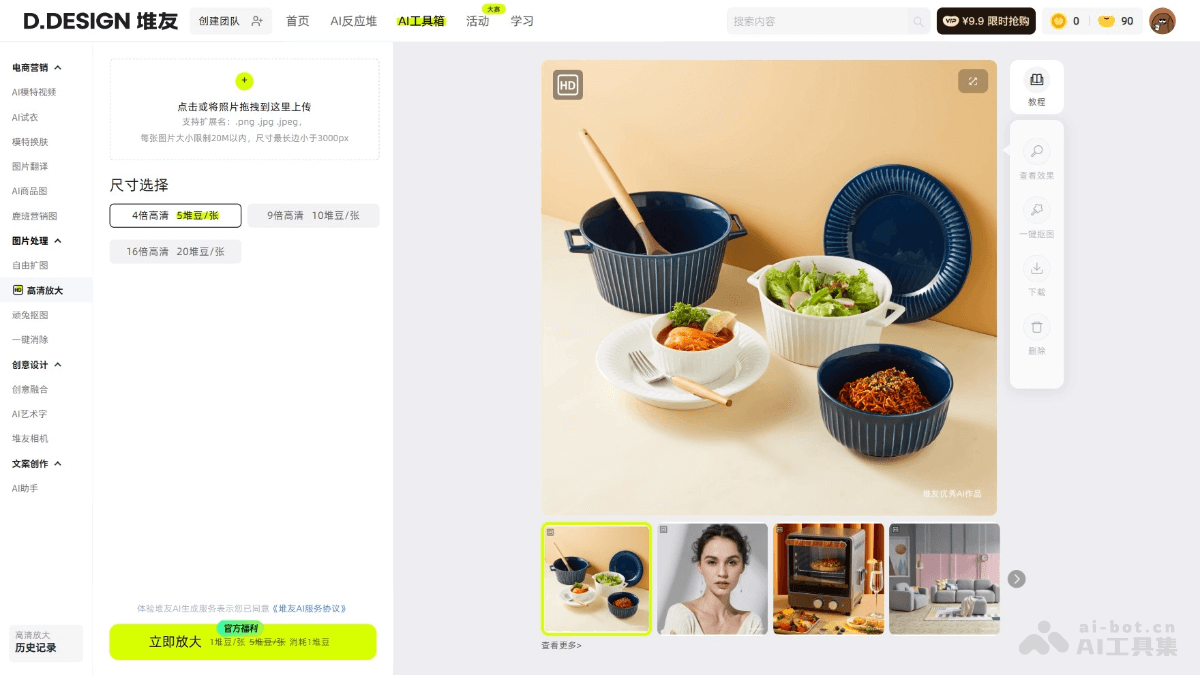
✅ Product Advantages
-
High-magnification upscaling has high clarity: It can enlarge images by a high magnification while preserving image details and clarity to the greatest extent, without distortion issues, so that low-resolution or blurry images can also become clear and delicate.
-
Simple and convenient to use: The usage process is very simple. Users only need to upload an image and can achieve high-definition enlargement with one click. Even novice users without professional image processing knowledge can easily get started.
-
No ad interference: It provides a clean usage environment, allowing users to focus on enjoying the fun of high-definition details during use without being disturbed by ads.
-
Wide range of applications: It is suitable for multiple scenarios, such as photography restoration, e-commerce main image optimization, illustration design assistance, film and game asset production, etc., and can meet the image high-definition enlargement needs of different users in different scenarios.
⛔ Product shortcomings
- Limited support for image formats: It may not fully support some special image formats, and users need to pay attention to image format compatibility when using it
Huihua AI HD
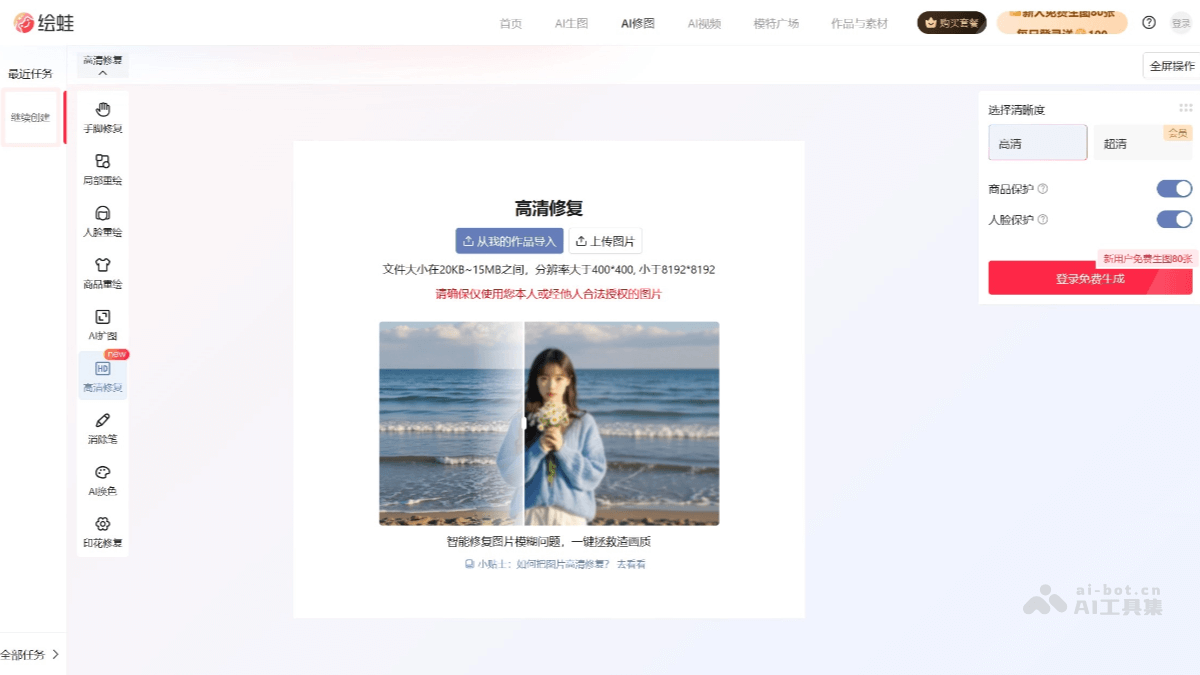
Huihua AI HDis an AI image high-definition restoration tool launched by Huihua, used to improve image clarity and quality. Users only need to upload an image, and Huihua can automatically identify and repair issues such as blur, low resolution, and noise in the image, improving the overall texture and detail performance of the image. Huihua supports image sizes between 400×400 and 8192×8192, with a file size not exceeding 15MB, and is suitable for multiple scenarios such as e-commerce product images and social media content. Huihua AI uses advanced image enhancement algorithms and can intelligently restore details, making images more visually appealing.
✅ Product advantages
-
Intelligently improve resolution: Based on deep learning algorithms, it intelligently enlarges low-resolution images and reconstructs details, effectively improving image clarity and texture, making blurry images sharper and more realistic.
-
Automatic noise reduction and detail enhancement: During the high-definition restoration process, it automatically identifies noise and blurry areas in the image, performs noise reduction processing and detail enhancement, and restores lost texture, edge, and structural information in the image.
-
One-click operation, simple and easy to use: Users only need to upload an image, and the restoration process can be completed automatically, without complex parameter settings or professional skills. It is suitable for non-professional users such as e-commerce sellers and content creators to quickly optimize images.
-
Compatible with multiple e-commerce and social scenarios: The restored images can be directly used for product display, main image optimization, recommendation content, etc. on platforms such as Taobao, Tmall, JD.com, Xiaohongshu, and cross-border e-commerce, improving visual appeal and conversion rates.
⛔ Product shortcomings
- Better at portrait restoration: It has been specially optimized for portrait scenarios, with insufficient adaptation for other scenarios.
Upscale.media
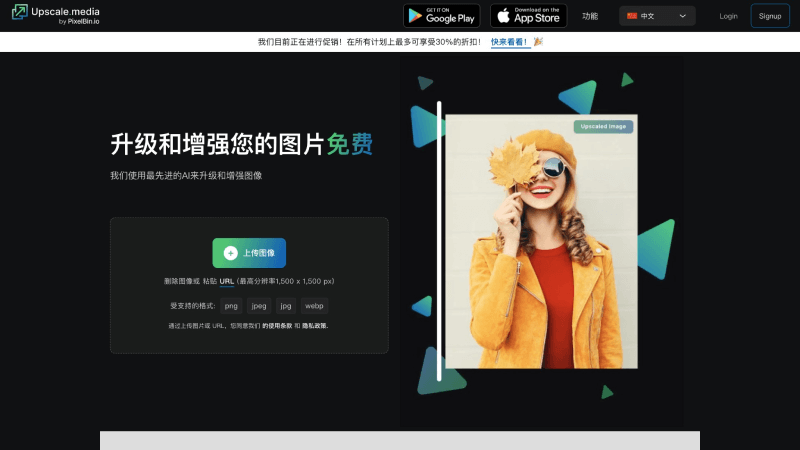
Upscale.mediais an artificial intelligence image enlargement platform launched by Pixel Bin, which can convert low-resolution images into clear, high-definition versions. This AI image enlargement tool uses advanced deep learning algorithms to add realistic details and textures to pixelated images, effectively improving resolution while maintaining a natural appearance. Whether you want to improve old photos, increase the resolution of images for printing or the web, or reduce image noise and compression artifacts, Upscale.media provides a simple and powerful way.
✅ Product advantages
- The free version supports enlarging 45 images for free
- Supports use on multiple platforms, including website, Android, iOS, and other devices
⛔ Product shortcomings
- Only supports upscaling images up to 4x
ClipDrop Image Upscaler
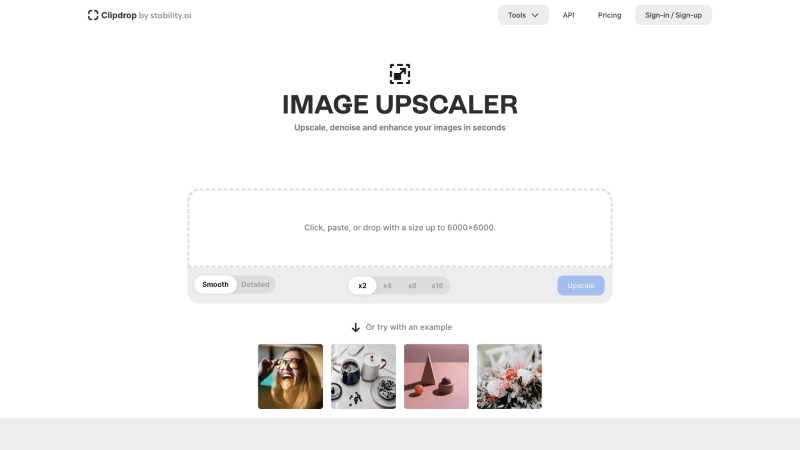
ClipDrop Image UpscalerIt is an AI image lossless upscaling service launched by Stability AI, the company behind the well-known open-source AI image generation model Stable Diffusion, supporting upscaling images up to 6000×6000 pixels. Users can use ClipDrop Image Upscaler to improve the quality of compressed images, remove image noise, sharpen images, etc., to improve image clarity.
✅ Product advantages
- The free version supports unlimited 2x upscaling
- Supports uploading multiple images for batch upscaling
- Can be used with other AI image tools provided by ClipDrop for secondary editing
⛔ Product shortcomings
- 4x, 8x, and 16x upscaling require upgrading to the Pro version
Img.Upscaler
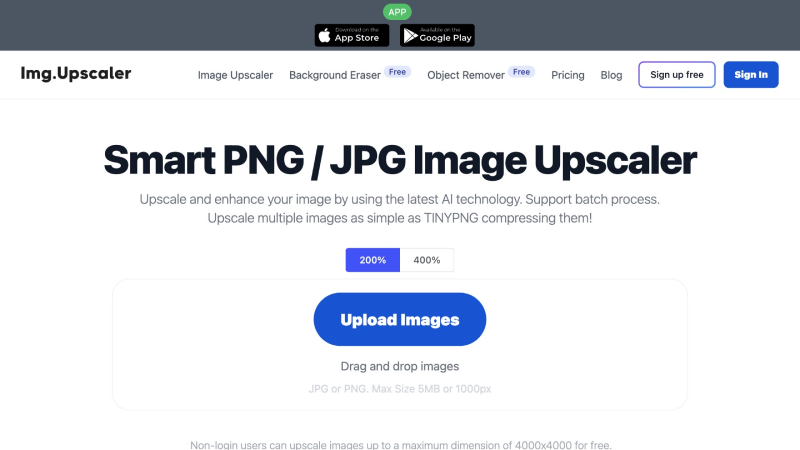
Img.UpscalerIt is an online intelligent JPG/PNG image upscaler that uses the latest artificial intelligence and super-resolution technology to turn low-resolution images high-definition in just a few seconds. The tool also integrates image editor tools for cropping, filters, fine-tuning, annotations, etc., before or after image upscaling.
✅ Product advantages
- The free version supports 2x and 4x upscaling
- Supports batch uploading images for upscaling
- Integrated image editor tools
⛔ Product shortcomings
- Only supports JPG and PNG format images
Let’s Enhance
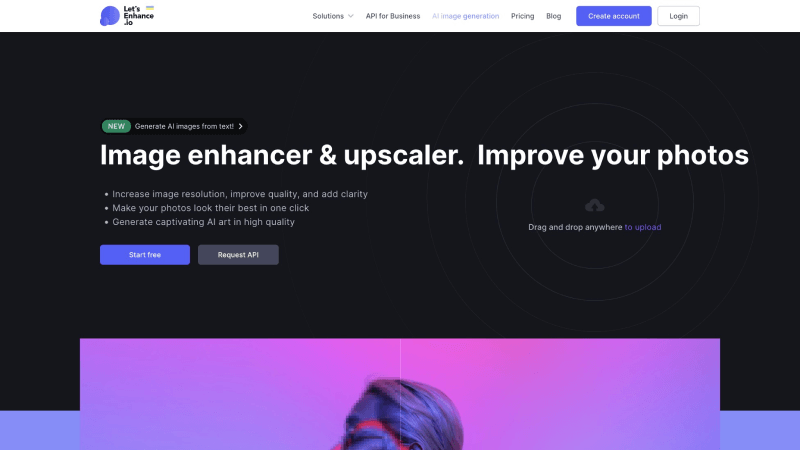
Let’s EnhanceIt is an AI-driven online AI image upscaling tool that can improve and scale images without reducing quality. The tool uses machine learning super-resolution technology, a neural network trained on a large number of real photos, relying on its knowledge of typical objects and textures that exist in the real world to learn to restore details and maintain clear lines and contours.
✅ Product advantages
- The website is beautifully designed with a good user experience
- Supports batch uploading images for upscaling
⛔ Product shortcomings
- The free version only supports upscaling 10 images for free
- The free version has a Let’s Enhance watermark
Icons8 Smart Upscaler
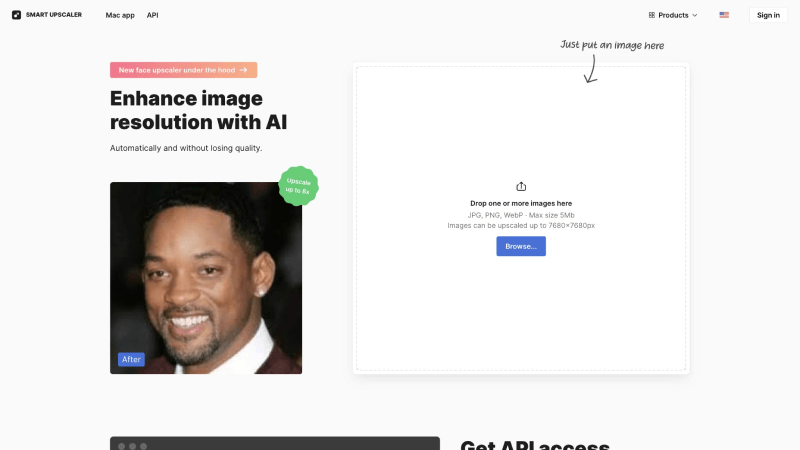
Icons8 Smart UpscalerIt is an AI image upscaling website launched by the icon and design resource platform Icons8. The tool uses advanced artificial intelligence technology to increase the size and resolution of any digital image while preserving and enhancing natural textures and details. Whether it is a small-sized social media image or a blurry old photo in a phone album, Icons 8 Smart Upscaler's AI-based algorithm can study your image and intelligently recreate it at up to 8 times the original resolution.
✅ Product advantages
- Supports Figma plugin
- Supports batch image upload and upscaling
⛔ Product shortcomings
- The free version only supports upscaling 3 images
- The free version has a watermark after upscaling
- The free version only supports 2x upscaling
GoProd

GoProdIt is a Mac application launched by Icons8 that combines lossless image upscaling and background removal. With the support of artificial intelligence, users only need simple operations: drag and drop the image they want to edit into the application window, and they can get the desired image in a moment, supporting upscaling up to 6400MP pixels.
✅ Product advantages
- The software is simple and straightforward to operate
- Supports batch image upscaling
- In addition to image upscaling, it also provides background removal
⛔ Product shortcomings
- Upscaling in the free version has a watermark
- No image upscaling multiplier options
- Only supports use on Mac systems
The above is the collection of free AI image upscaling tools and websites compiled by the AI Tool Collection for everyone. Among them, the Top 3 recommendations are: Meitu Design Studio, Upscayl, and BigJPG. We hope this can help you upscale the images you want to edit in high definition and without loss.