

What is Meitu Lossless Enlargement
Meitu Lossless Enlargement is launched by Meitu Design StudioAI image clarity enhancement tool, the AI lossless enlargement feature supports multiple image formats such as JPG, JPEG, PNG, HEIC, etc., and can enlarge images up to 8x clarity while preserving details. The 2x enlargement feature is completely free, the 4x enlargement feature can be used free twice, and 8x enlargement requires payment.
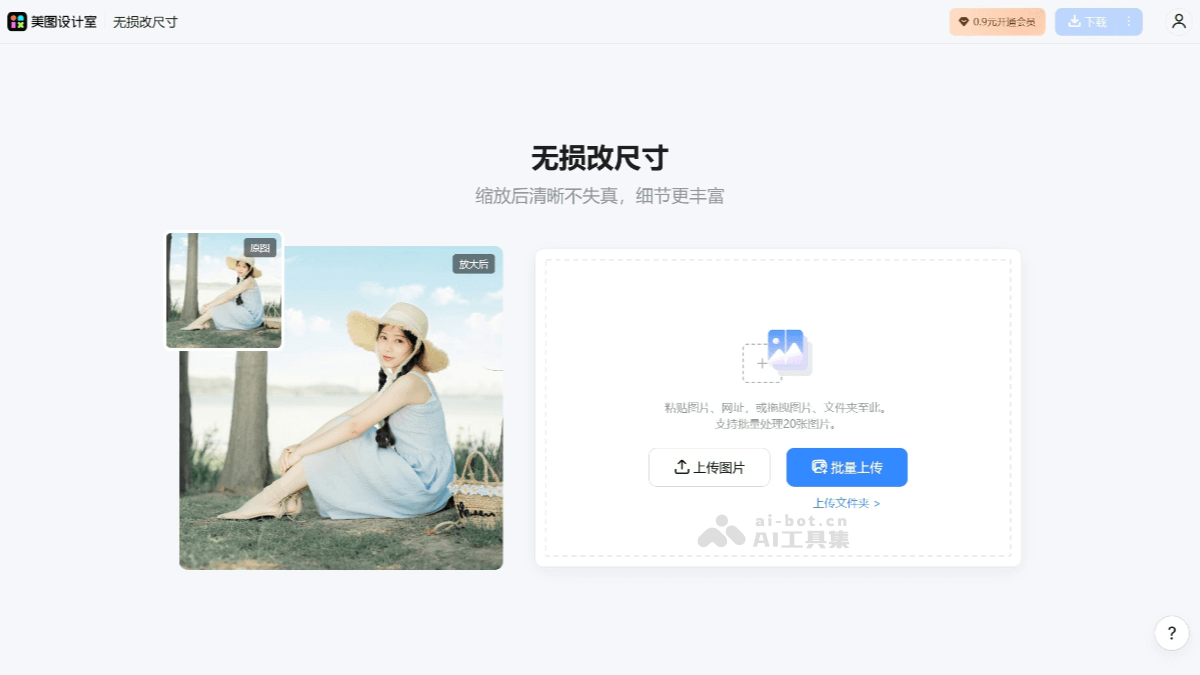
Main features of Meitu Lossless Enlargement
- Supports multiple image formats: Meitu Design Studio's lossless enlargement feature supports multiple image formats such as JPG, JPEG, PNG, HEIC, etc.
- Custom enlargement size: Users can customize the image enlargement size, with support for 2x and 4x enlargement.
- Cloud processing: The lossless enlargement feature is processed in the cloud, and the speed depends on the network and image size.
- Massive templates and materials: Provides free use of massive poster templates, licensed materials, and fonts.
- Commercial copyright protection: Enjoy personal commercial copyright protection to avoid infringement issues.
- HD restoration: Meitu Design Studio uses AI intelligent technology for HD image restoration, bringing old images back to life.
How to use Meitu Lossless Enlargement
- Visit the website and register an account: Visit the Meitu Design Studio official website and register or log in to an account.
- Upload an image: After logging in, upload the image you want to enlarge. The image size should be less than 5MB, the resolution should be less than 2000x2000px, and JPG, JPEG, and PNG formats are supported.
- Choose the enlargement multiplier: After upload is complete, you can choose the image enlargement multiplier. Free 2x and 4x enlargement are provided.
- Custom settings: In addition to choosing the enlargement multiplier, you can customize the image width and height to meet specific needs.
- Start processing: After setting is complete, click the "Start Processing" button, and Meitu Design Studio will automatically process your image enlargement request in the cloud.
- Download the enlarged image: After processing is complete, you can download the enlarged image and check the clarity and details.
Application scenarios of Meitu Lossless Enlargement
- E-commerce platforms: E-commerce sellers can use the Meitu Lossless Enlargement feature to improve the clarity of product images and enhance product appeal and sales performance.
- Personal creation: Individual creators can use the Meitu Lossless Enlargement feature to create personal work displays, personal brand promotion, and more.
- Old photo restoration: AI technology can automatically repair old photos blurred due to age, restoring their original clarity and color.
- Video clarity improvement: Low-resolution video frames are enlarged and enhanced through AI to improve the clarity of the entire video.
- Designers and photographers: Suitable for professional designers and photographers who need to enlarge images and are worried about distortion issues, used to improve image quality.
- Advertising production personnel: Advertising production personnel can use the Meitu Lossless Enlargement feature to enhance the clarity and details of advertising images.


