

What is CodeBuddy
CodeBuddy is launched by Tencent Cloud, AI programming assistant, which can help developers program efficiently. CodeBuddy supports code completion, diagnosis, optimization, and refactoring, and can generate unit tests and perform code reviews. The core mode Craft can easily develop applications based on natural language instructions, allowing even those without programming knowledge to get started quickly. CodeBuddy is fully compatible with the MCP open ecosystem and can connect to a variety of third-party tools and services. CodeBuddy supports multiple programming languages and frameworks and is compatible with DeepSeek V3 and other advanced models, greatly improving development efficiency and code quality. It is the intelligent programming partner for developers in the AI era.
- CodeBuddy IDE: A full-stack development AI IDE launched by Tencent, integrating the entire process of product design, R&D, and deployment into one.
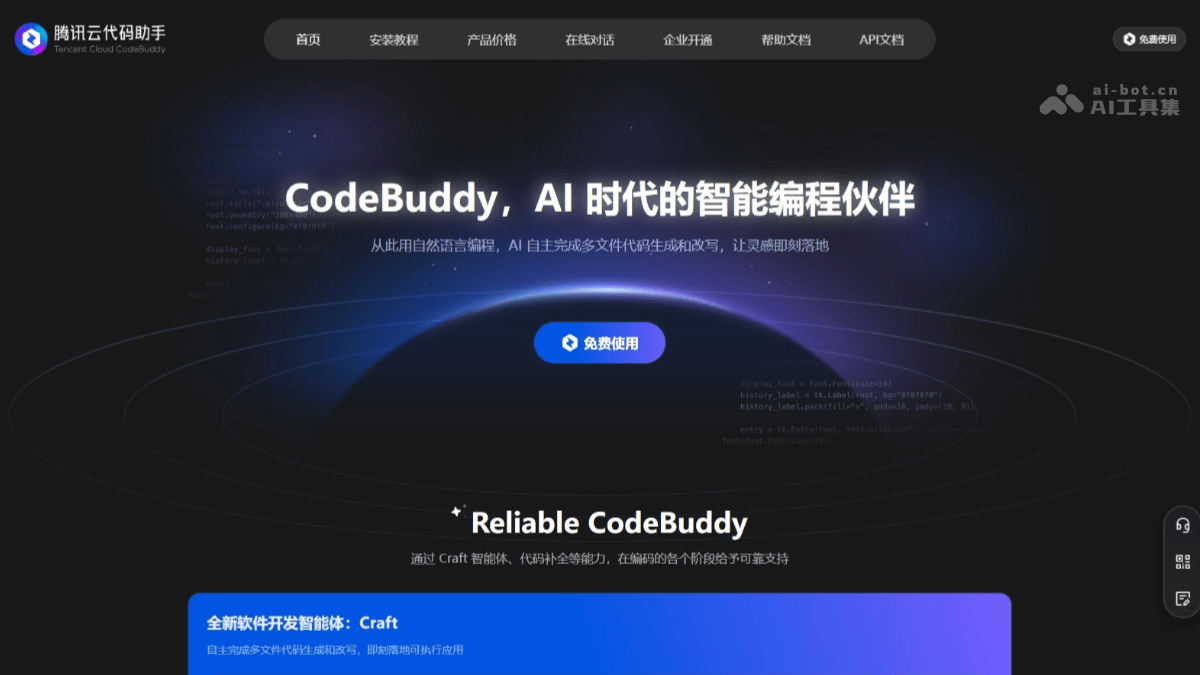
Main features of CodeBuddy
- Code completion and generation:
- Automatic code completion: Intelligently perceives the current coding environment and provides real-time suggestions for the next code edit, supporting simple line/block/cross-file code completion.
- Generate code from comments: Developers describe requirements based on comments, and CodeBuddy will automatically generate the corresponding code implementation.
- Generate test code: Supports mainstream testing frameworks (such as Jest, Mocha, etc.), automatically identifies the dependencies under test, and generates boundary test cases.
- Code optimization and diagnosis:
- Code diagnosis and repair: Quickly checks syntax errors and logic errors in code, helping developers standardize code formatting.
- Code optimization suggestions: Provides code optimization suggestions to help developers improve code quality and performance.
- Agent mode:
- Craft mode: Based on natural language instructions, independently completes multi-file code writing and modification, automatically generates executable applications, and supports complete project construction from zero to one.
- Chat mode: Based on natural language Q&A, the AI deeply understands the code and provides real-time suggestions and answers.
- Project understanding and knowledge base:
- Project understanding agent: Based on features such as Codebase, AI assists in understanding project engineering and provides accurate code suggestions and solutions.
- Supports RAG knowledge base: Enterprises can build exclusive knowledge bases, improve model output results, and help solve problems efficiently.
- Code review and testing:
- Intelligent code review: Helps developers promptly discover and resolve issues that may be introduced by local code changes, improve code quality, and accelerate the development process.
- Unit test optimization: Significantly improves unit test effectiveness and coverage, and supports a variety of mainstream testing frameworks.
- Ecosystem compatibility:
- Supports MCP protocol: Fully compatible with the MCP open ecosystem and supports the MCP marketplace, allowing developers to add various third-party tools or services to agents.
- Multi-language support: Supports multiple programming languages and frameworks, including frontend, backend, client, and more.
How to use CodeBuddy
- Install the CodeBuddy plugin:
- Method 1: Quick installation: Open Visual Studio Code (VS Code). Search for and install Tencent Cloud Code Assistant directly in the local client extension marketplace of VS Code.
- Method 2: Local Extension Package Installation: Visit CodeBuddy'sinstallation page. Click the "Download Installation Package" button on the page to get the latest version of the local installation package.
- Method 3: Install from IDE: Open the installed Visual Studio Code, click the "Extensions" icon on the left navigation bar, and enter Tencent Cloud Code Assistant in the search box to search. After finding the extension in the search results, click the "Install" button.
- Log in to Tencent Cloud Account: After installation is complete, open VS Code. Find the CodeBuddy icon in the status bar at the bottom right of VS Code, and click the icon. Follow the prompts to complete registration and login.
- Start Using CodeBuddy:
- Code Completion: When writing code, CodeBuddy automatically provides code completion suggestions, and you can quickly insert the suggested code with the Tab key.
- Generate Code: Based on natural language descriptions of requirements, CodeBuddy generates corresponding code according to comments.
- Code Diagnosis and Repair: CodeBuddy automatically checks for errors in code and provides repair suggestions.
- Technical Conversation: Enter questions in the editor, and CodeBuddy answers them in natural language and provides relevant code suggestions.
- Craft Mode: Based on natural language instructions, automatically generate complete application code, supporting project construction from zero to one.
- Chat Mode: Based on natural language question answering, provide real-time code suggestions and answers.
CodeBuddy's official website address
- Official website address:copilot.tencent.com
CodeBuddy application scenarios
- Code Writing and Completion: Quickly complete code, generate complex code snippets, support multiple languages and frameworks, and improve development efficiency.
- Code Optimization and Repair: Automatically detect and fix code errors, provide optimization suggestions, and improve code quality and performance.
- Project Understanding and Management: Understand project structure and logic based on intelligent agents, assist code review, and improve project development efficiency.
- Testing and Debugging: Automatically generate test cases, improve test coverage, assist debugging, and quickly locate problems.
- Technical Learning and Collaboration: Provide technical Q&A, support team knowledge bases, promote learning and collaboration, and maintain consistent coding style.

