
Last week I just shared with everyone how to useNano Banana Pro for some e-commerce design techniques, and quite a few friends asked me: can there be more practical tutorials like this?
So today, through the AI design tool I've been using often recently,AI design tool—— Lovart , I'll break down some more practical design techniques for everyone. As always, no magic needed, ready to use out of the box.
For example, with a single sentence you can create a complete set of designs with beautiful styles and unified aesthetics. PPTs, portraits, brand VIs, website UIs, and more can all be done in one go.
Moreover, the generated content isn't just an image, but layered image and text assets that can be precisely edited.
Even the logo can be directly dragged onto sample images and blend in naturally, saving a lot of post-production work.
So how exactly do you use it? In today's article, I'll start with the simplest and most practical cases to quickly walk you through Lovart's core capabilities in design.
01. Lovart Generates a Full Set of Designs
Lovart is LiblibAI 's world-first design agent, connected to multiple top-tier models worldwide, such as Nano Banana Pro, Veo 3.1, Sora 2, and even GPT Image 1.5, which OpenAI just released yesterday, has already been integrated in sync.
But what makes Lovart truly impressive isn't just these top-tier models, but helping usdirectly apply these large models' capabilities to design。
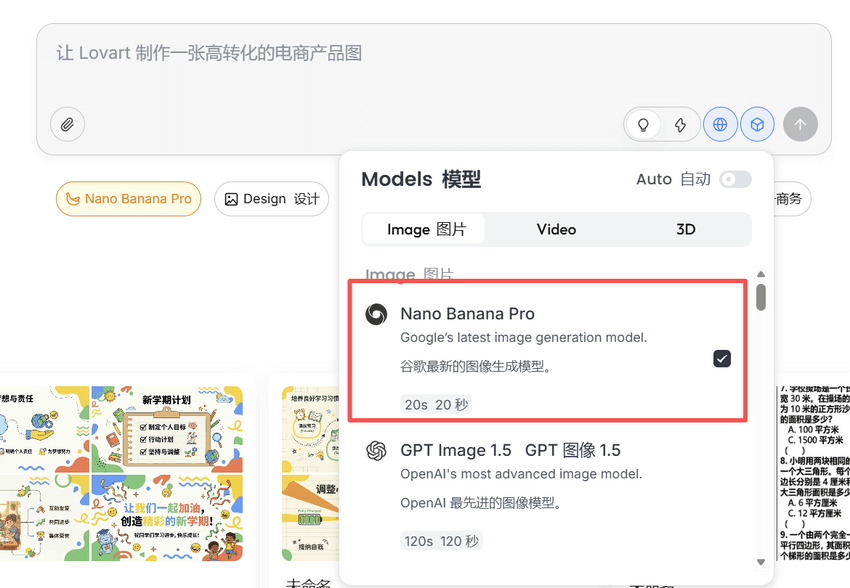
We open the Lovart official website and select the Nano Banana Pro image model.
Official website:https://www.lovart.ai
case1 Full PPT Design
We only need to clearly state 4 key pieces of information: what the topic is, who it's for, how many pages, and roughly what feeling it should have. Lovart can generate a complete PPT with unified style and coherent logic.
Be sure to turn on thinking mode and web search, and Lovart will complete the content based on your topic. The structure and information will be more complete, and the generated quality will be noticeably higher.
Prompt: Generate a PPT on the theme of 《First Lesson of the School Year》, 15 pages in total, for fifth-grade elementary school students.
Overall style: positive and uplifting, youthful and lively, simple and clear. The color scheme should be bright but not overly flashy, suitable for classroom large-screen display.
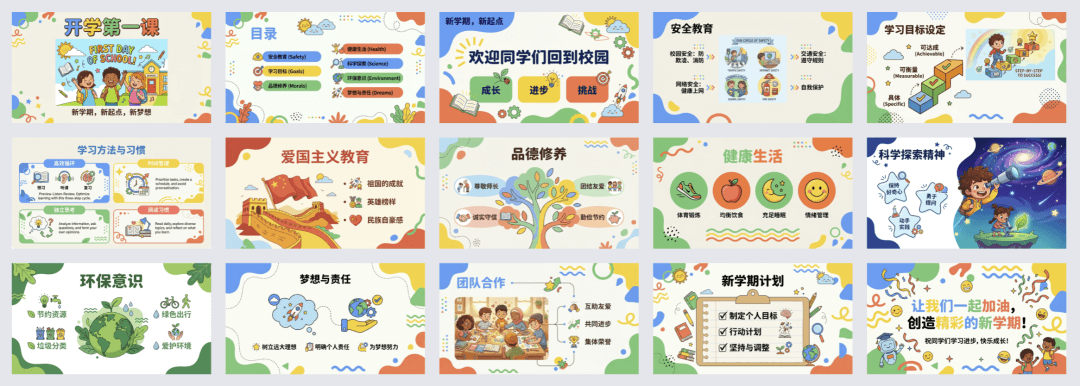
The PPT generated by Lovart, from the cover and table of contents to the specific content, has a very complete overall structure and a very clear information hierarchy. Each page has one key point, and even elementary school students can easily understand it. Overall, it's already at the level where it can be used directly.
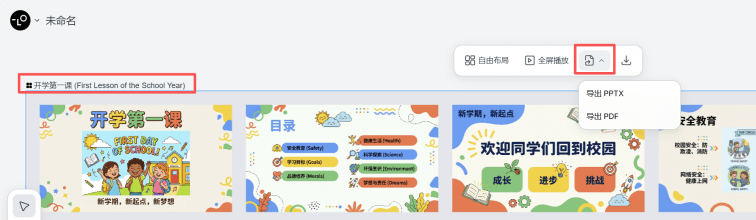
Click the text at the top to directly export asPPTXor PDF file。
And it's not just for creating new PPTs. We can also directly upload existing files, such as year-end summaries or annual work reports, and let Lovart unify the layout and style based on the original content, turning them into a complete PPT in one go.
case2 Brand VI Design
If PPT is more about testinginformation structure, then brand VI is really more about testing overall coherence and systematicness. Whether it looks good is one thing; whether it looks like a brand is another.
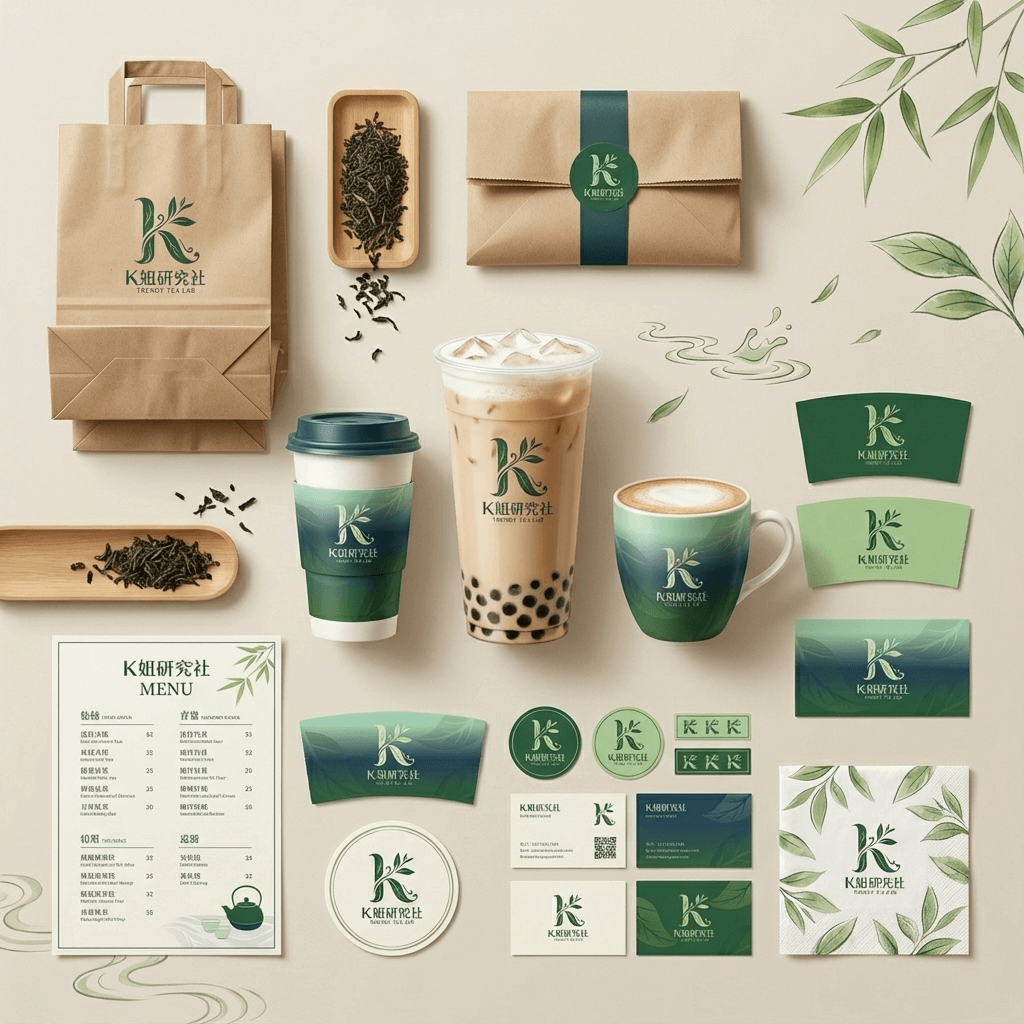
Prompt: Design a complete brand VI for a trendy milk tea brand called "K姐研究社". Use green as the primary color to create a visual quality with the charm of Chinese tea. The design should blend Eastern aesthetics with contemporary trend language. The visuals should be concise, with negative space, emphasizing natural texture and cultural feel.
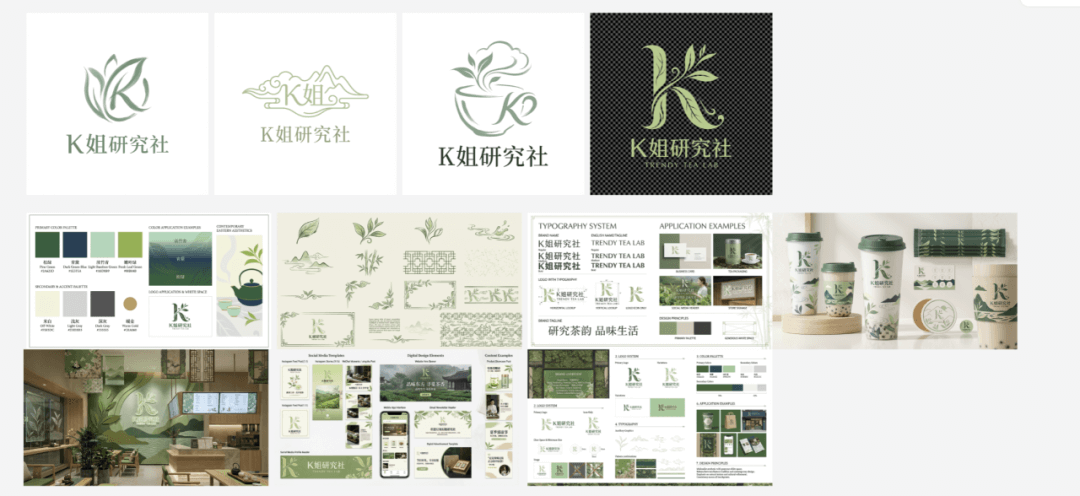
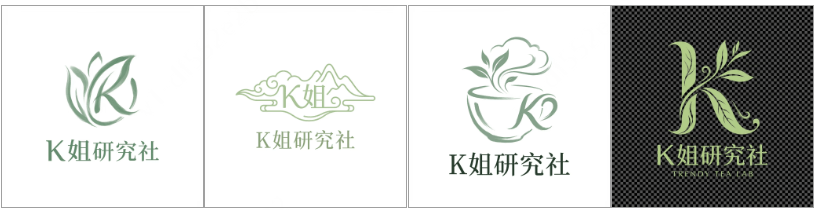
Lovart generated 4 LOGOs for me to choose from:
After I confirmed using the 4th one, Lovart directly generated a full brand VI:
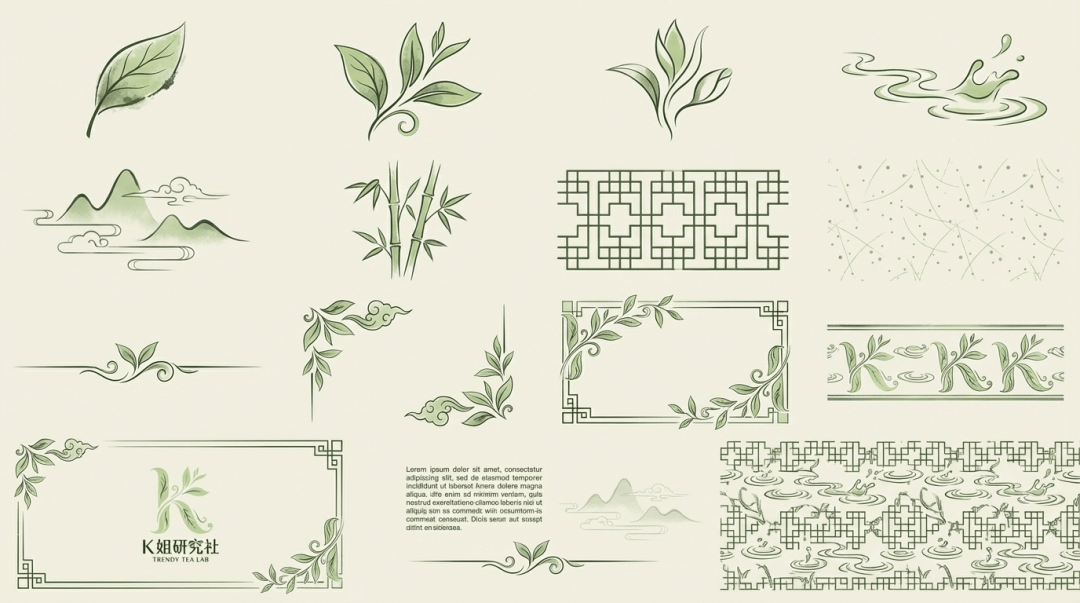
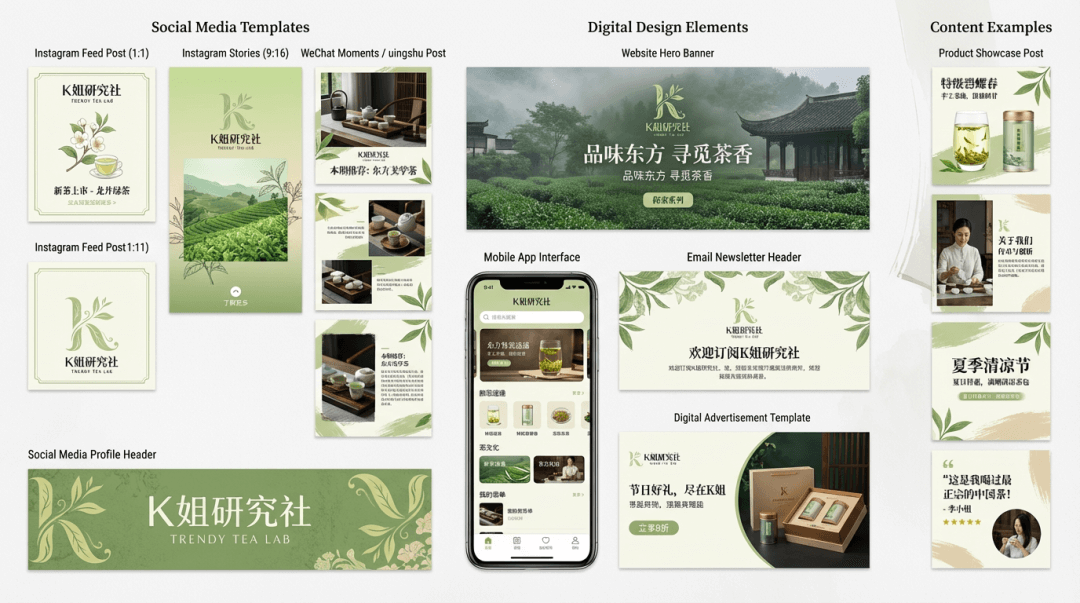
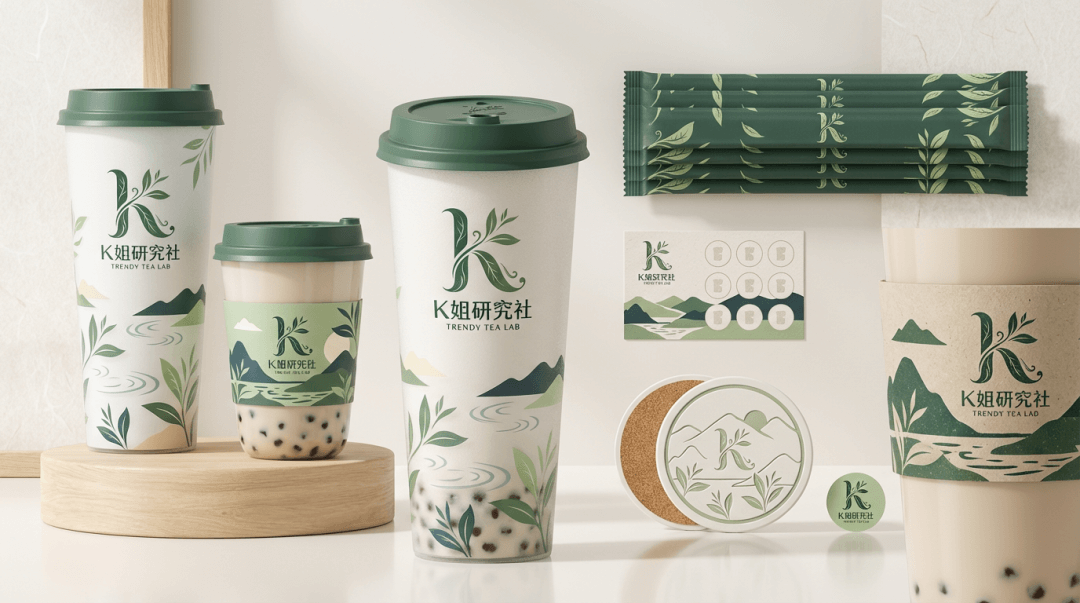
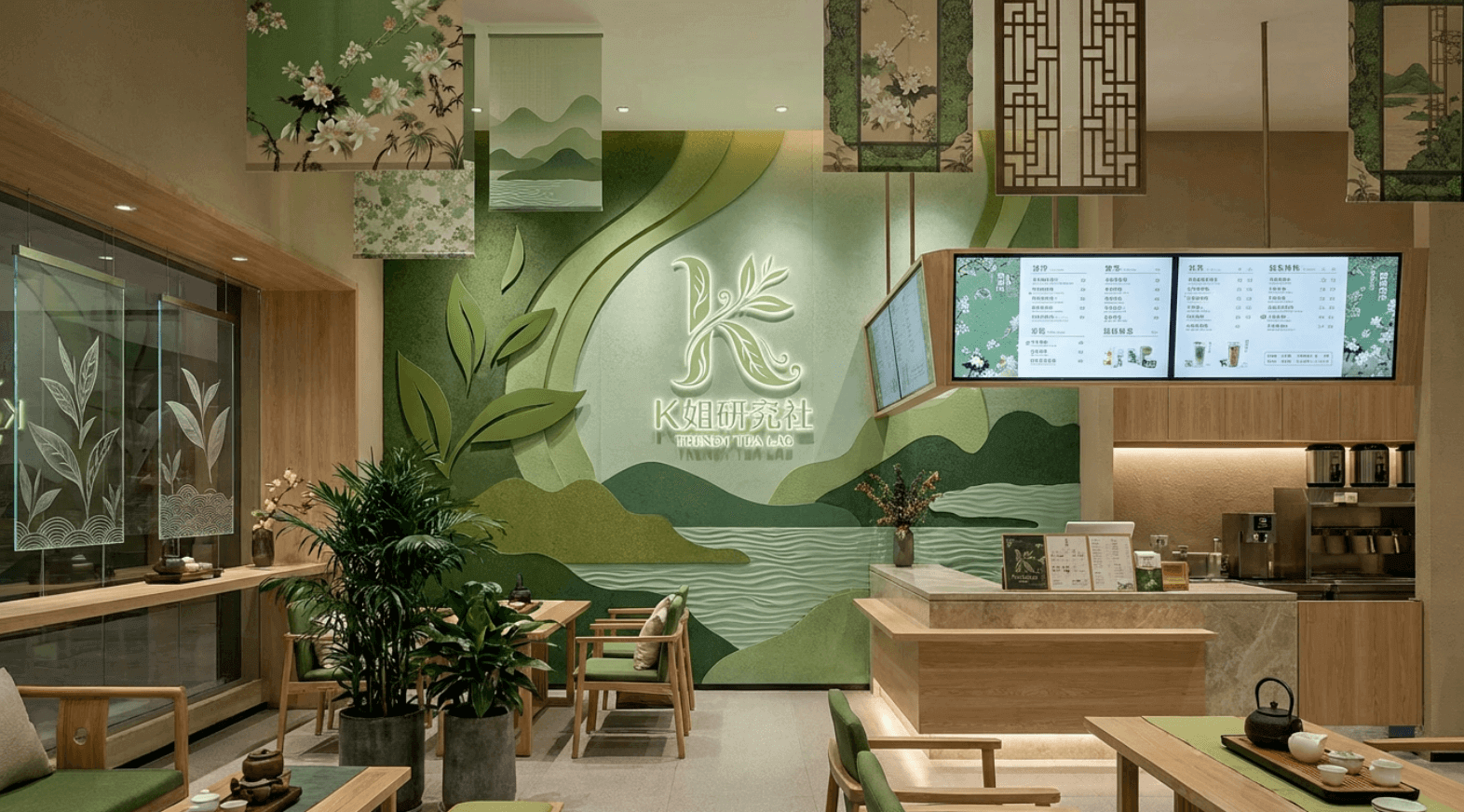
Originally, I only wanted to generate VI designs related to the product, but unexpectedly Lovart thought far more comprehensively than I did, and directly gave me a complete brand including the Logo, color system, auxiliary graphics, typography guidelines, product packaging, in-store decoration, and digital assetsVI system。
And it supports applying these brand elements to more projects.
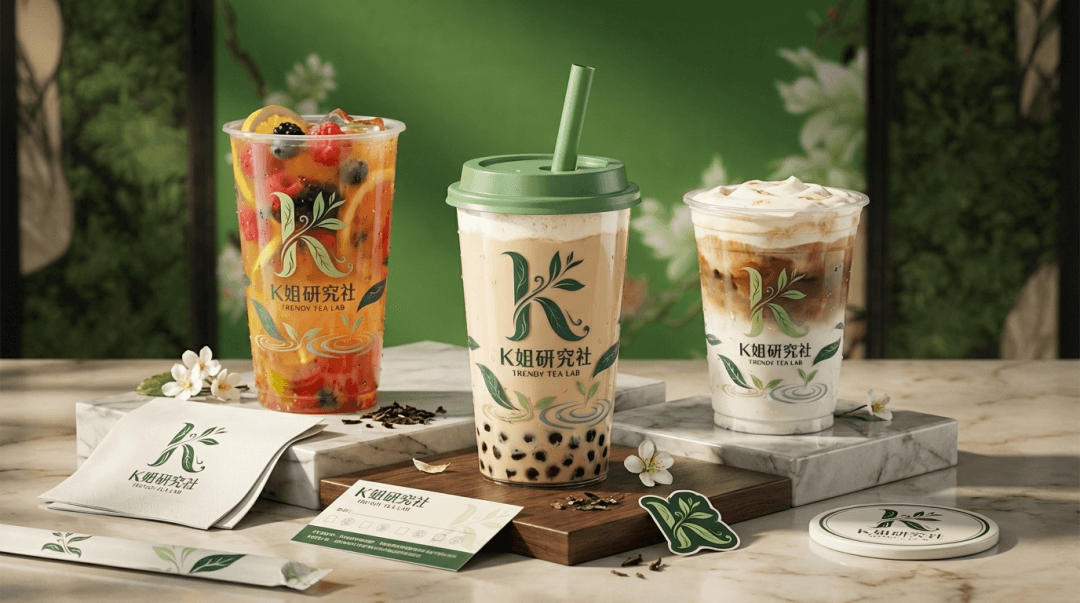
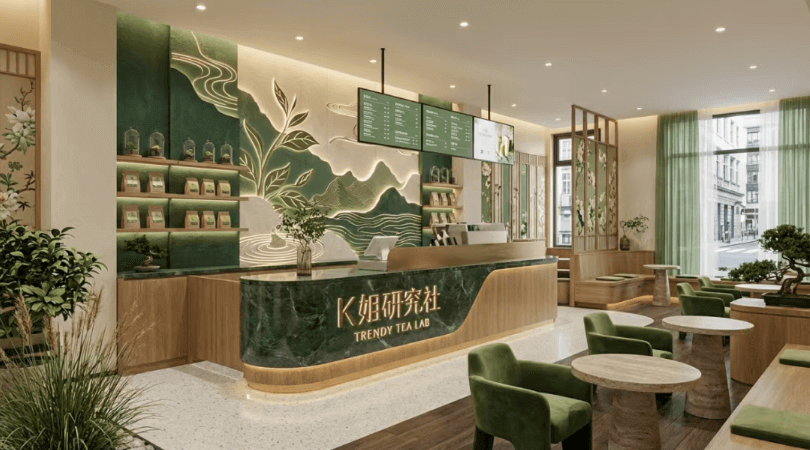
case3 Product image set
Lovart's canvas feature is very powerful. We can click any element in the image to add it as context to the prompt.
For example, in the VI design just now, there was a milk tea cup design I really liked. We can click to select it and add the paper cup element in the image as a reference to the conversation.
Prompt: Design a set of 9 Instagram-style showcase images for this product, maintaining a unified overall aesthetic style, enriching the visuals through different shooting locations, perspectives, and compositions, while incorporating people, animals, natural elements, and diverse environmental scenes, while maintaining consistency in visual style.
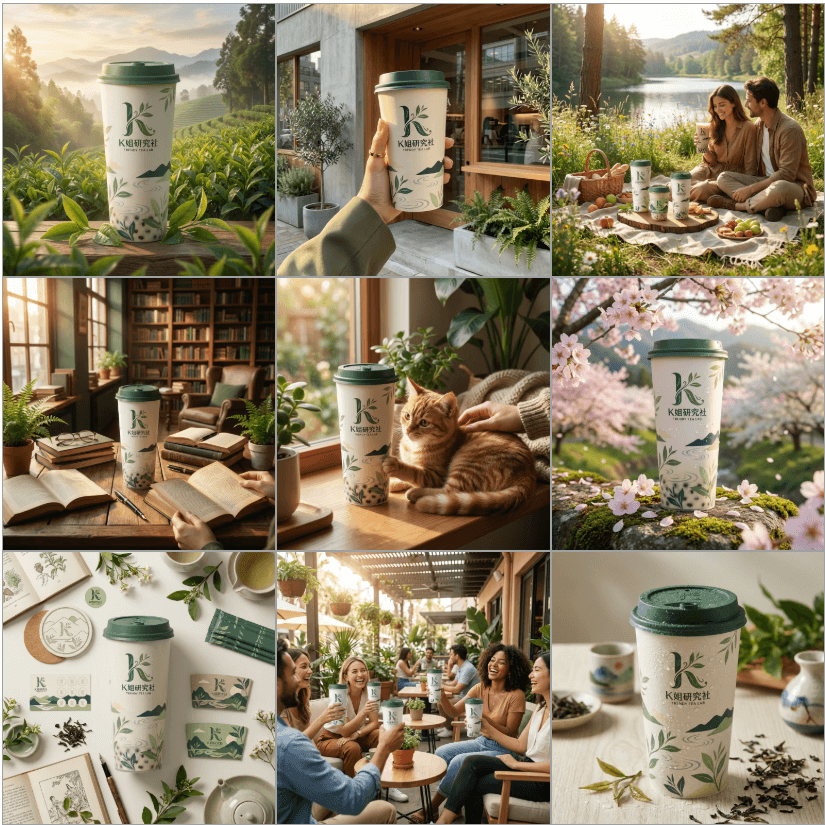
Judging from the generated images, the consistency is quite good, and the scenes are blended in very naturally. They are all fine to use as promotional images.
case4 Web design
Prompt: Design a complete official website for "Sister K Research Club", positioned as an AI communication community, output high-fidelity web visual design, and maintain a unified style and clear structure across the entire site. Use the pink tones in the reference image as the main color, paired with light neutral colors and white space, to create a relaxed, friendly, and warm community atmosphere. Include: homepage, AI news, community events page, free courses, and other pages.
The overall generated web structure is very complete. The homepage, first-level, and second-level pages are all covered. The color scheme is also a highlight. It looks neither too harsh nor too mediocre. You完全可以 follow this design to build a front end.
case5 Social media image set
Christmas and New Year's Day are approaching, so portraits can also be generated in a wave~
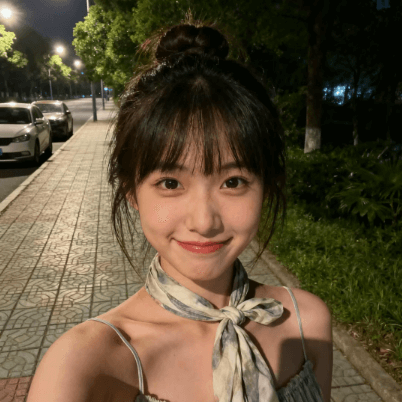
Prompt: Generate a 3×3 life-like CCD snapshot for the girl in the reference image. In Zhan Jialin's CCD shooting style, use different shooting positions, shooting angles, and poses to keep the nine-grid image varied under a unified style. The character's appearance, face shape, and temperament should remain consistent with the reference image. She is wearing sexy white faux-fur-trimmed red sexy Christmas clothing, in a dark, quiet room with a Christmas tree lighting up the surroundings, with a shy subtle expression. The overall composition is casual and ordinary, with motion blur caused by insufficient shutter speed, full of a life-like snapshot style; the composition is casual and not deliberately posed; slight motion blur is produced due to insufficient shutter speed, presenting an overall authentic, life-filled candid texture.
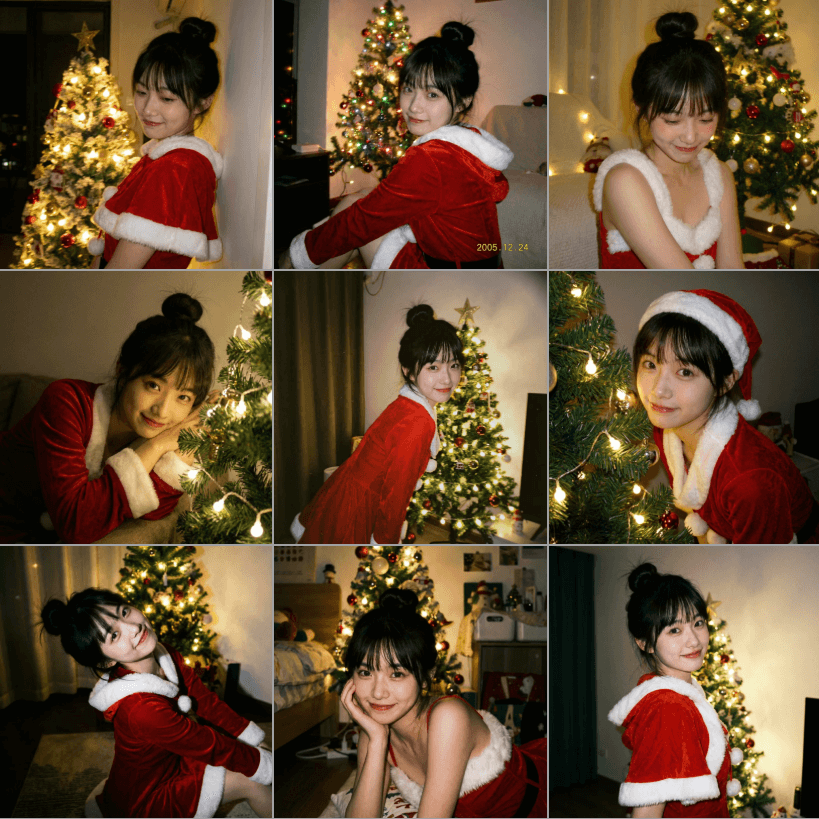
The image style perfectly matches my prompt. Of course, most AI can do that too, but what surprised me is that it feels very real and the composition is also very good, like it was taken by a friend who has learned a little photography.
02. Precise editing in the canvas
Most image generation tools generate images. In Lovart, every image can be split into different elements such as images and text, and each can be modified precisely.
Text editing
Sometimes an image is already close to perfect, with only a little text that needs adjustment. We can then select the image and clickEdit textfunction, and Lovart will split out the text elements in the image, making it convenient for us to directly modify the text on the page.
The modified text keeps the original font and font size, and the other elements in the image remain unchanged. Switching to another language also won't break it, which avoids the hassle of repeatedly rolling for cards.
Precision editing
Not only can text be modified, but we can select an image and click theEdit elementsfeature, and Lovart will separate the foreground, background, text, and other elements in the image, so we can edit them one by one, and even drag elements from one image to another.
Product mockup
There used to be a particularly difficult operation in PS: tightly fitting an image onto an object with an irregular shape, that is, warp fitting, so that the image fully conforms to the object's physical structure.
Now in Lovart, we upload an image of the object, select theMockupmodel feature, and achieve this operation just by dragging.
03. Some sharing
Overall, after using it, I feel that PS is constantly being replaced. Techniques that used to take who knows how long to learn can now be achieved casually.
Creativity is no longer something you have to rack your brain over. AI can give you infinite creativity; all you need is to choose the one you like best.
I used to say that technology is no longer a shackle binding ordinary people, and that with creativity you can make good things. After using Lovart, I found that you don't even really need creativity. You just need to know what you want to do and then tell it.
The threshold for design is dropping rapidly and will gradually become a more basic kind of productivity.
The boundary between design and operations is also blurring. Many basic design tasks can be completed directly on the content and operations side. This is not to say that design jobs will disappear, but that design is slowly moving from the execution side to the judgment and decision-making side.
And what Lovart is truly impressive at is not actually any single image, but outputting aesthetically on-point results as complete sets, so the minimum standard will be raised across the board.
Things that don't look good will become harder and harder to accept; and what truly sets people apart is not how complex the drawing is, but whether they have judgment.
Original article link:A full set of designs from one sentence, Lovart has broken through the design threshold