
What is GPT Image 1.5
GPT Image 1.5 is OpenAI's latestimage generationmodel, featuring stronger instruction-following capabilities and precise editing functions, modifying only specified parts according to user requests while maintaining overall image consistency. The model generates images 4 times faster than the previous generation, and API costs are reduced by 20%. The model adds preset styles and creative templates, allowing users to quickly generate creative images without complex prompts. GPT Image 1.5 has significantly improved overall performance compared to the previous generation, making it OpenAI's most powerful general-purpose image and text generation model to date. The model will be rolled out to all ChatGPT users and API users worldwide.
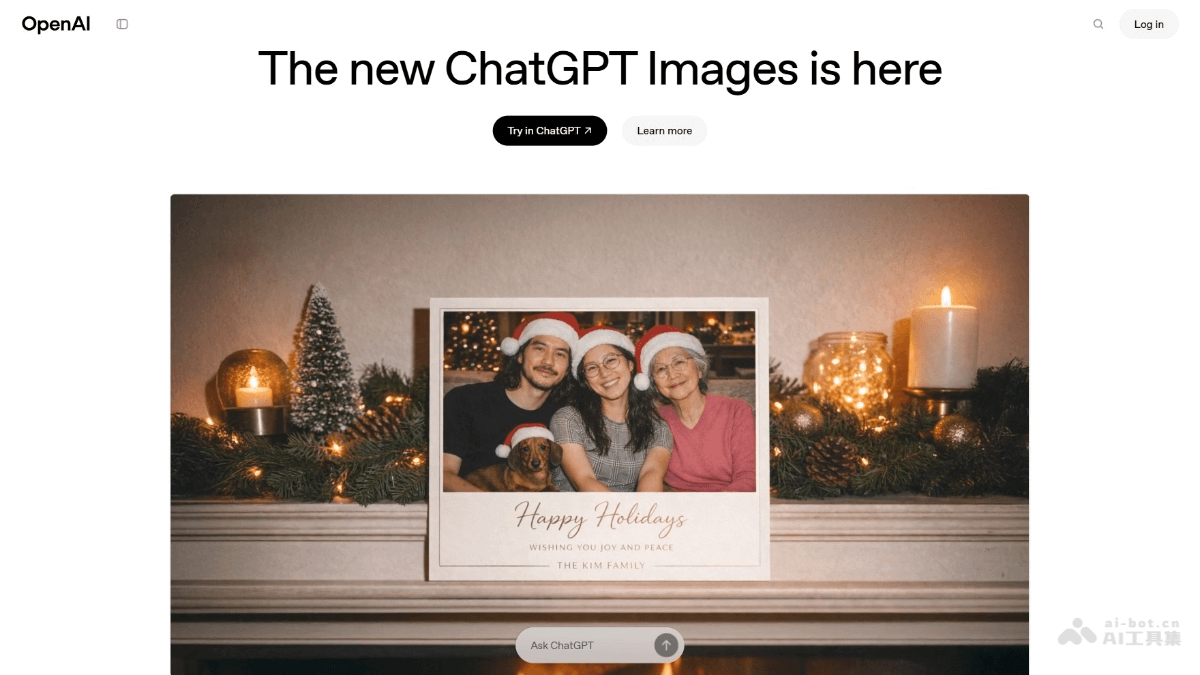
Main features of GPT Image 1.5
-
Precise editing: Precisely modify images according to user instructions, changing only the specified parts while maintaining consistency in elements such as lighting, composition, and character appearance.
-
Instruction following: Significantly improved understanding and execution of complex instructions, such as generating complex grid images or performing multi-step image editing tasks.
-
Creative transformation: Supports multiple style transformations and creative generation, such as converting people into anime style, plush toy style, or vintage photo style.
-
Preset styles and templates: Adds preset styles (such as movie posters, 80s fitness instructors, fashion ads, etc.), allowing users to quickly generate creative images without writing complex prompts.
-
Text rendering: Can handle denser and smaller text, supporting more complex text layout and infographic generation.
How to use GPT Image 1.5
- Log in to ChatGPT: Visit ChatGPT official website to log in to your account.
- Switch to image generation mode: In the ChatGPT interface, find the image generation entry point.
- Enter instructions: Enter your instructions in the input box, describing the image content you want to generate. For example:
- "Generate a 1980s-style fitness instructor with a gym background."
- "Turn the dog in this photo into a plush toy style."
- Upload reference image (optional): If needed, upload a reference image, and the model will edit or transform the style based on the image.
- Generate image: Click the generate button, and the model will generate an image according to the instructions. After generation is complete, you can view and download the generated image.
GPT Image 1.5 project address
- Project official website:https://openai.com/index/new-chatgpt-images-is-here/
GPT Image 1.5 product pricing
- 1024×1024 resolution:
-
Low quality: Each image generation costs approximately $0.009。
-
Medium quality: Each image generation costs approximately $0.034。
-
High quality: Each image generation costs approximately $0.133。
-
- High resolution (such as 1536×1024 or 1024×1536):
-
Medium quality: Approximately $0.05 or $0.051。
-
High quality: Approximately $0.20 or $0.199。
-
Application scenarios of GPT Image 1.5
-
Creative design: GPT Image 1.5 can quickly generate posters, advertisements, and concept art, sparking creative inspiration and accelerating the design process.
-
Image Editing: Precisely modify photos, such as changing the background, adjusting the style, or restoring old photos, while keeping details unchanged.
-
E-commerce Marketing: Generate high-quality product images, virtual try-on effects, and product displays in different scenarios to enhance the user experience.
-
Education and Learning: Create teaching materials, infographics, and historical scene recreations to help students better understand and remember knowledge.
-
Entertainment and Gaming: Create game characters, scene designs, and virtual pets to enrich game and entertainment content.