
What is TRAE Work Design
TRAE Work Design is the AI office tool under ByteDance TRAE Work A brand new design mode launched, aimed at designers, developers, product managers, and other roles. It supports directly generating UI design drafts through natural language conversation, and allows real-time editing and modification on the canvas. TRAE Work Design connects the entire chain from requirements to design to code, supports importing Figma design systems, has multiple built-in brand templates, and can export to Code mode with one click to generate front-end code, achieving a seamless transition from idea to deliverable product.
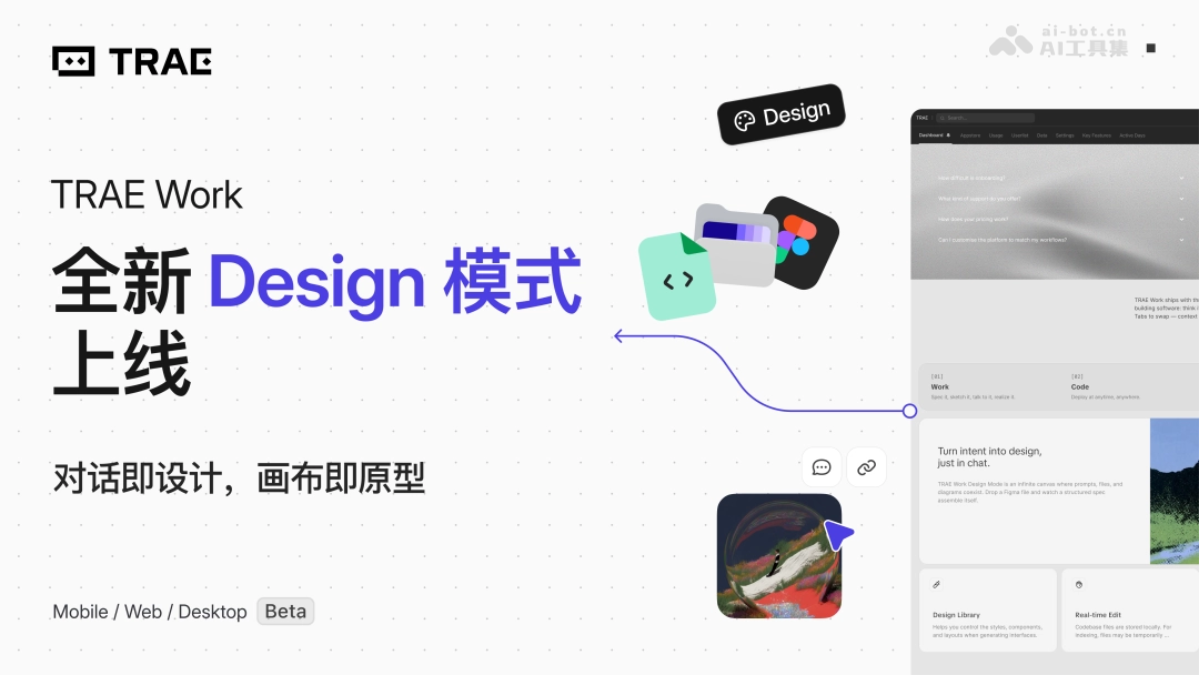
Main features of TRAE Work Design
-
Natural language design generation: Describe requirements through conversation, and AI quickly generates high-fidelity design drafts, with support for selecting multiple brand-styled templates.
-
Design system management: Supports parsing Figma files to automatically generate a Design Library, importing existing design specifications, or creating a brand design system from scratch.
-
Real-time canvas editing: Supports three editing methods: box-selecting elements, adjusting parameters in panels, and modifying through conversation, allowing adjustments from macro layout to micro parameters.
-
Interactive prototype generation: Design drafts can be directly converted into interactive prototypes, making it easier for team demonstrations and review feedback.
-
One-click code export: Design outputs can be imported into Code mode with one click, and AI automatically generates a runnable complete front-end project.
-
Seamless switching between multiple modes: Work, Design, and Code modes can be switched freely, covering the entire product lifecycle.
How to use TRAE Work Design
- Enter design mode: Open TRAE Work desktop or web version, switch to Design mode, and get ready to start a design task.
- Establish a design system: Upload Figma files to automatically parse brand specifications, or choose built-in templates, or let AI generate a design system from scratch through free exploration.
- Generate design drafts through conversation: Describe page requirements in natural language, and AI generates a first draft that conforms to brand specifications based on the selected design system, with support for adding specific components to the conversation as references.
- Fine-tune on the canvas: Make conversational modifications by box-selecting elements, adjust parameters directly in panels, or drag to adjust layout, achieving precise editing.
- Export and delivery: After the design is confirmed, switch to Code mode with one click, and AI automatically generates front-end code based on the design draft, completing a seamless transition from design to development.
Core advantages of TRAE Work Design
-
Deep understanding of brand specifications: Can parse Figma files to extract design systems such as color palettes, fonts, and components, ensuring that AI-generated images strictly follow brand visual specifications, saying goodbye to blind-box-style generation.
-
Precise and controllable editing experience: Provides three editing methods: conversation, box selection, and panels, allowing changes to both broad direction and fine parameters, solving the pain point of traditional AI design tools that can only redraw the entire image.
-
Full-chain closed-loop workflow: The three modes of requirements analysis, interface design, and code development can be switched freely within the same platform, avoiding information loss caused by frequently changing tools.
-
Lowering the threshold for professional design: Non-designer roles can quickly produce high-fidelity designs close to final drafts, reducing team communication costs.
Competitor Comparison for TRAE Work Design
| Dimension | TRAE Work Design | v0 (by Vercel) |
|---|---|---|
| Design System | Supports parsing Figma files, deeply adheres to brand guidelines and component libraries | Mainly based on generic component libraries, limited brand customization capabilities |
| Editing Precision | Three methods: conversation + marquee selection + panel, supporting region-level and element-level precise modifications | Mainly conversation iteration and redrawing, weaker fine-grained editing capabilities |
| Code Export | One-click switch to Code mode, generating a complete front-end project | Directly generates React/Next.js code, deeply integrated with the Vercel ecosystem |
| Workflow | Work→Design→Code full-chain closed loop, covering requirements to delivery | Leans toward a one-way design-to-code process, with no requirements management step |
| Applicable Scenarios | Team collaboration, professional design process integration, design system migration | Rapid prototype validation, individual developers, front-end project initiation |
Application Scenarios of TRAE Work Design
-
Designers producing drafts quickly: Enter a requirements description to generate multiple brand-compliant options, reducing repetitive layout and basic component drawing work.
-
Product managers creating prototypes: Directly convert PRD requirements into high-fidelity interactive pages, reducing the cost of repeated alignment with designers and developers.
-
Full-stack development by individual developers: Independently complete the entire process from interface design to front-end code, producing high-quality products without relying on professional designers.
-
Team design system migration: Import historical Figma assets to automatically generate a Design Library, continuing existing work habits and reducing tool-switching costs.
-
Rapid implementation of startup projects: OPC and small teams complete requirements analysis, interface design, and front-end development in one stop, significantly shortening the project delivery cycle.