
What is SkyBot
SkyBot is a Skywork 7×24 cloud-based AI assistant launched by OpenClaw technology, designed specifically for ordinary users. SkyBot runs in a dedicated cloud virtual machine, requiring no hardware deployment and ready to use out of the box. The tool has permanent memory capabilities, can proactively execute multi-step complex tasks, and supports interaction at any time through IM tools such as WhatsApp and Telegram. Users can monitor its operation process in real time, and all tasks run in isolated sandboxes, ensuring local data security, allowing beginners to easily have an all-around digital employee.
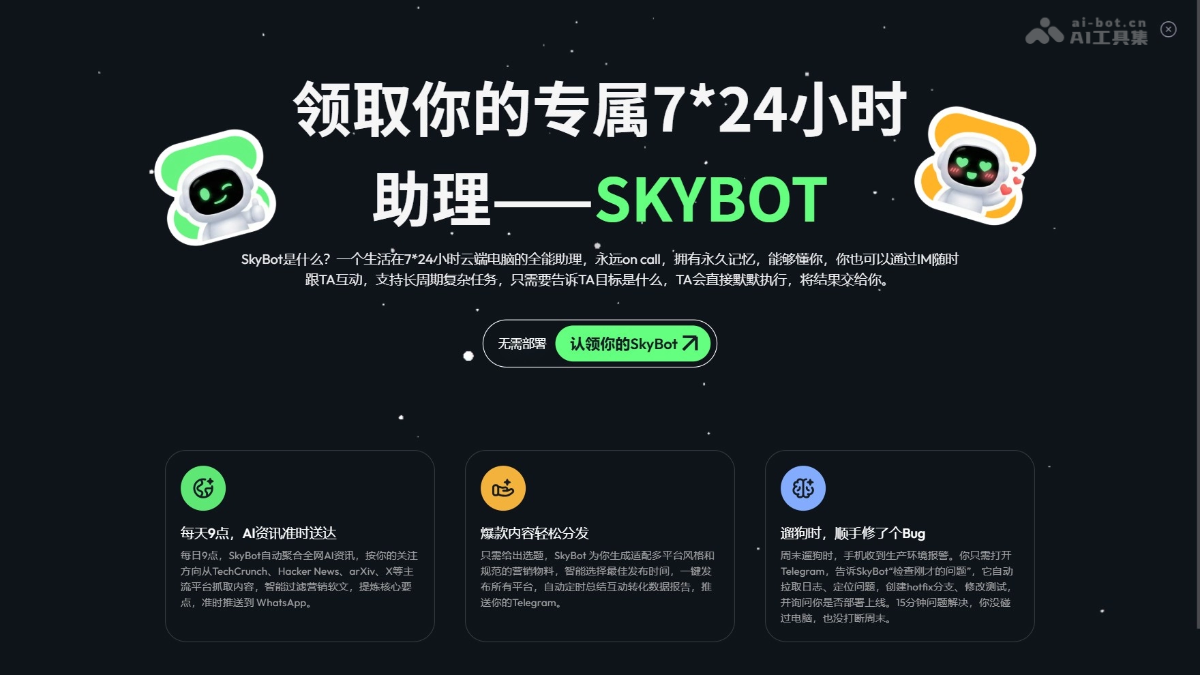
SkyBot's main features
- Proactive task execution: SkyBot can autonomously plan and execute multi-step complex tasks. Users only need to set a goal, and the AI automatically completes it and delivers the results without manual step-by-step guidance.
- Permanent memory capability: SkyBot has long-term memory, can continuously learn user preferences and habits, and becomes increasingly attuned to user needs through ongoing interaction.
- IM instant messaging integration: SkyBot is deeply integrated with instant messaging tools such as WhatsApp and Telegram, allowing users to send commands and receive notifications through chat interfaces anytime, anywhere.
- Cloud virtual machine environment: SkyBot runs in a dedicated 7×24 cloud computer. Users can watch the AI's operation process in real time and take over the mouse and keyboard at any time for manual intervention.
- Secure sandbox mechanism: All tasks are executed in a completely isolated cloud environment. SkyBot only reads files uploaded by users to the knowledge base.
- Skills ready out of the box: More than 70 core skills are pre-installed and integrated, covering information gathering, data analysis, content creation, code writing, and more. Users do not need to install or maintain any plugins themselves.
- Mobile remote control: Through the Tiangong mobile app, users can check SkyBot's status, receive task notifications, and remotely issue commands from anywhere, enabling true mobile office work.
How to use SkyBot
-
Visit the official website: Visit Skywork homepage and click the "Claim SkyBot" entry in the upper right corner.
-
Start the virtual machine: After entering the claim interface, click to start the cloud virtual machine.
-
Personalized settings: Give the assistant a name and choose an avatar.
-
Bind communication tools: Link social media and IM communication accounts (such as WhatsApp, Telegram).
-
Claim successful: Complete the claim using the set name and avatar, and SkyBot officially starts working.
-
View status: SkyBot will be displayed in the upper right corner of the Skywork interface, and you can open it at any time to see what it is doing.
-
Publish tasks: Click to enter the task interface, issue commands on the left, and display the cloud virtual machine desktop in real time on the right to watch the AI's operation process.
-
Intervene in operations: If corrections are needed, you can take over the mouse and keyboard of the virtual machine on the right at any time for manual operation.
SkyBot's product pricing
- Skywork Plus membership: $49.9/month for lifetime access to a 7×24 stably running cloud assistant with unlimited usage time.
- Basic membership: Get 5 hours of SkyBot experience time for free.
- Free users: Get 1 hour of SkyBot experience time for free.
SkyBot use cases
- Information aggregation and push: Automatically scrapes AI news from platforms such as TechCrunch, Hacker News, arXiv, and X on a daily schedule, intelligently filters and extracts key points, and pushes them to WhatsApp on time.
- Viral content distribution: Automatically generates marketing materials tailored to the styles of multiple platforms based on the topic, intelligently selects the best publishing time for one-click publishing, and regularly pushes interaction conversion data reports to Telegram.
- Urgent issue handling: Through remote commands via IM, automatically pulls logs, locates issues, creates fix branches, and modifies test code, all without touching the local computer.
- Personal task management: Builds a visual dashboard to track in-progress and completed tasks, and automatically leaves sticky notes on the desktop to provide feedback on execution status.
- Data report generation: Automatically writes monthly reports based on daily reports in the knowledge base, then places them on the desktop and adds comments.