

What is MiniMax
MiniMax is launched by Shanghai Xiyu Technology Co., Ltd. (MiniMax)AI intelligent Q&A assistant, based on a self-developed trillion-parameter MoE (Mixture of Experts) large model. It has powerful text and dialogue processing capabilities and can handle an ultra-long context of up to 4 million tokens. MiniMax provides a variety of functions, including intelligent search Q&A, professional and creative writing, document speed-reading summaries, and more. It supports multilingual translation, code generation, and other functions.
- Hailuo AI: An AI video generation tool launched by MiniMax, supporting text-to-video and image-to-video, with industry-leading capabilities.
- MiniMax Audio: An AI dubbing tool launched by MiniMax, supporting speech synthesis and voice cloning, with excellent sound quality.
- MiniMax Agent: A general-purpose AI Agent launched by MiniMax, capable of handling a variety of complex tasks.
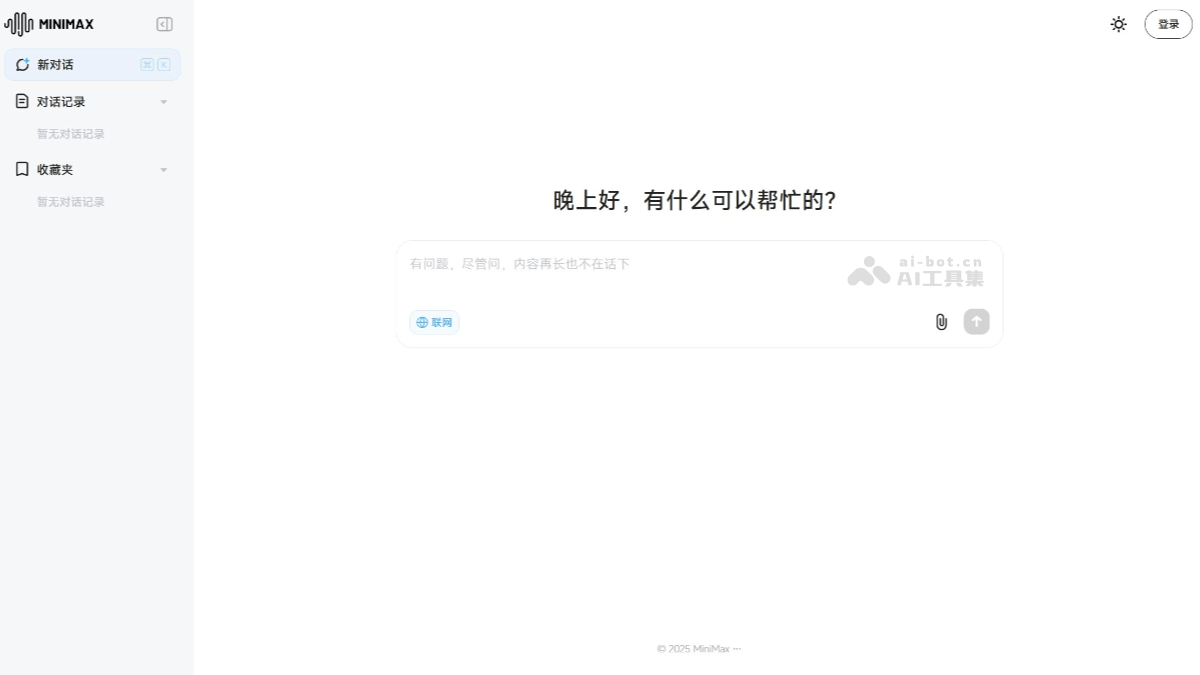
MiniMax's main features
- Interactive dialogue: Supports continuous multi-turn dialogue. Users can ask multiple related questions on one topic, and Hailuo AI can provide coherent answers based on the context.
- Knowledge Q&A: The MiniMax knowledge base covers multiple fields, including but not limited to technology, history, culture, geography, everyday knowledge, and more.
- Real-time information access: MiniMax supports web search and can provide real-time information and news, allowing users to keep up with world developments at any time.
- Document speed-reading: Users can upload files, and MiniMax can help users quickly read and summarize the file contents.
- Intelligent creation: MiniMax can help users with creation work such as articles and copywriting, providing writing inspiration and materials.
MiniMax's official website address
- Official website address:chat.minimaxi.com
- Edge browser extension:https://microsoftedge.microsoft.com/addons/detail/海螺问问
- Chrome browser extension:https://chrome.google.com/webstore/detail/海螺问问
How to use MiniMax
- Visit the official website: Visit MinMax's official website (chat.minimaxi.com) and click to log in to the web version. Or visitMiniMax's official app store and download the app according to your phone model.
- Enter a question: Ask the question you want to ask in the text input box at the bottom, then click send and wait for the AI's answer. Users can also upload files within 100M for interpretation or click the phone icon for voice dialogue communication.
MiniMax's application scenarios
-
Document processing: Students can conduct paper writing and material searches. It can quickly process long documents, reports, and academic papers, helping users perform operations such as speed-reading long texts, intelligent search, and free data lookup.
-
Language learning and communication: It can be used for multilingual processing needs such as translating academic papers, and the voice interaction function also helps with listening and speaking practice in language learning.
-
Content creation: Creators can use MiniMax's tools to spark creative inspiration and perform operations such as creating copywriting. In role-playing creation, the text large model has vivid and precise role-playing capabilities, helping creators create related content.
-
Image and video creation: MiniMax's technology has innovative applications in image-to-video, capable of converting static images into dynamic videos and supporting users in more effectively controlling the appearance of videos.

