

What is ByteCP
ByteCP is an AI office intelligent agent under QuChi AI of Runjian Co., Ltd., and a professional PC client. For office and enterprise users, it can automatically break down and execute complex office tasks, output finished files such as reports and PPTs, and accumulate reusable office workflows; relying on terminal tools, it provides lightweight troubleshooting, file adjustment, and automated script assistance capabilities, comprehensively empowering individual office efficiency and enterprise intelligent office upgrades.
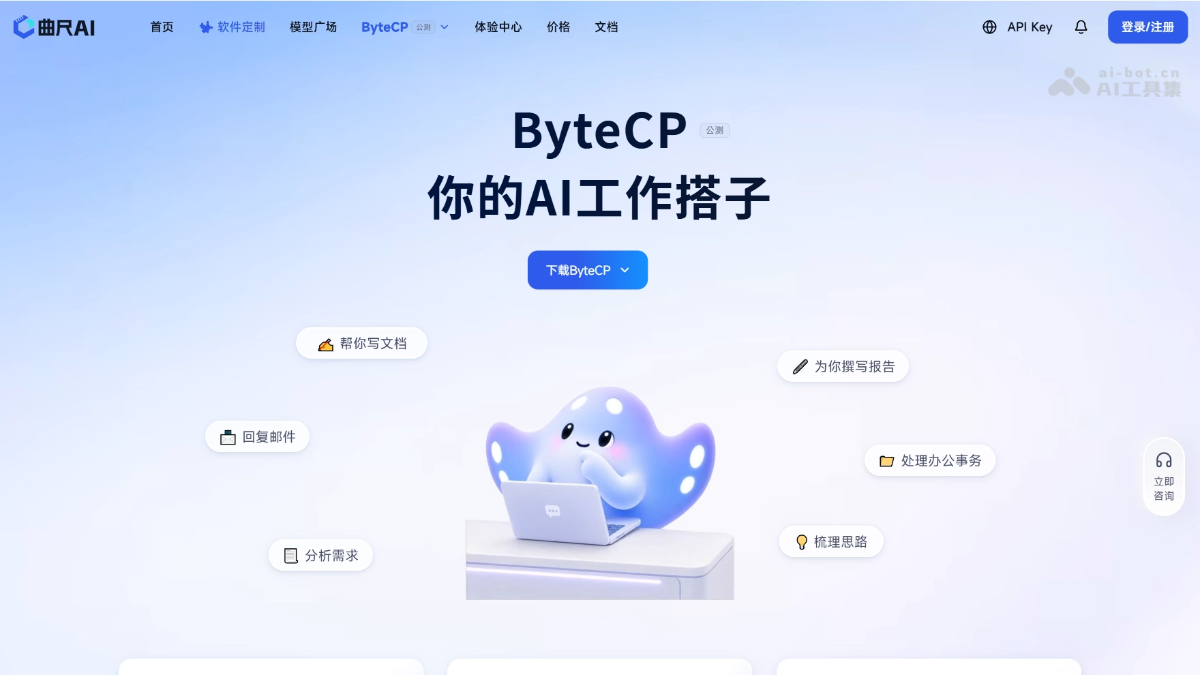
Main features of ByteCP
- Natural language task execution: Describe your needs like chatting, and the AI automatically breaks down and executes complex office tasks, with no need to learn complicated operations.
- Direct local file processing: Directly read local materials and generate editable finished files such as Word, Excel, and PPT, which can be saved and continue to be edited.
- Autonomous information search and analysis: Automatically search, organize, and analyze information online, extract key conclusions, and output well-founded research reports.
- Scenario expert collaboration: Built-in scenario experts for data analysis, document processing, presentations, prototype design, etc., automatically invoking Skills to complete professional domain tasks.
- Product architecture: Provides a visualized workbench in the PC client, with 5 core functional features: automation, skills, connectors, experts (agents), and IM channels, while accommodating both professional office and technical automation needs.
- One-click material summarization: Automatically extract key points, compare differences, and flag risks from multiple materials, organizing them into a clear and complete summary document.
- Intelligent solution planning: Based on a one-sentence topic or requirement, automatically generate complete solutions such as itinerary planning and project planning.
Core features of ByteCP
ByteCP provides four core modules
- Agent: AI tools for roles/industries, which can be used by entering @ or / in the dialog box. The platform has built in a variety of expert-level agents, such as a data analysis expert (automatically cleans and organizes data, generates visualized charts and insight reports), a document writing expert (automatically generates various business documents), and a document processing expert (supports creation, editing, and conversion of Excel, Word, PPT, and PDF), etc.
- Automation: Supports automated orchestration and execution of tasks, helping users reduce repetitive operations.
- Skills: Covers multiple scenarios such as writing, efficiency, design, and data analysis, with one-click installation and out-of-the-box use. Built-in skills include meeting minutes (converting meeting records into structured documents), Word document management, etc.
- Connectors: Connects to third-party platforms and automatically handles authorization, tool discovery, runtime configuration, and invocation auditing. It currently supports connections to platforms such as GitHub, DingTalk, Feishu, ima, and KnowV.
How to use ByteCP
- Visit the official website: Visit the ByteCP official website https://www.quchiai.com/bytecp-desktop 。
- Download and install: Download the PC client installation package compatible with Windows or macOS and complete the local installation.
- Log in to your account: Register or log in to a QuChi AI account and complete identity verification to enter the ByteCP workbench.
- Describe your needs: In the dialog box, describe office tasks in natural language, such as generating a PPT, organizing data, or writing a report.
- Automatic execution: AI automatically breaks down task steps, searches for information online, processes local files, and invokes the corresponding Skills for execution.
- Get Results: Obtain generated Word, Excel, PPT, and other editable finished files directly on your local device.
ByteCP's Core Advantages
Provides a PC client tool that accommodates both visual office work and technical automation scenarios.
- Zero-Barrier Interaction: Describe your needs in natural language just like chatting with a colleague, with no need to learn complex operations or prompt techniques.
- Direct Delivery of Results: Supports directly generating editable finished files such as Word, PPT, and Excel.
- In-Depth Local File Processing: Directly reads local materials, automatically extracts, compares, and analyzes them, and outputs structured documents.
- Expert + Skill Collaboration: Built-in industry scenario experts break down task directions, while Skills modules handle implementation and execution, ensuring professionalism and execution capability.
- Enterprise-Grade Computing Power Foundation: Relies on Runjian Co., Ltd.'s Wuxiang Cloud Valley Intelligent Computing Center to ensure stable and efficient AI capabilities.
- Processes Can Be Accumulated and Reused: Completed office tasks can be saved as standardized processes, enabling continuous accumulation of personal and enterprise knowledge assets.
ByteCP's Application Scenarios
- Document Processing and Office Efficiency Improvement: Intelligent PPT creation, aggregation of multi-document materials, weekly and monthly report generation, email information drafting, intelligent document Q&A, translation and polishing, project proposal planning.
- Meeting Collaboration: Meeting minutes organization, meeting coordination and scheduling.
- Data Analysis and Decision Support: Excel data analysis, data report interpretation, visualization dashboards, data modeling and forecasting, public opinion monitoring.
- Content Creation and Marketing: Multi-platform content distribution, poster and image design, video script storyboards, training courseware generation, customer service knowledge base construction.
- R&D and Professional Technology: CLI technical troubleshooting, code generation and completion, rapid web application building.
- Legal Compliance and Job Search Coaching: Contract review, resume optimization, error checking and review, template verification, copy comparison.
- Automation and Workflows: Scheduled tasks and reminders, automated workflow building, multi-tool orchestration, approval process configuration, scheduled data pipelines, content publishing pipelines, custom node extension, data synchronization workflows, weekly report automation pipelines, cross-department collaboration processes, business process reengineering, task decomposition and automatic execution, forms to data ledgers, multi-version process management, workflow template reuse.
ByteCP's Frequently Asked Questions (FAQ)
Q: What is ByteCP?
ByteCP is a visual AI Agent work platform independently developed by Runjian Co., Ltd., providing enterprises and professional users with an integrated AI work experience from task creation, intelligent planning, capability invocation, process execution, to results delivery. Simply put, it is an AI office companion by your side, skilled in various documents, research reports, and file organization.
Q: What is the difference between ByteCP and ordinary AI chat tools?
Ordinary AI chat tools only "answer questions," while ByteCP moves from "answering questions" to "completing work and becoming your work assistant." You only need to state a goal, and the AI will assist throughout the entire process to complete tasks such as research, analysis, and report creation. ByteCP supports directly describing task goals in natural language, with no need to write code; the system will automatically understand the task goal and plan the subsequent execution steps.
Q: Do I need programming skills to use ByteCP?
No. ByteCP supports directly describing task goals in natural language. Just enter your requirement, for example, "Help me complete an industry market analysis report" or "Organize this batch of materials and generate a reporting PPT," and ByteCP will understand the task goal and automatically plan the execution steps.
Q: In what situations is ByteCP suitable?
It is suitable for any scenario that requires "getting something done" rather than "asking a question." For example:
- Writing weekly and monthly reports every week—let ByteCP automatically summarize and generate them
- Needing to create an industry analysis report—ByteCP automatically completes data collection, organization, and analysis
- Needing to organize meeting minutes after a meeting—ByteCP generates them with one click
- Needing to build an automated workflow—ByteCP supports multi-tool chaining, orchestration, and scheduled triggers
- Needing to quickly validate a product idea—ByteCP can assist with requirements analysis, feature planning, page design, and prototype building
Q: Is ByteCP suitable for individual users or team users?
It is suitable for both. Individual users can use it to improve daily office efficiency; team and enterprise users can use features such as automated workflows, cross-department collaboration processes, and approval flow configuration to achieve digital upgrades of business processes.
Q: How is ByteCP charged?
ByteCP is free to use during the public beta period. For specific details, please follow the latest information officially released. The platform interface displays Token usage in the upper right corner to help users understand resource consumption.
Q: Where can I use ByteCP?
ByteCP can be obtained and downloaded for use through the official channel link of Runjian Co., Ltd. For the specific entry point, please follow the official website:https://www.quchiai.com/bytecp-desktop
Q: What types of tasks can ByteCP handle?
ByteCP supports handling multiple types of work tasks, covering multiple scenarios such as daily office work, business analysis, and R&D collaboration:
- Document generation: work reports, technical documents, meeting minutes, proposal materials, etc.
- Data analysis: upload data files, complete data organization, metric analysis, and trend assessment, and output analysis results and visual content
- Deep research: industry analysis, competitive research, and market research to form structured research reports
- Prototype generation: quickly transform product ideas into verifiable prototype solutions
- Task planning: generate execution plans, including step planning, resource arrangement, and output paths for results
Q: What is IM channel integration? How do I use it?
IM channel integration allows ByteCP to connect to third-party IM platforms to receive and send message notifications. Currently supported:
- WeChat: receive and reply to messages through a WeChat bot (recommended for private message scenarios)
- DingTalk: receive and reply to messages through a DingTalk bot
- Feishu: receive and reply to messages through a Feishu bot
After configuration is complete, you can chat directly with ByteCP's agents in the IM tools you use every day to complete various work tasks.
Q: What is a connector? Which platforms are supported?
A connector is a bridge between ByteCP and third-party platforms, automatically handling authorization, tool discovery, runtime configuration, and call auditing. Platforms currently supported or being integrated include:
- GitHub: Code repositories, issues, pull requests, and Actions collaboration capabilities
- DingTalk: Contacts, calendar, to-dos, group chats, approvals, documents, online spreadsheets, AI spreadsheets, knowledge bases, email, cloud drives, Minutes, and organizational collaboration capabilities, as well as multi-dimensional tables and Wiki capabilities
- Feishu: Calendar, tasks, documents, online spreadsheets, and AI spreadsheet multi-dimensional table capabilities
- ima: Tencent ima notes, knowledge base search, material browsing, and content writing
- KnowV: KnowV knowledge base, file lists, file summaries, and knowledge retrieval capabilities
Q: What is an "expert"? How is it different from an "agent"?
An "expert" is an agent tool in ByteCP designed for a specific role or industry. On the platform, "agent" is a broader concept, while an "expert" is a specific form of agent—it is deeply optimized for specific scenarios (such as data analysis, document writing, etc.) and can be quickly invoked by typing @ or / in the chat box.
Q: What is ByteCP's automation feature?
The automation module allows users to create scheduled Agent tasks. You only need to create a new automation task and configure the execution frequency, and ByteCP will automatically execute the Agent at the set frequency while the client is running. It is suitable for work scenarios that require repeated operations, such as regularly generating reports, periodic data analysis, and scheduled content organization, truly achieving "configure once, run automatically" and greatly reducing manual repetitive operations.
Q: What statuses can automation tasks have?
The automation task page provides multiple filtering statuses to help users track task execution:
- All tasks: View all created automation tasks
- Running: Tasks currently being executed
- Enabled: Tasks that have been turned on and will be automatically triggered according to the frequency
In addition, the platform also records task execution history, making it easy for users to trace the execution results and status of each automatic run.
Q: How do I create an automation task?
Click the "New Task" button in the automation module, configure the Agent to be executed, the execution frequency (such as daily/weekly/custom interval), and other parameters, then save. After the task is created, ByteCP will automatically trigger the Agent to execute at the set frequency while the client is running.
Q: What is the difference between automation tasks and regular tasks?
- Regular tasks: Work units manually initiated by the user and executed once
- Automation tasks: Agent tasks automatically triggered at a preset frequency, which can be executed periodically and are suitable for repetitive work with fixed processes.
Q: What are ByteCP skills? How do I use them?
Skills are packaged specialized capability modules in ByteCP, covering a variety of application scenarios such as writing, efficiency, design, and data analysis. Users can browse the skill marketplace and install the skills they need with one click, ready to use out of the box without additional configuration.
The platform currently provides two types of skill sources:
- Built-in skills: Official skills preset by the platform, such as meeting minutes, Word documents, etc.
- Installed skills: Skills installed by users themselves, centrally managed for easy access
Q: What is the difference between skills and agents (experts)?
- Skills: They are single capability modules focused on a specific task scenario (such as "organizing meeting notes into a structured document"), and are relatively lightweight, single-function units
- Agents: They are more complete AI work units, which can be understood as "a combination of multiple skills + task planning capability," able to understand complex requirements, automatically orchestrate steps, and invoke multiple capabilities to complete end-to-end work tasks.
Simply put, skills are one of the "basic skills" of agents, and agents can invoke multiple skills to accomplish more complex task goals.
Q: Will skills be updated?
Yes. The platform will continue to release new skills and optimize and iterate existing skills. Users can view the latest recommended skills and update times in the skill marketplace, and install and use them as needed.


