

What is MetaDig
MetaDig is a one-stop professional AI video creation platform and an infinite canvas workflow tool for creators. MetaDig integrates text-to-video, image-to-video,AI digital humans, AI voiceover and music, and editing and compositing into a single canvas. Through node-based drag-and-drop connections, it builds visual workflows, enabling full-chain creation from idea to finished video. MetaDig supports 3D director stage previews, Agent collaborative creation, community template reuse, and team collaboration, covering diverse scenarios such as e-commerce, brand marketing, short dramas and comic dramas, and film and television pre-production, making creation structured and precisely visualized.
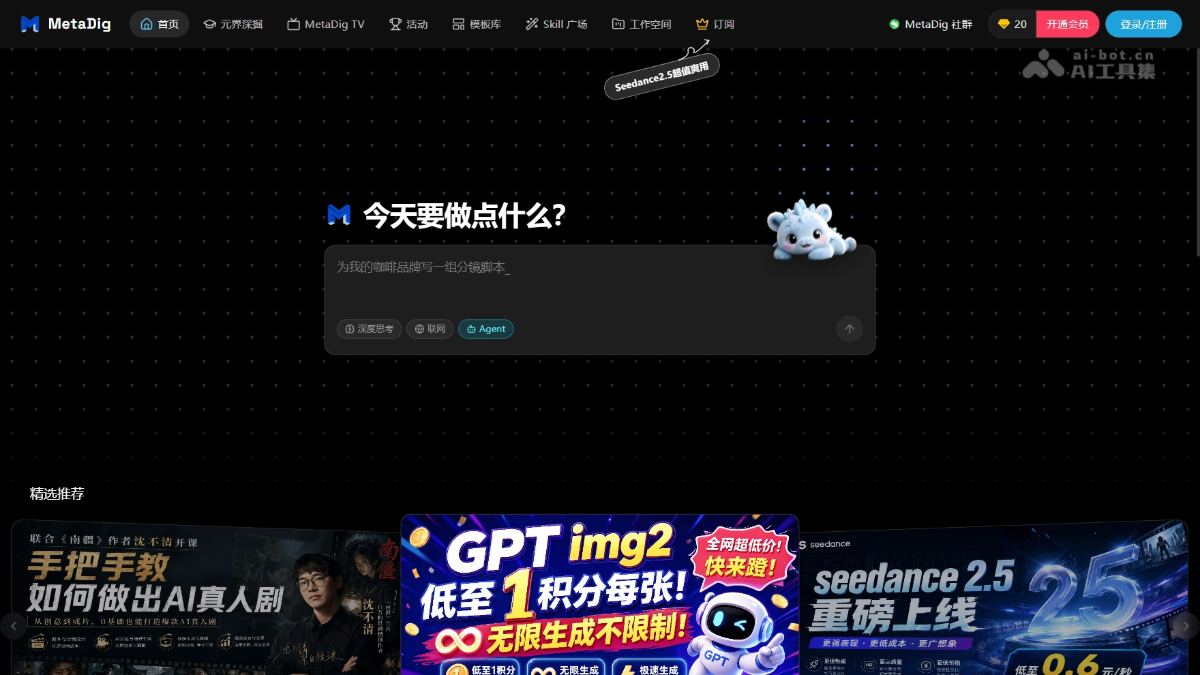
MetaDig's main features
-
Infinite canvas and workflow management: Provides a freely expandable node-based creation space, enabling full-chain visual management from idea to finished product through drag-and-drop connections.
-
Agent collaborative creation: Through conversational Agents, it automatically plans and executes canvas generation tasks, breaking down creative inspiration into executable node workflows.
-
Creation community and workflow reuse: Open exploration page and template library support browsing public works and one-click cloning of templates, reducing the cost of building workflows from scratch.
-
3D director stage: Place characters, set up camera positions, and preview camera movements in a lightweight 3D space, then send screenshots or videos back to the canvas as dynamic Layout references for subsequent generation.
-
AI video generation: Supports text-to-video, first-and-last-frame-to-video, reference-to-video, and digital humans, with optionalWan 3.0、Seedance 2.5and other multiple models, with a single direct output of up to about 30 seconds.
-
AI image generation and editing: Integrates text-to-image, image-to-image, outpainting, erasing, inpainting, multi-angle, lighting, and HD upscaling functions to provide precise materials for video reference slots.
-
AI audio generation and editing: Supports text voiceover, AI music generation, and vocal separation, allowing visuals, vocals, and BGM to be coordinated within the same workflow.
-
In-canvas editing timeline: The dual tracks at the bottom of the canvas support video sequencing and audio layering, with trimming, speed changes, volume adjustment, and black-screen transitions, and direct export of the finished video after preview.
-
End-to-end creation delivery: Complete content generation, reference constraints, shot scheduling, editing and compositing, and export of the finished video within the same platform, with no need to switch back and forth between multiple software.
-
Real-time cloud collaboration: Supports team spaces, member quota management, and multi-user real-time canvas synchronization, suitable for studios and enterprises jointly advancing projects.
-
All-model compatible architecture: Deeply integrates mainstream domestic and international generation models, allowing users to freely choose and combine engines and avoid dependence on a single model.
How to use MetaDig
-
Visit the platform: Visit the MetaDig official website https://waytometa.cn/ , register and log in, and enter the project and canvas interface.
-
Create a new project: Click New Project to open the infinite canvas, or clone a template with one click from the exploration page or template library and then modify references and prompts.
-
Build a creation flow on the free canvas: Drag and drop composite function nodes on the canvas to break down inspiration into executable steps such as image generation, scene layout, video generation, voiceover, and editing, with node connections serving as generation references.
-
Enter creative ideas in the dialog box: Describe the video theme or scene to the Agent, and it will automatically plan nodes and execute generation.
-
Flexible input from creativity to materials: Enter prompts in nodes, or upload images, videos, and audio as references.
-
3D scene layout and camera previsualization: Create a new "3D Director's Stage" node, drag in characters to adjust poses, set up multiple camera angles and record camera movements, then send screenshots or videos back to the canvas as dynamic Layout for image/video generation.
-
Generation and revision: Select a model and place references into slots to generate. Wan 3.0 supports instruction-based editing of existing videos.
-
In-canvas editing and export: Add generated materials to the timeline, trim the beginning and end, add black-screen transitions and BGM, then set resolution, aspect ratio, and frame rate to export the final video after previewing without issues.
-
Real-time cloud collaboration and storage: Projects and timelines are saved automatically, and team members can synchronize the canvas in real time within the same space.
-
Share works and reuse workflows: After completion, the final video can be published to the Explore page or used as a reference for new nodes. High-quality workflows can be saved as templates for later cloning and reuse.
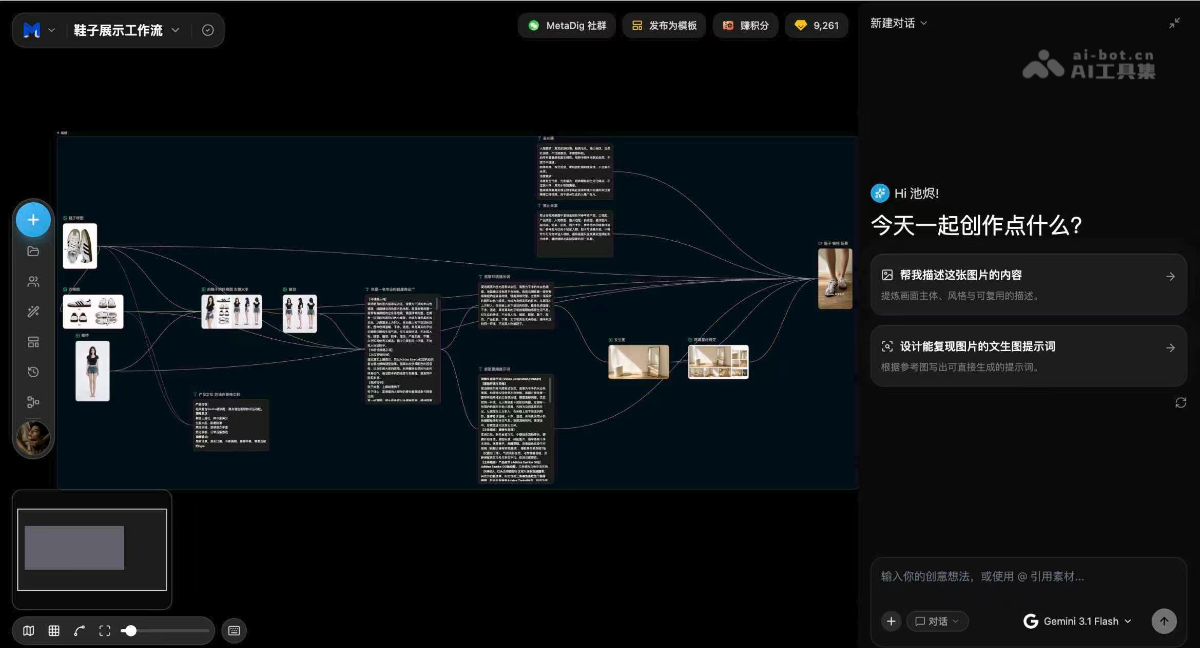
MetaDig's core advantages
-
One-stop integrated creation: Text-to-video, image-to-video, digital humans, voiceover and music, and editing and compositing are all brought into the same canvas, with no need to juggle multiple software programs.
-
Infinite canvas workflow: A node-based freely expandable space that builds visual workflows through drag-and-drop connections, with creative paths that can be adjusted and accumulated.
-
3D Director's Stage previsualization: Arrange characters, set up camera positions, and previsualize camera movements in a lightweight 3D space. After locking in positioning and composition, hand it off to the generation model to produce the visuals.
-
Agent collaboration lowers the barrier: The conversational Agent automatically breaks down creative inspiration into executable nodes, with no need to start from a blank canvas.
-
Precise reference slot control: Characters, products, actions, and sounds are locked into separate slots, with each reference responsible for only one thing, avoiding averaged processing by the model.
-
Direct editing in the canvas: Generated materials do not need to be exported to Jianying. Trim, edit, add transitions and BGM directly on the timeline, and compositing does not deduct credits.
-
Community template reuse: Public templates can be cloned with one click, and community works can be browsed and reused, greatly reducing the cost of building workflows from scratch.
-
Free switching across all models: Deeply integrates mainstream domestic and international models such as Wan 3.0 and Seedance 2.5, allowing engine selection on demand to avoid single dependency.
-
End-to-end delivery efficiency: The entire workflow from content generation, reference constraints, and shot scheduling to editing and export is completed on the same platform, shortening the delivery cycle.
Comparison of MetaDig with similar competitors
| Comparison dimension | MetaDig | Updream | LibTV |
|---|---|---|---|
| Product background | One-stop AI video professional creation platform | Developed in-house by Bilibili, deeply integrated with the Bilibili ecosystem | Launched by LiblibAI, aimed at professional film and television creation |
| Core architecture | Infinite canvas + node-based workflow | Infinite canvas + node-based workflow | Infinite canvas + node-based workflow |
| 3D previsualization capability | ✅ Built-in 3D director's console, place characters, set camera positions, and record camera movements | ✅ Previsualization console, upload reference images to generate 3D white-model scenes | ✅ 3D director's console, supports Blender plugin integration |
| Agent collaboration | ✅ Conversational Agent automatically plans and executes nodes | ✅ Long-memory AI assistant, directs creation via natural language | ✅ Agent mode + 100+ Skills, produce a finished video in one sentence |
| Script/storyboard management | ✅ Indirectly supported through Agent and canvas nodes | ✅ Script generation, storyboard planning, character design | ✅ Script node v2, automatically breaks down scripts into structured storyboards |
| Video generation models | Wan 3.0, Seedance 2.5, GPT Image 2, etc. | Seedance 2.0, Kling, Wan, Vidu, etc. | Kling 3.0, Wan 2.6, Seedance 2.5, etc. |
| Reference slot control | ✅ Multiple slots pinned by character/product/action/voice | ⚠️ Consistent generation with fixed character appearance | ✅ 50 multimodal references + subject library character consistency management |
| In-canvas editing | ✅ Dual-track timeline, trimming, splicing, transitions, BGM | ✅ Built-in track management, supports video editing | ✅ Video compositing node, multi-track editing |
| Local modification/reshoot | ✅ Supports instruction editing and clip reshoots | ❌ Not explicitly mentioned | ✅ Clip reshoots, precise 4-second granularity modification with seamless replacement |
| Ultra-long video | ⚠️ Maximum about 30 seconds per generation, up to 40 clips on the timeline | ⚠️ Ultra-long direct output not explicitly mentioned | ✅ 5-minute ultra-long video direct output, segments can be split and modified |
| Intelligent Asset Management | ✅ Node connections serve as references; projects are saved with the canvas | ✅ Dual-layer asset library (project + global), automatic archiving | ✅ Auto Link intelligent referencing, automatically matching assets to scripts |
| Community/Template Reuse | ✅ Explore page + template library, one-click cloning | ✅ Skills marketplace, shared by official and UP creators | ✅ 100+ professional Skills, covering short dramas/ads/MVs and other scenarios |
| Team Collaboration | ✅ Real-time cloud collaboration, team space quota management | ⚠️ Not explicitly mentioned | ✅ Team edition, shared canvas + unified asset library |
| Platform Ecosystem Features | General-purpose creation platform, covering e-commerce/branding/film and television | Deeply integrated with Bilibili, one-click submission, suited for UP creators | Film and television industrialization-oriented, partnering with 300+ short drama companies |
| External Model Access | ⚠️ Built-in model switching, direct API connection not explicitly supported | ✅ Supports entering your own API address and key | ⚠️ Built-in multiple models, external API not explicitly supported |
| Film Analysis/Learning Tools | ✅ Supports intelligent frame-by-frame film analysis | ❌ None | ✅ Intelligent frame-by-frame film analysis, automatically breaking down camera movement/color tone/music |
MetaDig Application Scenarios
-
Brand Advertising: Pin down product appearance, character faces, and on-site sound in separate slots; with the same set of assets, switch camera positions and shot sizes to produce multiple versions, meeting the rapid iteration needs of brand placements.
-
E-commerce and Talking-Head Videos: From generating cover product images to shooting footage to editing and adding BGM within the canvas, the entire workflow of static-image talking-head videos and voice-to-music replacement requires no need to leave the canvas.
-
Film and Television Pre-production and Storyboarding: The 3D director's stage previews blocking, camera positions, and camera movement; screenshots serve as first and last frames or cut references, advancing from script concept to trailer sample along the same pipeline.
-
AI Short Dramas and Series Content: Through reference slots and workflows, fix characters and themes; arrange storyboards on the canvas, assemble the final cut on the timeline, and support scaled production by episode.
-
Animation, Comic Dramas, and Creative Short Films: With the same set of character assets, switch camera positions without changing the scene and switch shot sizes without changing the character; the director's stage pins down spatial shots, while the model handles style and performance.
-
Brand Globalization and Multilingual Accounts: Put 14 native voices and visuals into the same generation process and directly output multilingual versions, without first making a Chinese version and then dubbing lip-sync.


