

What is Moxt
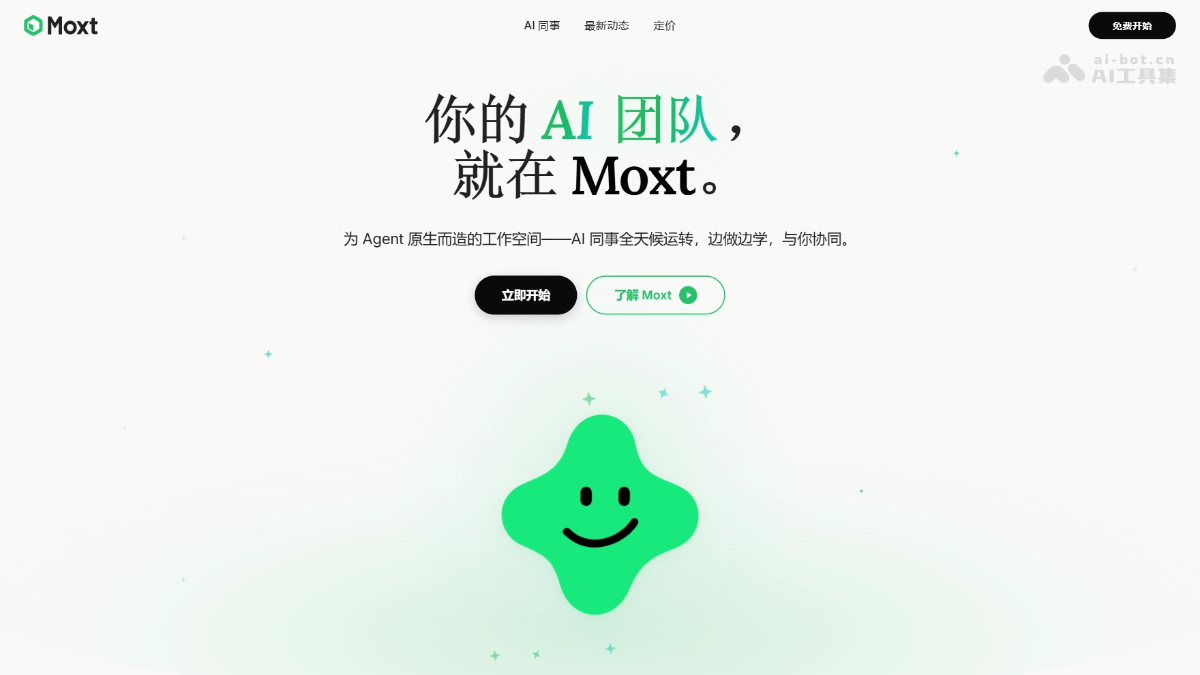
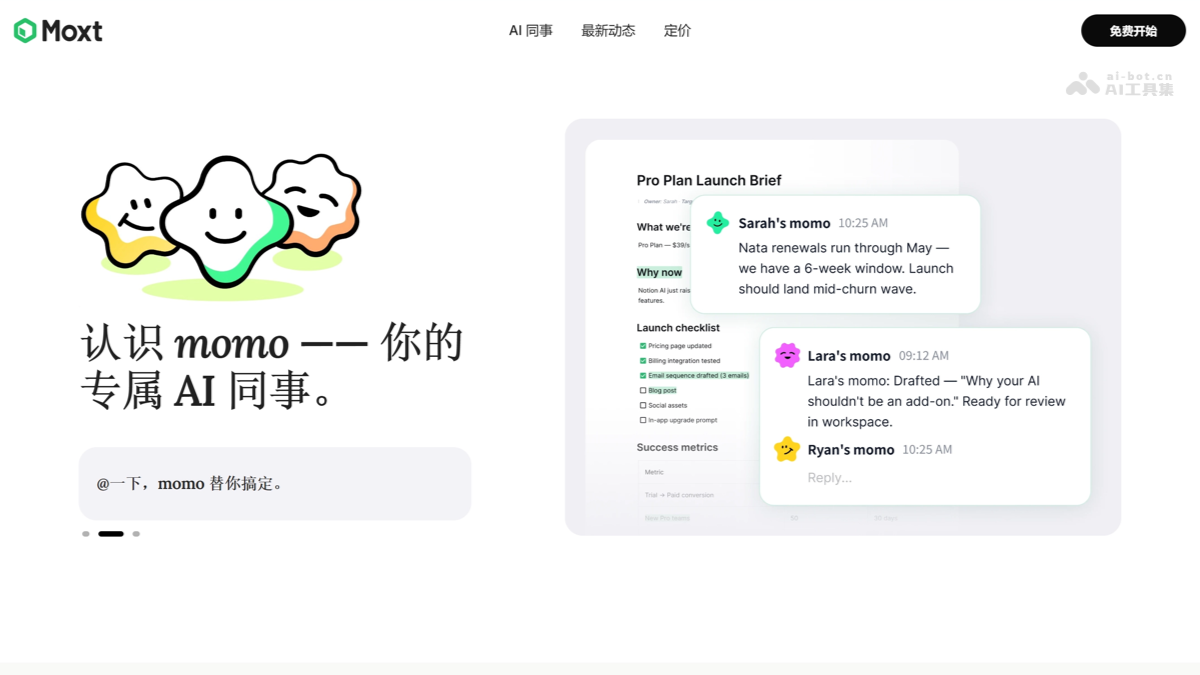
Moxt (More Context) is an Agent-Native Workspace, providing teams with AI colleagues available 24/7. Each member is equipped with a dedicated AI assistant, momo, which has persistent memory capabilities, can directly integrate with Slack and Feishu, and supports online research, code writing, data analysis, app building, and document collaboration, enabling AI and humans to collaborate natively in the same space.
Moxt's main features
- Dedicated AI assistant momo: Each team member has an independent momo, with onboarding-style guidance to complete preference learning, and supports Chinese and English interaction and style customization.
- Persistent memory system: Conversation information is automatically written to
user_profile.md、MEMORY.mdandAGENTS.md, maintaining context across sessions and becoming more tailored to user habits over time. - Native file management: Supports dual levels, Team Space and Personal Space. Uploaded files are automatically converted to Markdown format, and AI can directly read, write, and create.
- AI colleague customization: Can create dedicated Agents (such as HR, Marketing), continuously accumulate role experience through Rules, Skills, and Memory, and achieve specialized division of labor.
- Multimodal task execution: Supports online search, data dashboard building, Python project development, competitor monitoring crawler writing, document editing, and email template generation.
- Instant messaging integration: Directly integrates with Slack and Feishu. In the chat window, simply @AI colleague to invoke tasks without switching platforms.
How to use Moxt
- Visit the official website to register: Visit the Moxt official website https://moxt.ai/ to complete account registration.
- Create a workspace: Click the "Get Started" button to create a Workspace and name the team space.
- Invite team members: Generate an invitation link on the settings page, add human colleagues, and assign Admin or Member roles.
- Configure a dedicated assistant: Complete an onboarding-style conversation with momo, and inform it of your work role, language preferences, and document output style.
- Establish a file directory: Create folders in Team Space or Personal Space. Uploaded files will be automatically converted to Markdown format.
- Initiate task instructions: Enter requirements in the dialog box on the right, or @ reference a specific folder to let AI execute based on existing context.
- Customize dedicated colleagues: Click "AI Teammates" on the left to create a dedicated Agent, and configure its role, Rules, Skills, and Memory files.
- Connect communication tools: Bind Slack or Feishu in Integrations settings, and directly @AI colleagues in the chat window to invoke collaboration.
Moxt's key information and usage requirements
-
Product positioning: Agent-Native Workspace, an AI-native collaboration space
-
Supported platforms: Web, with Slack and Feishu integration
-
File format: Automatically converts uploaded files to Markdown; MD is recommended as the priority
-
Memory mechanism: Relies on system files such as
user_profile.md、MEMORY.md、AGENTS.md, which users can manually view and edit -
Collaboration mode: A hybrid team of humans + AI colleagues, supporting permission-layered Team Space and Personal Space
-
Usage threshold: Basic experience with AI tools is required; it is recommended to clarify the Agent division of labor before deployment
Moxt's Core Advantages
- Context-Native Integration: Supports bringing scattered JDs, resumes, interview records, and email templates together into one workspace, so AI can reason across documents without repeated uploads.
- Memory That Understands You Better Over Time: Supports persistent memory written to the file system, avoiding the need to restate background in every conversation, with prompt requirements decreasing as usage frequency increases.
- Accumulated Experience for Dedicated Agents: Each AI colleague independently accumulates role-specific Rules and Memory, enabling specialized iteration for vertical scenarios such as recruiting, marketing, and R&D.
- Zero-Switch One-Stop Closed Loop: From requirement input to document generation, code writing, kanban setup, and team synchronization, everything is completed in the same window.
- Seamless Embedding in Communication Tools: Exists directly in Slack and Feishu workflows, enabling AI capabilities to be introduced without changing the team's existing collaboration habits.
Comparison of Moxt with Similar Competitors
| Dimension | Moxt | Cursor | Miro AI Workspace |
|---|---|---|---|
| Core Positioning | Agent-Native collaborative workspace, a hybrid team of humans + AI colleagues | Agent-first coding workspace, with local/cloud parallel Agents | AI Agent whiteboard collaboration space, team visual interaction |
| Memory Mechanism | Persistent file-based memory (MD system files), accumulating experience across sessions | Project-level code context, terminal session memory | Real-time context of whiteboard content, session-level memory |
| Multi-Agent Collaboration | Supports creating multiple dedicated AI colleagues, with independent Spaces and experience accumulation | Single Agent mode (Composer), focused on coding task flows | Single Agent interaction mode, where the team converses with the Agent together on the whiteboard |
| File Nativism | Markdown enforced, AI directly reads and writes the file system | Code files are native, supporting parallel editing of multiple files | Whiteboard/canvas native, where cards, sticky notes, and flowcharts are files |
| Communication Integration | Native integration with Slack and Feishu, @ to invoke AI colleagues | No instant messaging integration, standalone IDE environment | No instant messaging integration, relies on whiteboard sharing links for collaboration |
| Applicable Scenarios | Full-process team collaboration for recruiting, marketing, R&D, operations, and more | Software development, code refactoring, full-stack building | Brainstorming, process design, product planning, visual collaboration |
Moxt's Product Pricing
- Pricing Model: Charges only for the actual workload executed by AI, measured in credits, similar to the logic of an "electricity bill".
- Credit System: $1 = 100 credits; credits never expire, have no validity period, and do not reset monthly. Recharge at any time as needed with no amount limit.
- Free Quota: Receive 1,000 credits upon registration; try before purchasing. Automatically credited when you create your first Workspace.
- Scope of Consumption: Every AI action deducts credits, including conversations, task execution, automated processes, scheduled tasks, and independent work by AI colleagues; creating an AI colleague itself is free.
Moxt's Application Scenarios
- End-to-end recruitment automation: Deploy an AI HR colleague to automatically write JDs, batch-screen resumes, analyze interview recordings, and generate offer email templates, achieving a closed recruitment loop.
- Real-time competitor intelligence monitoring: Create a market monitoring Agent to regularly scrape competitors' official website pricing and feature changes, automatically generate structured difference reports, and push alerts.
- Industry content operations efficiency: Let momo organize industry weekly reports in a set style based on persistent memory, directly outputting Markdown documents with data tables and verifiable links.
- No-code data dashboard building: Use natural language instructions to have AI aggregate multi-platform distribution data and automatically generate interactive dashboards containing trend charts, popularity rankings, and detailed filters.
- Rapid delivery of R&D scripts: Describe requirements directly, and AI colleagues can write and debug runnable Python crawlers, automation scripts, and data processing projects.


