

What Is Claude-Mem
Claude-Mem is an intelligent memory plugin for Claude Code built by developer Alex Newman. Through five lifecycle hooks such as SessionStart and PostToolUse, it automatically captures tool calls, code decisions, and debugging processes during sessions, and uses the Claude Agent SDK to compress raw output into structured observation records (about 500 tokens), stored in a local SQLite + Chroma vector database. When users start a new session, the plugin automatically injects relevant historical context, enabling Claude to "remember" prior project background, architectural decisions, and bug-fix processes without requiring users to repeatedly re-explain. The plugin supports a web visualization interface, privacy tags, and multilingual modes, and is compatible with Gemini CLI and the OpenClaw gateway.
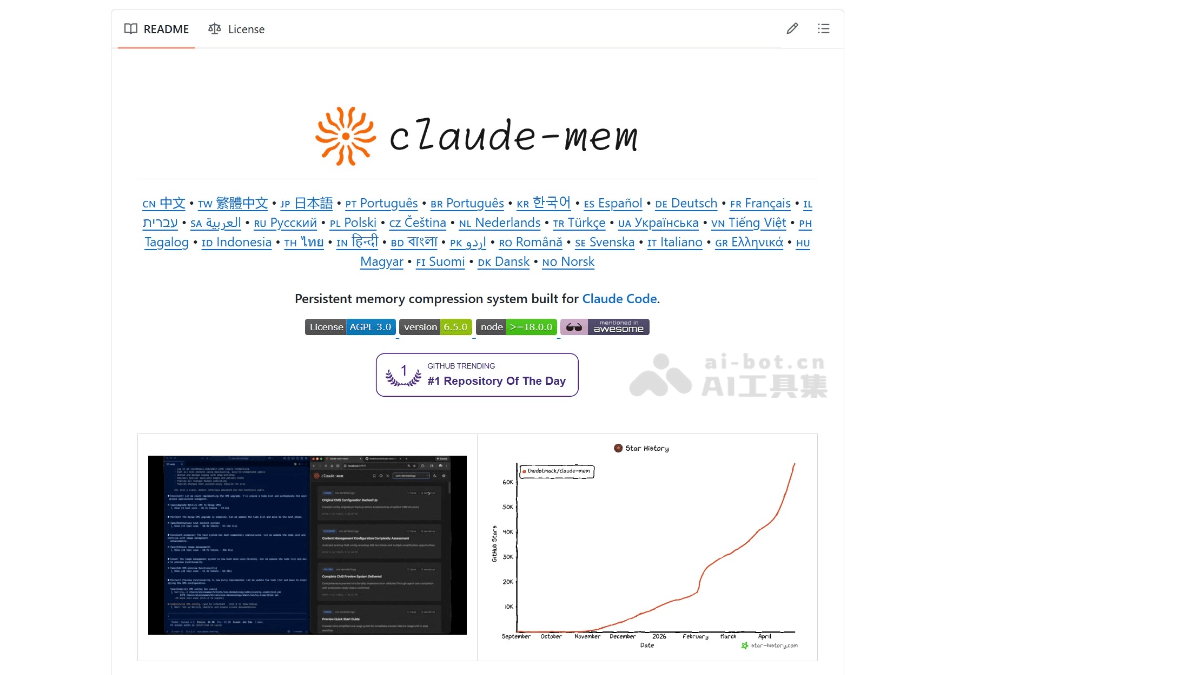
Claude-Mem's Main Features
-
Automatic Context Capture: Automatically records the entire session through 5 lifecycle hooks (SessionStart, UserPromptSubmit, PostToolUse, Stop, SessionEnd), with no manual intervention required.
-
AI-Powered Compression: Compresses tool output into structured observation records (including type, title, facts, narrative, and concepts fields), about 500 tokens each, saving context space.
-
Hybrid Search Capability: Integrates SQLite FTS5 full-text search + Chroma vector database semantic search, supporting 10 search endpoints (full text, concept tags, file references, type filtering, etc.).
-
Three-Layer Progressive Retrieval: Layer 1 search returns 50-100 token indexes; Layer 2 timelines provide 100-200 tokens of context; Layer 3 retrieves full records on demand (500-1000 tokens), increasing the signal rate from 6% to over 80%.
-
Web Visualization Interface: Built-in HTTP API service (default port 37777), providing a browser-based interface for viewing and managing the real-time memory stream.
-
Endless Mode (Experimental): Breaks through the limit of exceeding the context after about 50 tool calls in Claude Code, enabling theoretically infinitely long sessions through real-time transcript conversion; in testing, it completed a full refactor of 600+ files.
-
Automatic CLAUDE.md Generation: Automatically generates and updates in the project folder a
CLAUDE.mdfile containing an activity timeline, preserving manually written content. -
Privacy Control: Use the
<private>tag to exclude sensitive content from storage; all data is stored locally by default. -
Multilingual and Mode System: Supports 28 languages and provides workflow mode switching among Code, Email Investigation, Chill, and others.
How to Use Claude-Mem
- Execute in Claude Code:
/plugin marketplace add thedotmack/claude-mem
/plugin install claude-mem-
Restart Claude Code: To make the lifecycle hooks take effect.
-
Verify Installation(choose one of three):
-
Run in the terminal
curl http://localhost:37777/api/health, which should return{"status":"ok"} -
Check
~/.claude/hooks.jsonfor PostToolUse and SessionStart entries containing claude-mem -
Open in the browser
http://localhost:37777to view the Web Viewer
-
-
Start Using: The first session begins accumulating observation records, and from the second session onward, relevant context is automatically injected.
Key Information and Usage Requirements of Claude-Mem
-
Product Positioning: An open-source intelligent memory plugin designed specifically for Claude Code that automatically captures and persists coding session context through lifecycle hooks, solving the problem of AI assistants "losing memory" across sessions.
-
Core Architecture: Fully automatic recording based on 5 lifecycle hooks (SessionStart, UserPromptSubmit, PostToolUse, Stop, SessionEnd), with no manual triggering of saves required.
-
Intelligent Compression Mechanism: Uses the Claude Agent SDK to compress raw tool output into structured observation records (containing type, title, facts, narrative, and concepts fields), with each entry about 500 tokens, greatly saving context space.
-
Three-Layer Progressive Retrieval:Layer 1
searchreturns a 50-100 token index → Layer 2timelineprovides 100-200 tokens of timeline context → Layer 3get_observationsretrieves the full 500-1000 token record on demand, raising the signal rate from 6% to over 80%. -
Hybrid Storage Solution: Local SQLite database (FTS5 full-text search) + Chroma vector database (semantic search), with the default storage path being
~/.claude-mem/claude-mem.db -
Local Embedding Model: Uses all-MiniLM-L6-v2 via ONNX, with all vector computation performed locally, requiring no calls to external Embedding APIs.
-
Web Visualization Interface: Built-in HTTP service (default port 37777); open
http://localhost:37777in a browser to view the real-time memory stream and management interface. -
Installation Method: Must be installed within Claude Code through the plugin marketplace; run
/plugin marketplace add thedotmack/claude-memand then/plugin install claude-mem,strictly prohibitedto usenpm install -g claude-mem(this command only installs the SDK library and will not register lifecycle hooks, causing the functionality to fail completely). -
System Prerequisites: Node.js 18+ is a hard requirement; dependencies such as Bun, uv, and SQLite are automatically detected and installed on first run.
-
Restart to Take Effect: After installation is complete, Claude Code must be restarted so that the hooks configuration is written to
~/.claude/hooks.jsonand takes effect.
Core Advantages of Claude-Mem
-
True Cross-Session Continuity: Solves the problem of Claude Code "starting from scratch" in every new session; yesterday's debugging records and last week's architecture decisions can all be referenced directly.
-
Extremely Low Token Cost: Saves about 2,250 tokens compared with the traditional MCP approach; the three-layer retrieval architecture avoids the inefficient practice of loading 35,000 tokens at once.
-
Zero-Configuration Automation: Runs fully automatically after installation, with no need to manually log or trigger saves; the background worker completes non-blocking compression in an average of 8ms.
-
Local-First, Privacy-Secure: Data is stored by default in
~/.claude-mem/claude-mem.db, with no additional API keys required, and sensitive content can be excluded via tags. -
Cross-Ecosystem Compatibility: Supports not only Claude Code but also Gemini CLI, Cursor, Windsurf, and the OpenClaw gateway, across Linux/macOS/Windows platforms.
-
Multi-Machine Sync: Through
claude-mem-sync, it supports developers syncing observation records and session summaries across multiple machines via SSH.
Comparison of Claude-Mem with Similar Competitors
| Dimension | Claude-Mem | Claude Built-in Auto Memory | memsearch | supermemory | mem0 (self-hosted) |
|---|---|---|---|---|---|
| Architecture | Plugin (lifecycle hooks) | Native features | Plugin (hooks + Skill) | Plugin (hooks + cloud) | MCP server |
| Storage | Local SQLite + FTS5 | Local Markdown | Local Markdown + Milvus | Cloud | Local Qdrant + Ollama |
| Search | Semantic + keyword hybrid | No search | Dense vectors + BM25 | Semantic + temporal | Semantic vectors |
| Capture timing | After every tool call | Automatically saved at session end | Session end | Session end | Session end |
| Pricing | Free and open source | Free | Free | Paid | Free |
| Cross-machine | SSH sync | Sync via Git | Not supported | Supported | Not supported |
| Team memory | Indirect sharing | Via shared CLAUDE.md | Not supported | Supported | Not supported |
| Token efficiency | Extremely high (three-layer progressive retrieval) | Low (loads first 200 lines) | Medium | Medium | Medium |
Claude-Mem use cases
-
Cross-session continued development: Continue directly today on the race condition you fixed yesterday with Claude, without re-analyzing.
-
Large-scale refactoring: Use Endless Mode to complete a framework migration or code refactoring involving 600+ files, without being limited by the context window.
-
Multi-repository management: Switch between ten different code repositories, each with its own independent memory space, avoiding information crosstalk.
-
Debugging knowledge accumulation: Automatically capture debugging patterns and solutions, forming a searchable "troubleshooting brain".
-
New member context synchronization: Through multi-machine sync or a shared CLAUDE.md, help newly joined developers quickly obtain the project's historical decisions.


