

What is Panofy
Panofy is the world's first trainable AI agentplatform built by the open-source project LLaMA-Factory team. Through "training" rather than "prompting", it helps enterprises and individuals build dedicated agent teams that truly understand their business. Unlike traditional general-purpose agents, Panofy supports users in training an AI assistant with persistent memory, parallel execution, and scheduled task capabilities in one sentence based on their own knowledge base (PDF, Word, etc.) and workflows. It can form agent teams with different skills to work collaboratively, greatly reducing token consumption and hallucination issues.
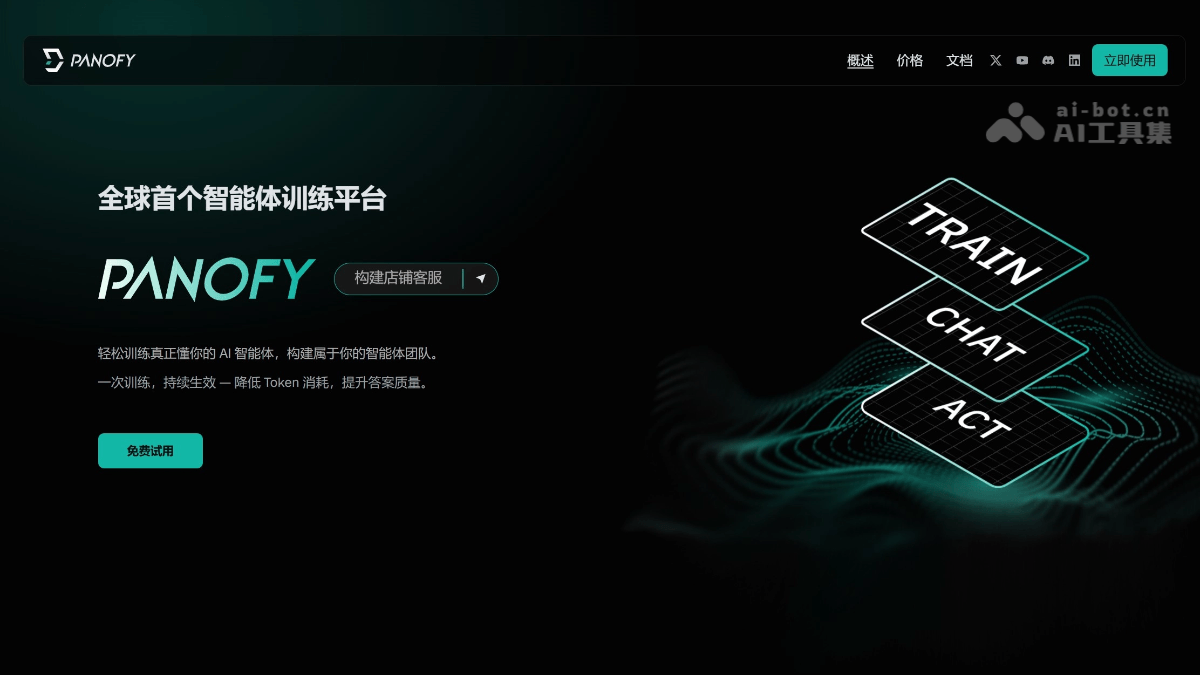
Panofy's main features
-
Agent training: Based on a knowledge base and workflows, train a dedicated AI agent in one sentence, continuously optimizing to reduce token consumption.
-
Parallel task execution: Supports multiple tasks running simultaneously without queuing, greatly improving efficiency.
-
Scheduled task scheduling: Automatically triggers tasks at set times to automate business processes without manual waiting.
-
Persistent memory system: Automatically accumulates experience to form long-term memory, understanding your business better the more it is used, avoiding repeated input.
-
Agent team: Can train multiple agents with different styles and skills to work collaboratively, reducing hallucination issues.
-
Knowledge base management: Supports uploading files in multiple formats such as PDF, Word, TXT, Markdown to build a dedicated knowledge base.
-
Team collaboration: Trained agents can be shared with team members via links, and invitees can use them directly.
-
Multi-scenario tasks: Supports a variety of professional tasks such as PPT creation, code writing, poster design, research reports, webpage building, video editing, and more.
How to use Panofy
-
Visit the official website: Open the Panofy official website https://panofy.ai/ , supports one-click login with Google or GitHub account
-
Invitation code activation: Currently in beta testing. After registration, you need to obtain an invitation code via email to complete activation.
-
Create an agent: Describe in natural language the purpose of the agent you want to train (e.g., "help me generate a market analysis report").
-
Upload knowledge base: Supports uploading files in formats such as PDF, Word, TXT, Markdown as training materials.
-
Define workflows: Configure the agent's business processes and operating specifications.
-
Start training: The system will automatically train the agent based on your knowledge base.
-
Continuous optimization: Through multiple task executions, the agent automatically accumulates experience to form long-term memory.
-
Effect evaluation: Test the agent's output quality, and supplement the knowledge base or adjust training parameters if necessary.
-
Instant tasks: Directly enter requirements, and the agent executes immediately and returns results.
-
Parallel tasks: Initiate multiple independent tasks simultaneously, leveraging parallel execution capabilities to improve efficiency (supports 1-10 concurrent tasks depending on the plan).
-
Scheduled tasks: Set tasks to be automatically triggered at specific times to achieve unattended automated workflows.
-
Create multiple roles: Train independent agents with professional skills for different scenarios such as PPT creation, code writing, and poster design.
-
Team collaboration: Enable different agents to collaboratively handle complex tasks, reducing hallucination issues in a single agent.
-
Generate share links: A fully trained agent can generate a dedicated link.
-
Invite members: Send the link to team members; invitees can use it directly without retraining.
-
Cost management: After sharing, the credits consumed by task execution are charged to the user's account, making it easier to manage team costs.
- Knowledge base maintenance: Upload new documents or replace old files at any time to keep the knowledge base up to date.
-
Storage management: Monitor cloud storage usage (FREE:10GB / PLUS:50GB / PRO:1TB) and promptly clean up files no longer needed.
Panofy's core advantages
-
Trainability advantage: Train dedicated agents based on knowledge bases and workflows, greatly reducing model output uncertainty, with one training session remaining effective continuously.
-
Persistent memory capability: Automatically accumulate task experience to form long-term memory, eliminating the need to repeatedly input background information, and understanding the business better the more it is used.
-
Efficient parallel execution: Supports multiple tasks running simultaneously without queuing, greatly improving task processing efficiency.
-
Agent team collaboration: Can train multiple agents with different skills to form an expert-level team, working collaboratively to reduce hallucinations.
-
Minimal usage threshold: Create an agent with a one-sentence description, without complex prompt engineering or code configuration, making it accessible to everyone.
-
Significant cost optimization: Achieves efficient context compression through training, greatly reducing Token consumption compared with general-purpose agents.
-
Enterprise-grade security assurance: Provides a secure cloud environment, supports centralized knowledge base management, and avoids data compliance risks.
-
Flexible team collaboration: Supports agent link sharing, allowing team members to use it directly, and training results can be standardized and reused.
Panofy's key information and usage requirements
-
Development team: Built by the core team of the well-known open-source project LLaMA-Factory, with deep technical expertise
-
Product positioning: The world's first trainable agent platform (Agent Training Platform), focused on industry-specific tasks rather than general-purpose generalization
-
Storage limits: FREE users 10GB, PLUS users 50GB, PRO users 1TB; after exceeding this, running tasks may be interrupted
-
Access threshold: Currently in beta, requiring registration through the official website and then waiting for an email invitation code to activate the account
-
Account requirements: Only supports one-click login with Google or GitHub accounts; direct email registration is not currently supported
-
Knowledge base formats: Supports uploading mainstream document formats such as PDF, Word, TXT, and Markdown to build the training knowledge base
-
Concurrency limits: Limits the number of parallel tasks based on plan tier (1-10); exceeding the limit requires waiting for the current task to complete
Analysis of Panofy's similar competitors
| Comparison Dimension | Panofy | Manus | Coze(Coze) |
|---|---|---|---|
| Development Team | LLaMA-Factory Open Source Team | Monica (China Team) | ByteDance |
| Product Positioning | Trainable Agent Platform (Agent Training) | General AI Agent (General Agent) | AI Agent Development Platform (Agent Builder) |
| Core Logic | Accumulate professional knowledge through training to reduce uncertainty | End-to-end autonomous planning and execution | Visual workflow orchestration + plugin ecosystem |
| Knowledge Processing Method | Upload documents for training to form a persistent knowledge base | Real-time retrieval or single-session context, no training process | Mount knowledge base, RAG retrieval augmentation |
| Memory Mechanism | Long-term memory, automatically accumulates task experience | Single-session memory, not continuous across tasks | Database memory, requires manual storage configuration |
| Usage Barrier | Train with a one-sentence description, zero code | Natural language instructions, completely zero barrier | Requires understanding of concepts such as workflows, variables, and plugins |
| Task Execution | Supports parallel execution + scheduled tasks | Single-task serial, fully automatic execution | Depends on workflow configuration, single-task execution |
| Collaboration Capability | Agent team collaboration, role division | Single agent completes independently | Supports team spaces and multi-user collaboration |
| Sharing Method | Link sharing, team members can use directly | Sharing not yet supported, personal exclusive | Can be published to WeChat, Feishu, Discord, and other platforms |
| Deployment Form | Pure cloud SaaS, ready to use in browser | Cloud virtual machine, cloud execution | Cloud construction, multi-channel deployment |
Panofy Application Scenarios
-
Enterprise Knowledge Management: Upload SOPs, product manuals, and training documents to train a dedicated knowledge bot for employee onboarding training, customer support Q&A, and internal knowledge base queries.
-
Content Marketing Creation: Train a content assistant that understands brand tone to automatically generate marketing copy, social media posts, advertising creatives, and poster designs that match the brand voice.
-
Data Analysis Reports: Define specific analysis frameworks (such as competitive analysis and industry research), and the agent automatically collects information and generates structured, standardized research reports and PPTs.
-
E-commerce Store Operations: Build a store customer service agent to automatically handle pre-sales inquiries, order queries, and after-sales issues, and support scheduled execution of store data monitoring and marketing tasks.
-
Software Development Assistance: Train a code assistant to understand project specifications and codebases, assist in writing code, generate technical documentation, conduct Code Review, and fix bugs.
-
Website Page Building: Quickly generate responsive web pages according to business needs, including landing pages, product display pages, form pages, etc., supporting the full process from design to code.


