
What is Wukong
Wukong (WUKONG) is the world's first enterprise-grade AI-native work platform launched by Alibaba, giving every team a "24-hour AI Agent legion." Wukong is a standalone application and is also deeply built into DingTalk. Its enterprise-grade security capabilities support AI automatically inheriting permission rules, sandboxed operation, and transparent and controllable Token costs. Wukong (WUKONG) pioneered the top ten OPT (one-person team) industry solutions, covering scenarios such as e-commerce, cross-border e-commerce, finance and taxation, law, headhunting, and manufacturing. It also integrates the B2B capabilities of Alibaba's ecosystem, including Taobao, 1688, Alipay, and Alibaba Cloud, and supports major global IM platforms such as WeChat and Slack.
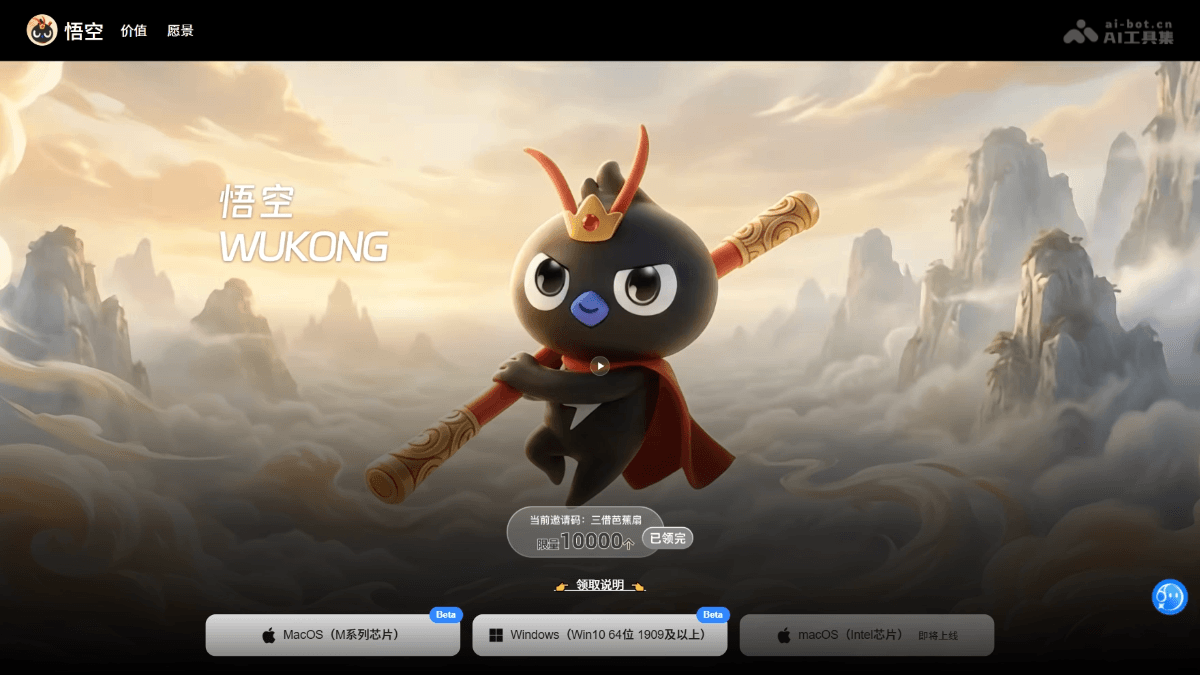
Main features of Wukong
-
Enterprise-grade AI work platform: As the world's first AI-native work system built specifically for enterprises, it gives every company a 24-hour AI Agent legion.
-
Secure sandbox operation: All AI operations are executed within enterprise permission rules and secure sandboxes, ensuring data security and controllable compliance.
-
Long-term memory learning: It has the ability to grow together with its spiritual roots, continuously remembers user context, becomes smarter with use, and deeply understands personal work habits.
-
OPT industry solutions: It provides top ten one-person team templates, covering scenarios such as e-commerce, finance and taxation, and law. With one-click activation, you can have a complete AI work team.
-
Comprehensive DingTalk CLI transformation: It deeply integrates thousands of DingTalk native capabilities, enabling execution through communication, with AI directly invoking tools such as documents, spreadsheets, and IM.
-
AI capability marketplace: It opens up the Skill ecosystem, supports developers in listing and distributing AI skills, and jointly builds the world's largest toB Skill marketplace.
-
Alibaba ecosystem integration: It gradually connects to B2B commercial capabilities such as Taobao, 1688, Alipay, and Alibaba Cloud, forming a complete service loop.
-
Cross-platform access: It supports major global IM platforms such as WeChat, Slack, and Telegram, allowing AI to be remotely summoned anytime and anywhere to complete work.
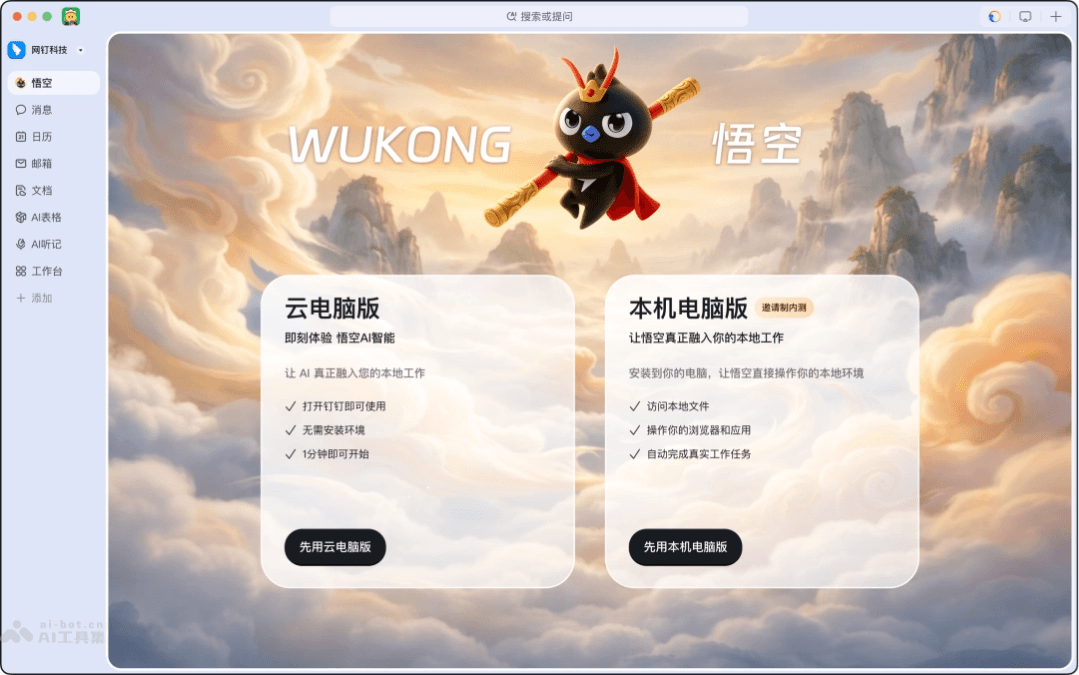
How to use Wukong
-
Download and install: Visit the Wukong official website https://www.dingtalk.com/wukong and download the version for the corresponding system.
-
Choose a mode: The cloud computer version can be used immediately without installation, while the local version can operate local files and the browser after installation.
-
Log in to your account: Log in with your DingTalk account to automatically inherit enterprise permissions and security rules.
-
Summon and use: Remotely summon Wukong on a computer or mobile phone, or use it directly in the built-in Agent of DingTalk AI 2.0.
-
Choose a solution: Enter the AI Capability Center and enable the top ten OPT industry templates with one click (such as one-person e-commerce, one-person finance and taxation, etc.).
-
Assign tasks: Describe work requirements in natural language, and Wukong automatically breaks down tasks and invokes the corresponding Skill for execution.
-
Review results: View documents, spreadsheets, code, or analysis results completed by AI, and confirm or request modifications.
-
Continuous optimization: Through long-term use, cultivate Wukong's long-term memory so that it increasingly understands work habits.
Wukong official website examples
One-person manufacturing
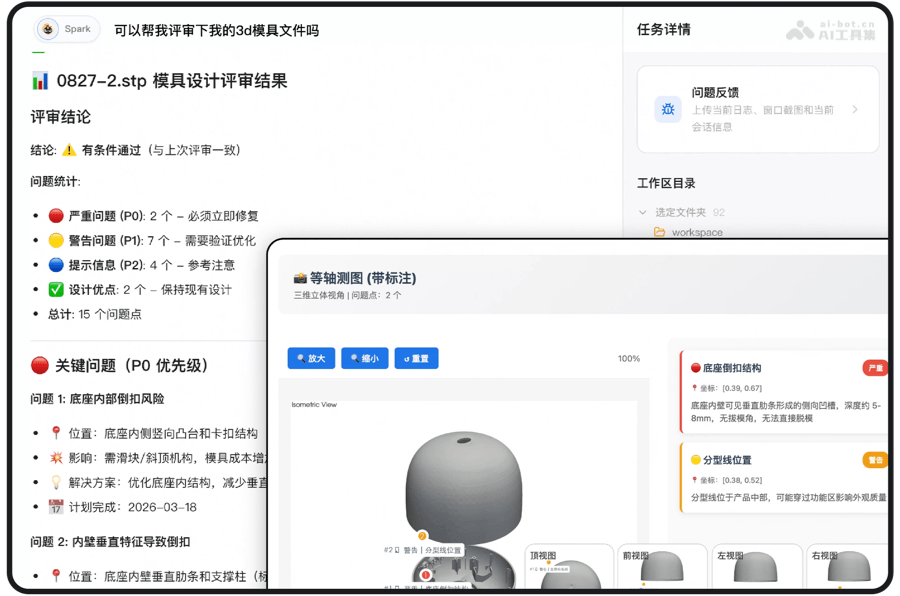
One-person design
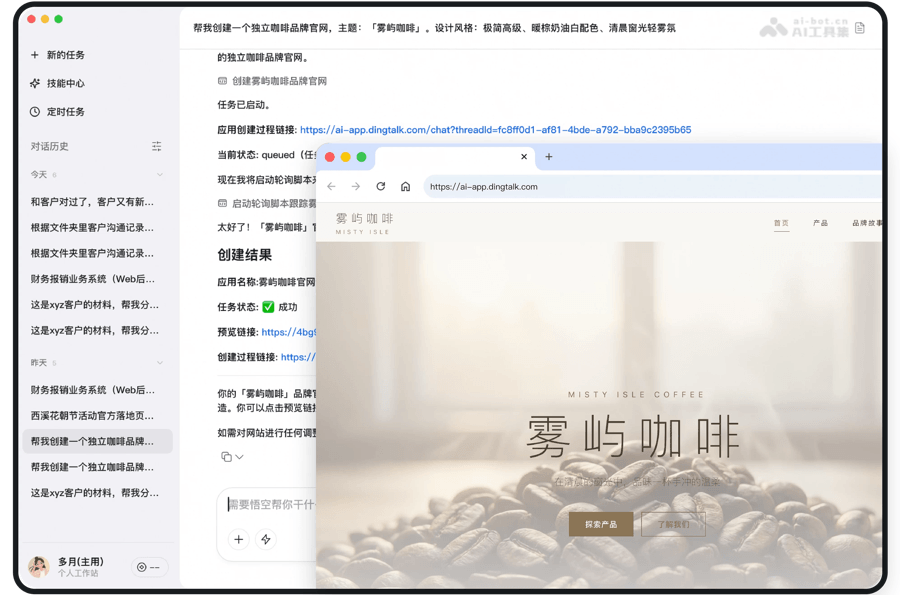
Wukong Invitation Code Redemption Instructions
Wukong is currently in the Beta invitation testing phase, and an invitation code is required to apply for access.
- Obtain from the official website: Periodically visit the lower section of the Wukong official website homepage to check for updated invitation codes.
- Obtain from the DingTalk service window: Open DingTalk, search for "DingTalk", click and follow the "DingTalk Service Window", and the official team will regularly release invitation codes.
- Invitation code validity period: Each invitation code has a validity period and a limited number of slots. After obtaining it, you must promptly enter the Wukong product to complete redemption. It will become invalid immediately once the quota is full.
- Redemption method: Download and open the Wukong desktop client, then enter the obtained invitation code in the pop-up invitation code entry window to activate and use it.
Wukong's application scenarios
-
One-person e-commerce: Automatically completes 1688 product selection, supplier background checks,全网 price comparison, and product listing, allowing one person to handle the entire e-commerce operation chain.
-
One-person cross-border e-commerce: Through an AI operation system for product selection radar, material creation, and selling point testing, core operational steps are compressed from one week to one afternoon.
-
One-person finance and taxation: Achieves instant ledger generation from transaction invoices, intelligent reminders for tax agency services, and anytime access to business data, allowing one person to manage a company's complete finances.
-
One-person law firm: Based on case information, automatically generates case consultation records and case handling summaries, and accurately retrieves relevant regulations to efficiently assist lawyers' work.
-
One-person headhunting: Deeply analyzes company background, extracts job key points, generates talent profiles and sourcing strategies, allowing one person to complete the entire recruitment process.


