

What is CodeFlicker
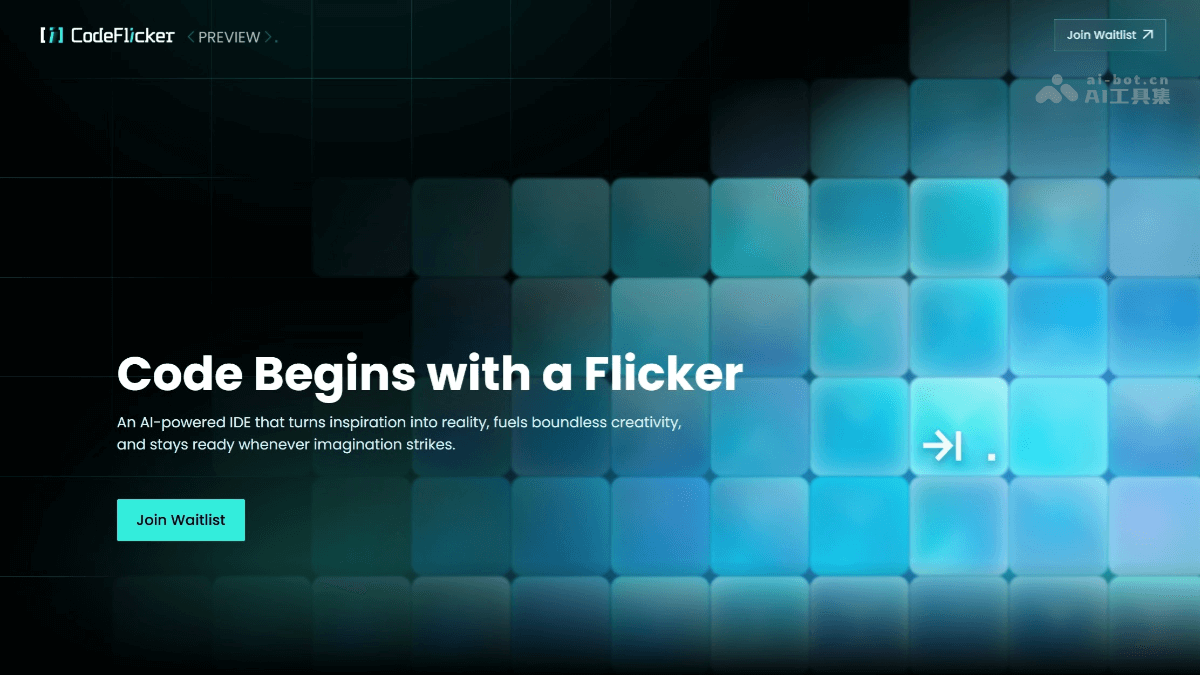
CodeFlicker is launched by KuaishouAI-native IDEprogramming tool. It supports AI Q&A and automatic code completion, can understand developers' questions and provide intelligent code suggestions. CodeFlicker introduces Agent-based AI programming, which can understand and execute complex programming tasks like a human programmer, enabling end-to-end development, from requirements to code generation, to be completed automatically. It provides multiple interaction modes, such as Jam mode and Duet mode, which are suitable for immersive programming and team collaboration respectively.
Main features of CodeFlicker
-
Intelligent Q&A and code completion: Developers can ask CodeFlicker questions in natural language, and it will provide detailed answers and executable code examples. When writing code, it can intelligently predict and complete code based on context.
-
Agent-based AI programming: The built-in intelligent agent (Agent) can understand the entire codebase, execute complex programming tasks, and in some projects achieve end-to-end development from requirement description to runnable code.
-
Multi-mode interaction:
-
Jam mode: Suitable for individual developers, providing an immersive programming experience and capable of directly generating complete code from requirement descriptions.
-
Duet mode: Supports real-time multi-person collaboration, suitable for team project development, and can perform requirement clarification, design document generation, and task decomposition.
-
-
Deep project understanding: Can deeply parse large enterprise-level codebases, maintain efficient context understanding, and support the use of
#symbols to quickly reference specific files or folders. -
Multi-modal integration platform (MCP): Can flexibly integrate various data sources, tools, and services, such as Figma, Notion, databases, and cloud services. It can directly convert Figma design drafts into high-quality front-end code.
-
Task decomposition and custom rules: Can decompose complex tasks into clear and traceable steps, allowing users to set personalized rules and customize the AI's behavioral preferences and code style.
-
Project preview and debugging: Can automatically detect project startup scripts, start local services, and provide two modes: embedded IDE preview and standalone browser preview. Supports element selection functionality for visual debugging.
How to use CodeFlicker
-
Installation and configuration: Visit the CodeFlicker official website, download and install the version suitable for your operating system. After installation is complete, run the application and register or log in to your account. Complete the initial configuration according to the prompts, such as selecting your preferred programming language and connecting a code repository.
-
Project management: You can choose to create a brand-new project or import an existing code repository.
-
Choose collaboration mode: Choose the appropriate collaboration mode according to the type of your development task. For example, for complex feature development, choose Duet mode for early alignment and reduced rework; for code refactoring, choose Agent mode for multi-file editing and autonomous execution.
-
Experience AI features: In the editor, use natural language to enter the programming problems or feature requirements you encounter, and CodeFlicker will provide professional answers and code examples. When writing code, CodeFlicker will intelligently provide completion suggestions to help you quickly complete code input.
-
Use Agent programming: Assign large development tasks to CodeFlicker's Agent, and gradually achieve the goal by interacting with it.
-
Context reference: CodeFlicker automatically includes the currently open file as context. You can also use shortcuts or the right-click menu to manually add code snippets. Pasting multiple lines of code into the input box will automatically be recognized as file and line numbers, making it easier for the AI to understand your intent.
-
Change management: CodeFlicker provides a clear diff view, allowing you to review changes line by line or file by file, and accept or reject individual changes. For simple modifications, you can use "Accept All" or "Reject All" for batch operations, and it supports one-click rollback to the checkpoint before any conversation.
-
Use MCP to extend functionality: Configure a Model Context Protocol (MCP) server in the settings to integrate custom tools and services into CodeFlicker, extend the AI assistant's capabilities, and enable personalized workflows.
-
Export and share: After completing development, you can export the project to a local or cloud repository for easy sharing with others.
CodeFlicker application scenarios
-
Rapid prototyping: Suitable for scenarios that require rapid validation of ideas; the AI can automatically generate a basic code framework.
-
Learning and education: Beginners can understand code logic through AI Q&A, and educational platforms can integrate its features to assist teaching.
-
Solving complex problems: When developers encounter difficult problems such as performance optimization and algorithm design, the AI can provide multiple suggested solutions and analyze their pros and cons.
-
Team collaboration: Supports managing code audits in the form of project groups, and permission control features are suitable for team development scenarios.

