

What is Warp Code
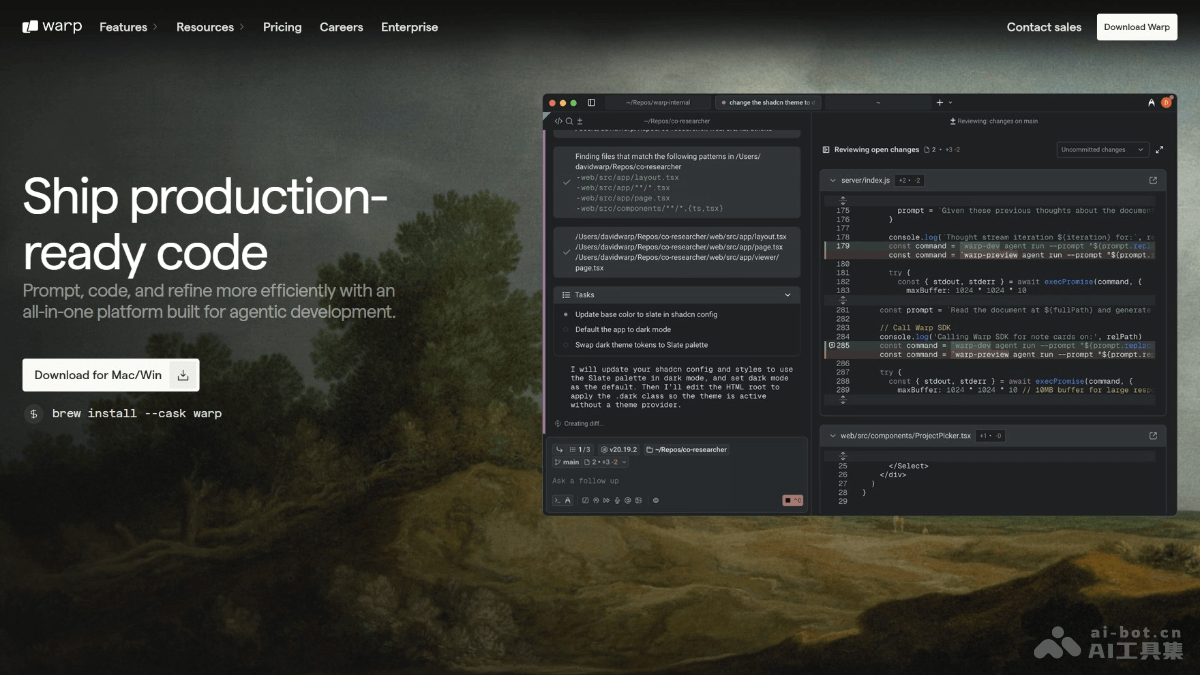
Warp Code is the latest release from the Warp team, anAI programming toolthat builds a complete AI-assisted programming loop from Prompt to production environment. It features a top-tier coding Agent, code review, code editing, and project management, enabling developers to efficiently complete the entire process within Warp from writing Prompts to code generation, review, modification, and release, significantly improving development efficiency and code quality. It is an important step in Warp's transformation from a modern terminal to a complete AI IDE .
Main features of Warp Code
- Top-tier coding Agent: Ranked 1st in Terminal-bench and 3rd in SWE-bench Verified (based on GPT-5), providing high-quality code generation.
- Code review: Provides a dedicated panel within Warp, supporting viewing Agent-generated changes and line-level edit diffs, and can be operated directly within Warp without jumping to external tools like GitHub.
- Code editing: Supports directly opening and editing files in Warp, with features such as tabbed file views, syntax highlighting, file tree, and vim keybindings, making it convenient to make small-scale modifications to Agent-generated code.
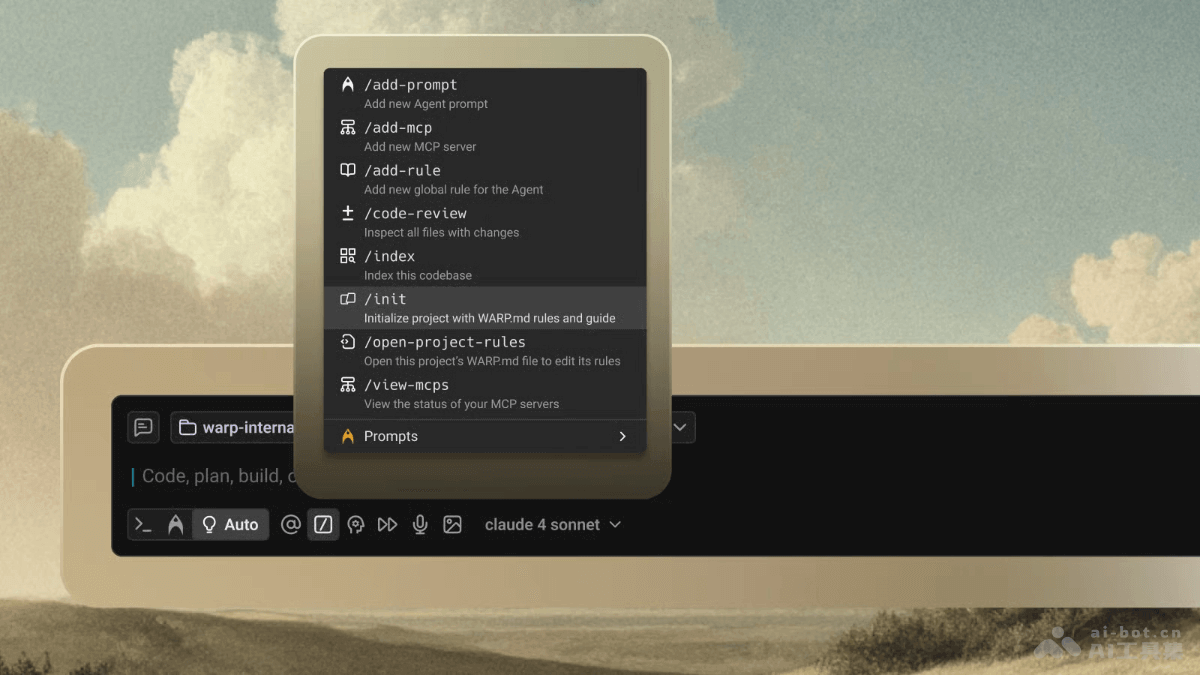
- Warp project support: Through the WARP.md file, it is compatible with Agents.MD, Claude.MD, andcursor rules, supports defining agent configuration files and global slash commands, and optimizes the agent startup experience.
How to use Warp Code
- Install Warp: Visit the Warp Code official website https://www.warp.dev/code to download the Warp client.
- Launch Warp: Open the Warp terminal and enter the main interface.
- Create or open a project: On the Warp welcome screen, choose to create a new project or open an existing project.
- Write a Prompt: In the Warp main interface, enter a Prompt, such as "fix this bug" or "add this feature". Warp's Agent generates code based on the Prompt.
- Code review: View the changes generated by the Agent and directly modify the code through line-level editing.
- Code editing: Directly open and edit files within Warp, supporting tabbed file views, syntax highlighting, file tree, and vim keybindings.
- Use global Slash commands: Warp provides global Slash commands, such as /init, /add-rule, /add-server, etc. They help users quickly add global rules, MCP servers, and execute saved Prompts.
- Project management: Use the WARP.md file to manage project rules and configurations. Define different Agent configuration files and launch different types of Agents according to task requirements.
- Commit code: After completing code review and editing within Warp, code can be directly committed to a version control system (such as Git).
Application scenarios of Warp Code
- Quickly fix bugs: When bugs are discovered during development, developers can directly review, edit, and commit within Warp, effectively shortening repair time.
- New feature development: When new features need to be added to a project, enter a Prompt describing the feature into Warp, and the Agent quickly generates the corresponding code. Developers review and modify it within Warp, reducing manual coding workload.
- Code review: In team development, developers can view code changes generated by the Agent within Warp and modify them using line-level editing features, without switching tools.
- Project Initialization: When starting a new project, quickly set up the project structure and configuration to prepare for development.
- Learning and Teaching: Developers or students can learn and modify code within Warp, quickly getting started with new languages or frameworks with the help of generated code.

