
What is Gaoding AI Community
Gaoding AI Community is a design Agent and AI creative community launched by Gaoding. It provides a rich collection of AIGC design cases, showcases the latest trends and styles, and allows users to browse, learn, and build their aesthetic sense. Gaoding AI Community supports features such as design Agent, infinite canvas, and multi-model integration, enabling one-stop creation without switching tools. It gives professional designers and creative enthusiasts a brand-new inspiration and creation experience.
Main features of Gaoding AI Community
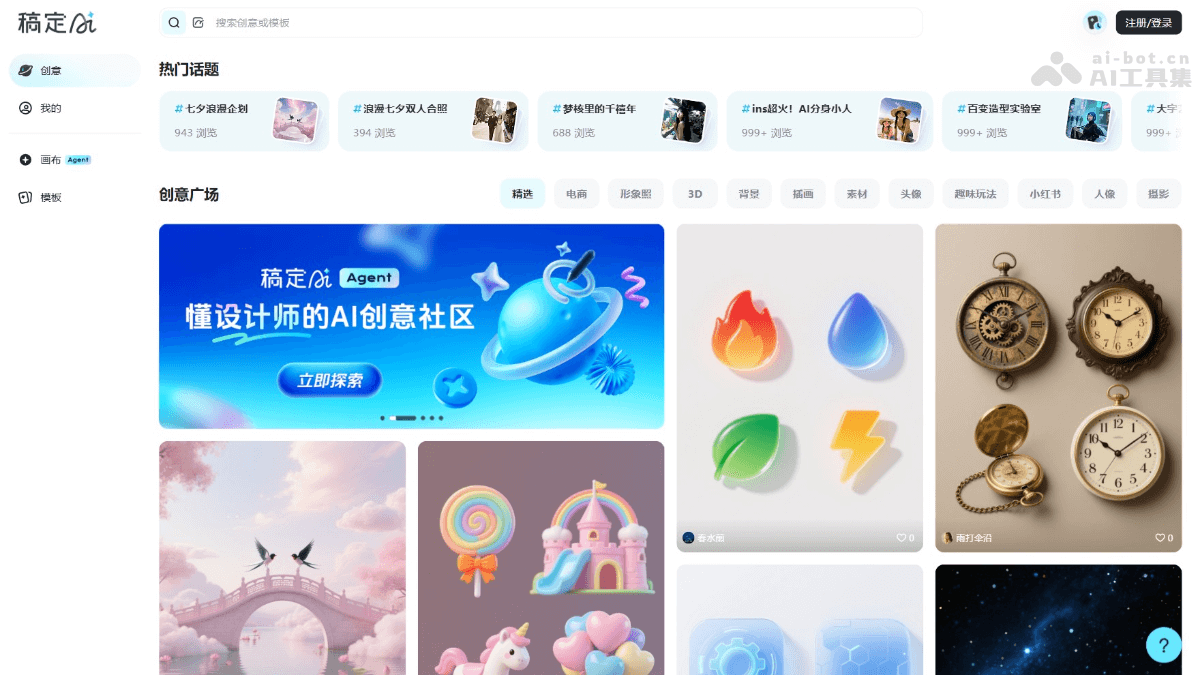
- Design Agent: Users only need to enter one sentence, and the system can understand the requirements, break down the task plan, retrieve materials, and ultimately provide a complete visual solution.
- Infinite Canvas: All creation is done on one canvas, with various built-in AI tools supporting intelligent removal, outpainting, cutout, image editing, and other functions. Users do not need to switch pages and can create creatively and smoothly.
- Creative Community: Gaoding AI Community provides a large number of AI design templates to meet design needs across multiple scenarios and inspire users' unlimited design inspiration.
- Multi-model Integration: Integrates multiple large models includingDoubao、Deepseek、Jimengand other different models, automatically matching the best solution according to the task. Users do not need to switch between multiple platforms and can generate images, videos, 3D models, copy, and other content on one platform.
How to use Gaoding AI Community
- Visit Gaoding AI Community: Visit the Gaoding AI Community official website https://www.gaoding.art/ and register an account to log in.
- Canvas:
- Agent feature: Currently, you need to fill out a form to obtain an invitation code to experience the Agent feature. The Agent can serve as a design assistant to help complete complex tasks.
- Chat feature: Complete simple tasks by chatting with AI. Describe your idea or requirement, and AI provides a creative solution based on the description.
- Image generation: Describe the image you want to generate or select the image you want to process, and AI generates the corresponding image according to the description.
- Video generation: Directly describe your requirement in a conversation, or upload first and last frame images to let AI complete video production.
- Use AI tools: Gaoding AI Community provides creative solutions according to the description. Use the built-in AI tools to further develop and refine the design.
- Templates: Browse various popular and recommended creative works, and choose templates of interest for re-creation.
- Participate in the community: Publish works in Gaoding AI Community, share them with other users, get feedback, or browse other people's works for inspiration.
Application scenarios of Gaoding AI Community
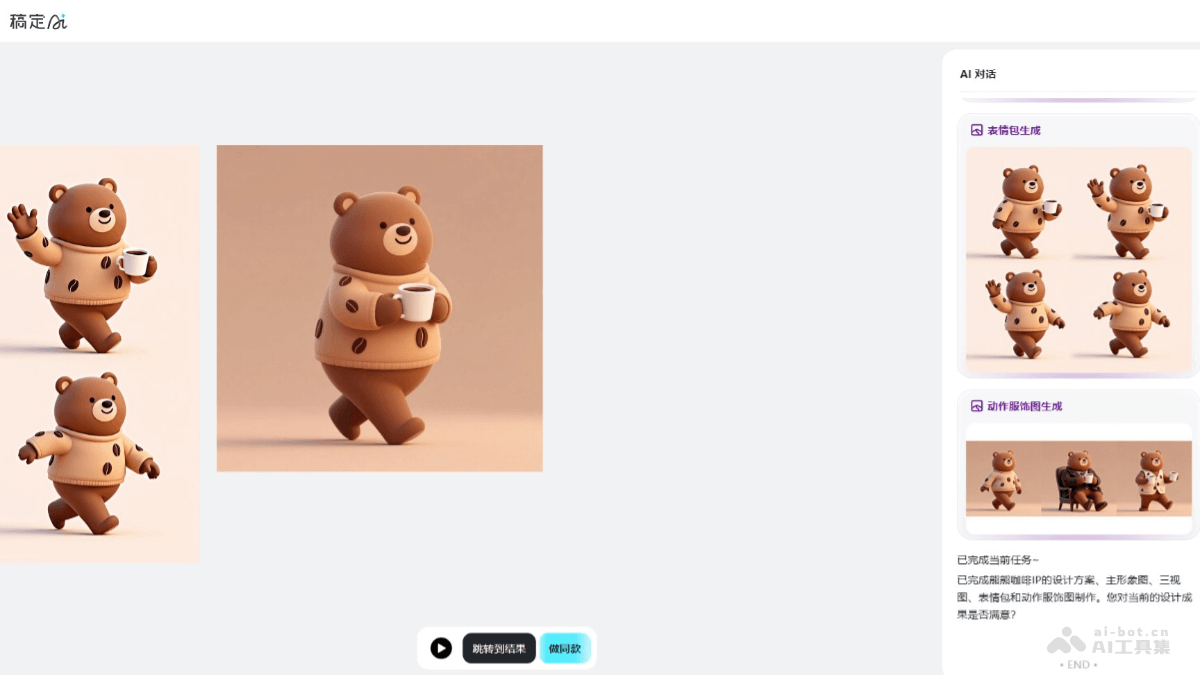
- Poster design: Users use AI tools to quickly generate posters suitable for social media promotion or event publicity.
- E-commerce design: Create attractive images and videos for products on e-commerce platforms, including product displays and promotional activities.
- Brand design: Help brands create a consistent visual identity system, such as designing logos, business cards, and brochures.
- Social media content: Create cover images and post images for platforms such as Weibo, WeChat, and Xiaohongshu.
- Video production: Generate video content suitable for advertising, marketing videos, or social media.


