

What is Boba
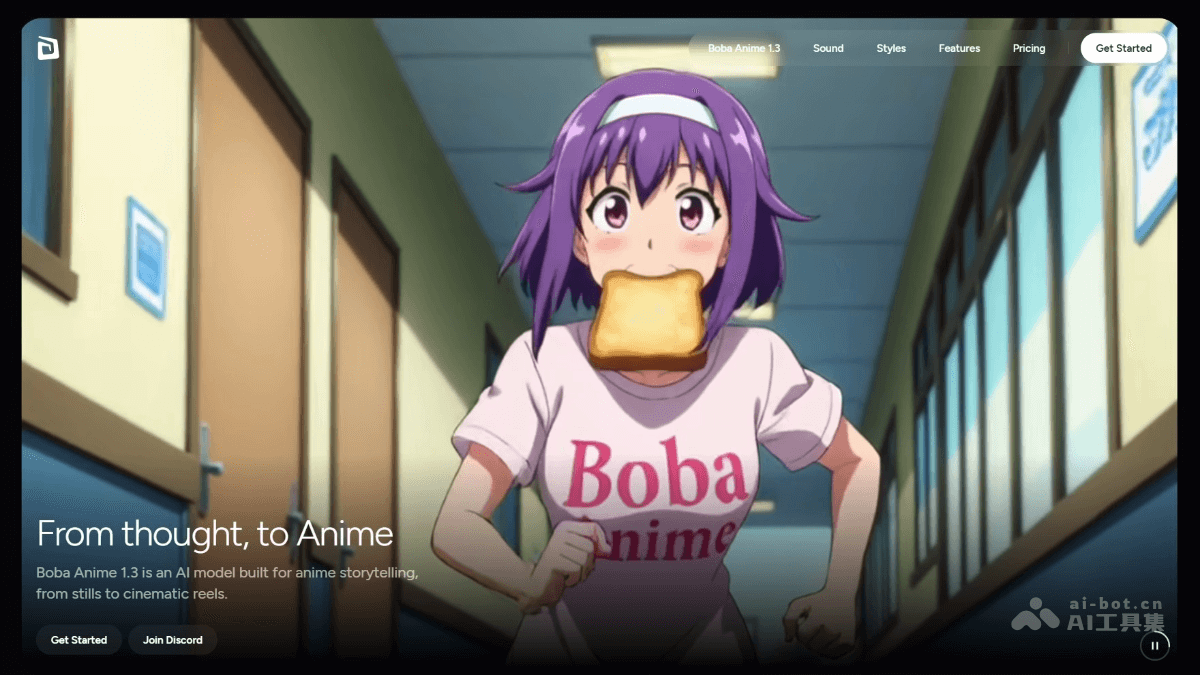
Boba is an AI animevideo creation tool, and the latest Boba Anime 1.3 model has been released. It can transform static images into dynamic videos and supports a variety of anime styles, perfectly presenting everything from the dreaminess of shojo manga to the toughness of seinen manga. Boba has dialogue, sound effects, and lip-sync capabilities, and can give characters a complete performance in a short time. Users can freely explore, experiment, and create in Anime Studio, with support for parallel multitask generation. Boba offers a rich set of features to easily meet a variety of creative needs.
Boba's Main Features
- AI Animation Generation: Transform static images into dynamic videos, supporting a variety of anime styles, perfectly presenting everything from shojo manga to seinen manga.
- Multimodal Creation: Features dialogue, sound effects, andlip synccapabilities, allowing characters to complete a full dynamic performance in a short time.
- Free Creative Space: Provides Anime Studio, where users can freely explore, experiment, and create, with support for multiple video durations and resolutions.
- Multitask Parallel Processing: Supports running multiple generation tasks simultaneously, making it convenient for creators to quickly iterate and test different ideas.
- Community Exploration: Users can browse works by other creators in the community, gain inspiration, and learn about Boba's creative potential.
How to Use Boba
- Visit the Official Website: Visit the Boba official website https://www.boba.video/ , complete registration and login, and enter the Boba homepage.
- Enter Anime Studio: Find and click the "Enter Anime Studio" button on the homepage to enter the creation platform.
- Choose a Creation Mode:
- Free Creation: Input ideas, descriptions, or scripts, and Boba generates animations based on the input.
- Explore Community Works: Browse works by other creators and gain inspiration.
- Set Creation Parameters: Set the parameters for the generated work, including video duration, resolution, and more.
- Add Sound and Dialogue: Add dialogue, sound effects, and lip sync to make the character's performance more vivid.
- Generate Animation: After entering your idea, click the generate button, and Boba's AI model generates an animation based on the description.
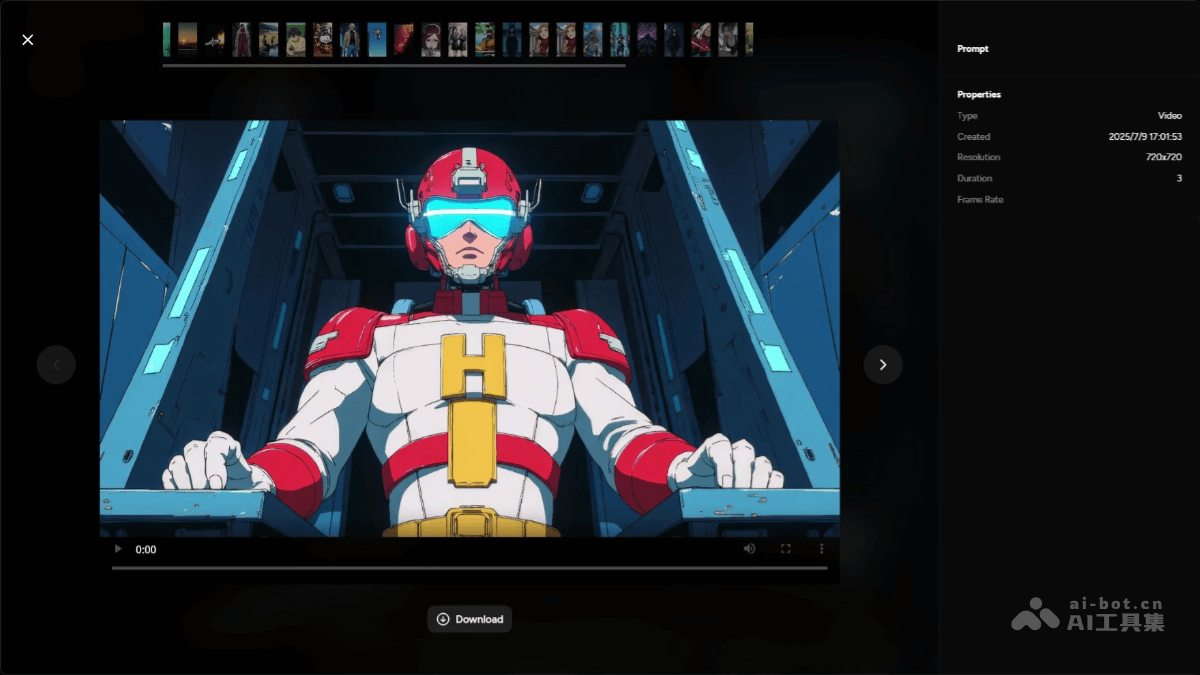
- View and Download Works: After generation is complete, preview the animation, and if satisfied, download and save it.
Boba's Application Scenarios
- Social Media Content Creation: Creators quickly generate animated short films suitable for platforms such as TikTok and Instagram to attract viewers and increase interactivity.
- Animated Advertising Production: Advertising agencies quickly generate animated ads, combining dialogue and sound effects to enhance brand influence and user appeal.
- Education and Training: Educational institutions produce animated teaching videos, presenting complex knowledge points through vivid animation to enhance students' interest in learning and comprehension.
- Independent Animation Creation: Independent animators and beginners quickly generate animation clips, try different styles, and accumulate creative experience.
- Interactive Story Development: Developers create interactive stories or visual novels to enhance users' sense of immersion and participation.


