

What is Filmora
Filmora is launched by Wondershare TechnologyAI video editing tool, Filmora provides functions such as cutting, merging, adding effects, transitions, text and subtitle editing, and is suitable for beginner and intermediate video editors. Filmora supports multi-track editing, has a large built-in library of music and sound effect resources, as well as various filters and animation effects. Filmora also has some advanced features, such as color correction, audio editing, and keyframe animation, which can meet more professional video production needs. Filmora supports multiple video formats, making it convenient for users to import and export video projects.
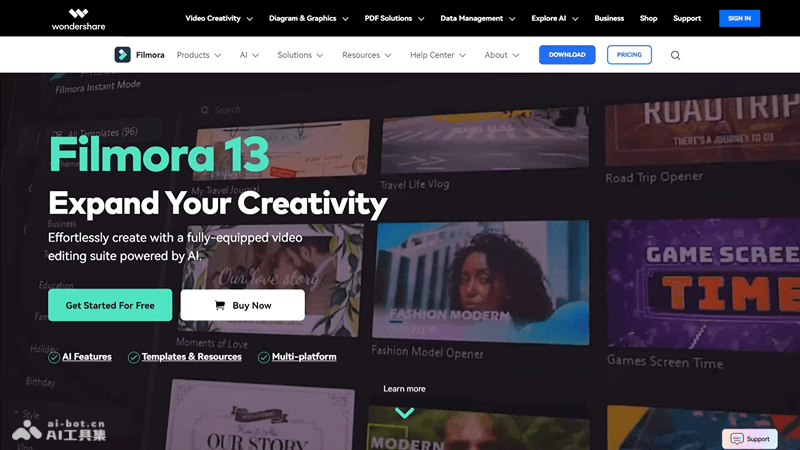
Filmora's main features
- Video editing: Cut, split, and merge video clips, and precisely control video length.
- Multi-track editing: Supports multi-track editing of video, audio, and images, providing flexible creative space.
- Transition effects: Provides a variety of transition effects for smoothly connecting different video clips.
- Text and subtitles: Add customizable text and subtitles to enhance video information delivery.
- Animation effects: Add animation effects to text, images, and video clips to increase visual appeal.
How to use Filmora
- Download and install: Visit Filmora's official website (filmora.wondershare.com), download the software and complete the installation.
- Launch the software: Open the Filmora application and enter the main interface.
- Import media: Click the "Import" button on the interface and select the video, image, or audio files you need to edit.
- Create a new project: Create a new project in the software and drag and drop the media onto the timeline.
- Video editing:Use the editing tools to cut, split, and adjust video clips.Drag clips to adjust the order or use the multi-track editing function to add more layers.
- Preview and adjust: During the editing process, continuously preview the video to ensure the effect meets expectations.
- Export video:After completing the editing, choose the appropriate video format and resolution for export.As needed, set the video's bitrate and frame rate.
Filmora's application scenarios
- Personal video production: Used to make family videos, travel videos, birthday parties, or other personal commemorative videos.
- Social media content: Create short videos and social media posts for platforms such as Instagram, YouTube, and TikTok.
- Education and training: Produce instructional videos, course content, online lectures, and training materials.
- Business promotion: Enterprises can use Filmora to create product demonstrations, commercial advertisements, and customer case study videos.


