

What is AI Image Editing Tool
AI Image Editing Tool is an image processing tool based on AI technology that can simplify and accelerate the image editing process. The tool can automatically completecutout、watermark removal, image beautification, and other tasks, while also supporting format conversion, background blur, and many other functions. Users do not need to download or install anything and can use the tool online, greatly improving work efficiency and convenience.
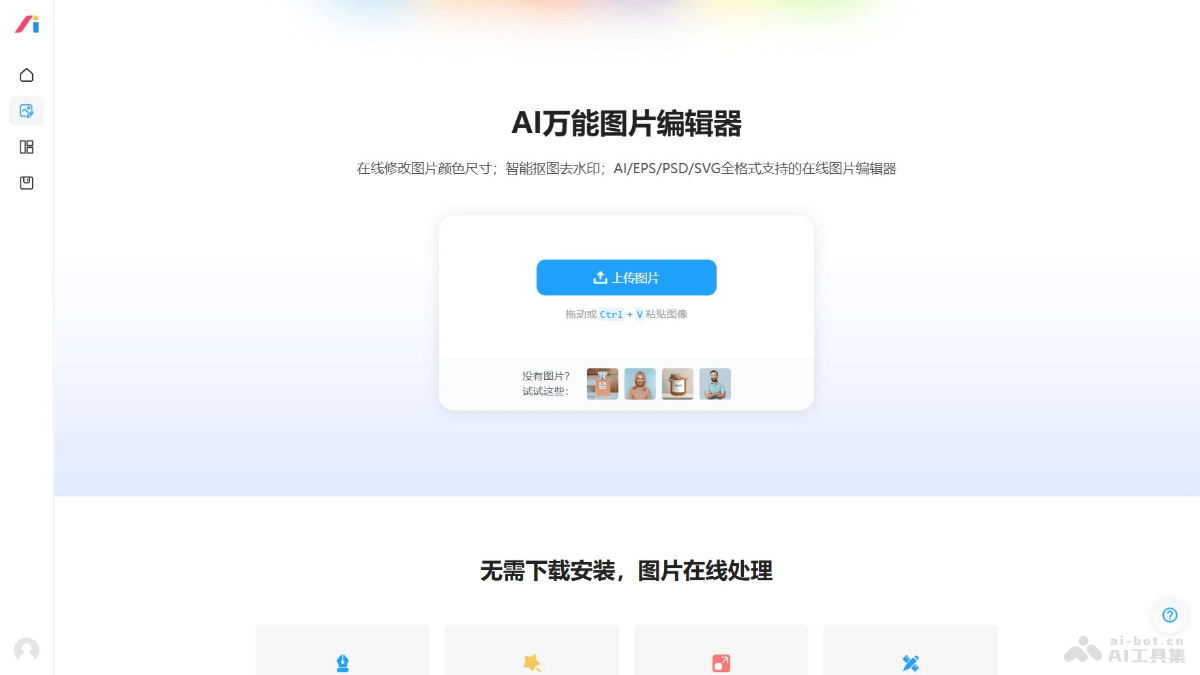
Main features of AI Image Editing Tool
-
Smart cutout: Automatically identifies the subject in an image and removes the background, suitable for quickly changing backgrounds or creating transparent-background images.
-
Image upscaling: Enlarges images without losing clarity, suitable for situations requiring higher-resolution images.
-
AI image editing: Supports automatic optimization and editing of images, such as color correction, brightness adjustment, and more.
-
Format conversion: Converts images to different file formats, such as converting from JPEG to PNG, or from GIF to video.
-
Photo beautification: Provides tools such as filters, skin smoothing, and sharpening to improve the appearance of photos.
-
Watermark removal: Automatically identifies and removes watermarks on images, restoring the original state of the image.
-
TransparentLOGO creation: Creates LOGOs with transparent backgrounds, making them easy to use on different backgrounds.
-
GIF creation: Converts multiple images or videos into GIF animations.
-
Image compression: Reduces image file size, making it easier for network transmission and storage.
-
ID photo processing: Adjusts the size, background color, and more of ID photos to meet specific requirements.
-
Background blur: Blurs the image background to highlight the subject.
-
Add watermark: Adds text or image watermarks to images to protect copyright or add brand identity.
- Multi-format support: Supports online image editing in all AI/EPS/PSD/SVG formats.
How to use AI Image Editing Tool
- Visit the website: Visit the official AI Image Editing Tool website https://www.logosc.cn/design/tools/。
- AI Image Editing Tool: Upload the image you want to edit.
- Select a feature: According to your needs, choose the corresponding AI image editing feature, such as cutout, upscaling, watermark removal, and more.
- Apply editing: Follow the prompts to operate. For example, for cutout, you need to use the brush tool to mark the parts you want to keep.
- Preview and adjust: After applying editing, preview the result to see whether you are satisfied. If further adjustments are needed.
- Save or download: If you are satisfied with the editing result, save or download the edited image.
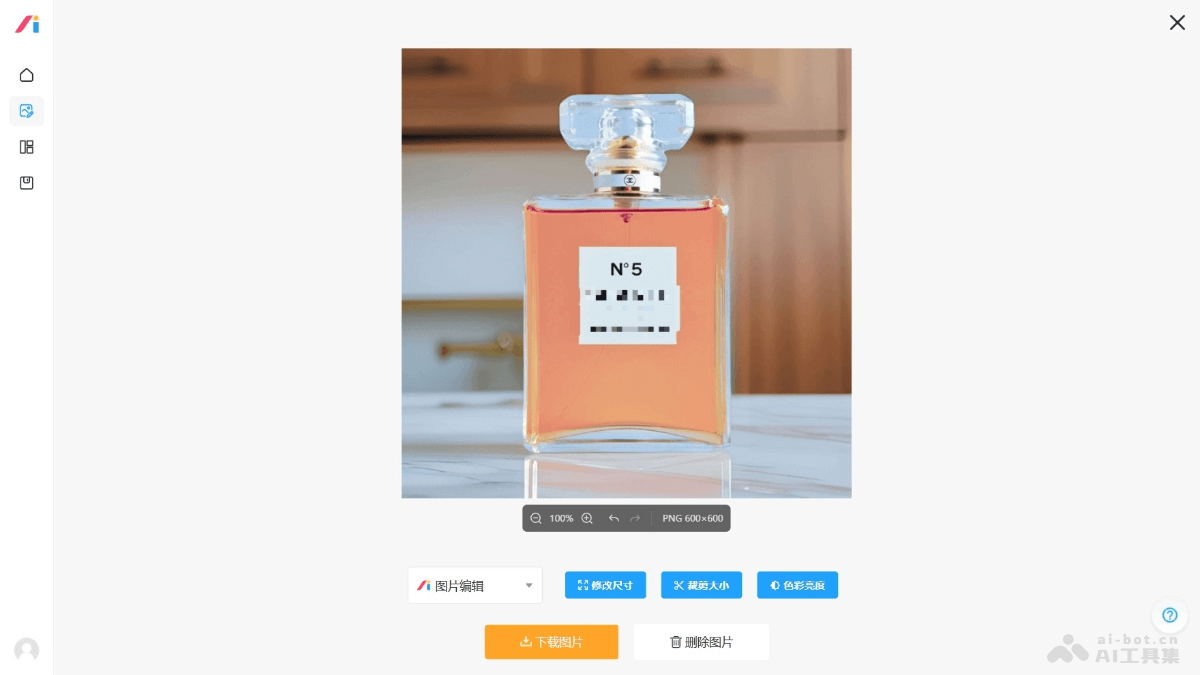
Application scenarios of AI Image Editing Tool
- E-commerce: AI Image Editing Tool can automatically optimize product images and enhance the visual appeal of online sales.
- Social media: Helps users quickly edit and beautify photos to adapt to different social media platforms.
- Marketing: AI tools can unify brand visual style and improve the professionalism of marketing materials.
- Education and training: By editing textbook images, improve the clarity and appeal of teaching materials.
- Personal use: The AI image editing tool simplifies the process of family photo restoration and ID photo creation.


