
What is RoboNeo
RoboNeo is an AI agent launched by Meitu that focuses on imaging and design. Through natural language interaction, it helps users quickly complete tasks such as photo editing, design, and video production. Users only need to briefly describe their needs, and RoboNeo can perform photo editing functions such as changing clothes, altering poses, adding elements, and changing backgrounds. It can generate design content such as posters, logos, and product images, and supports video functions such as generating creative short films, video special effects, and image quality restoration.
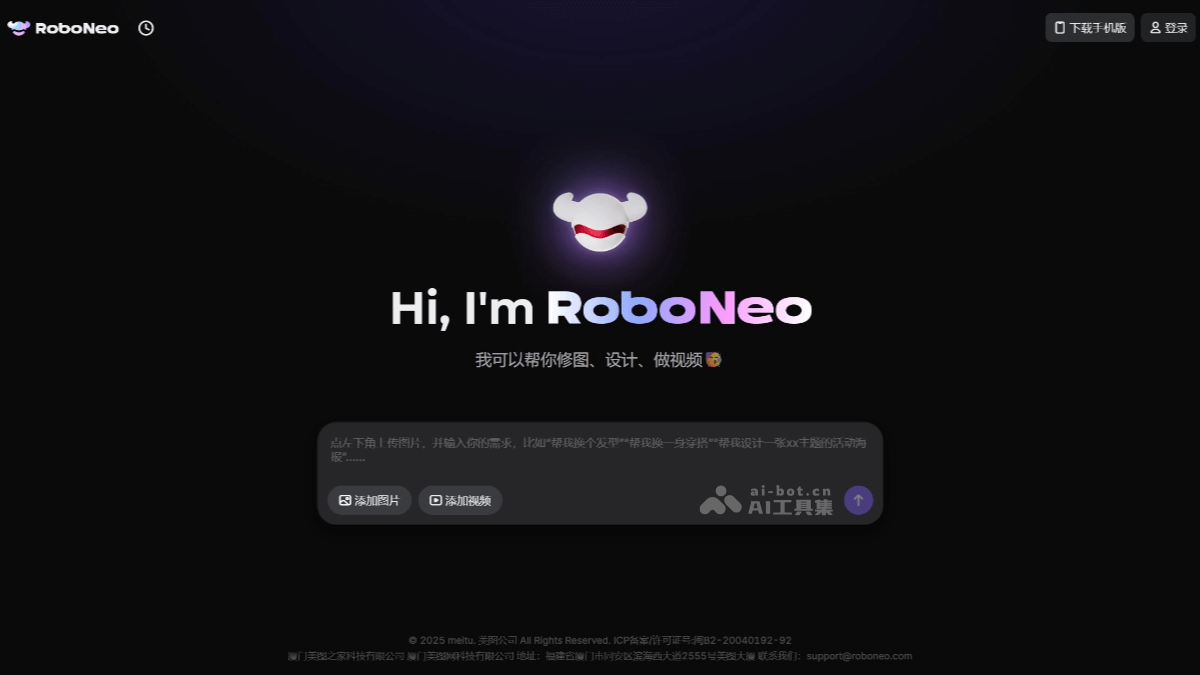
RoboNeo's main features
-
Smart photo editing: Supports operations such as outfit changes, pose adjustments, adding elements, background replacement, and watermark removal, and can also perform professional-level enhancements such as hair-strand-level cutouts, smart blemish removal, and lighting adjustments.
-
AI design generation: Can automatically generate design works such as posters, logos, e-commerce materials, and emojis, and supports transparent-background asset export and multi-size adaptation.
-
Smart video processing: Can complete video editing functions such as one-click editing, image quality enhancement, special effects addition, short film generation, and video style transfer.
-
Multimodal creation: Combines multiple interaction methods such as text, images, and voice, and supports cross-media content generation such as text-to-image and image-to-video.
RoboNeo's official website address
- Official website address:https://www.roboneo.com/
How to use RoboNeo
-
Visit the platform:Visit RoboNeo's official website, ordownload the RoboNeo APP, download and install the app according to your phone model, registerand log in to your account.
-
Import materials:Import the images or videos you need to process into the app. This can be done by uploading, dragging and dropping, and other methods.
-
Enter instructions:Enter natural language instructions in the interactive interface, such as "help me change into a trendy outfit," "help me make an event promotional poster," or "help me restore the video quality."RoboNeo will generate the corresponding processing results based on the instructions or ask further questions to clarify the requirements.
-
Preview and adjust:View the generated results and make fine adjustments as needed, such as adjusting color, brightness, or contrast.
-
Export and share:Export the processed work to local or cloud storage, or share it directly to social media.
RoboNeo's application scenarios
-
Everyday photo editing: Users can quickly beautify photos through simple instructions, such as "help me change to a new hairstyle," "change the background to the seaside," or "remove passersby from the photo," easily enhancing the beauty of the photos.
-
Creative video production: Create interesting short videos, such as "generate a talking-head video with scrolling subtitles" or "restore a blurry home video," making shared content more attractive.
-
Social platform content creation: Quickly generate personalized posters, emojis, and more for social media sharing, increasing the activity and follower count of personal accounts.
-
Product image optimization: Optimize product images for e-commerce platforms, such as "change the product image to a white background" or "add lighting and shadow effects to the product," enhancing the appeal of the products.
-
Poster and promotional material design: Quickly generate event posters, promotional posters, brand promotional images, etc., such as "create a promotional poster with a brand logo," saving design time and cost.


