
What is Pencil
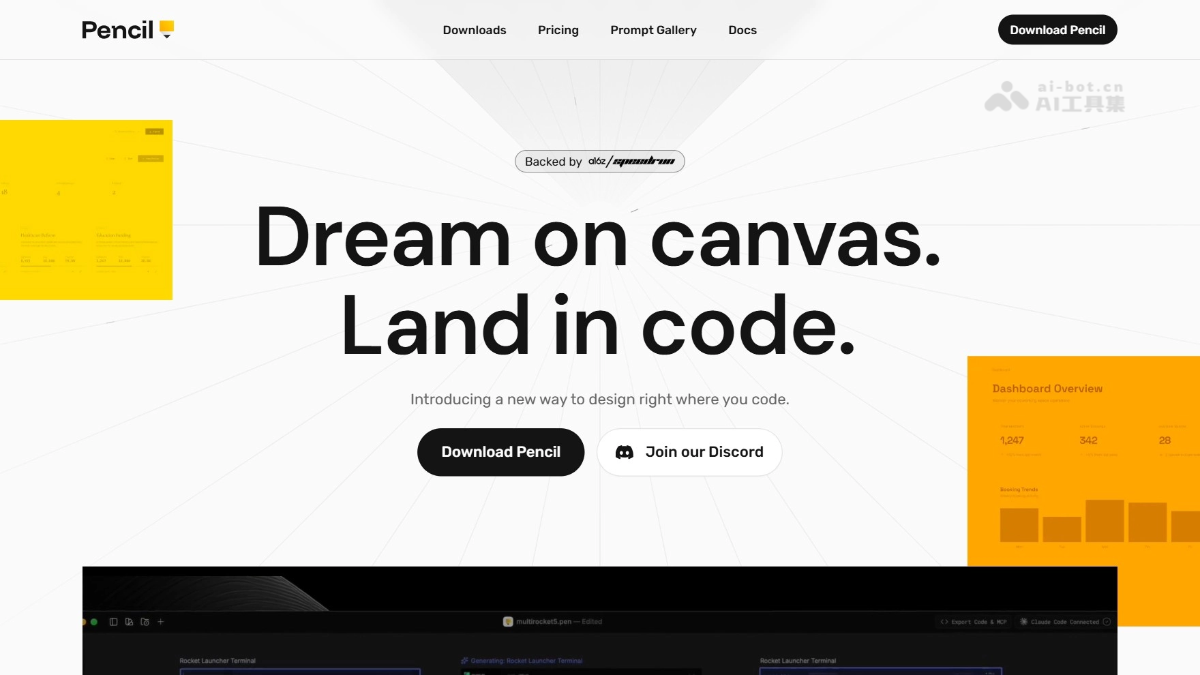
Pencil is anAI designand code integration tool that tightly fuses design and code, allowing users to complete the entire process from creative ideation to code implementation in the same environment. Through powerful AI-driven features, Pencil can directly convert design mockups into runnable code, greatly reducing the communication cost and time between design and development. Pencil supports multiple mainstream IDEs, such as VS Code, and is compatible with various AI programming tools, providing users with extremely high flexibility. Pencil's openness and innovation make it a capable assistant for modern developers and designers, opening up new paths for efficient creation.
Pencil's Main Features
- Design and Code Integration: Pencil integrates design and code in the same environment, allowing users to design directly in the IDE and instantly convert designs into runnable code.
- AI-Driven Design: Through AI technology, Pencil supports generating design screens or entire flows in parallel, accelerating the design process. Users can use the AI assistant for design generation, fine-tuning, and optimization, improving design efficiency and quality.
- Infinite Canvas and Pixel-Level Precision: Provides an infinite canvas, allowing users to perform high-precision design and ensuring every detail of the design achieves pixel-level accuracy.
- Figma Compatibility: Supports directly importing designs from Figma, including vector graphics, text, and styles, making it convenient for users to seamlessly migrate existing designs to Pencil for continued use.
- Design File Version Control: Design files are stored in code form in the code repository, supporting Git version control, including branch management and merge operations, facilitating team collaboration and design iteration.
- Open File Format: Pencil's file format is completely open, allowing users to use their own tools to read, debug, or extend it.
- Multi-AI Tool Support: Pencil supports by defaultClaude Code, and can also be used withCodex、Geminiand other AI programming tools, providing a high degree of flexibility and extensibility.
How to Use Pencil
- Install the Pencil Plugin: Visit the Pencil official website https://www.pencil.dev/,下载安装插件或在支持的 IDE (such as VS Code), search for and install the Pencil plugin through the plugin marketplace.
- Configure Pencil: After installation is complete, Pencil will automatically install the necessary MCP (Multi-Content Processing) service in the IDE. Configure Pencil's settings as needed, such as connecting to a specific AI tool (such as Claude Code or Codex).
- Create a New Design File: In the IDE, click the Pencil icon and select New
.penfile to open a blank infinite canvas. - Start Designing: Use Pencil's design tools to design on the canvas, and use AI features to quickly generate interface elements or entire design flows.
- Generate Code: After the design is complete, use Pencil's AI features to directly convert the design into code (such as HTML, CSS, React, etc.).
- Run and Debug: The generated code can be run directly in the IDE to view the results. If adjustments are needed, modifications can be made in the design canvas or the code, and Pencil supports real-time synchronization.
- Version Control: Store design files in code form in the code repository. The tool supports Git version control, facilitating team collaboration and design iteration.
Pencil's Use Cases
- UI/UX Design and Development: Pencil provides designers and developers with an integrated environment that supports seamless conversion from design to code, improving team collaboration efficiency.
- Rapid Prototyping: With an infinite canvas and AI features, Pencil can quickly generate design prototypes and convert them into runnable code, accelerating product iteration.
- Front-End Development: Pencil can directly convert designs into high-quality HTML, CSS, and React code, reducing manual coding and improving development efficiency.
- Product Design and Iteration: Through version control and design specifications, Pencil can ensure that products maintain consistency in design style and user experience during iteration.
- Independent Developers and Entrepreneurs: Pencil provides independent developers with an all-in-one solution to quickly realize product ideas, making the process from design to development seamless.