
What is Palmier Pro
Palmier Pro is a native macOS video editor built for the AI era, built from scratch with Swift, open-source, and free for basic features. The product embeds generative AI directly into the timeline, supporting models such as Seedance and Kling to generate video, images, and audio within the editing workflow. Palmier Pro collaborates deeply with AI Agents such as Claude、Cursor、Codex through the MCP protocol, enabling human-AI co-editing. Users can mix their own footage with AI content, export MP4 or NLE XML, and combine traditional editing with AI creation.
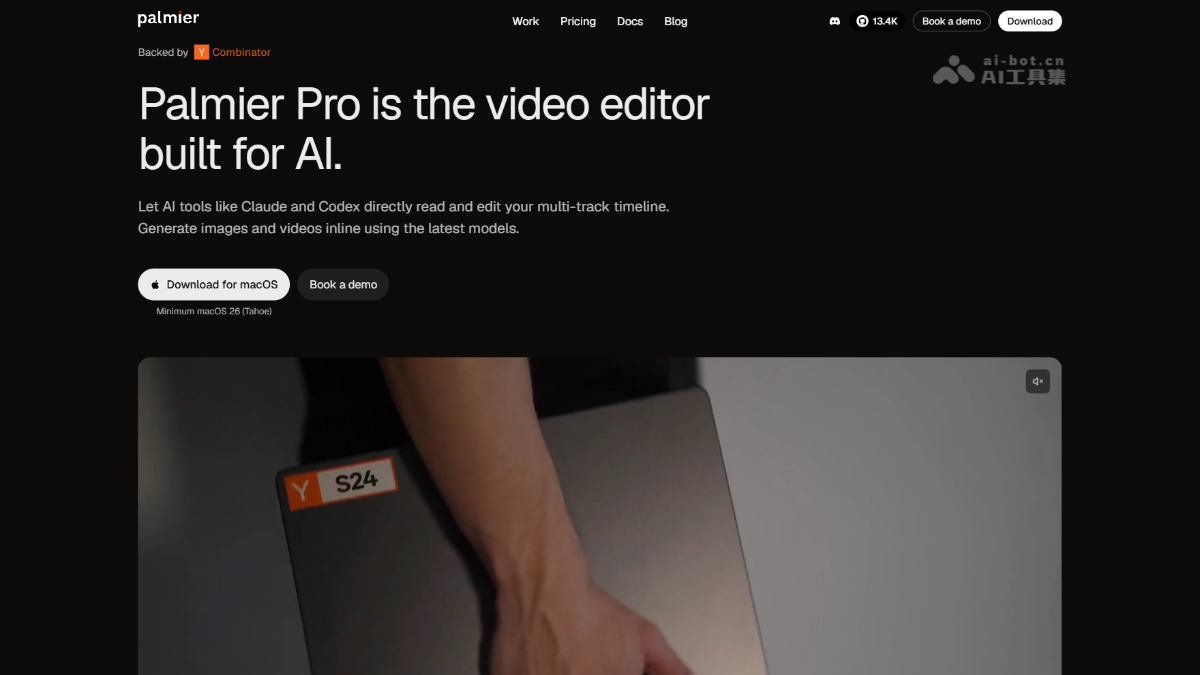
Palmier Pro's main features
-
AI-native timeline: Embeds generative AI directly into the editing workflow, enabling generation, iteration, and trimming within the timeline without switching tools.
-
Built-in media generation: Integrates models such as Seedance, Kling, and Nano Banana Pro, supporting video, image, and audio generation as well as super-resolution processing.
-
AI Agent collaboration: Connects Agents such as Claude, Cursor, and Codex through the MCP protocol, enabling them to read projects and directly operate the timeline.
-
Professional export compatibility: Supports exporting MP4 (H.264/H.265/ProRes) and NLE XML, seamlessly connecting with Premiere Pro and DaVinci Resolve.
-
Open-source and free basics: The video editor itself, MCP server, and Agent chat features are all open-source (GPLv3), and basic editing is completely free.

Follow WeChat and reply "open source" to join theAI Open-source Project Exchange Group
How to use Palmier Pro
-
Download and install: Visit the Palmier Pro official website https://www.palmier.io/,下载 Palmier Pro, supports Apple Silicon devices running macOS 26 (Tahoe); the basic version can be used without logging in.
-
Basic editing: After importing footage, drag it to the timeline for traditional editing operations such as cutting, joining, speed adjustment, and audio adjustment.
-
AI generation: After logging in, click Generate to call models such as Seedance and Kling to generate video, images, or audio directly within the timeline.
-
Agent collaboration: While the app is running, connect AI Agents such as Claude, Cursor, and Codex through MCP, enabling them to read projects and operate the timeline.
-
Export the final product: After editing is complete, export as MP4 or NLE XML to continue processing in other professional software.
Palmier Pro's core advantages
-
AI-native timeline: Embeds generative AI directly into the editing workflow, completing generation, iteration, trimming, and export within a single project, with no need to switch back and forth between generation platforms and editing software.
-
Deep Agent collaboration: The industry's first to open the timeline interface through the MCP protocol, allowing AI Agents such as Claude, Cursor, and Codex to directly read projects and perform editing operations, realizing "human-AI co-editing".
-
Open-source and free basics: The video editor itself, MCP server, and Agent features are all open-source (GPLv3), basic editing is completely free, and only AI generation is billed by Credits.
-
Hybrid creation workflow: Supports seamless mixing of your own footage with AI-generated content on the same timeline, balancing traditional editing precision with AI creation efficiency.
-
Professional Ecosystem Compatibility: Export NLE XML to Premiere Pro and DaVinci Resolve, or output broadcast-grade formats such as ProRes, integrating into existing post-production workflows.
Palmier Pro's project address
- Official Website:https://www.palmier.io/
- GitHub Repository:https://github.com/palmier-io/palmier-pro
Comparison of Palmier Pro with similar competitors
| Dimension | Palmier Pro | Runway |
|---|---|---|
| Product Positioning | AI-native video editor (Editor-first) | AI generation platform (Generation-first) |
| Core Workflow | Generate → iterate → trim → final output within the timeline, all in one place | Produce assets on a generation platform → download → import into other editing software |
| Timeline Editing | Native professional timeline (similar to Premiere Pro), supporting multi-track fine editing | Basic timeline, focused on stitching and simple transitions |
| AI Integration Approach | Generative models embedded in the editor as part of the creative toolkit | Centered on generative models such as Gen-4.5, with editing as secondary |
| Agent Collaboration | ✅ Through the open MCP interface, Claude/Cursor/Codex can directly control the timeline | ❌ No ability for Agents to control the timeline |
| Open Source | ✅ The editor itself and the MCP server are open source (GPLv3) | ❌ Fully closed source |
| Footage Mixing | ✅ Seamlessly mix your own footage and AI assets on the same timeline | ⚠️ After generation, you need to export and import into other software for mixed editing |
| Export Capabilities | MP4(H.264/H.265/ProRes)+ NLE XML(Premiere/Resolve) | MP4, ProRes, etc., with no NLE XML cross-platform integration |
| Platform | macOS 26 (Tahoe) Apple Silicon | Browser (cross-platform) |
Palmier Pro's Use Cases
-
AI-native video creation: Generate video assets from text/images from scratch, complete iteration, trimming, and final output within the timeline, with no need to switch back and forth between Runway and Premiere.
-
Human-AI collaborative editing: Connect Claude/Cursor/Codex through MCP, letting AI Agents read projects, generate assets, and perform rough cuts, while humans handle fine editing and creative decisions.
-
Mixed footage production: Mix live-action footage and AI-generated clips on the same timeline, balancing authentic texture with creative freedom.
-
Rapid ad/social media prototypes: Use built-in models such as Seedance and Kling to quickly generate multiple versions of assets, then compare, assemble, and export directly within the timeline.
-
Cross-platform workflow integration: Complete AI generation and initial editing in Palmier, then export NLE XML to Premiere Pro or DaVinci Resolve for in-depth color grading and fine editing.