
What is Molili
Molili (莫哩哩) is the first domestic OpenClaw Chinese version AI Agent launched by Dangbei, positioned as a "truly capable AI digital employee". The tool is equipped with domestic large models such as DeepSeek and Kimi, supports remote control of computers across multiple platforms including WeChat, DingTalk, Feishu, and Siri, and can automatically organize reports, process documents, operate social media, and more. Molili comes with a Skill store of 8,000+ skills, allowing users to freely combine their own exclusive workflows and unlock infinite possibilities.
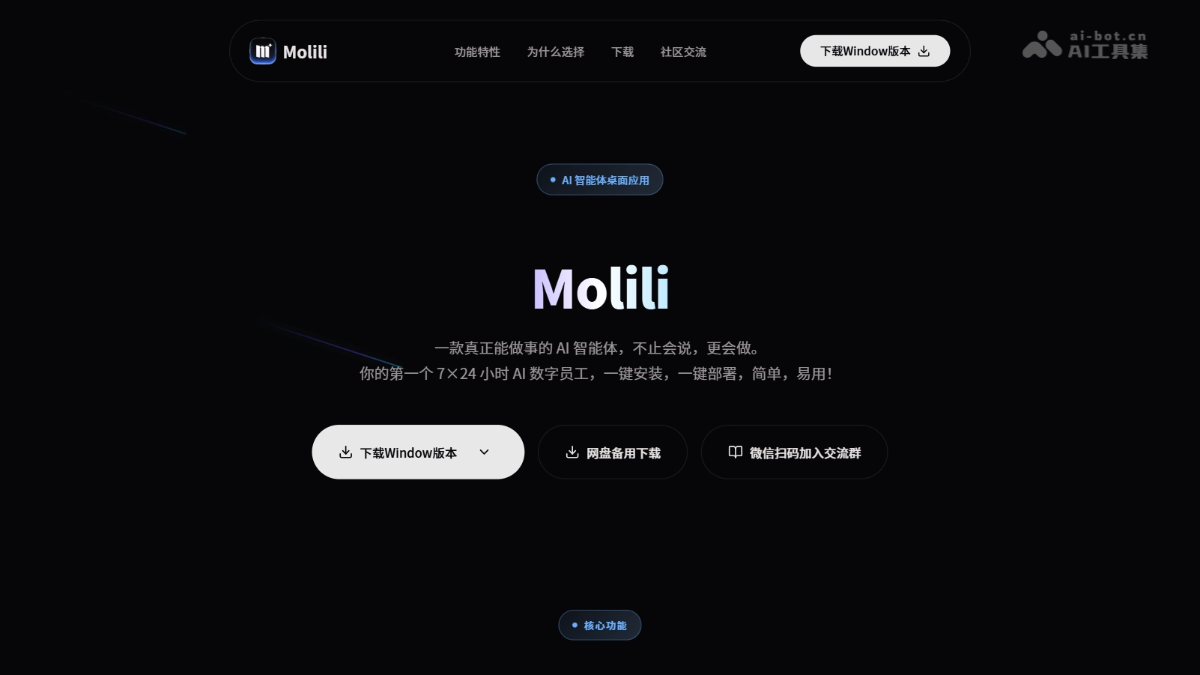
Molili's Main Features
-
Local File Operations: Supports direct reading and writing of local Excel, Word, PDF and other files on the computer, with no need to upload data to the cloud, making it safe and efficient.
-
Remote Cross-Platform Control: Send commands via WeChat, DingTalk, Feishu, and Siri to remotely control the computer to execute tasks anytime, anywhere.
-
Automated Office Processing: Automatically organize reports, fill out forms, archive files, and write work summaries, replacing repetitive computer operations.
-
Intelligent Content Generation: Automatically search online materials, organize assets, generate travel guides or household expense sheets, and output documents with one click.
-
Development and Operations Assistance: Automatically organize code documentation, look up development materials, customize scripts, and support operations log organization and monitoring.
-
Social Media Operations: Automatically operate platforms such as Xiaohongshu, search and organize operational materials, and improve content creation efficiency.
-
Flexible Multi-Model Configuration: Visually switch between domestic large models such as DeepSeek, Kimi, and Tongyi Qianwen to suit different task needs.
-
Fine-Grained Permission Management: Independently control sensitive permissions such as file reading and system operations to prevent the AI from overstepping and ensure local security.
-
Skill Extension: Freely combine 8,000+ ready-made skills to build exclusive automated workflows like stacking building blocks.
Molili's Key Information and Usage Requirements
- Product Positioning: The first domestic OpenClaw Chinese version AI Agent, a "truly capable AI digital employee"
- Developing Company: Dangbei
- Equipped Models: Domestic large models such as DeepSeek, MiniMax, Tongyi Qianwen, Kimi, and Zhipu GLM
- Supported Platforms: WeChat, DingTalk, Feishu, Siri
- Skill Store: 8,000+ ready-made Skill skills
- System Environment: Supports local installation and operation on Windows systems
- Deployment Method: One-click installation, no coding foundation required, beginners can use it out of the box
- Network Requirements: Requires internet connection (remote control requires binding WeChat/DingTalk/Feishu and other accounts)
- Permission Settings: Sensitive permissions (file reading, system operations, application calls, etc.) need to be configured on first use
- Hardware Requirements: Runs locally, does not occupy cloud computing power, and ordinary computer configurations are sufficient
Molili's Core Advantages
- One-Click Deployment, Out-of-the-Box Use: Say goodbye to the four-to-five-hour technical deployment and screen full of code of the original OpenClaw. No programming foundation is needed, and beginners can get started in seconds.
- Cost Reduced by 50%+: Adopts a subscription model instead of pay-per-use Token billing, deeply optimizes task execution logic, avoids "bill backstabbing", and actual measured usage cost is less than half of the original version.
- Deep Localization: Full-chain Chinese optimization, equipped with top domestic large models such as DeepSeek, Kimi, and Tongyi Qianwen, accurately understands complex Chinese instructions, and completely eliminates language barriers.
- Controllable Permission Security: Targeting the security pain points of AI Agent, provides fine-grained settings for sensitive permissions. File reading, system operations, application invocation, etc. are all autonomously controlled by the user to prevent overreach.
- Seamless Cross-Platform Connection: Fully connects mainstream platforms such as WeChat, DingTalk, Feishu, and Siri, allowing remote command of the computer at any time.
How to Use Molili
- Download and Install: Visit the Molili official website https://www.molili.com.cn/,下载 Windows client.
- Register and Log In: Open the software, register an account, enter the main interface, and complete the initialization settings.
- Bind Control End: In settings, choose at least one platform among WeChat, DingTalk, Feishu, or Siri to bind for remotely sending instructions.
- Configure AI Model: Go to "AI Model Configuration", select domestic large models such as DeepSeek, Kimi, MiniMax, and save.
- Set Security Permissions: In the "Security Center", independently enable or disable sensitive permissions such as file reading, system operations, and application invocation.
- Issue Commands for Use: Send natural language instructions via WeChat/DingTalk/Feishu/Siri, such as "organize desktop Excel reports" or "search materials and generate Word", and Molili automatically executes on the computer and feeds back the results.
Comparison of Molili with Similar Competitors
| Comparison Item | Molili (Molili) | Tencent QClaw | Alibaba JVS Claw |
|---|---|---|---|
| Developing Company | Dangbei | Tencent | Alibaba |
| Product Positioning | China's first OpenClaw Chinese version, AI digital employee | Based on a minimalist OpenClaw wrapper, remotely controls the computer | AI Agent product (formerly "Wuying JVS") |
| Deployment Method | One-click installation, ready to use out of the box | Official website download → install → scan code login → apply for invitation code | Official website apply for invitation code → download and install |
| Usage Threshold | Extremely low, usable by complete beginners | Medium, requires applying for an invitation code | Medium, requires applying for an invitation code |
| Control Entry | WeChat, DingTalk, Feishu, Siri | WeChat Mini Program "QClaw Manager" | — |
Molili Application Scenarios
-
Office Automation: Automatically organize Excel reports, count attendance data, create employee files, and replace repetitive administrative work.
-
Document Processing: One-click generation of work summaries, weekly reports, and meeting minutes, automatically fill in forms, batch process reimbursement forms, and archive files.
-
Content Creation: Search online materials, organize assets, generate documents, and assist writers in efficiently completing writing tasks.
-
Social Media Operations: Automatically operate social media accounts such as Xiaohongshu, search for and organize operational materials, and improve content publishing efficiency.
-
Development assistance: Automatically organize code documentation, query development materials, and customize scripts to help developers build automated development workflows.