
What is Mobile Cloud MobileClaw
Mobile Cloud MobileClaw is a desktop-level AI office agent launched by China Mobile, deeply compatible with the OpenClaw ecosystem. It focuses on "self-developed by a central state-owned enterprise, secure and compliant," with core data stored locally and not in the cloud. The tool supports Windows/Mac systems, offers one-click installation and is ready to use out of the box, comes with built-in MiniMax models, and relies on Mobile's intelligent computing cluster to provide stable computing power. Mobile Cloud MobileClaw can perform office tasks such as code writing, report creation, and email management, and supports WeChat/Feishu integration.
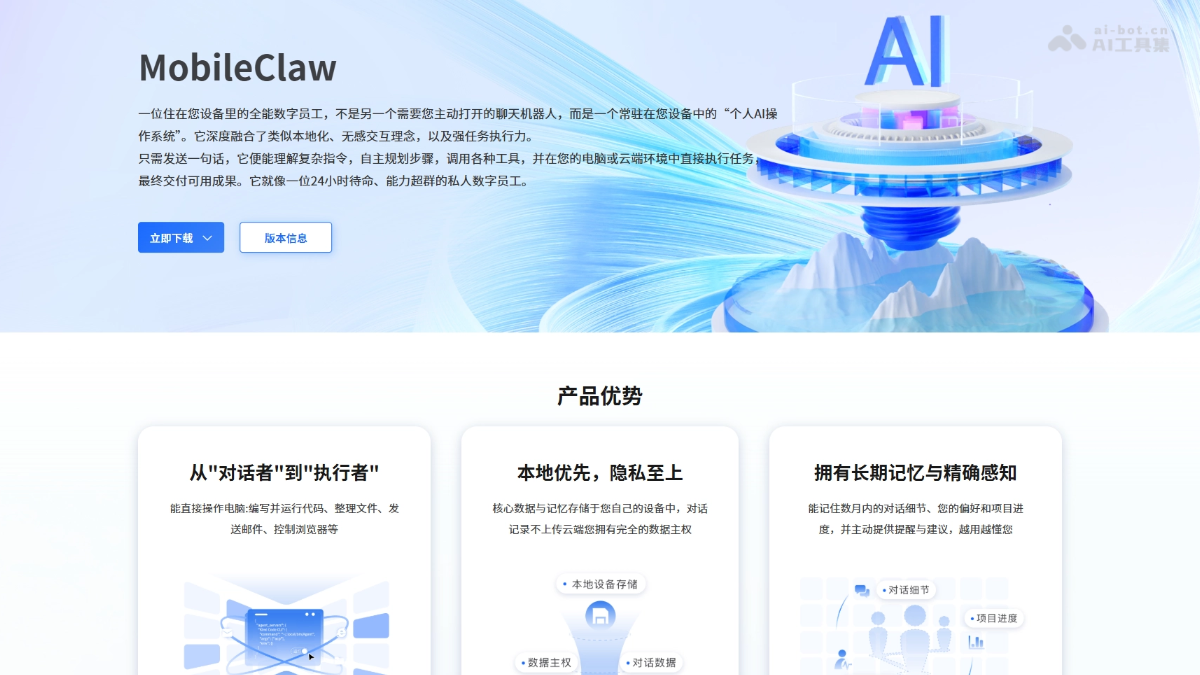
Main features of Mobile Cloud MobileClaw
-
Intelligent task execution: Supports understanding complex instructions, autonomously planning steps, and calling tools to execute tasks directly, turning AI from a "conversationalist" into an "executor."
-
Code development assistance: Supports technical work such as writing code and programming development, improving development efficiency.
-
Office automation: Can create reports, manage emails, and build workflows, covering all categories of workplace office needs.
-
Content creation and generation: The tool has creative capabilities such as PPT creation and document writing.
-
Multi-platform integration: Supports WeChat and Feishu integration, enabling 24/7 online response and remote control.
-
Skills Plaza: Preset Skills for all scenarios including development, office work, and creation, and supports users uploading original skills to co-build the ecosystem.
Key information and usage requirements for Mobile Cloud MobileClaw
-
Product nature: A desktop-level AI office agent launched by Mobile Cloud under China Mobile, self-developed by a central state-owned enterprise, deeply compatible with the OpenClaw ecosystem
-
Core advantages: Secure and compliant (local storage, privacy first), zero-threshold onboarding (one-click installation), high computing power support (10,000-card intelligent computing cluster)
-
Public beta period: March 24, 2026 to April 24, 2026
-
Free quota: 25 million Tokens, built-in MiniMax models, full functionality without crippling
-
Supported systems: Windows, Mac (Intel/M series)
Core advantages of Mobile Cloud MobileClaw
-
Zero-threshold onboarding, ready to use out of the box: Perfectly adapts to mainstream Windows and Mac systems, one-click installation without command-line configuration, preset Skills for all scenarios, and beginners with zero foundation can get started in seconds.
-
Full-scenario execution capability: Truly realizes AI's leap from "conversationalist" to "executor," covering all categories of workplace needs such as writing code, making reports, managing emails, and building workflows, handling complex tasks in one stop.
-
Dual-layer security protection system: Supports fine-grained permission control, with key operations requiring secondary user confirmation; all Skills undergo strict security review to avoid operational risks from the source.
-
Stable support with high computing power: Relying on China Mobile's 10,000-card intelligent computing cluster and one-stop model service platform, it runs stably without lag, and users can enjoy enterprise-grade computing power without purchasing additional servers.
-
Full ecosystem compatibility: Deeply compatible with the OpenClaw ecosystem, seamlessly connecting with Mobile Cloud's high-quality large models, and will later integrate mainstream models such as GLM-5 and Qwen3.5.
How to use Mobile Cloud MobileClaw
- Download and install: VisitMobile Cloud MobileClaw official websitehttps://ecloud.10086.cn/api/query/maas/public/console/aiAgent,根据( Select and download the corresponding client version for Windows and Mac (Intel/M series) operating systems.
- Quick login: After successful installation, open the client, enter your mobile phone number and SMS verification code to log in and use it.
- Get started: After logging in successfully, directly enter instructions to let the AI perform office tasks such as code writing, report creation, and email management.
Comparison of similar competitors to Mobile Cloud MobileClaw
| Dimension | Mobile Cloud MobileClaw | Tencent QClaw | Alibaba JVS Claw |
|---|---|---|---|
| Vendor background | China Mobile (central state-owned enterprise) | Tencent (major internet company) | Alibaba (major internet company) |
| Product positioning | Desktop-level AI office agent | Based on a minimalist wrapper of OpenClaw | AI Agent product (formerly Wuying JVS) |
| Security and compliance | Local-first storage, conversations are not uploaded to the cloud, backed by a central state-owned enterprise | Sandbox security mechanism | Local storage not explicitly emphasized |
| Free quota | 25 million Tokens | – | 8000 Credits (valid for 14 days) |
Application scenarios of Mobile Cloud MobileClaw
-
Code development: MobileClaw supports code writing and programming assistance, helping developers efficiently complete technical development tasks.
-
Office automation: It can create reports, manage emails, and build workflows, covering all categories of daily office needs in the workplace.
-
Content creation: The tool has capabilities such as PPT creation, document writing, and creative writing, meeting diverse creation scenarios.
-
Live streaming operations: The tool can generate artist live streaming training PPTs, covering content such as host product sales, short video trends, and the advantages of Douyin live streaming.
-
Travel planning: It provides intelligent itinerary planning features to help users efficiently arrange travel matters.